The Campaign Analytics report is ideal if you want to monitor the engagement of your email campaign and evaluate your marketing strategy based on engagement metrics. Read more on Email Metrics here.
You can export the data for campaign analytics and AMP Form responses through Email > Analytics. To export your reports for this campaign, you can:
See the Recipients Activity
Select a date from the date picker
Click the Export button to get your reports
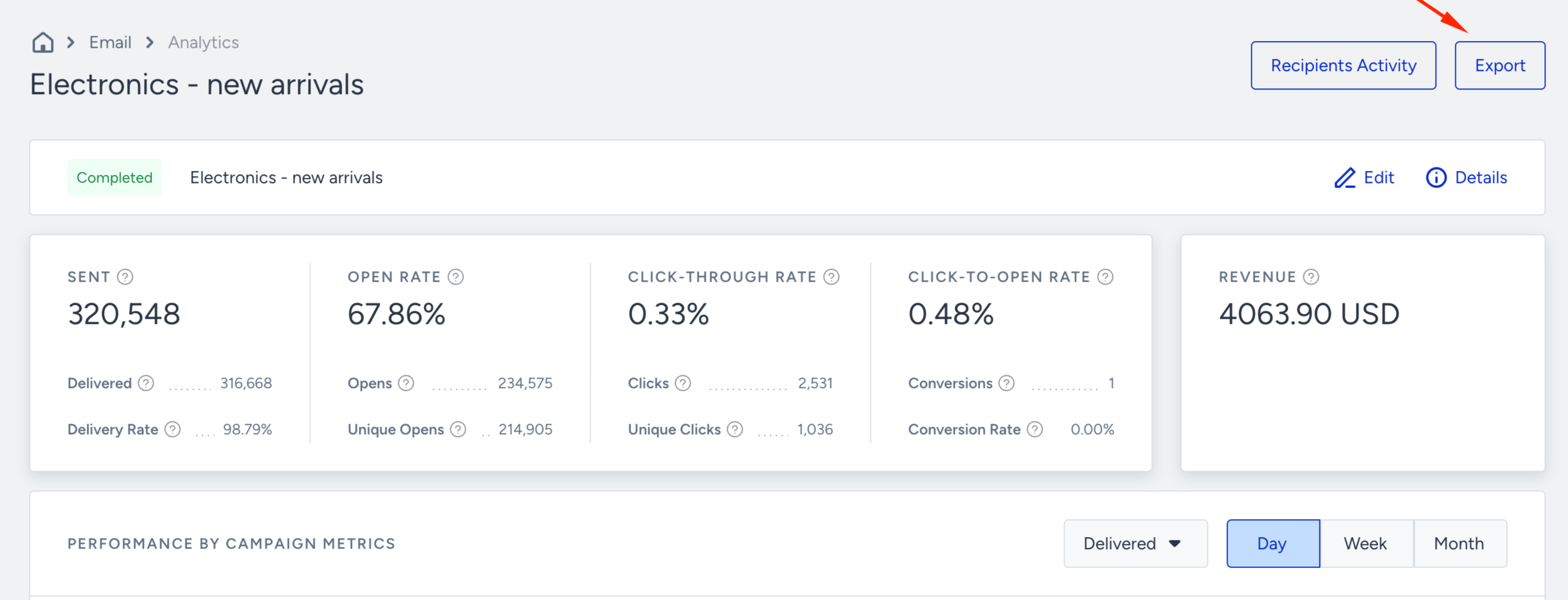
Click the Export button to select the type of report you want to export: Campaign Analytics and Form Responses.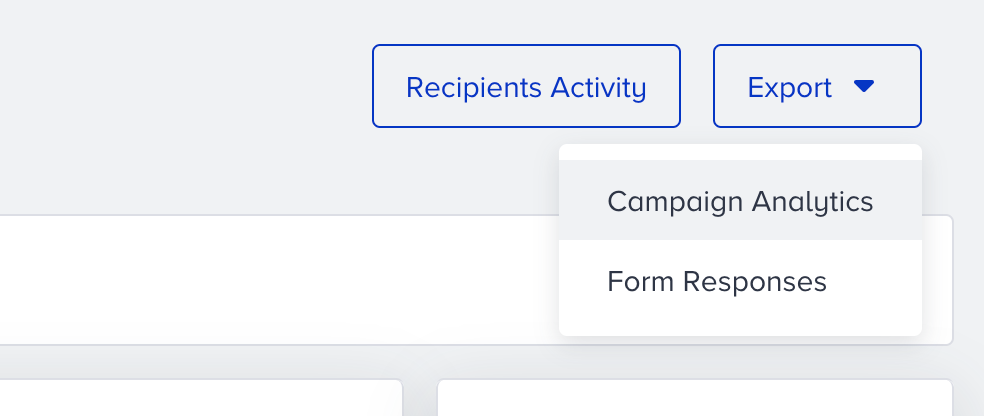
Campaign Analytics
Once you click the Export button, an Excel file containing your campaign analytics will be downloaded directly to the browser. This report will include the metrics listed under Campaign Analytics metrics.
The report you export also provides ISP & ISP Subdomain breakdown along with the following metrics: Delivered, open rate, total opens, unique opens, click-through rate, total clicks, unique clicks, bounces, and blocks.
Form Responses
You can use this option to export your users' responses from your emails with AMP Forms.