The email campaigns sent through Architect journeys are not included in Email Analytics. You can get insights about your journey emails via Architect Email Channel Analytics.
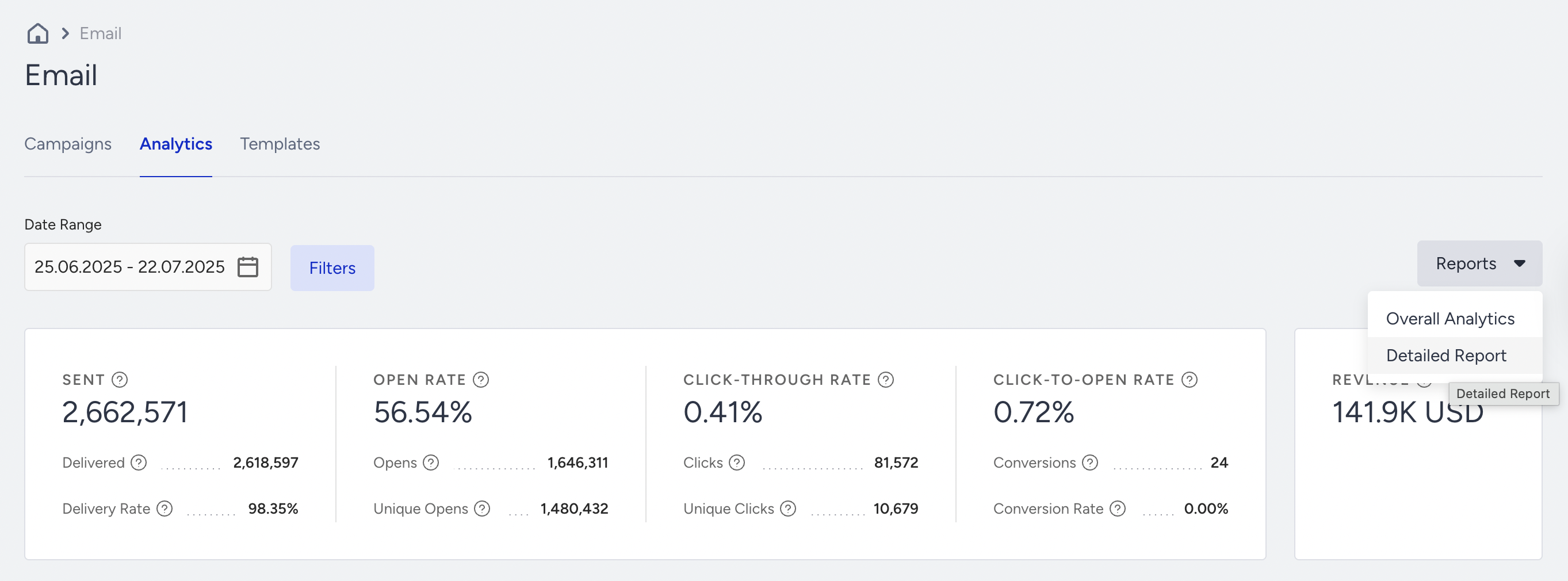
The Detailed Report lets you compare the performance of your campaigns. You can export it through Email > Analytics > Reports.
Select a date interval from the date picker.
Click the Reports button to select Detailed Report.
When you export a detailed report of your email campaign for specific dates, it includes campaigns that were previously launched or received during those dates. If you send a campaign in May and users open or click it, the email campaign still receives clicks in June. In this case, the June report will list this campaign launched in May.
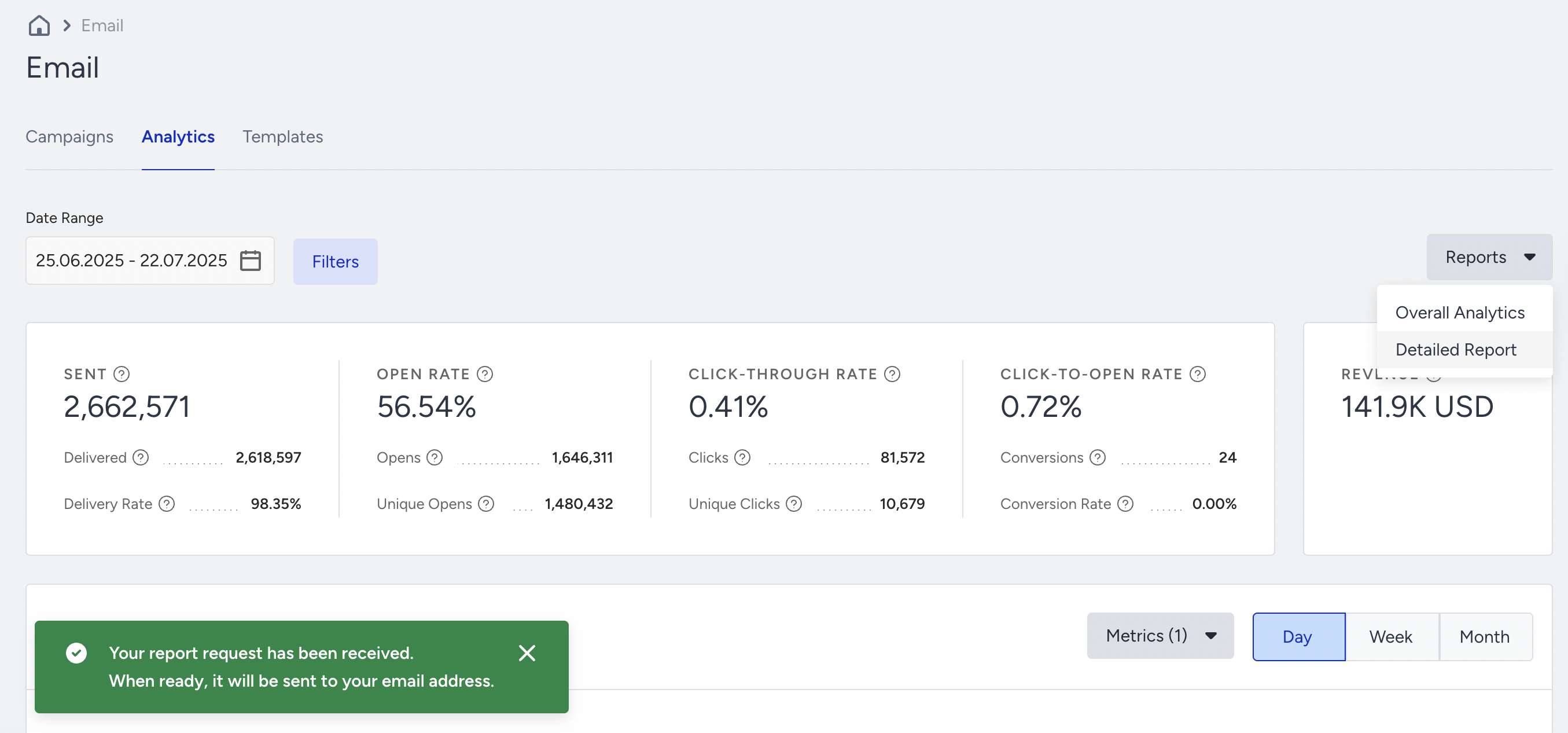
Once you click the Export Detailed Report button, you will be prompted with a message that explains how to receive your report.
In addition to the metrics, the report will include the sender domain and campaign ID.
This report contains the metrics listed under the Overall Analytics metrics.