The Auto Close feature closes the template or template page after a specified period. It comes deactivated by default.
The Auto Close feature is available for all on-page templates.
To enable the Auto-close setting, click the Auto Close option under Settings. The default time is 10 seconds. You can change it as you want.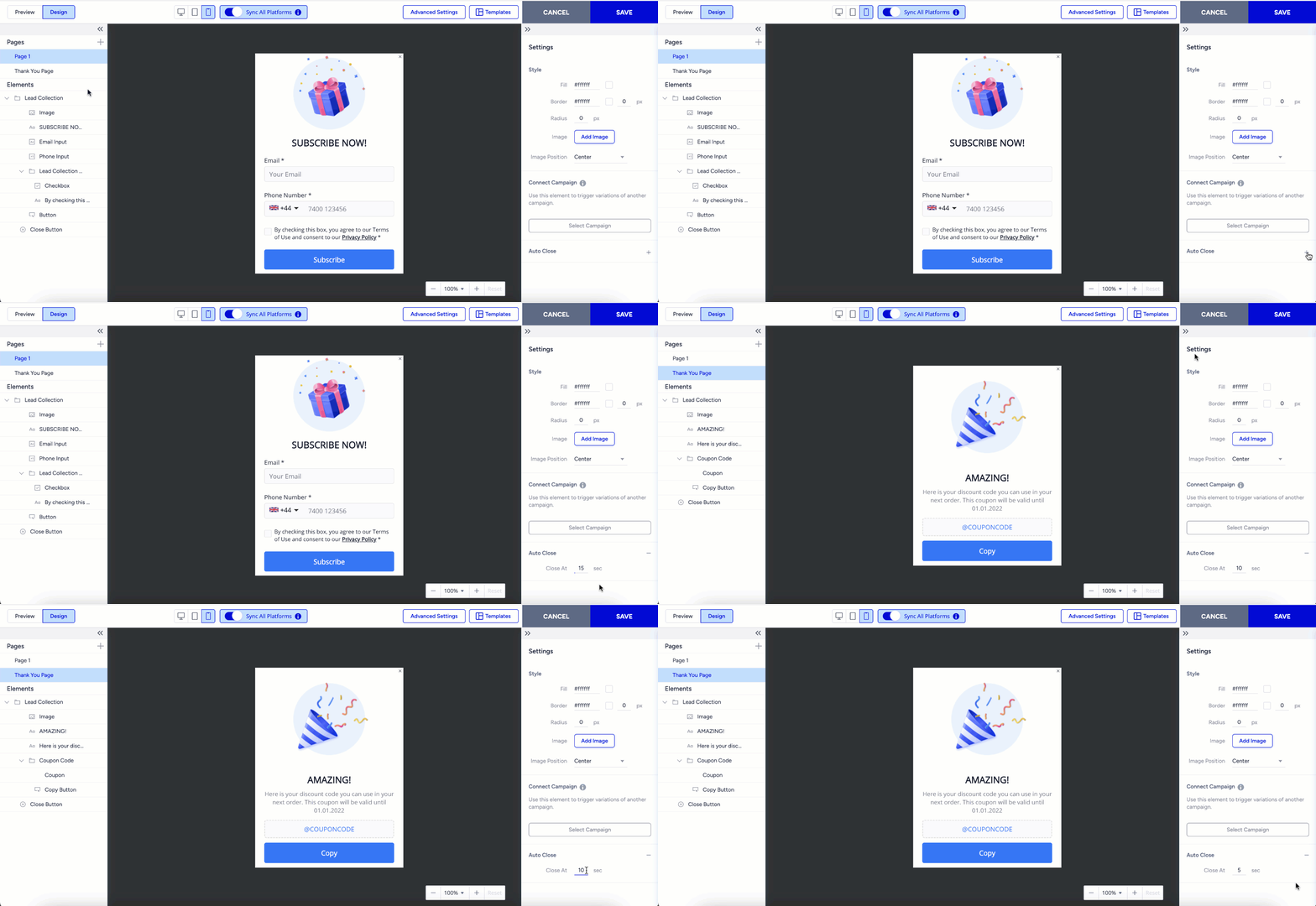
After configuration, you can continue designing your template.