Suggested readings: The Importance of Email Testing, The Cost of Not Testing an Email
After preparing your email design in the Email design step, you can conduct a spam test and email preview. Please keep in mind that filling out the subject line and email template fields is mandatory to start a test.
Once you’ve started the test, the Start Spam Test button will become disabled and will stay that way until you’ve made a change either to the subject line or template. This helps to prevent you from accidentally using your credits on the same, unaltered design.
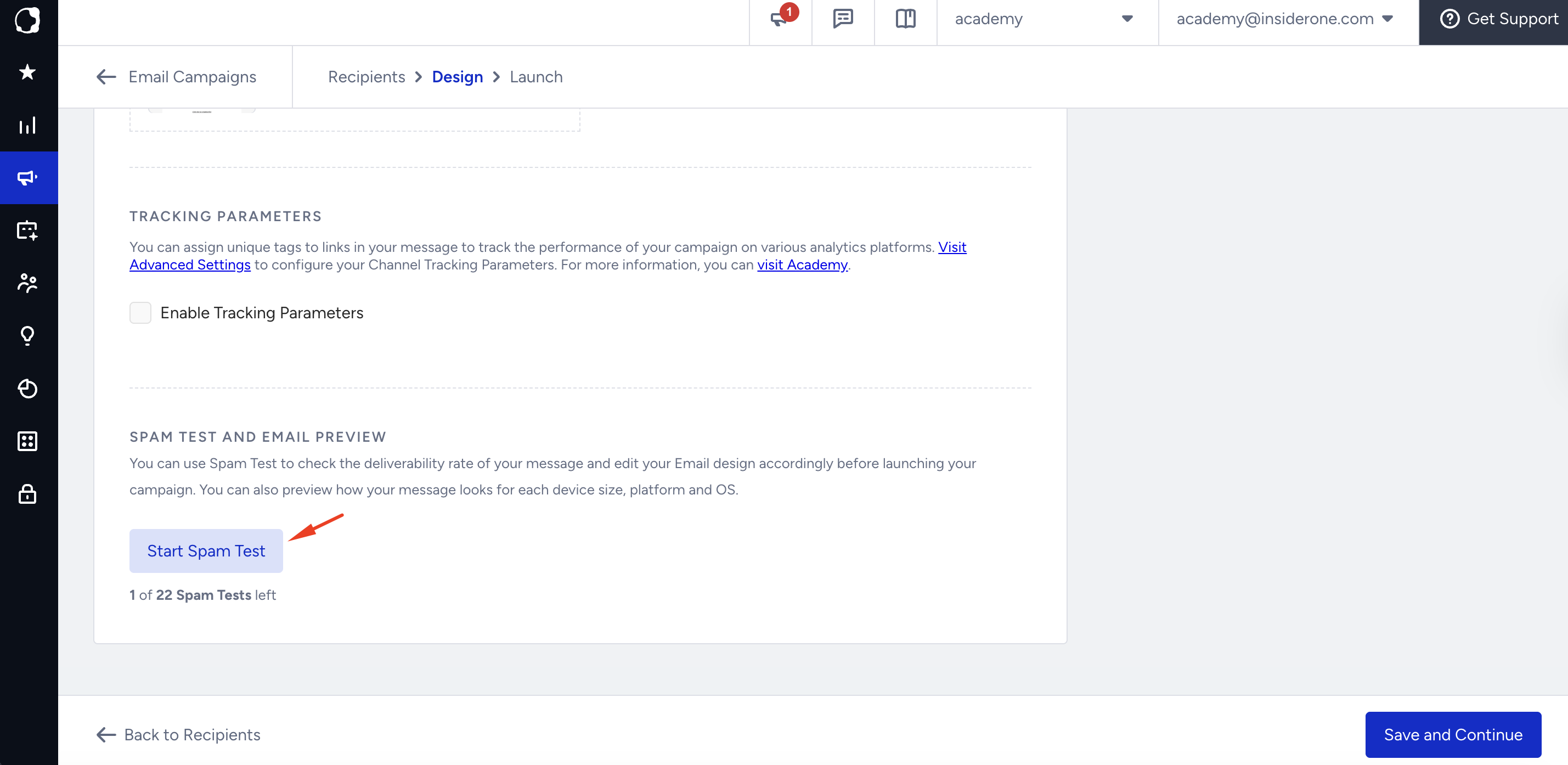
The Start Spam Test button will also be disabled if you have 0 credits left in your account. To buy more credits (or tests), you can contact the Insider One team.
You will be able to see the number of credits left in your account, as well as the number of credits you have bought before.
You can consult the Insider One team for the number of credits that will be designated to your account.
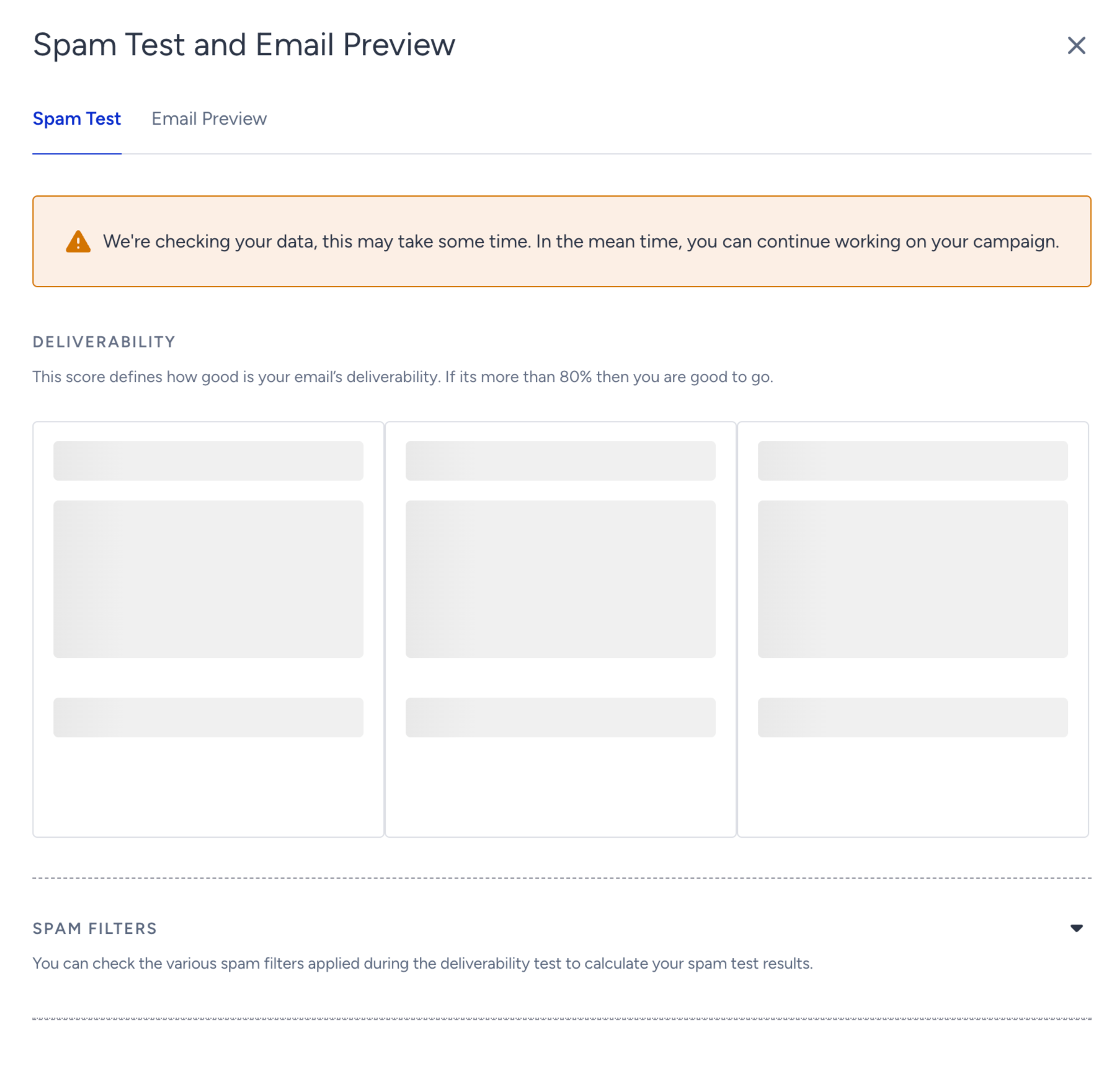
After clicking the Start Test button, you will see a pop-up showing the test results. Spam-test results and email preview will be presented under two separate tabs.
Since some results may take time to load, you can click the Refresh Results button to receive updated results.
Spam Test
Spam test results are calculated by using various spam filters. By expanding Spam Filters, you can see how your design is scored across multiple spam filters. The filter that has not received a score yet will be marked with a loader icon beside it.
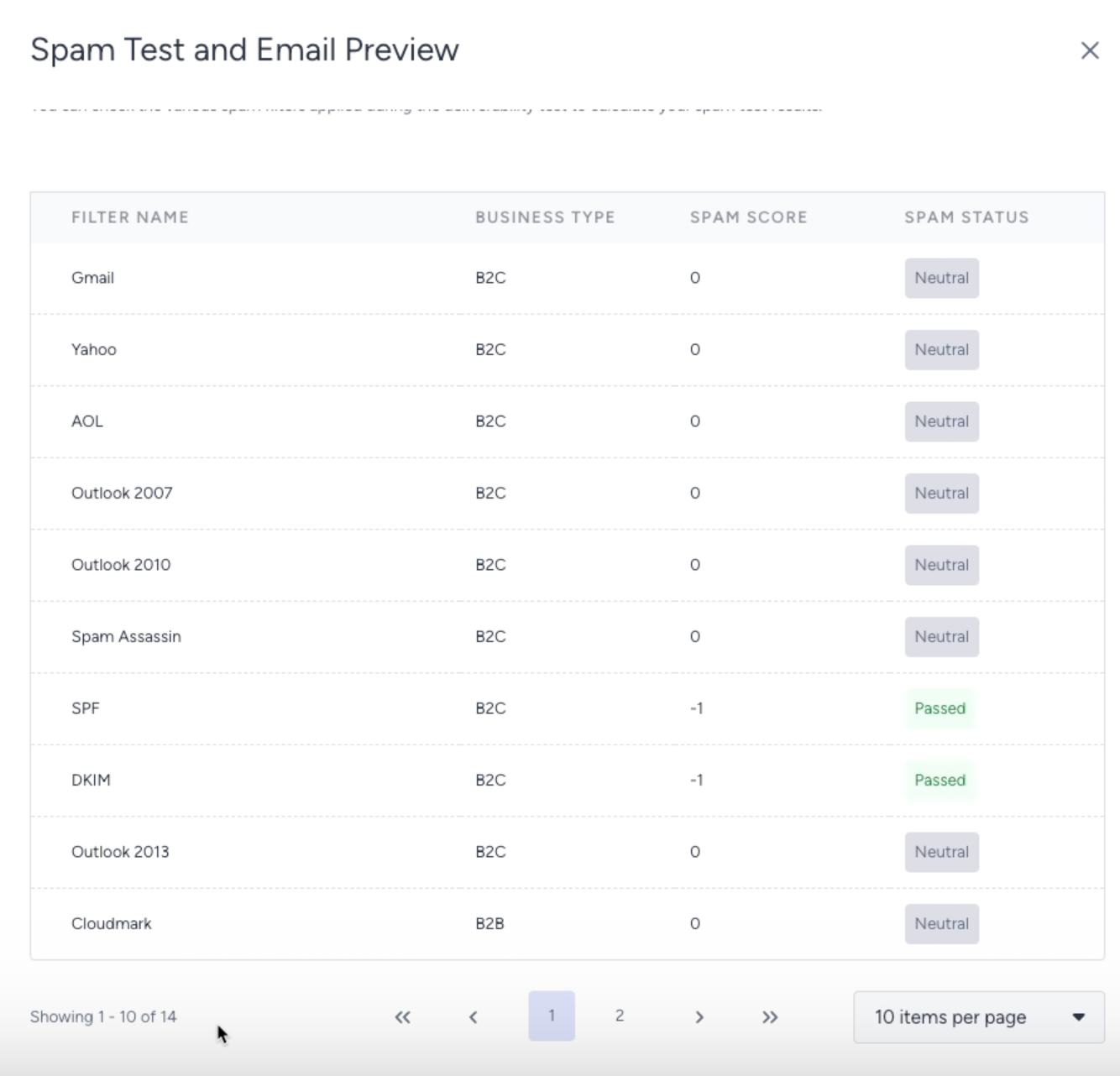
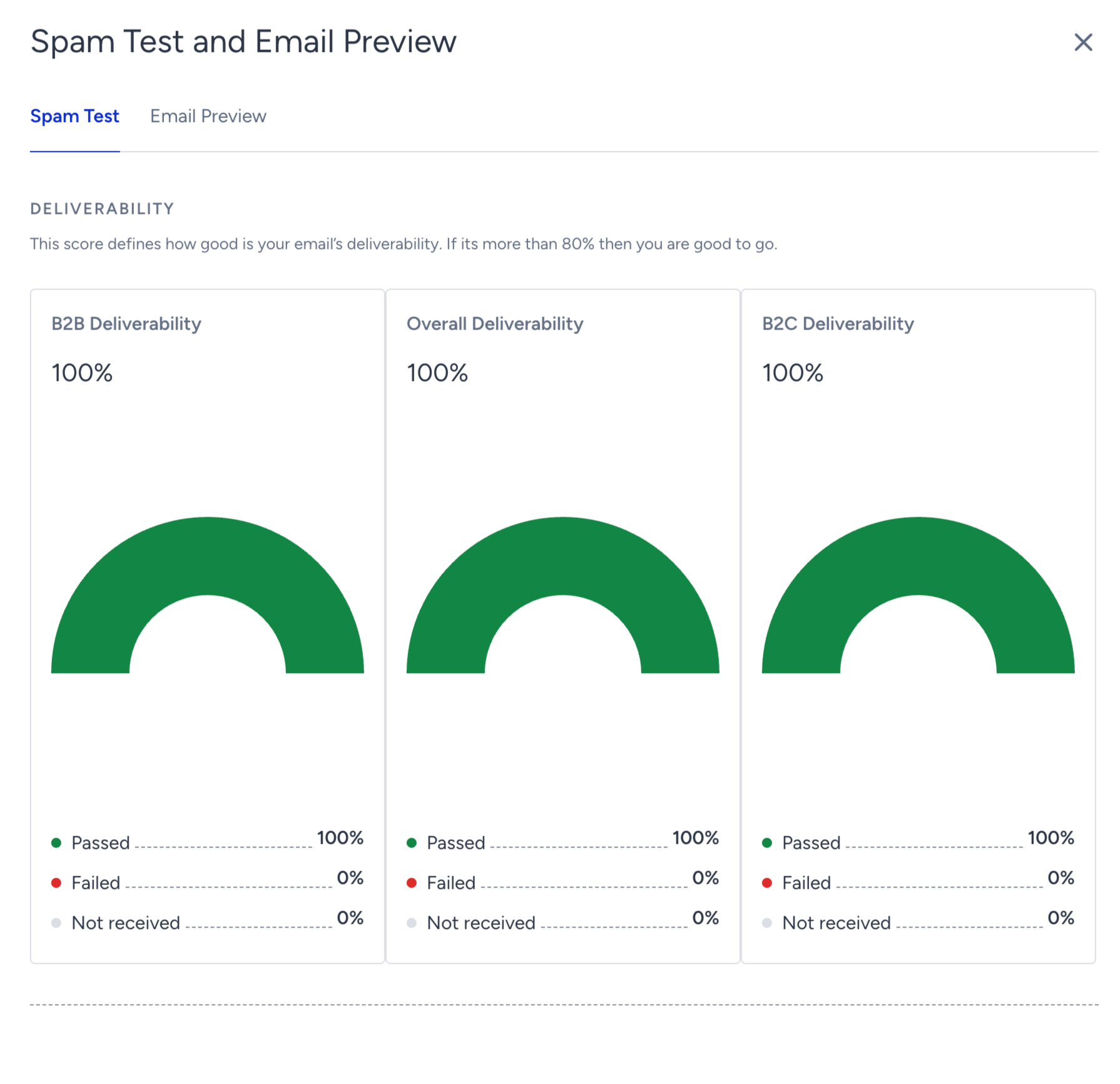
The deliverability results (your inbox placement rate) will appear at the top of the pop-up, with three charts showing the results for B2B, B2C, and the overall deliverability score calculated from the filters below. You can revisit the Spam Test doc to identify the cause of the spam and see how you can improve a low deliverability score.
Email Preview
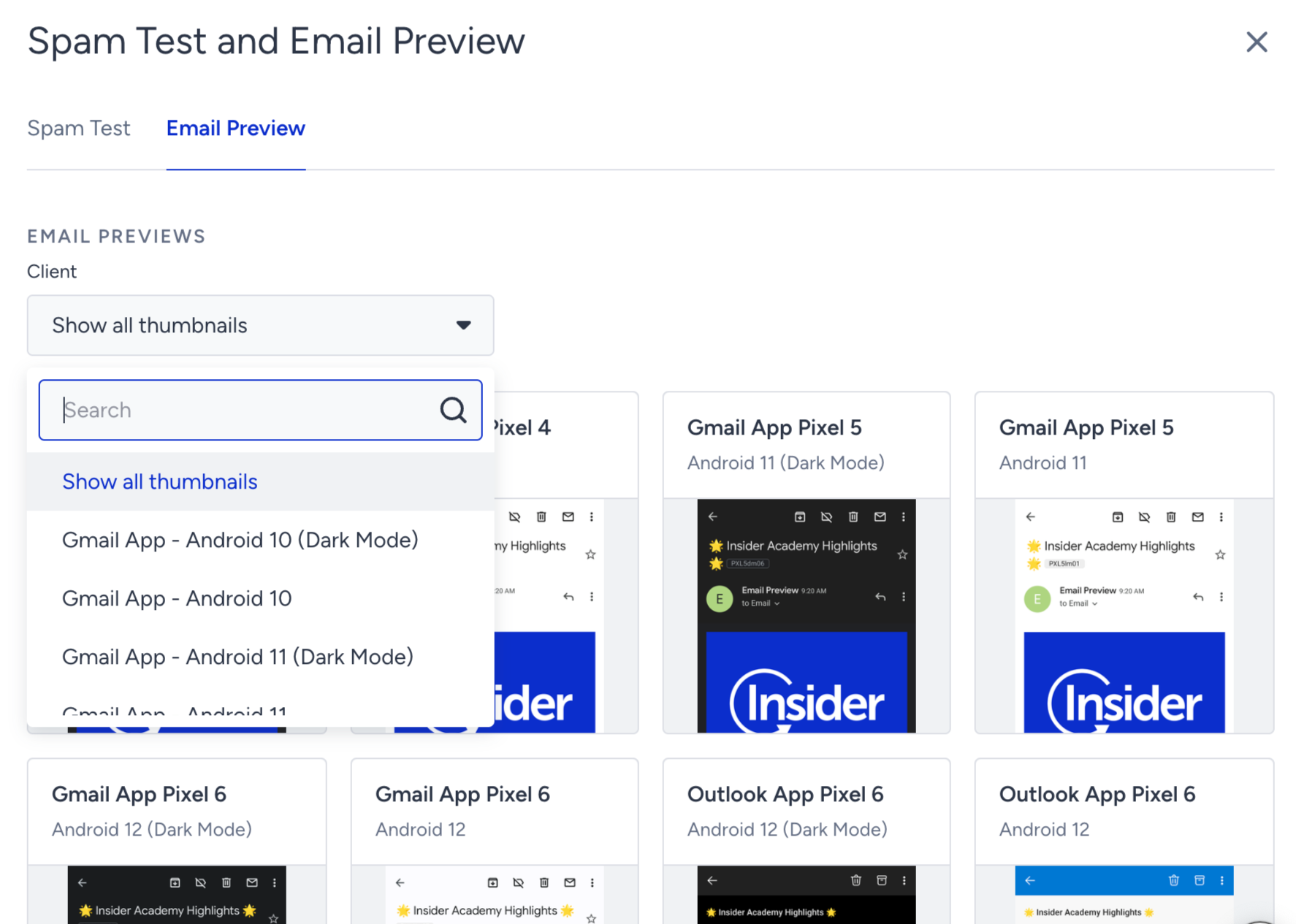
Email Preview shows how your email will look on different clients and devices. The Importance of Email Testing explains why testing email preview across clients/devices/browsers matters and how you can benefit from it.
You can either click the client you want to expand and view the preview, or choose a client from the dropdown.
Historical Results
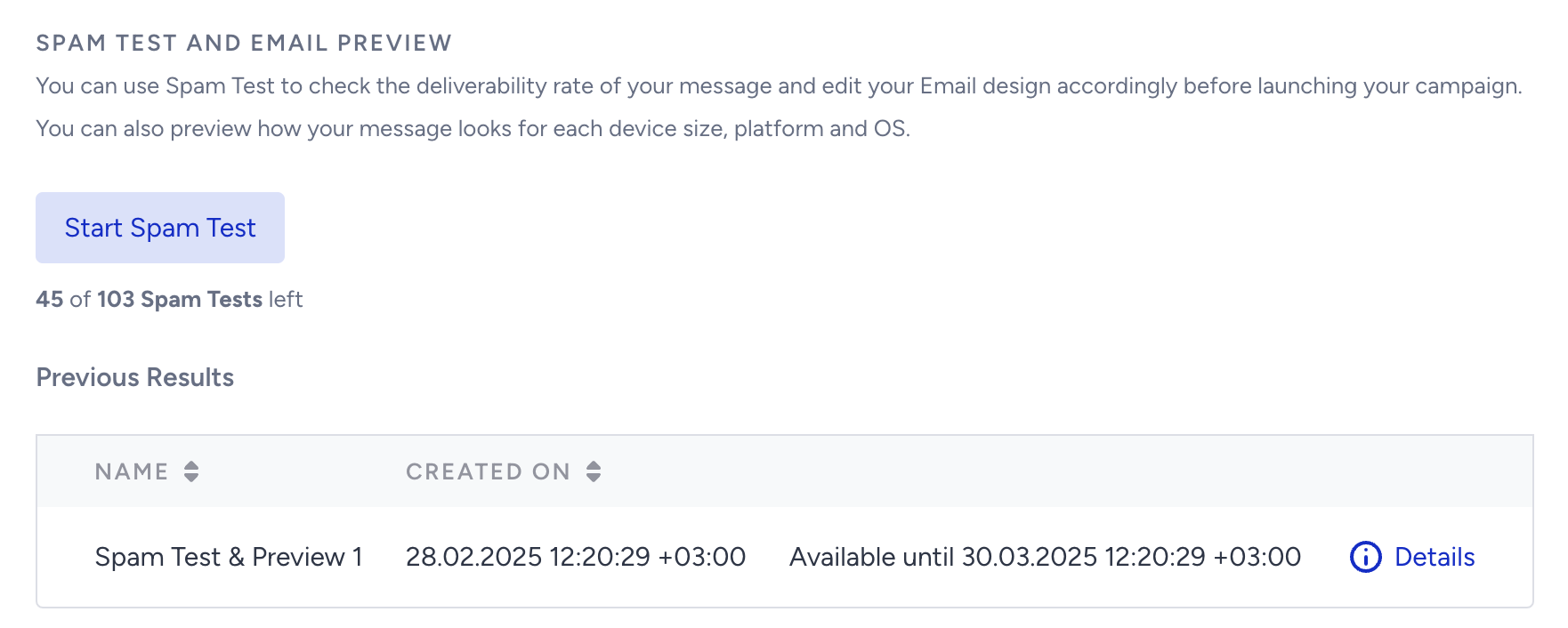
The test results will be listed at the bottom of the page with their creation date and time and expiration date and time. Each test result will be available on the campaign page for a month. The times displayed here will use your time zone.