Check Elements help you track users' behavior and actions within the journey flow. Accordingly, you can personalize your journey flow and create real-time experiences for your users. You can check these actions with respect to users' interaction with your messages and their reachability on the respective channels or evaluate their events, attributes, purchase/visit history, etc.
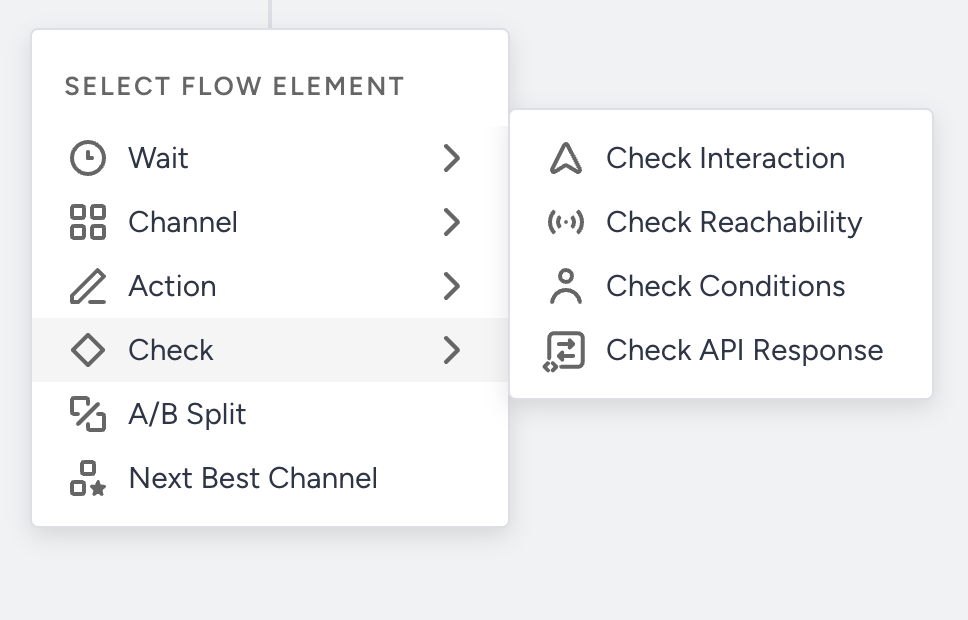
Each Check Element splits users into paths by a different kind of criterion. Choose the element that matches what you want your journey to branch on.
Check element | Splits users by | Paths |
|---|---|---|
Events, attributes, purchase history, visit history, and segments: predictive segments, RFM (recency, frequency, and monetary value) segments, predefined segments, saved segments, and email engagement segments. | Up to 10 condition paths and a not matching path | |
Interactions with messages sent in the same journey, such as seen, opened, clicked, closed, or replied, on Web Push, App Push, Email, SMS, WhatsApp, In-App, or On-site. It also checks whether Call an API requests succeeded or failed. | A matching path and a not matching path | |
Whether users can be reached on a channel: Web Push, App Push, Email, SMS, WhatsApp, In-App, On-site, or Facebook | One reachable path for each channel you add, and a not reachable path | |
The data that a Call an API element fetches, such as a user's loyalty points |
To branch on interactions with messages sent outside the journey, use the Channel Interactions predefined segment in Check Conditions.
To split users at random instead, for example to compare two versions of a message, use Journey A/B Split. It sends users down each path at random, according to the allocation you set for each path.