This guide outlines recommended best practices and sample campaign considerations to help you deliver a seamless experience inside your ChatGPT app.
1. Create an on-page campaign
For the best visual experience, use Onpage templates when running campaigns in ChatGPT apps. Because ChatGPT apps render UI components in a limited and fixed container, we recommend:
Designing compact layouts
Setting campaign width to below 500 px to prevent overflow or responsiveness issues
This ensures that the campaign fits naturally within the ChatGPT interface.
2. Define traffic allocation
Campaigns displayed inside a ChatGPT app UI component are typically visible to all users entering that experience.
As a best practice, set variant allocation to 100% to ensure a consistent and predictable user experience
3. Define segments
In most ChatGPT app implementations:
The UI component itself already defines a distinct traffic source
Additional segmentation is usually unnecessary
Therefore, it is generally recommended not to apply additional segment filters unless required for a specific use case.
4. Define rules
To ensure your campaign appears only inside the intended ChatGPT app UI component, configure:
Data Layer Rule: Data Layer > Insider Object > key: page.type > value: use the same value defined in your ChatGPT app UI component Web SDK integration.
Page Rule: Page Rules > Page URL > contains > chatgpt
These rules help isolate campaign delivery to the ChatGPT app environment.
5. Activate your campaign
You may activate the campaign after:
Campaign design is finalized.
Traffic allocation is defined.
Segmentation and rules are configured.
ChatGPT UI component logic is implemented.
This will deliver a controlled, consistent experience within your ChatGPT app.
Campaign use cases
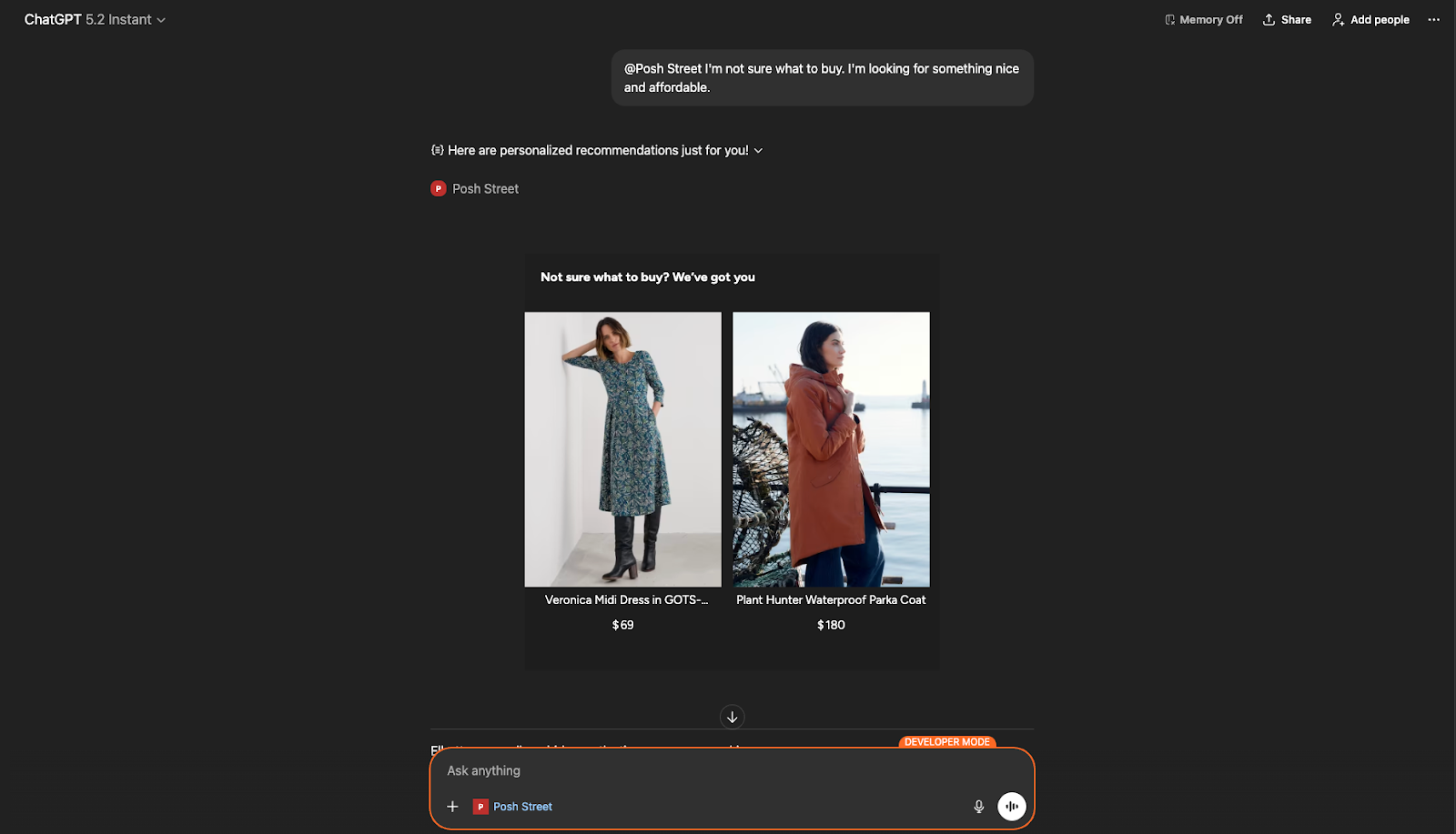
1. Product recommendations
Show personalized product recommendations when users search for products in your ChatGPT app by triggering a Smart Recommender campaign inside the UI component.
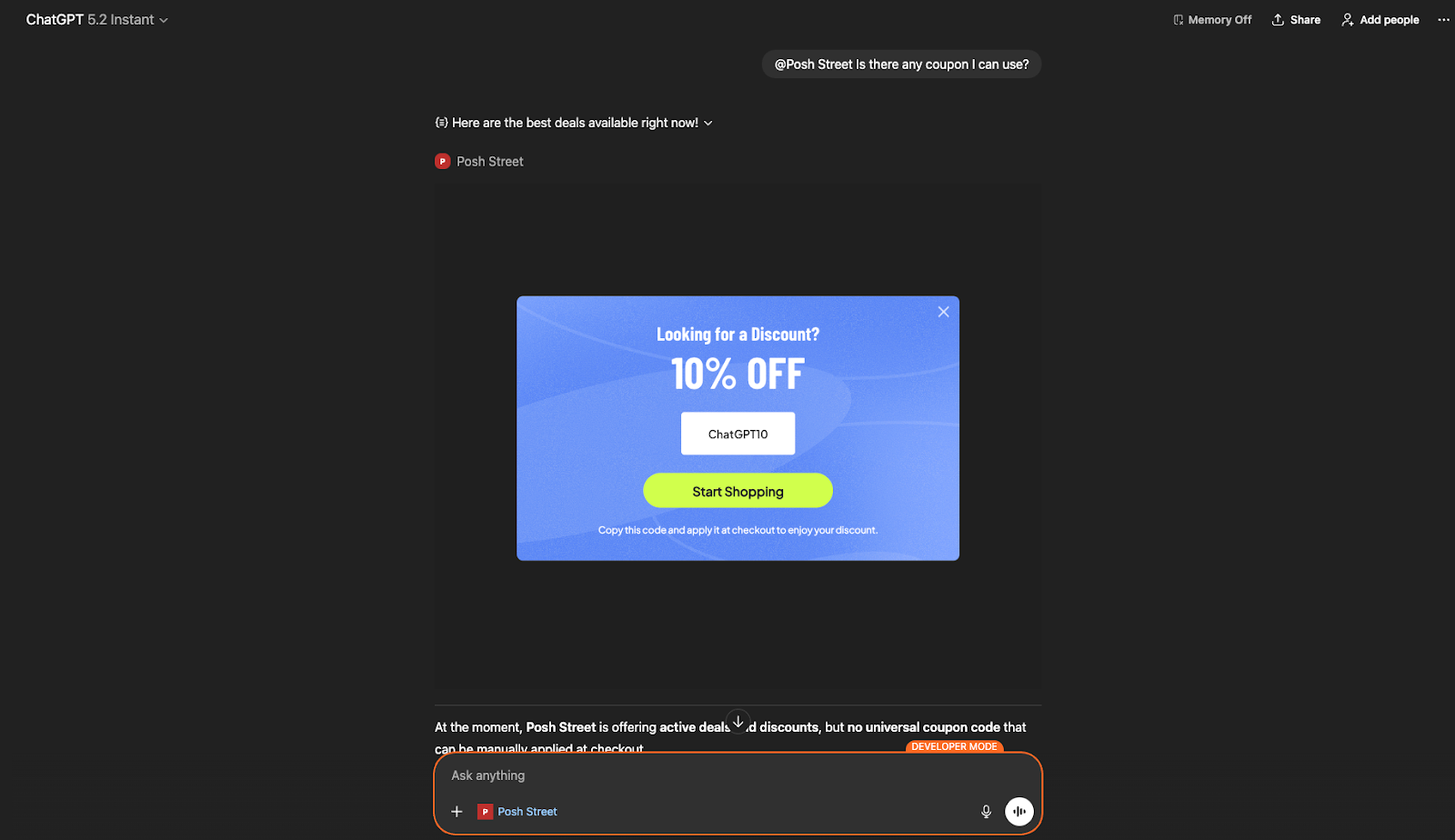
2. Coupon and promotion campaigns
Deliver exclusive coupon codes or promotions to users interacting with your ChatGPT app by triggering a campaign.
3. Lead collection
Engage users coming from your ChatGPT app by displaying a Lead Collection campaign and capturing email addresses or other contact information directly within the UI component.
.png)