Clickable elements on your campaign encourage desired actions from your visitors. To measure the effectiveness of these elements, you need to track their performance and users' interactions with them.
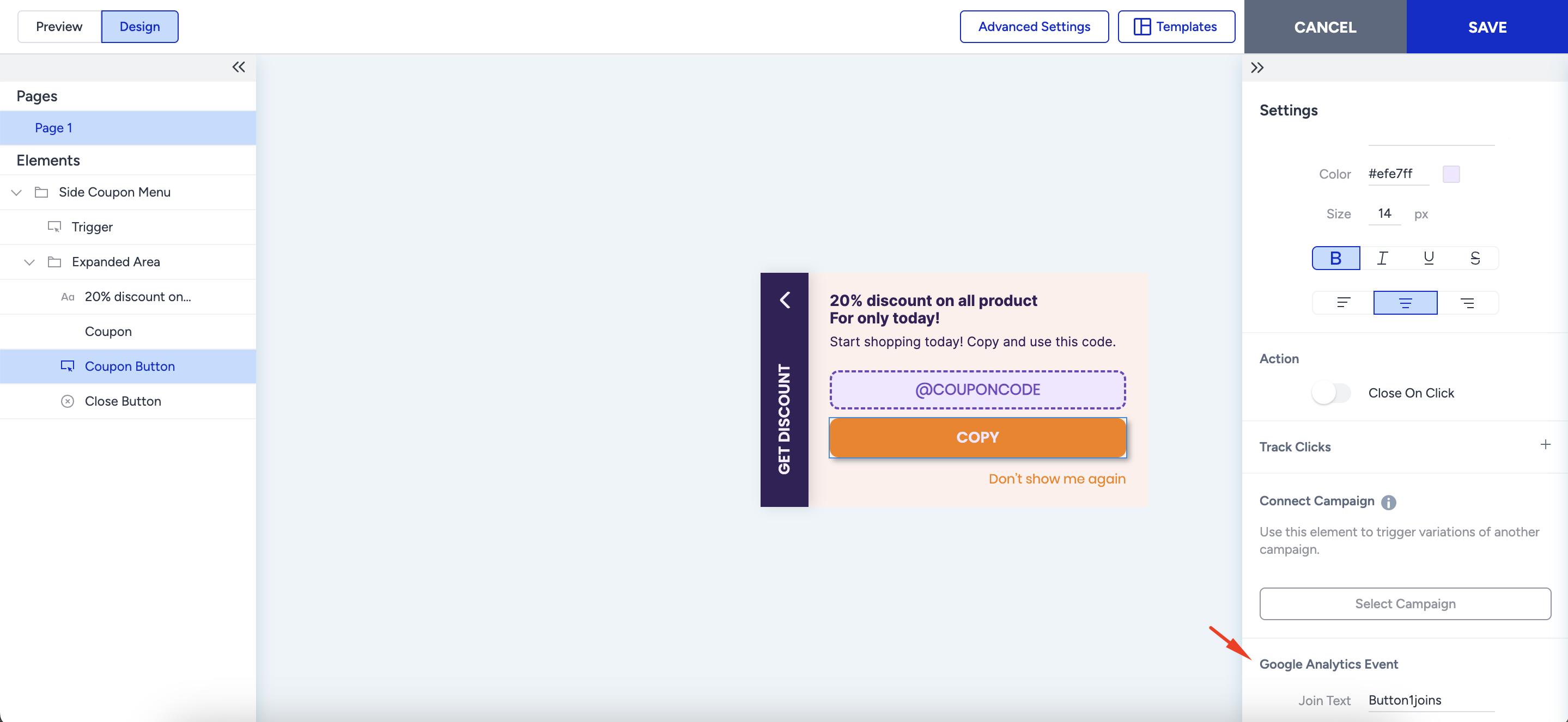
You can track clicks from clickable elements on web templates using Track Clicks or Google Analytics Event. Both ways enable you to track clicks on the respective element by the custom name you set:
Navigate to the Design step of your campaign.
Click the element you want to track.
Upon configuring its style, text, and action settings, add a custom Goal Name under Track Clicks and/or a Join Text for Google Analytics Event.
You can view the clicks on the respective element on your Google Analytics account using the custom Join Text you set.
In the Goals step of the respective campaign, you'll see a custom goal created with the custom goal name. You can use this to track clicks on the respective element.