This guide provides details about the supported message and card types on Teams.
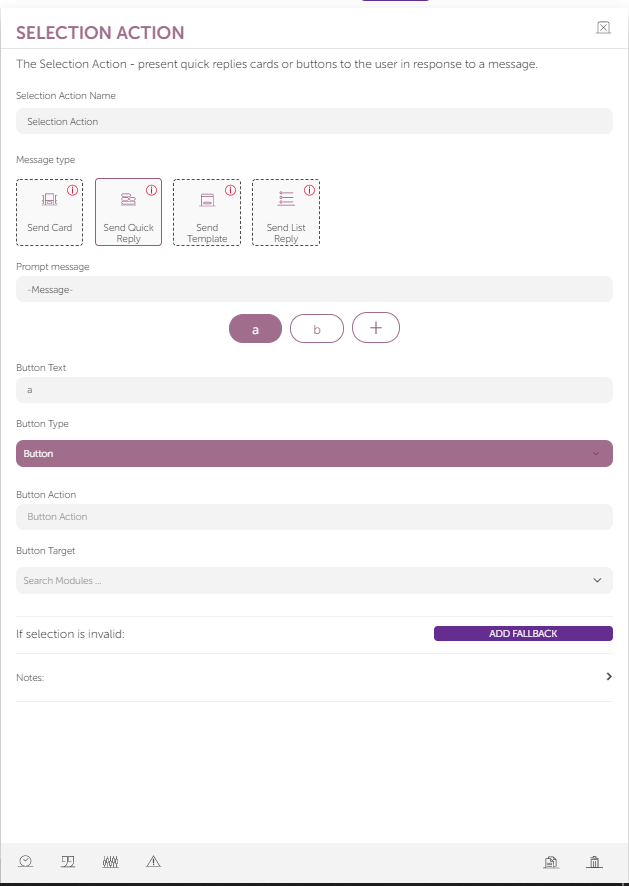
Two actions are supported on Teams:
In this guide, you can also find the limitations and details of message types for Teams assistants.
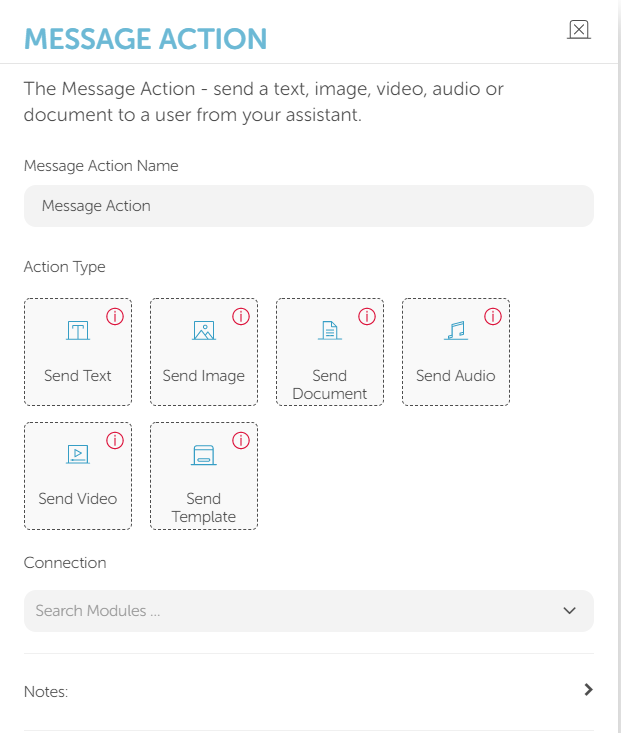
Message Action
You can use the Send Image action.
Images you will use in this action must be at most 1024×1024 and in PNG or JPEG.
Selection Action
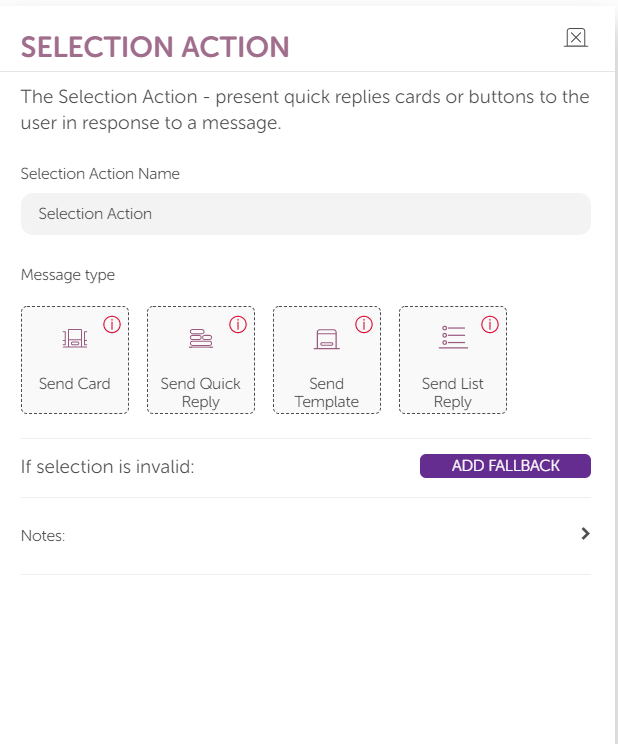
You can use two types of selection action formats for Teams:
- Send Card
- Send Quick Reply
Send Card
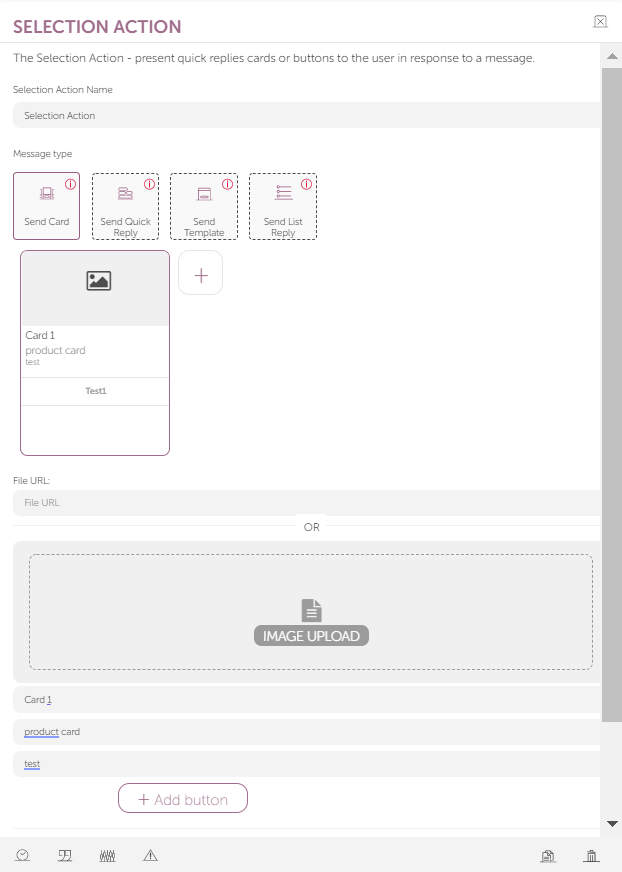
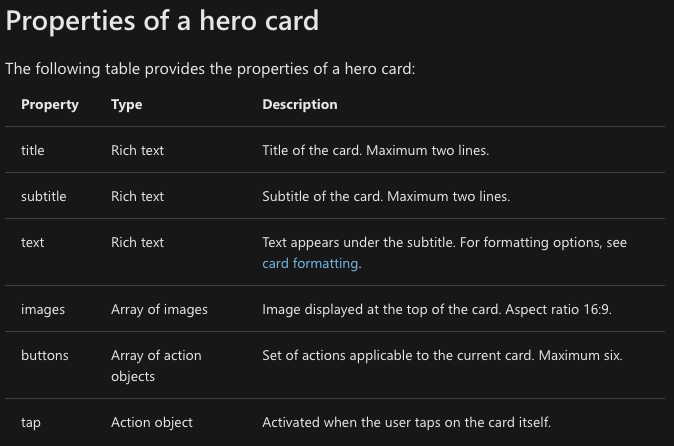
Images must be at most 1024×1024 and in PNG or JPEG.
Refer to Hero Card documentation for details on the card messages.
You can only send GIFs if you add the image URL in the "Send Image" message action.
Teams Emojis (animated emojis) are not supported on MindBehind. You should use standard emojis when you create a chatbot.
Send Quick Reply
Send Quick Reply message type has two features that you can use:
- Button: The card supports a maximum of 6 quick replies. Buttons are shown stacked at the bottom of the card. The card does not show any additional buttons beyond the maximum number supported.
- Button text: It does not have a character limit. It is always shown on a single line; if it exceeds 51 characters, the line is truncated with an ellipsis. However, when you click the button, the content can be viewed in full.