With WhatsApp, you can have an in-the-moment connection with your users through personalized, interactive content. It enables you to:
Convert subscribers to users
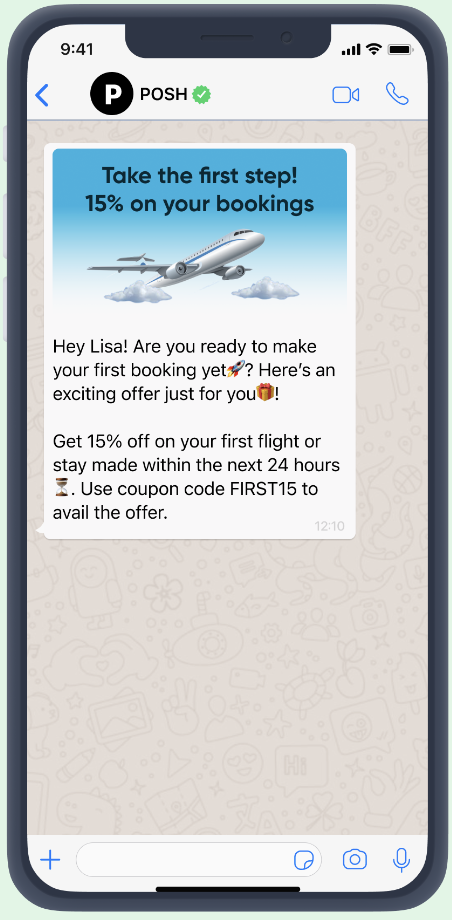
Make your new users excited about travel packages.
Influence your subscribers to book a reservation at a discounted price.
Promote your best-selling products to your subscribers.
Welcome your subscribers in real-time after they opt in.
Encourage your users to make their first purchase.
Provide a delightful onboarding experience.
Push your users to commit to a long-term subscription.
Share exciting content to delight your users.
Increase conversion by providing free or sample products to users.
Welcome users and offer them coupon codes for their first purchase.
Notify your subscribers about their activation status.
Engage post-purchase 
Send a customized booking confirmation in real time.
Engage post-purchase with a feedback survey.
Learn about your customer's experience by sharing a survey.
Send real-time order confirmation messages.
Send real-time payment confirmation notifications.
Notify your customers about the shipping status.
Nurture existing customers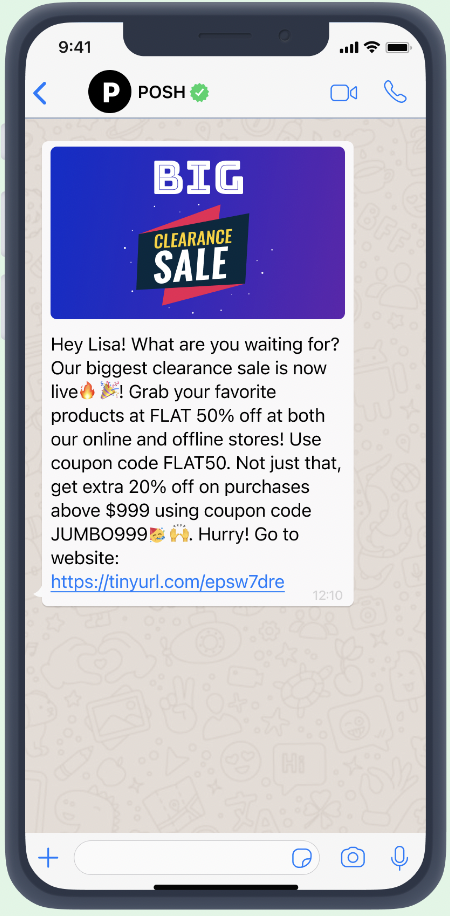
Excite your customers with upcoming travel packages.
Increase AOV with personalized holiday promotions.
Excite your customers about a clearance sale.
Drive repeat purchases with a replenishment trigger.
Send seasonal promotions to segmented users.
Launch your products using a tailored message.
Influence your users to subscribe to a higher plan.
Keep your audience hooked on what's coming up next.
Send a personalized birthday wish to VIP customers.
Send an anniversary wish with a promotion.
Remind your customers about an upcoming event.
Delight VIP users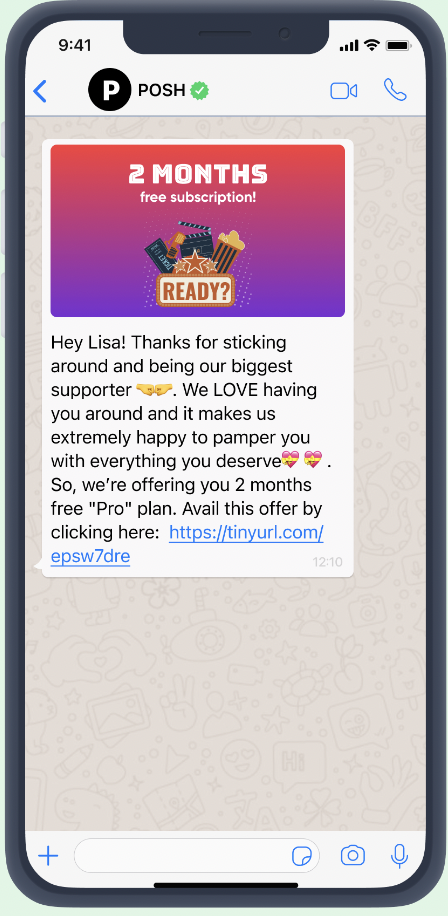
Reward your VIP users with exclusive deals for their favorite products.
Delight your VIP customers with a sneak peek of your launches.
Celebrate your loyal customers with special discounts.
Reward your VIP customers who joined the community.
Pamper your long-time customers with exclusive campaigns.
Excite loyal customers by giving them early access.
Invite loyal customers to your exclusive community.
Influence abandoners
Recover lost revenue with timely cart reminders.
Offer discounts to convert browse abandoners.
Bring back your inactive users with tailored promotions.
Send contextual cart reminder messages.
Influence browse abandoners to come back.
Re-engage with your inactive users and collect feedback.
You can explore and experience many more use cases on WhatsApp Template Explorer and WhatsApp eBook.
Re-engage with lapsed users
Bring back users who haven't purchased in 90+ days with a personalized win-back offer.
Remind dormant subscribers about products they previously viewed.
Offer an exclusive discount to users who abandoned their subscription.
Send a "we miss you" message with tailored product recommendations.
Re-activate users who stopped opening emails by switching to WhatsApp.
Notify lapsed users about new arrivals in categories they previously browsed.
Send transactional notifications
Transactional messages can be sent both from the InOne panel and via the Transactional API.
Send real-time order confirmation messages after a completed purchase.
Notify customers about shipment status and delivery updates automatically.
Send appointment reminders before scheduled events.
Alert customers about payment due dates or successful payment confirmations.
Share account update notifications, such as password changes or profile updates.
Send subscription renewal reminders with a CTA to manage their plan.
Trigger delivery exception alerts and offer rescheduling options in real time.
Share invoice and receipt confirmations immediately after a transaction.
Authenticate users with OTP
Send one-time passcodes for user login and account verification.
Authenticate users during account recovery flows.
Verify phone numbers during new user registration.
Send OTP codes for high-value transaction confirmations.
Provide two-factor authentication for accessing sensitive account settings.
Re-authenticate returning users after a session timeout.
Boost engagement with interactive messaging
Copy Offer Code
Send a seasonal discount campaign with a Copy Offer Code button so users can instantly copy their promo code and apply it at checkout.
Reward loyal customers with an exclusive coupon code for their next purchase via a one-tap copy button.
Run a flash sale and deliver personalized discount codes directly to users' WhatsApp with a Copy Offer Code CTA.
Share referral codes with existing customers and let them copy and share with friends with one tap.
Send a cart abandonment message with a limited-time coupon code that users can copy directly from the message.
Visit Website
Promote a new product launch with a Visit Website CTA that leads users directly to the product page.
Send personalized recommendations based on browsing history with a CTA to shop now.
Drive traffic to a landing page for an ongoing campaign with a targeted Visit Website button.
Re-engage lapsed users with a "Come back and see what's new" message linking to their favorite category.
Invite users to complete their profile or preferences on your website via a direct CTA link.
Share a blog post, buying guide, or how-to article with a Visit Website button to drive content engagement.
Quick Reply
Send a post-purchase message asking "How was your experience?" with quick reply options: Great / Okay / Poor.
Ask subscribers to confirm their preference with quick reply buttons: Yes, keep me updated / No, unsubscribe.
Run a product survey with quick replies to help users discover relevant product categories.
Offer personalized onboarding by asking users what they're looking for: Clothing / Electronics / Home & Living.
Send a restock notification and let users respond with a quick reply to reserve their item.
Follow up after a support interaction with a quick reply satisfaction check: Resolved / Still need help.
Drive utility communications
Order & Delivery Updates
Send an order confirmation message immediately after a completed purchase with a link to track the order.
Notify customers when their shipment has been dispatched and share the tracking number.
Send a delivery update when a package is out for delivery or has been successfully delivered.
Trigger a delivery exception alert when a package is delayed and offer rescheduling options.
Notify customers about a return confirmation and the expected refund timeline.
Appointment & Event Reminders
Remind users of an upcoming appointment at a clinic, salon, or service center with date and time details.
Send a follow-up message after an appointment to share next steps or post-visit instructions.
Notify users about a schedule change, such as a rescheduled meeting or updated event time.
Share a digital ticket or boarding pass after a successful booking.
Remind users of an upcoming flight, hotel check-in, or reservation with relevant details.
Payment & Account Notifications
Alert customers when a payment has been successfully processed and share a receipt link.
Notify users when their subscription is about to expire and prompt them to renew.
Send an account activity alert when a new device logs into the user's account.
Notify customers about a failed payment and guide them to update their billing information.
Alert users when their account balance is low or when a payment is due.
Operational & Onboarding
Remind users to complete a pending action, such as verifying their email address or uploading a required document.
Send a welcome message to new users with steps to get started.
Notify users when their application or request has been reviewed and approved.
Share a policy or terms update that requires user acknowledgment.