The process of sending Web Push notifications requires you to create a campaign first. Once you click the Create button on the Web Push listing page, choose the type of Web Push you want to create:
Single Web Push
Single Web Push notification allows you to send one-off and recurring push notifications to your users. You can segment your users or target them all.
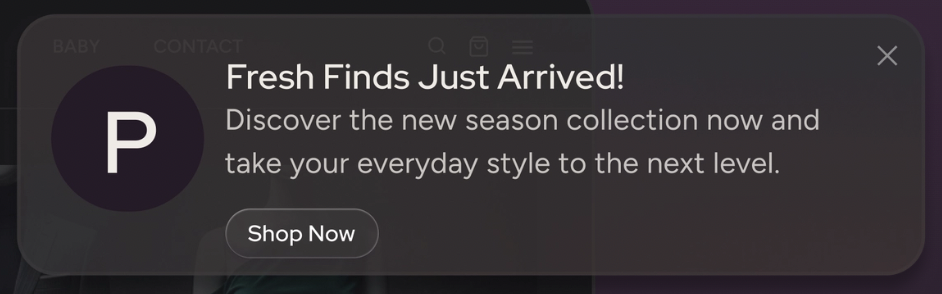
Trigger Web Push
Trigger Web Push notification is an on-site push notification based on the rules you have created. It is triggered by the users' real-time behavior on your website.
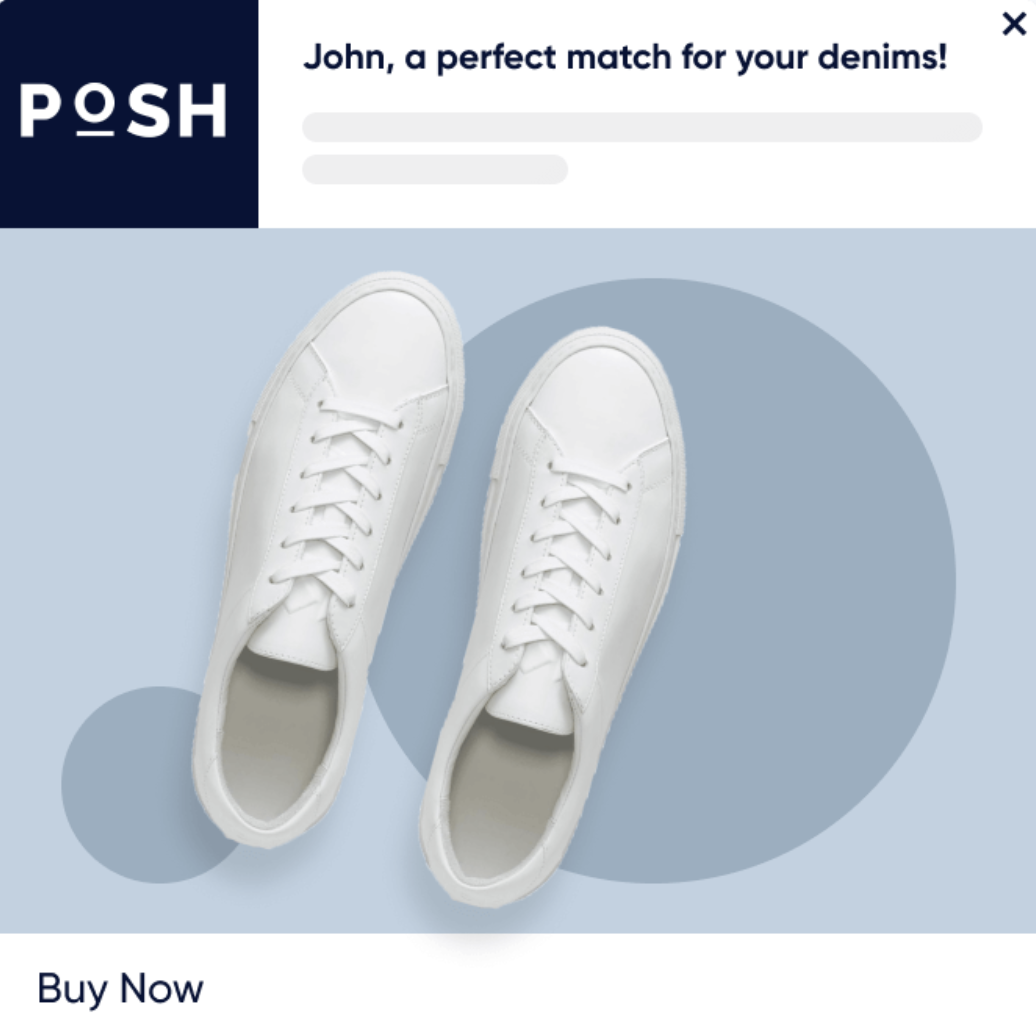
Welcome Web Push
Welcome Web Push helps you greet and engage new visitors. With the Welcome Push notification, you can create campaigns to greet customers as soon as they opt in.
(1).png)
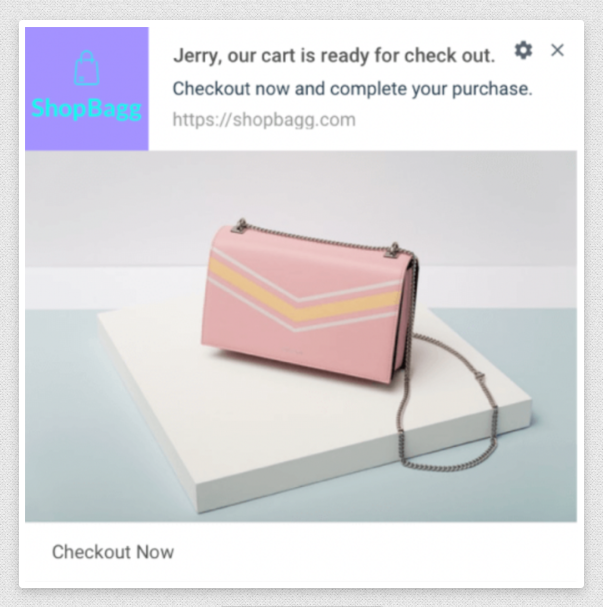
Cart Reminder Web Push
Cart Reminder Web Push notifications are also on-site pushes, similar to trigger pushes, that send notifications to users who have added a product to their cart but haven't purchased it.
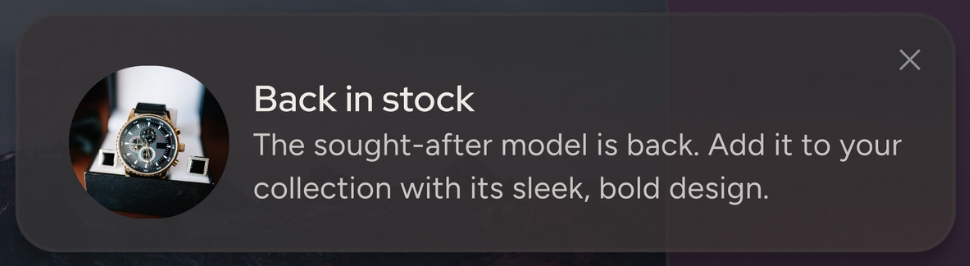
Back in Stock Web Push
Back in Stock Web Push notification is used to notify users that products are back in stock. You set the rule for the campaign based on the user's visit information, including visit time and date, in the Rules step.
Price Drop Web Push
Price Drop Web Push notification is used to notify users about products whose prices are decreasing. In the Rules step, you choose the percentage and the user's visiting information.
.png)