If you’ve created your Smart Recommender campaign using the Design a Widget option, you can test the visibility of your campaign variants.
1. To test your campaign, change its activation status to Test in the Launch step. Then, launch your campaign.
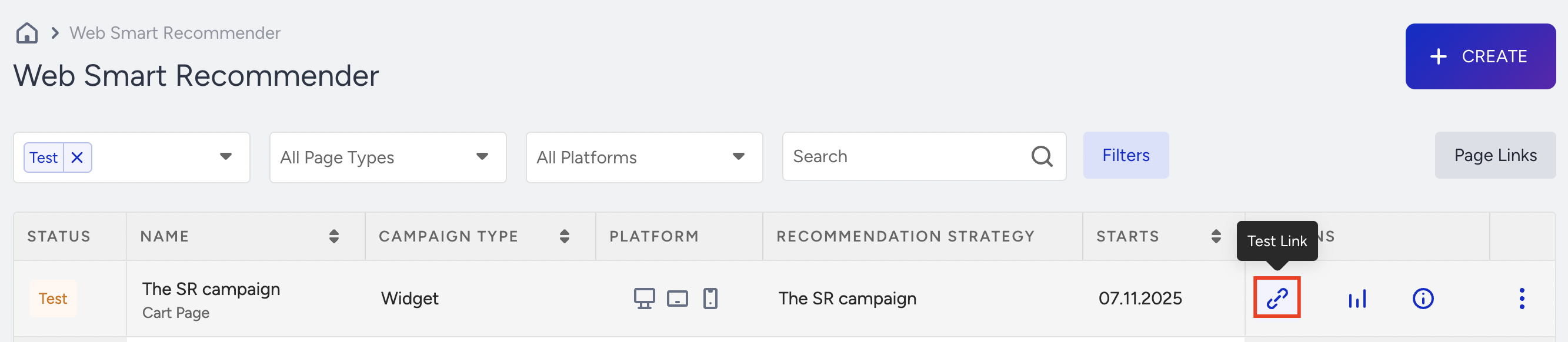
2. On the listing page of the Smart Recommender, you will see the Test Link option become available on your desired campaign. Click the Test Link button, select your variant to test, and click on the test link that appears in the menu.
3. Once you arrive at the test link, you will see a test page with the test inspector displayed underneath. If your test page and personalization settings match the variant, you will see the campaign on the test page. You can click the Details button to see the personalization and rule details of the existing variant.
4. When you see that your campaign is working as you want it to, you can set it to active either in the Launch step or via the menu on the campaign listing page.