Before you send the Cart Reminder SMS to your users, we highly recommend that you test it to check if it functions as you want.
Since a Cart Reminder Message is triggered based on user behavior on your website, you can execute a cart abandonment scenario on your website to test this campaign.
To receive a Cart Reminder test message, you should opt in via Insider One's lead collection campaign or Web SDK on your website when you are redirected via the test link. For further details, refer to Subscriber Collection for SMS.
Compose your message so you can see it on the preview screen.
Click the Test Message button on the bottom right of the page on the Design or Launch step.
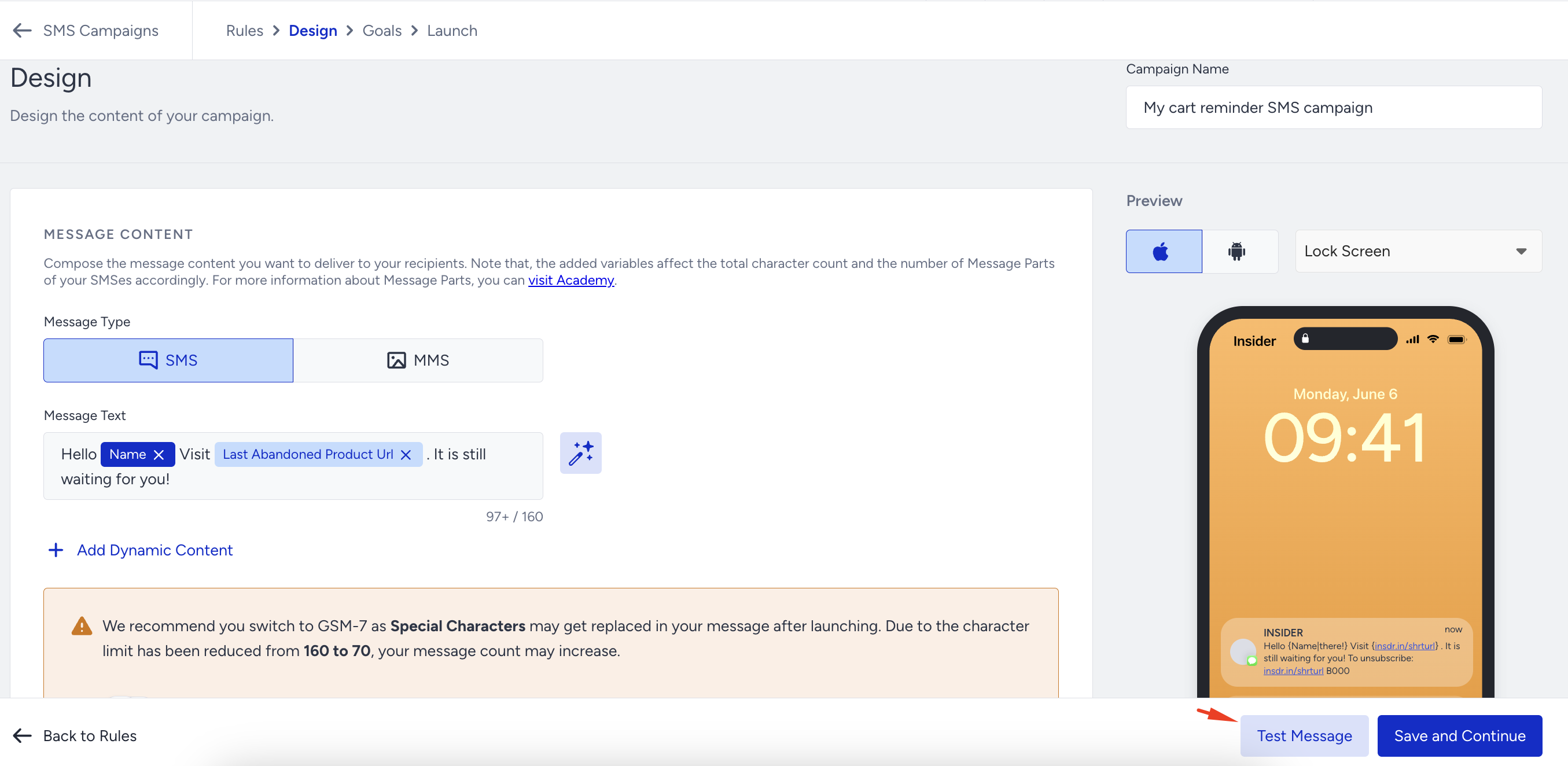
While testing the campaign, you can send your message to up to five different phone numbers simultaneously. These phone numbers should be local in the respective country so you can receive the test message.
The phone numbers you enter to test the campaign should be in E.164 format (e.g., +651234567).
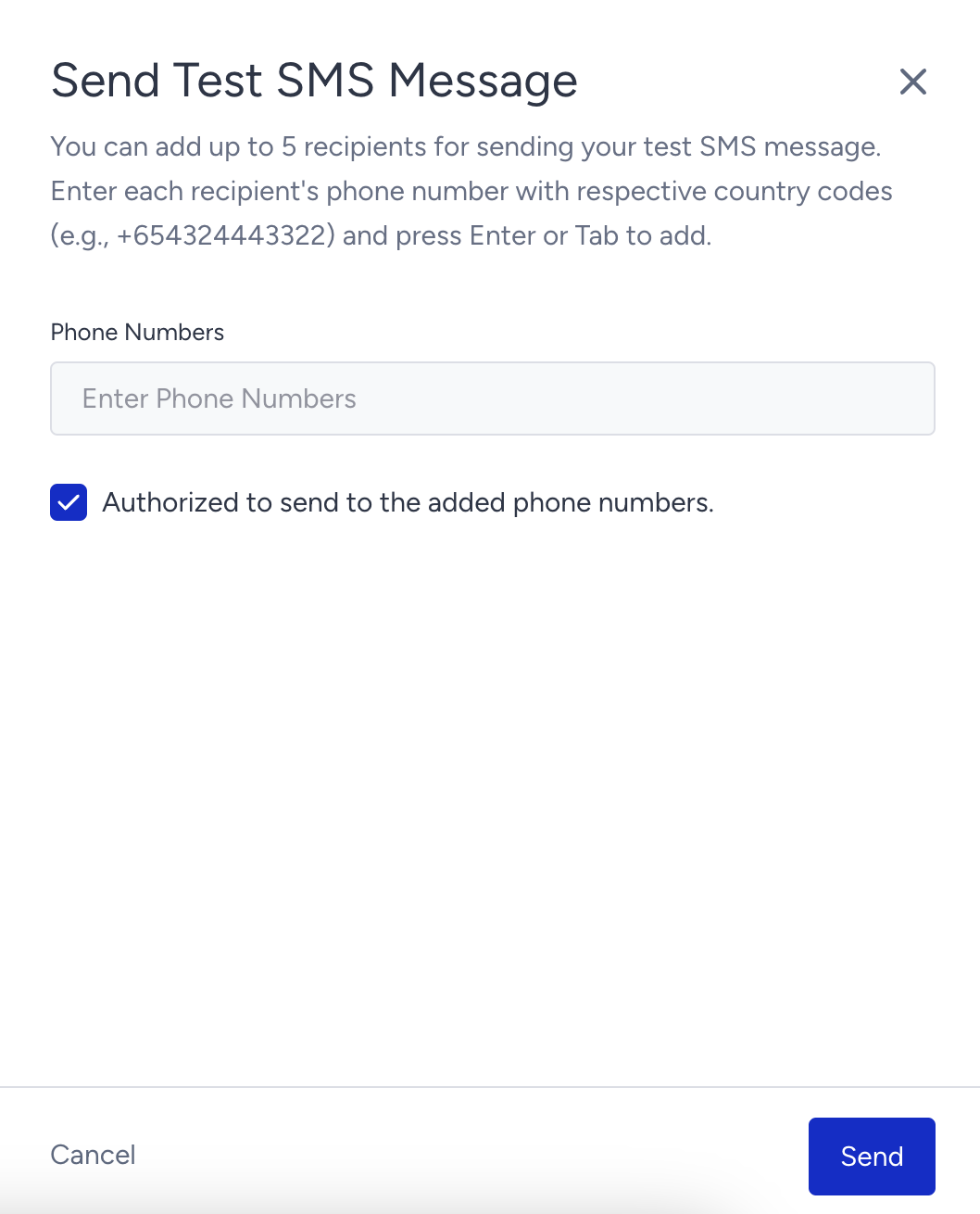
If you haven't already, opt in via a lead collection campaign you have for SMS or Web SDK. For further details, refer to Subscriber Collection for SMS.
Add a product to your cart and leave the website without purchasing it.
You will receive your test message.
You can launch your campaign when all configurations work as expected.
You do not need to sign in to your website to receive the test message.