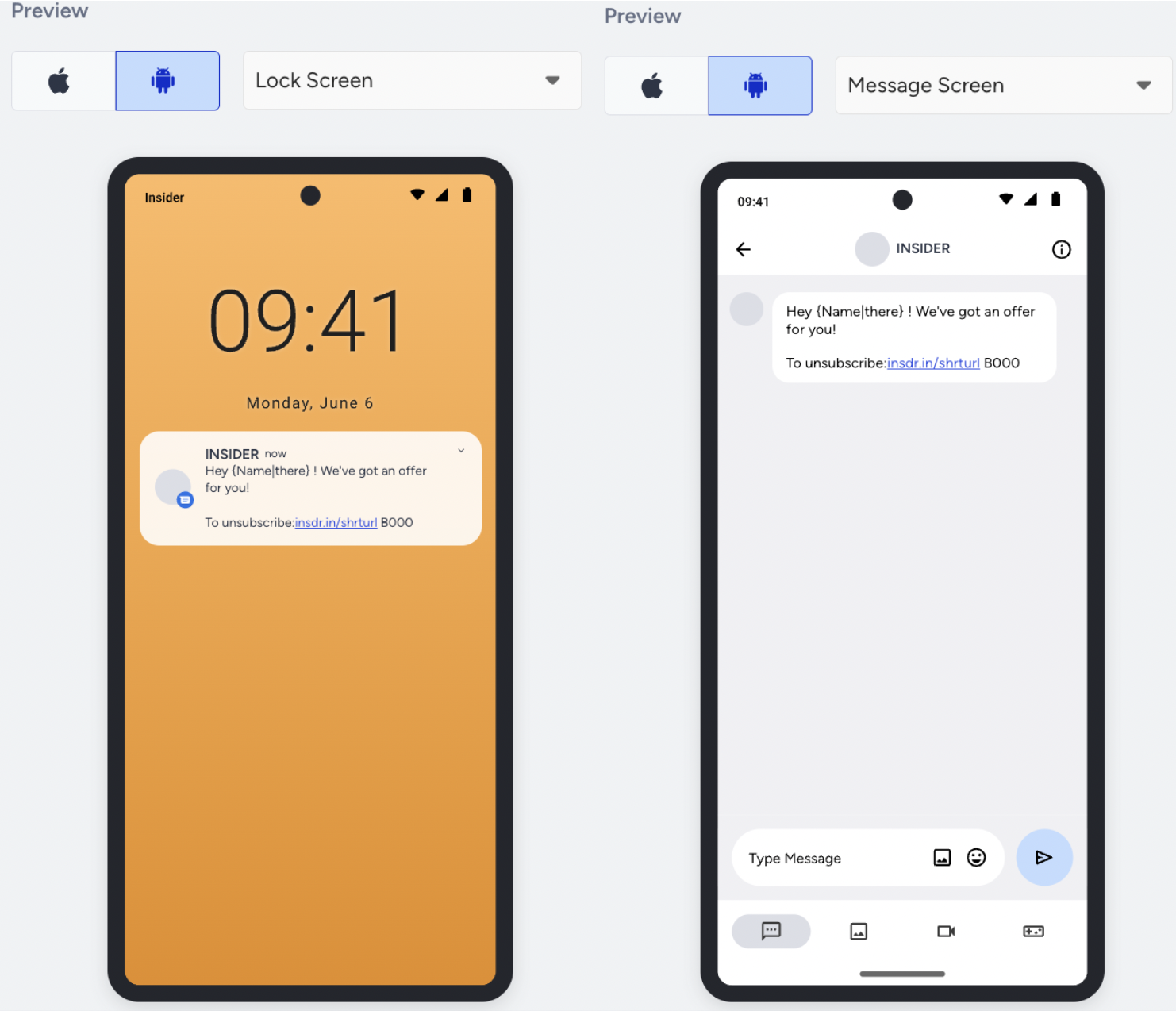
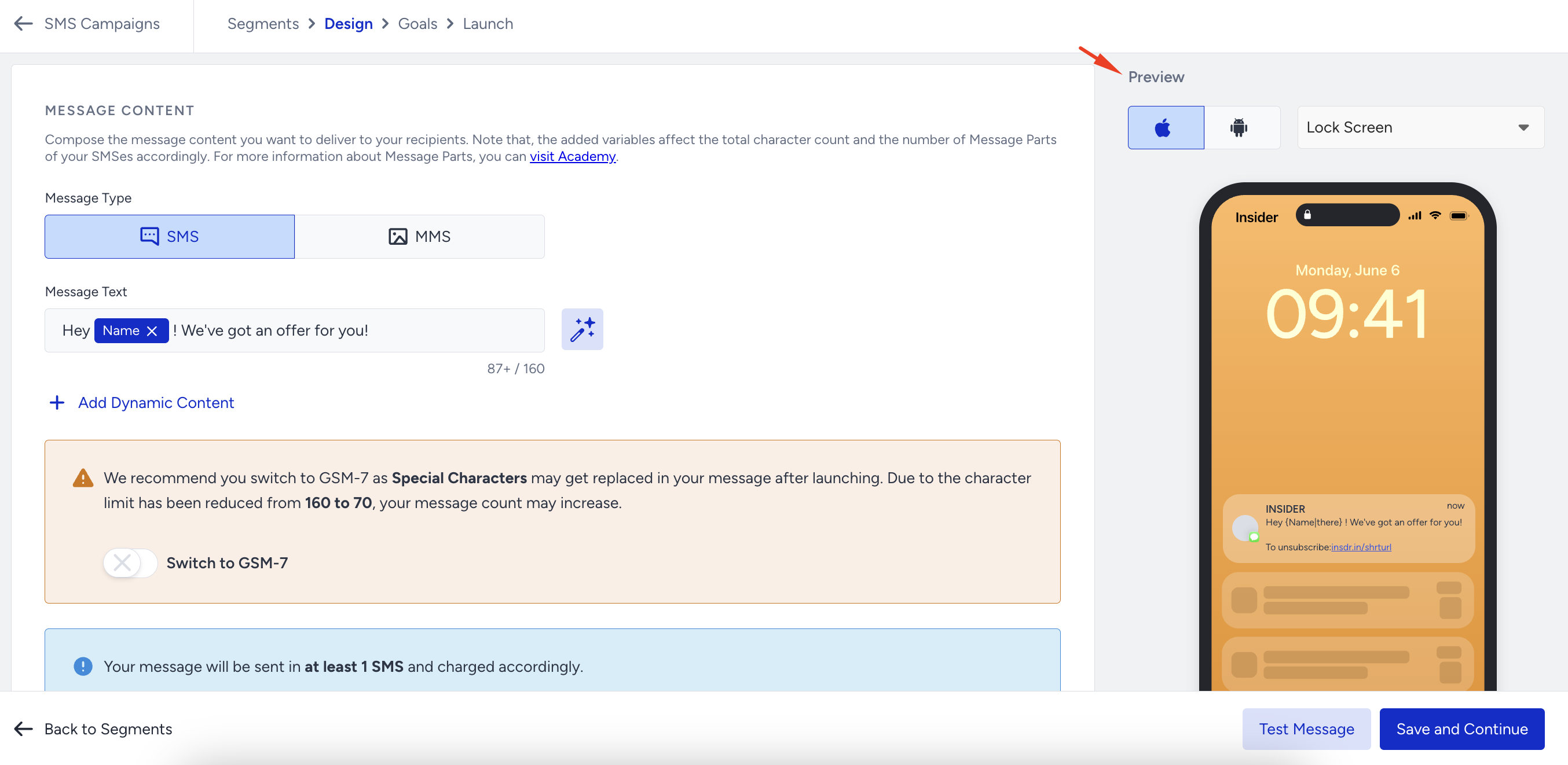
In the Design step of your campaign, you can see how your SMS message will look on your users' end. When you choose it from the dropdown, you can view it on iOS and Android devices' Lock and Message Screens.
This guide shows how you can see the previews of your SMS campaigns on these platforms:
iOS
Click on the Apple icon to see your SMS message displayed on the lock screen and message screen on iOS devices. 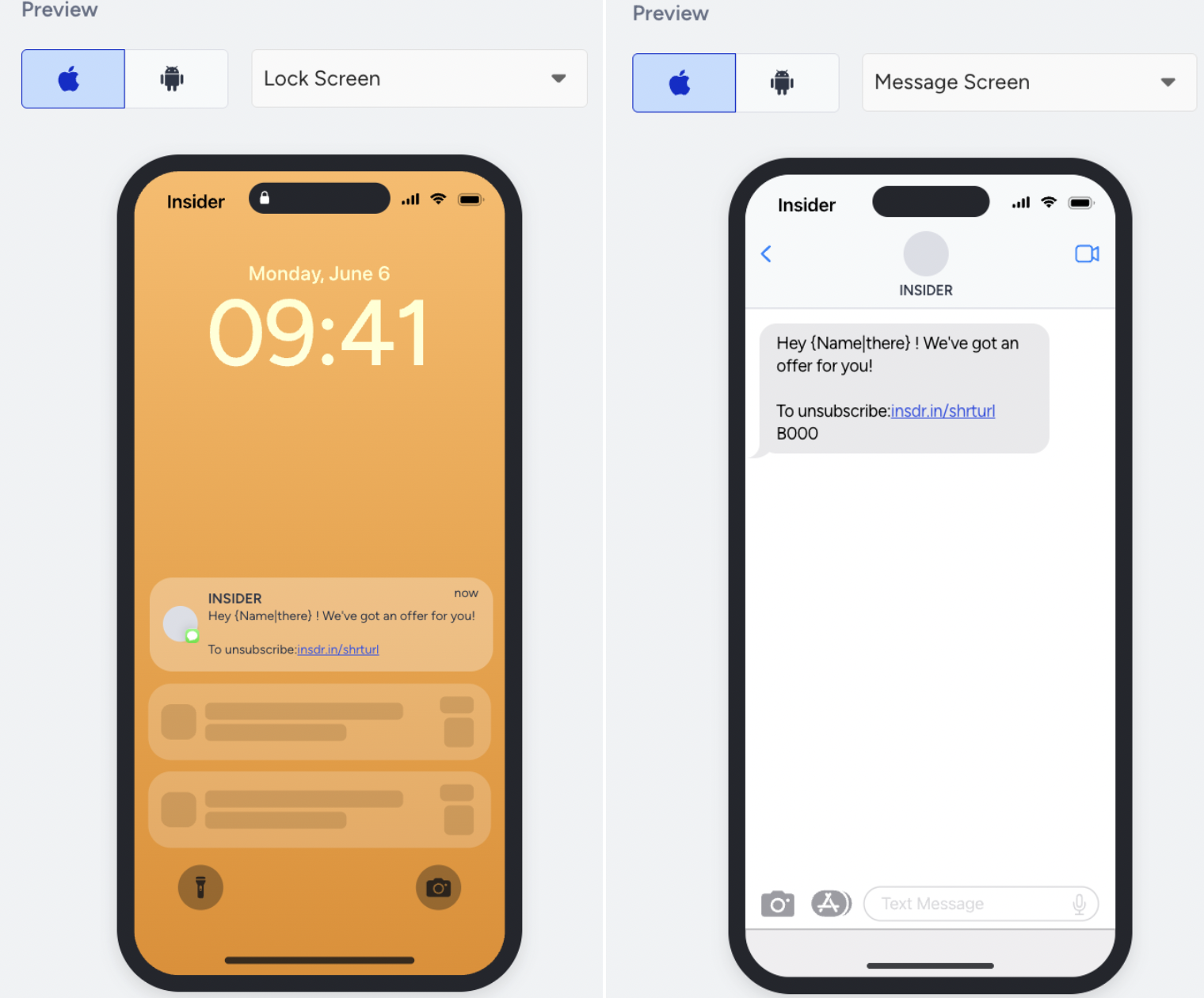
Android
Click the Android icon to display your SMS message on the lock screen and message screen on Android devices.