The SMS listing page lists all your previously created campaigns. 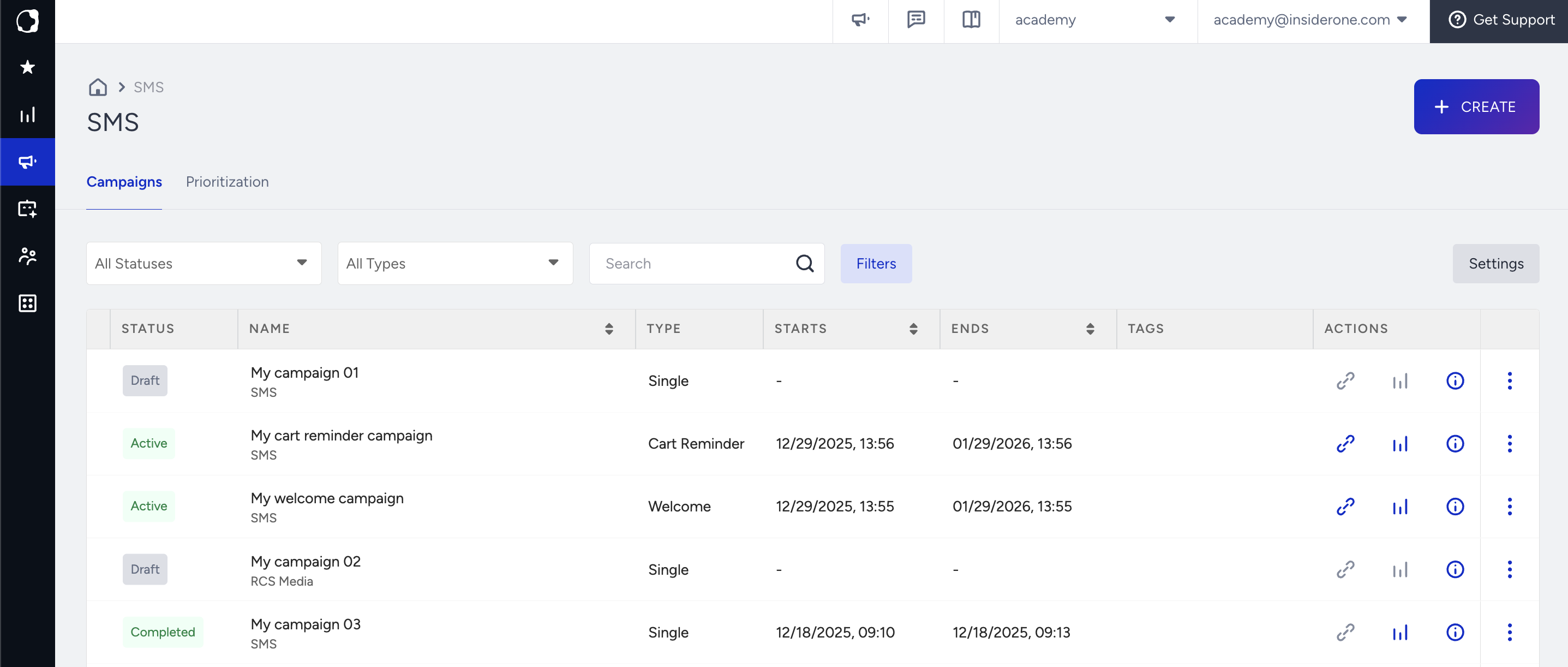
Using this page, you can also perform the following operations:
- Create campaigns
- Filter and list campaigns
- Configure campaign settings
- Search campaigns
- Sort campaigns
- Test campaigns
- See analytics of each campaign
- See details of each campaign
- Duplicate campaigns
- Edit tags
- Pin/unpin campaigns
- Change activation statuses
- Delete campaigns
Create campaigns
Click the Create button to start creating a campaign. 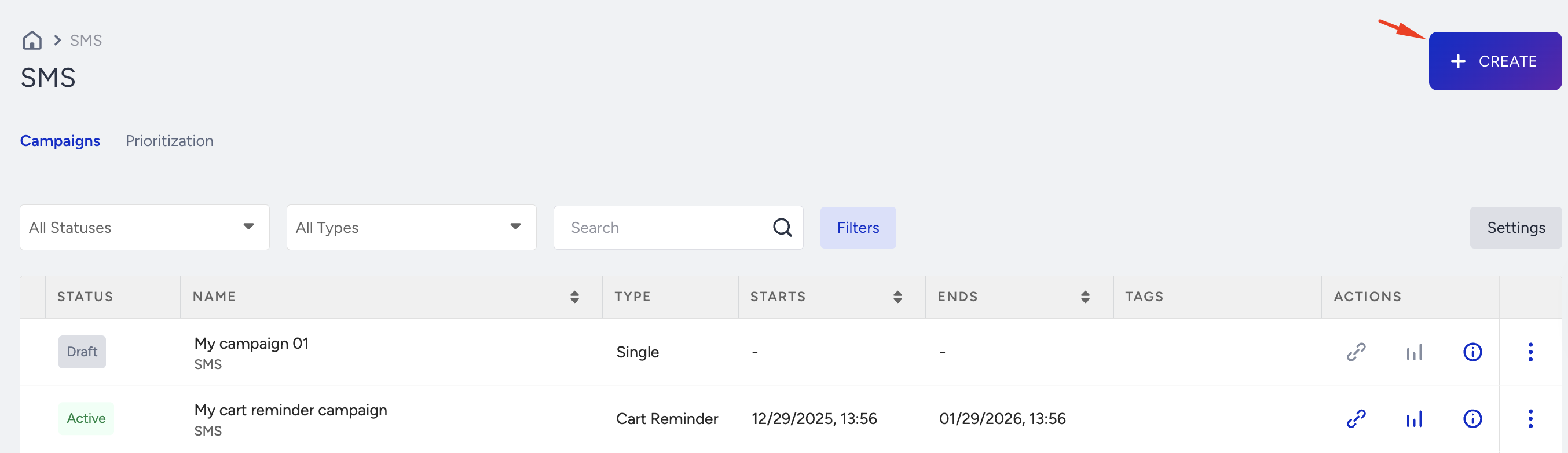
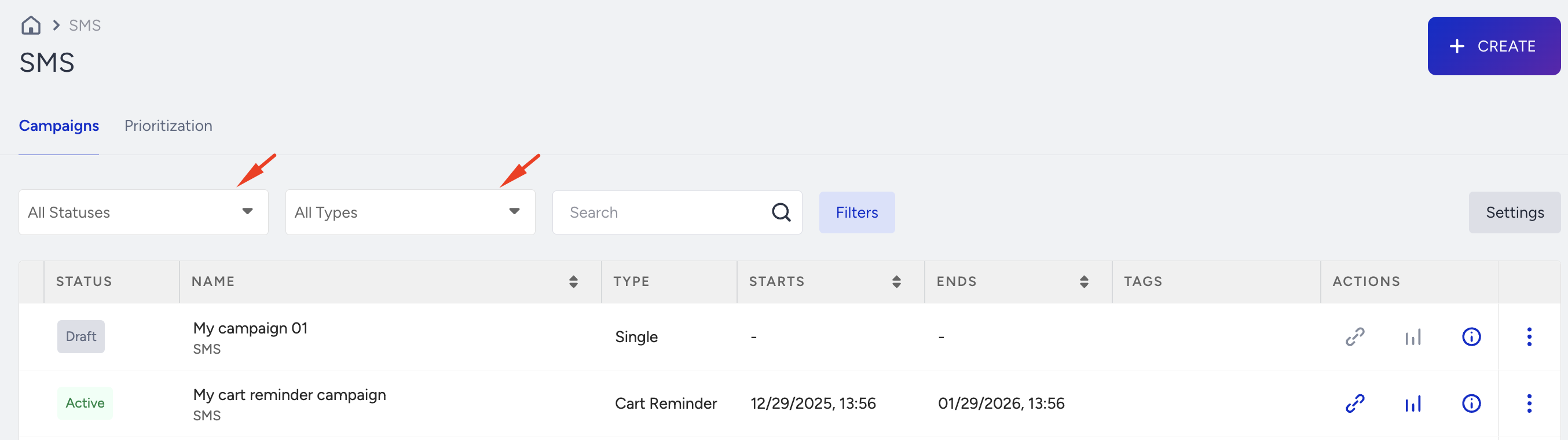
Filter and list campaigns
You can filter and list your campaigns based on their statuses, types, and tags.
Configure SMS settings
You can configure Unsubscription Methods and External Platform Integration settings. Refer to SMS Settings for further information.
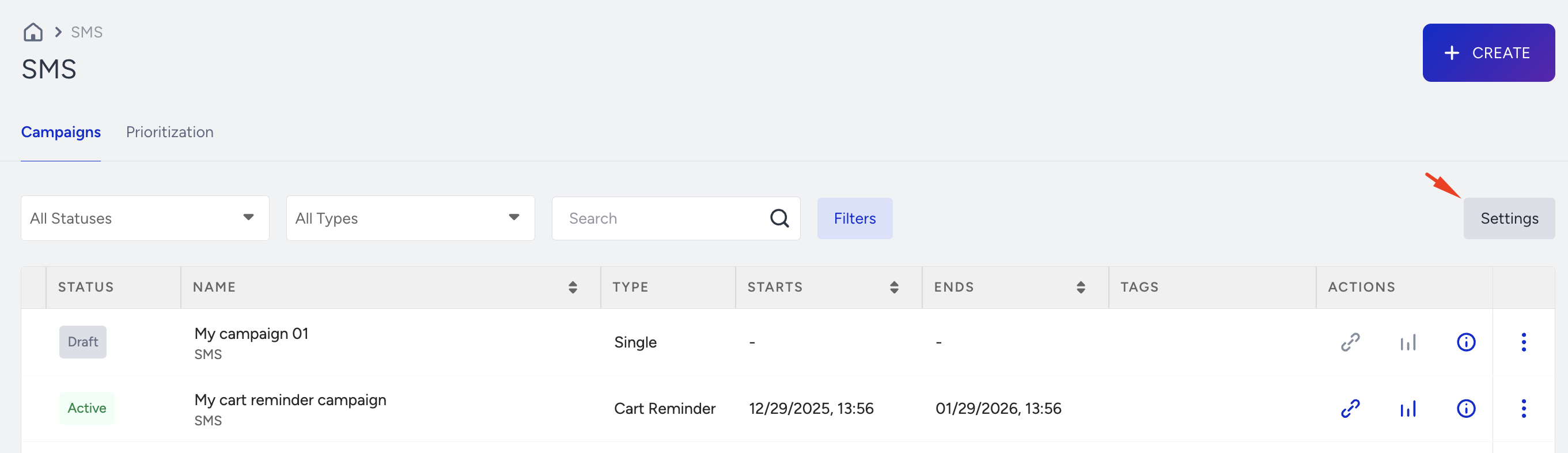
You can switch between tabs to complete the configuration.
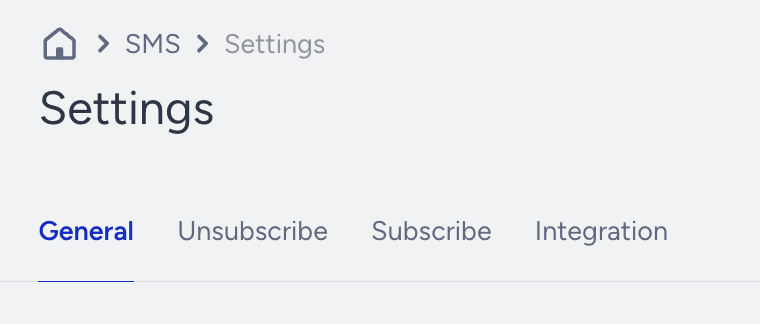
Search campaigns
You can search your campaigns by their names or their campaign IDs.
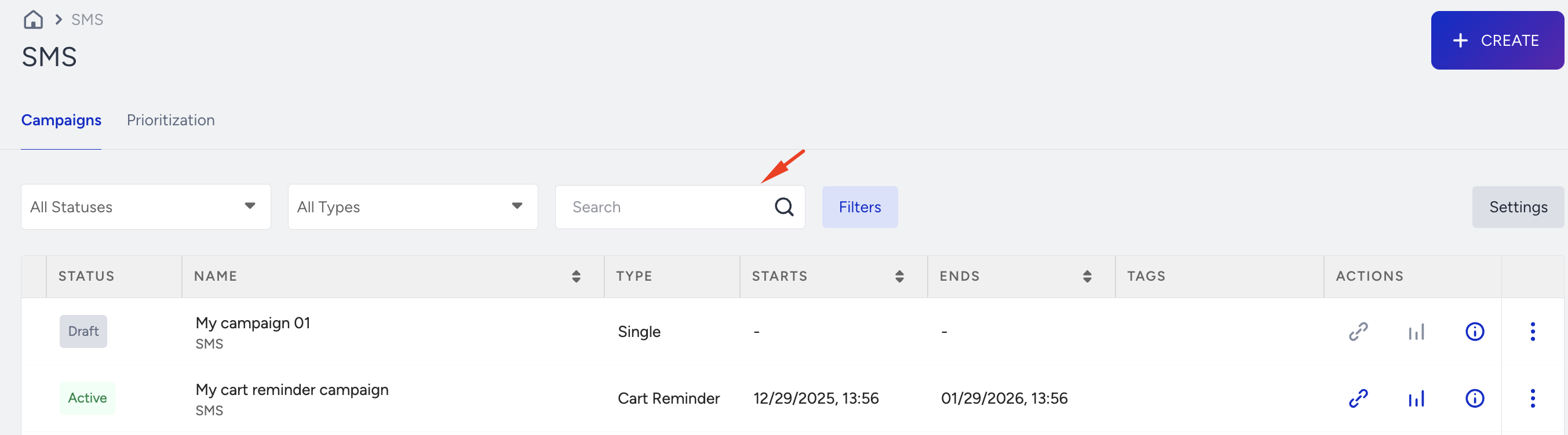
Sort campaigns
You can sort your campaigns based on their names and start and end dates.
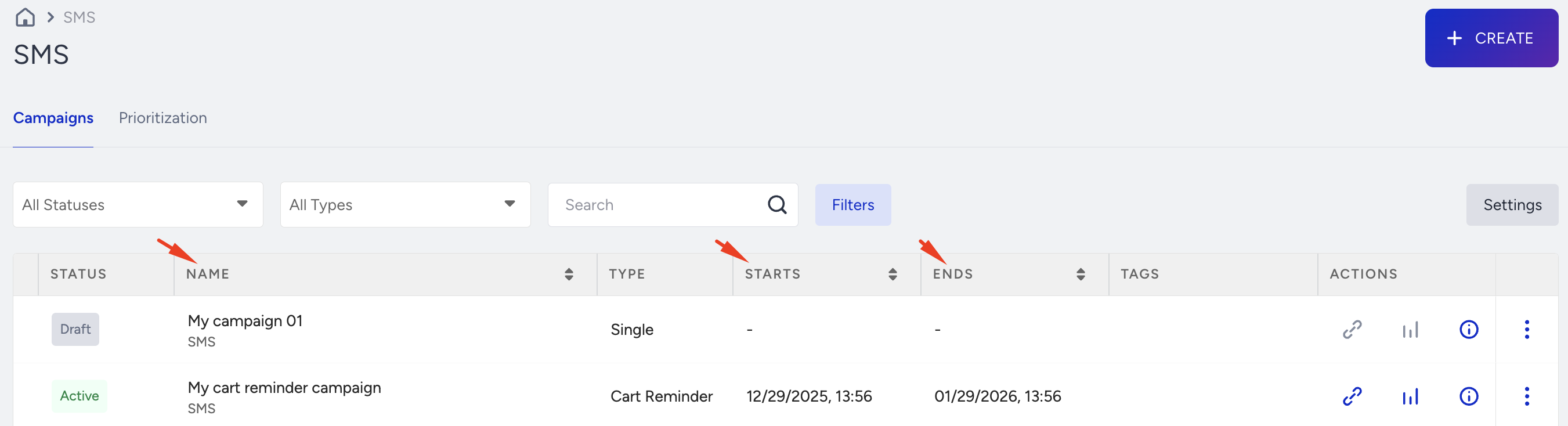
Test campaigns
You can test your Cart Reminder Message and Welcome Message campaigns whose statuses are either Test or Active. 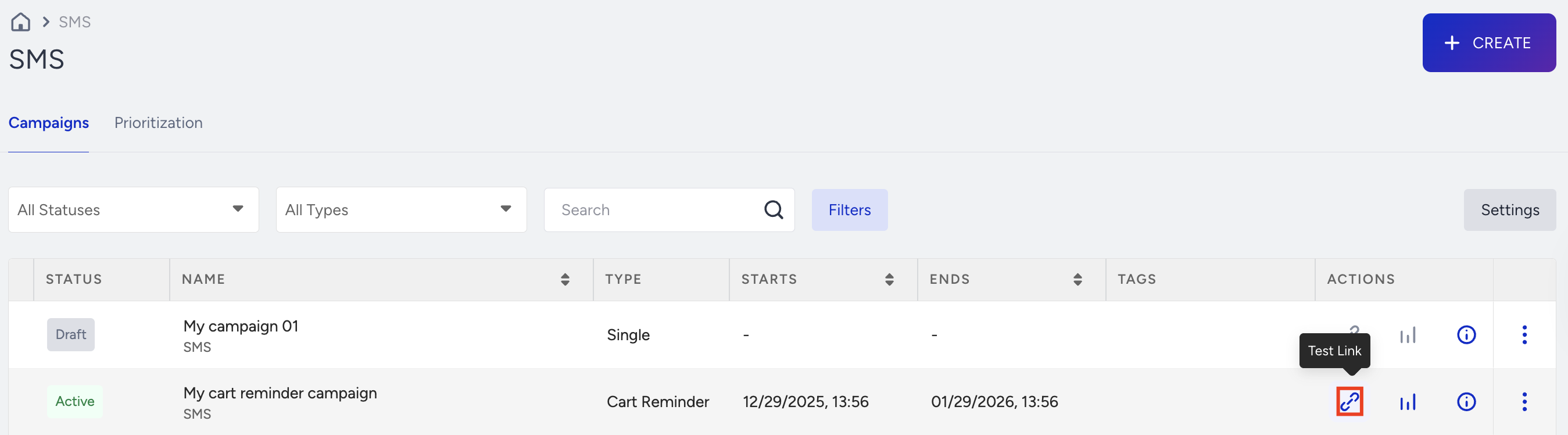
Refer to Test an SMS Campaign for further information.
See analytics of each campaign
You can click the See Analytics button against each campaign to see the campaign-level analytics.

See details of each campaign
Click the Details button against each campaign to see the personalization, segments, variations, and goals information.

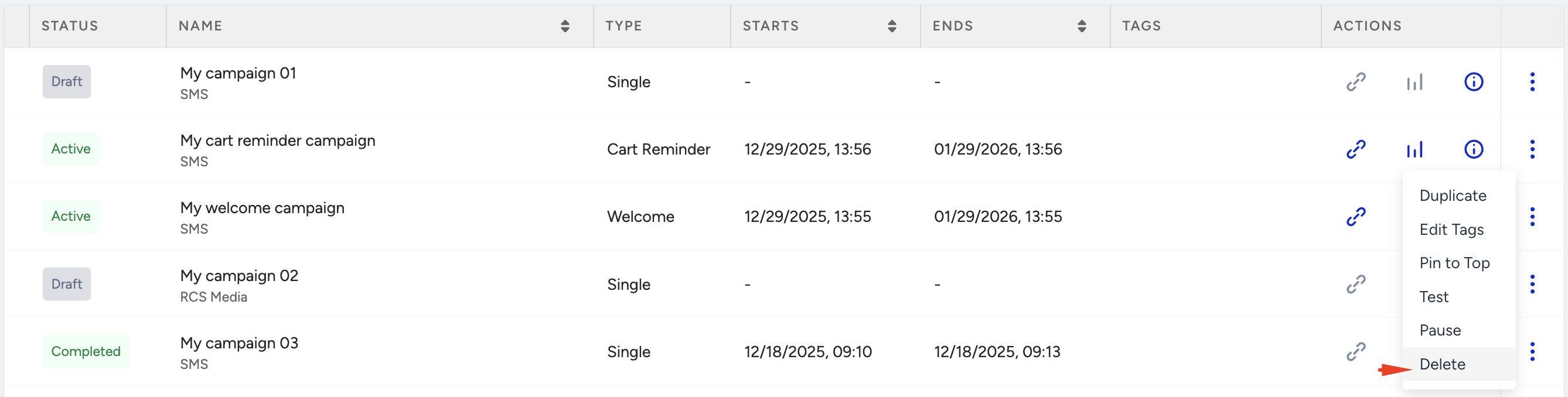
Duplicate campaigns
Under the menu, you can duplicate your campaigns and make a copy of them to edit them to create a similar campaign.

Edit tags
You can click the Edit Tags button against each campaign under the menu and add tags to your campaigns to categorize them.
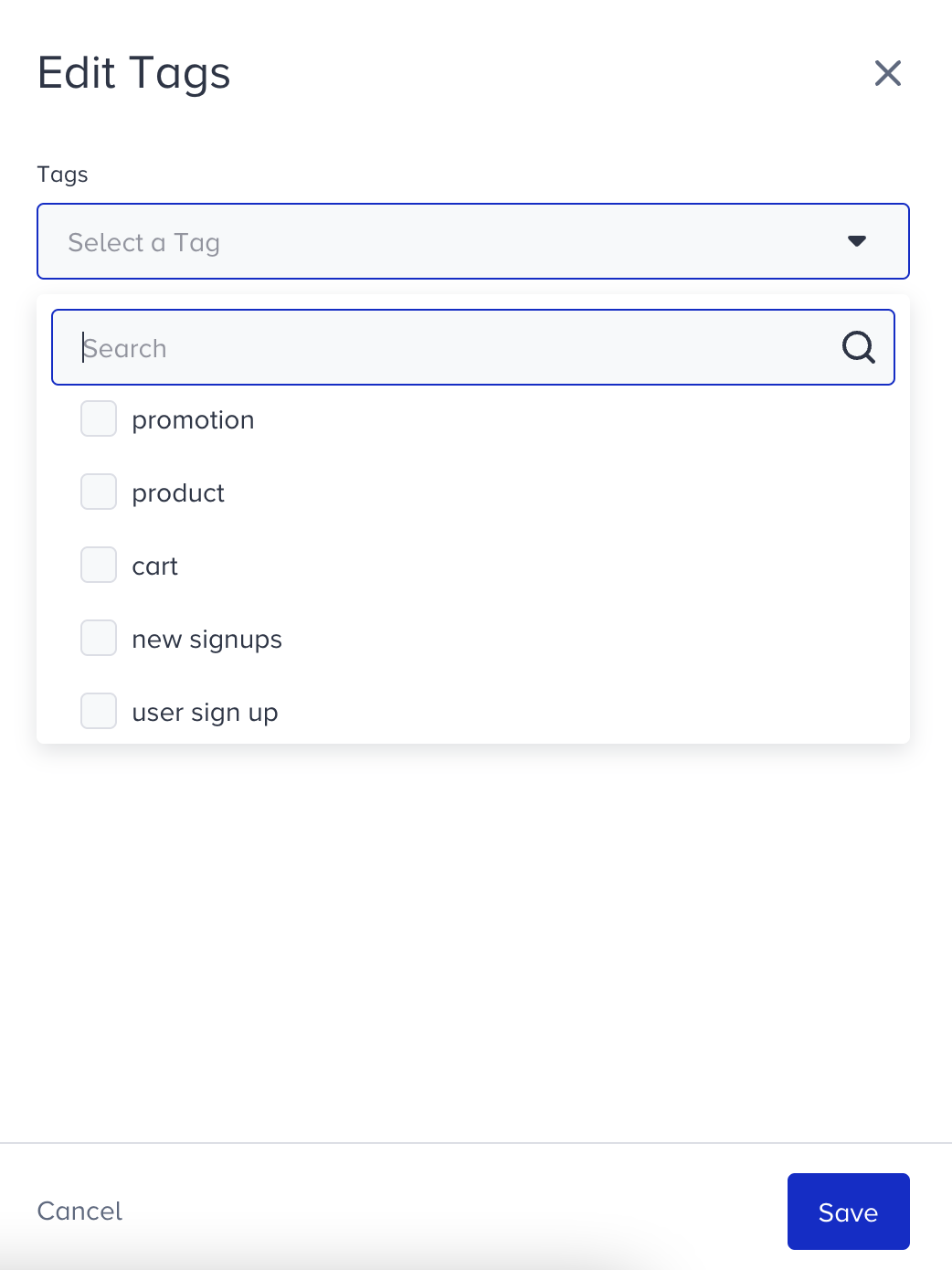
If the tag you wish to use does not exist in the list, start typing it, click + Create New Tag, and click Save.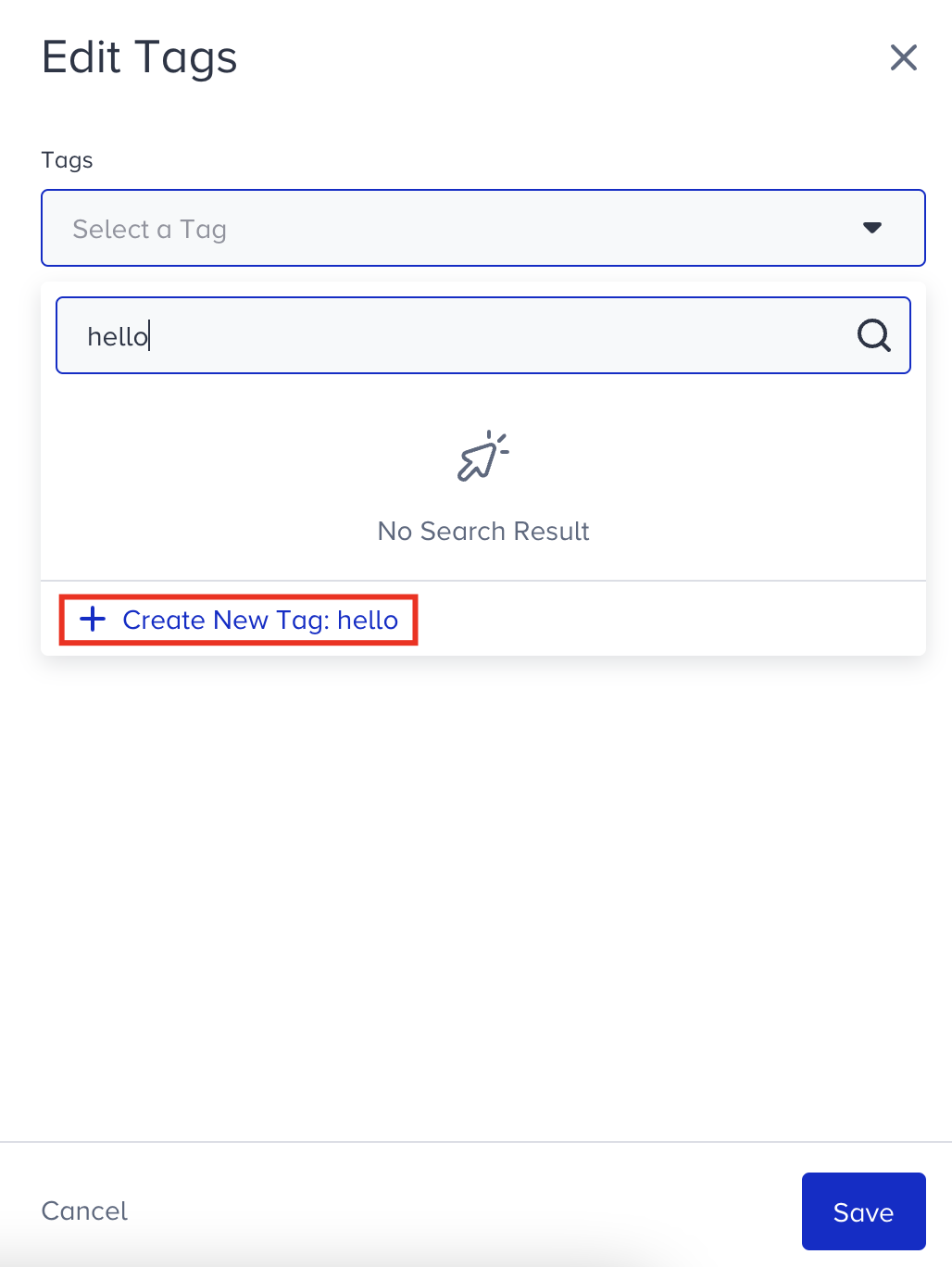
Pin/unpin campaigns
Under the menu, you can pin the campaigns that you want to reach easily to the top of the campaign list.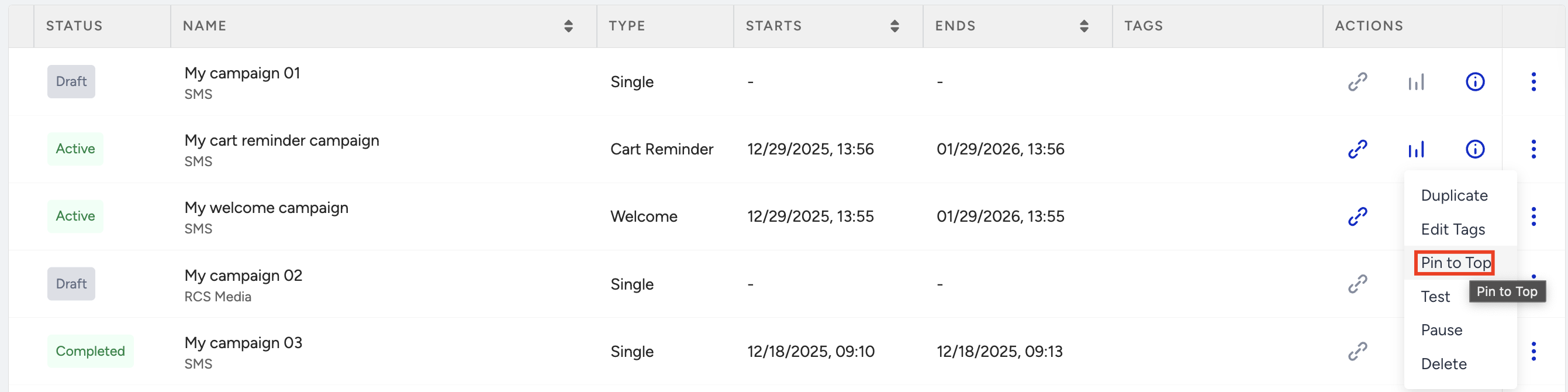
The pinned campaigns will be highlighted in a different color. You can unpin them if desired. 
Change activation statuses
Under the menu, you can change the activation status of your SMS campaigns. Depending on the status of your campaign, you can start, test, or pause an SMS campaign. 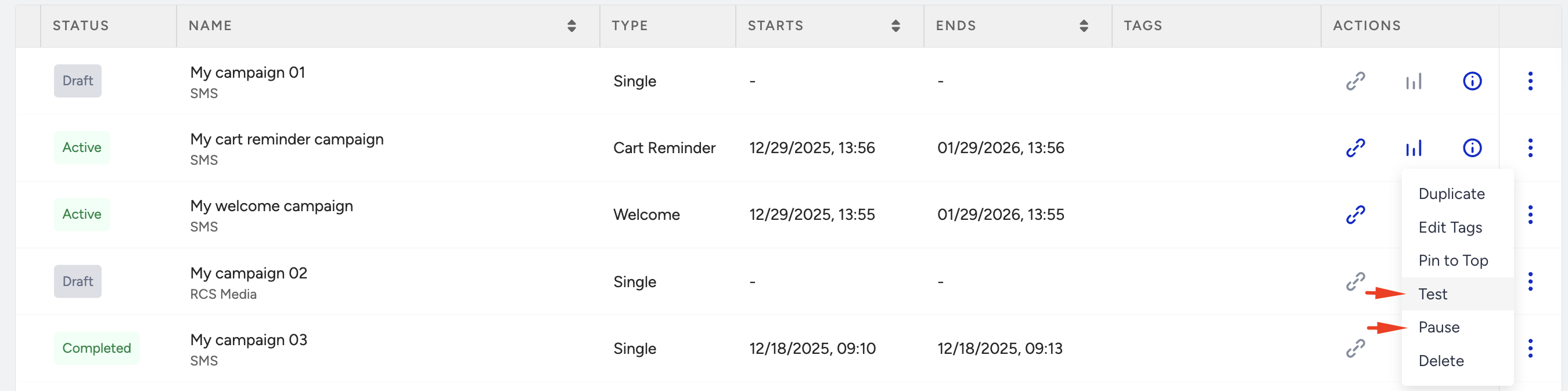
Delete campaigns
You can delete your campaigns with the Delete button against each campaign under the menu.