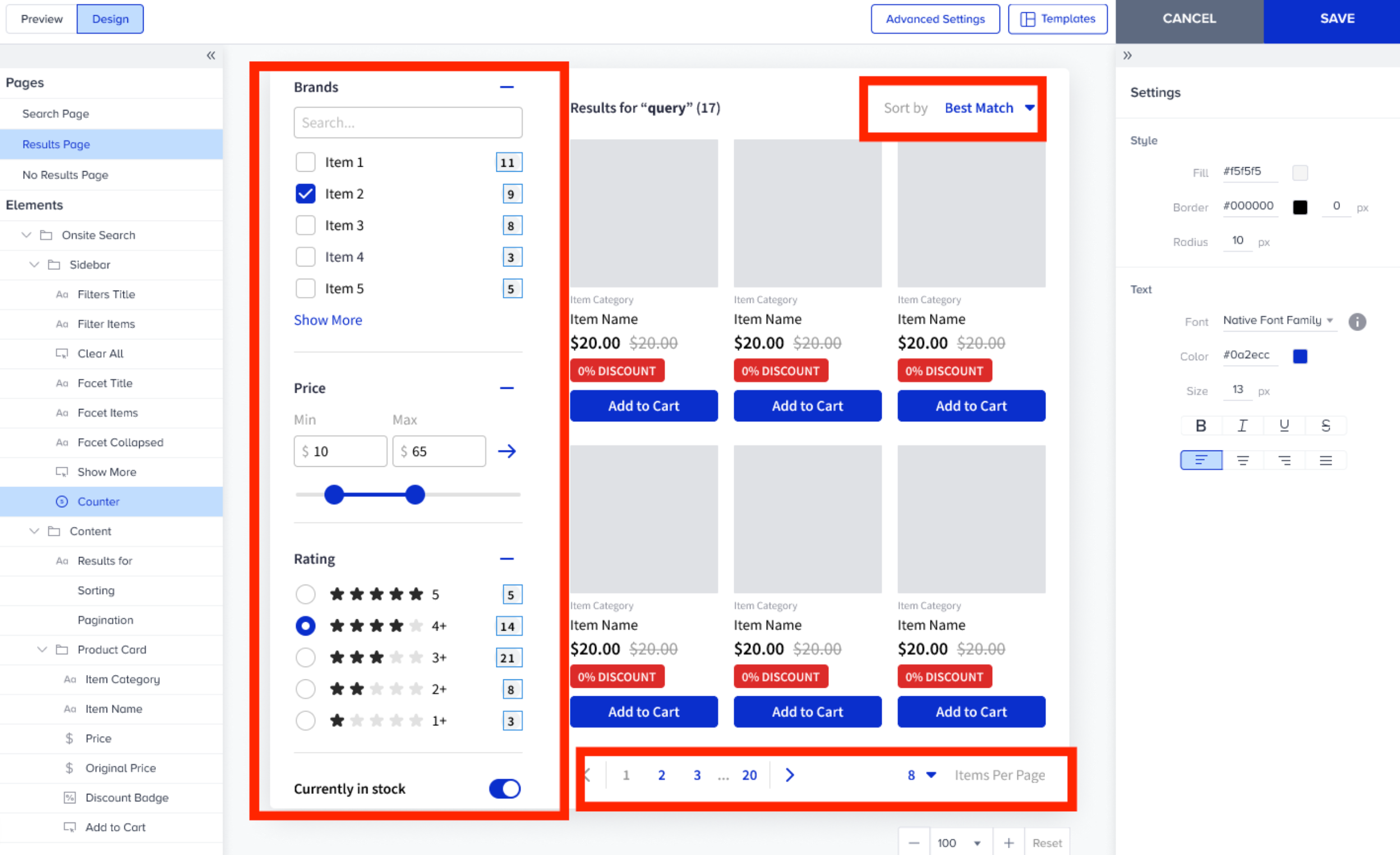
Eureka's faceted search helps you refine your search results using predefined facets. Each facet represents a list of product/content attribute values in search results, defined by a single product/content attribute. Facets represent aggregations of search results based on attribute values.
Faceting is similar to filtering, but facets are generated dynamically based on search results, while filters are static lists usually fixed on websites or store pages.
Eureka enables you to define your facets, select their styles, and sort them as needed. The available facet types for attributes are:
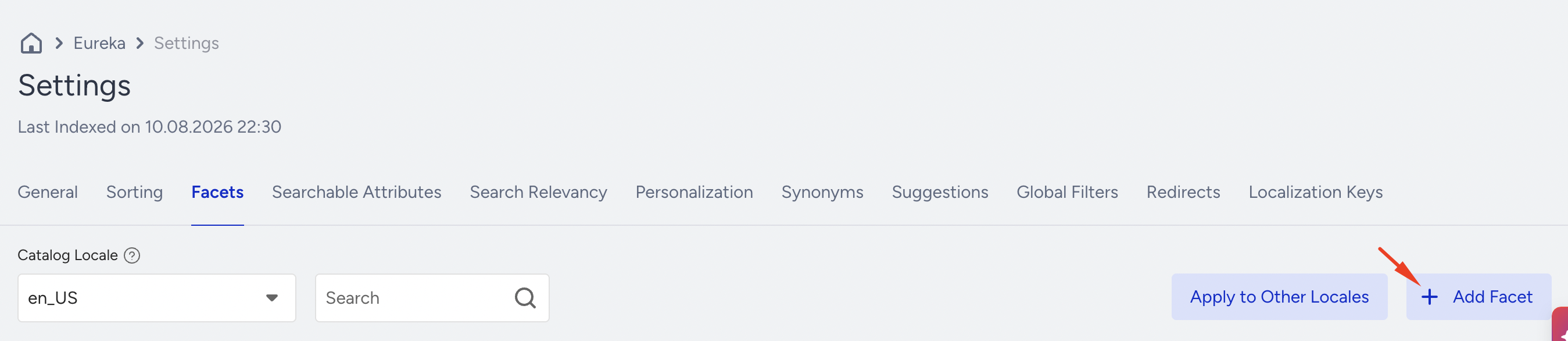
To customize your search facet, navigate to Eureka > Settings > Facets.
Click the Add Facet button on the Eureka listing page to create a facet.
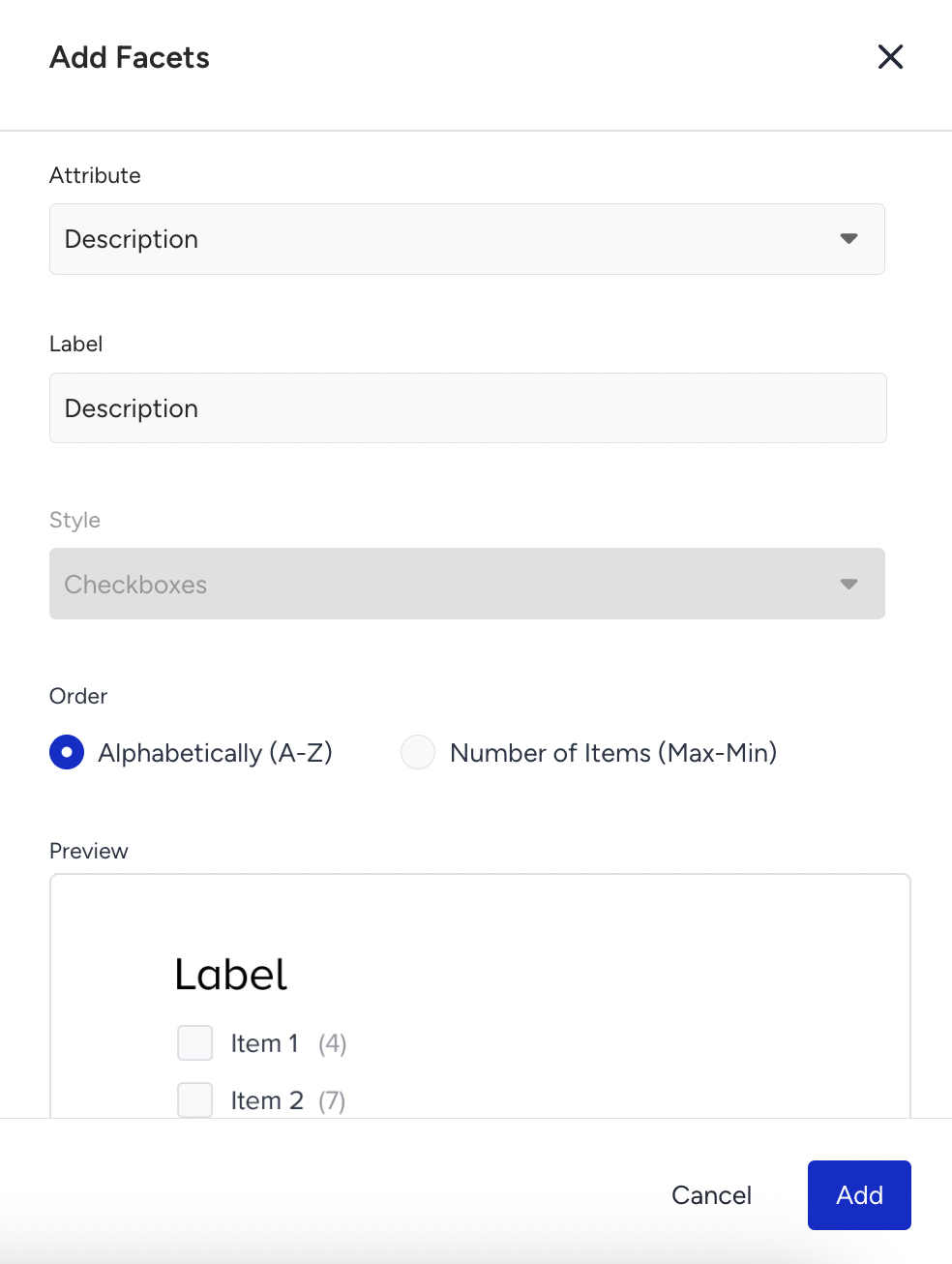
On the drawer menu, select:
Product attribute that you want to enable as a facet
Label of the facet that you want to display on your page
Faceting style that you want to display. Eureka provides you with a set of predefined facet styles depending on the product attribute (rating, price, category) or depending on the type of the product attribute (number, text, boolean)
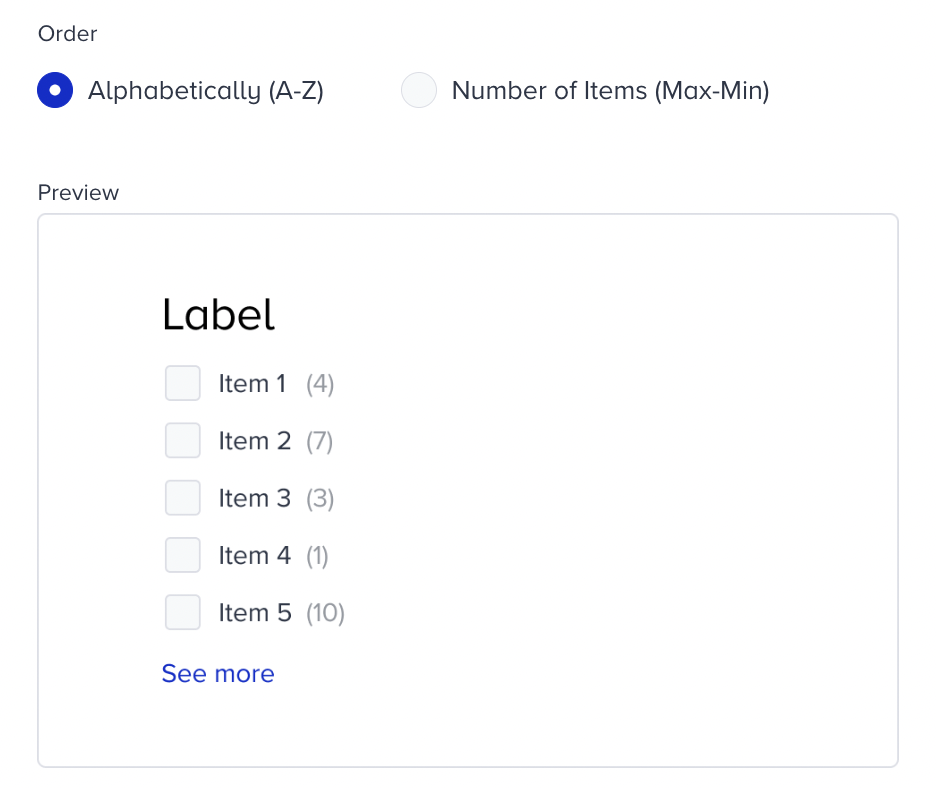
You can see below the available facet types for attributes:
Category Attribute
Available faceting style: List
Possible options: Alphabetical or number of items
Price or Original Price Attribute
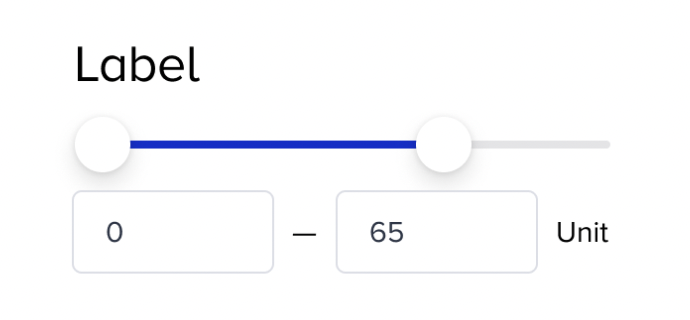
Available faceting style: Slider
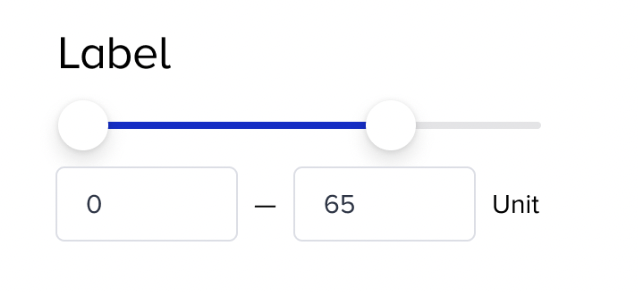
Available faceting style: Range options
Possible options: High to Low - Low to High
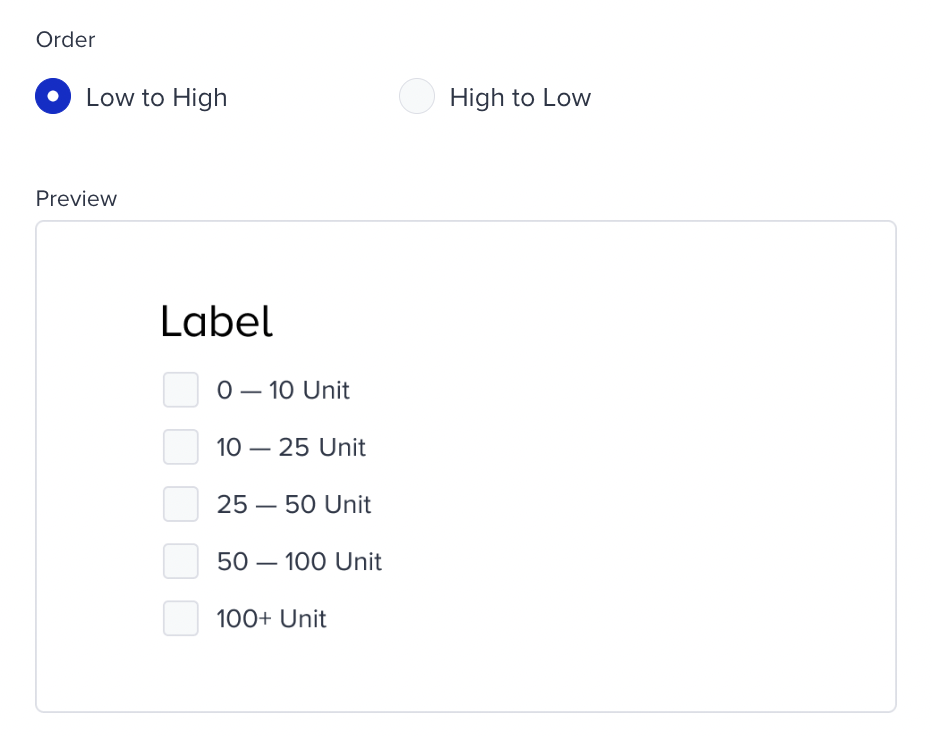
Rating Type Attribute
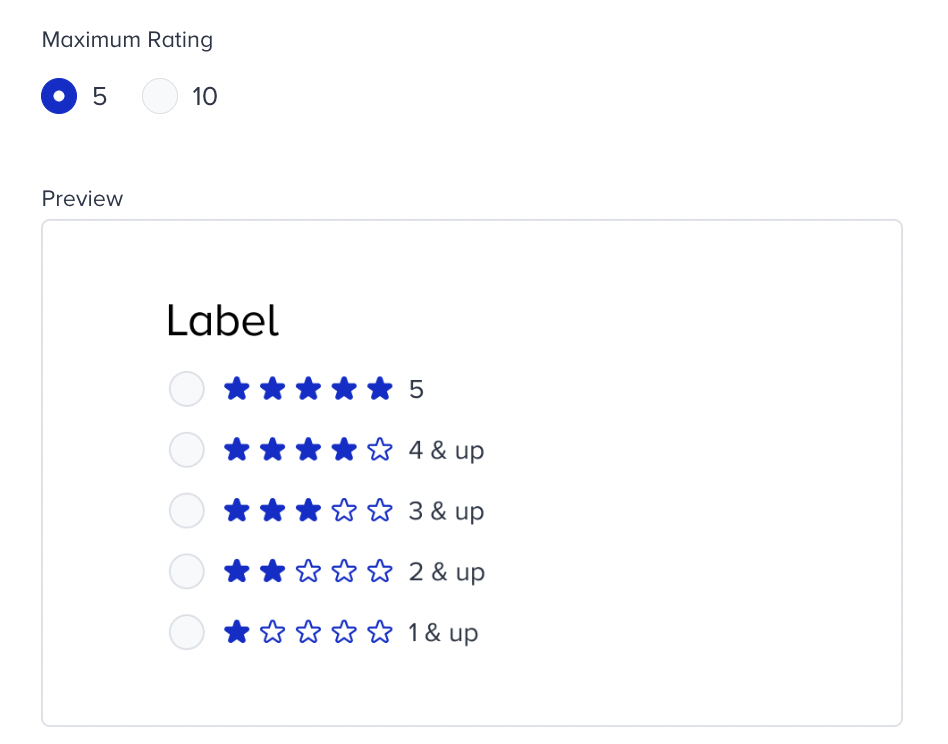
Available faceting style: Rating view
Possible options: Maximum Rating of 5 or 10
Number Type Attribute
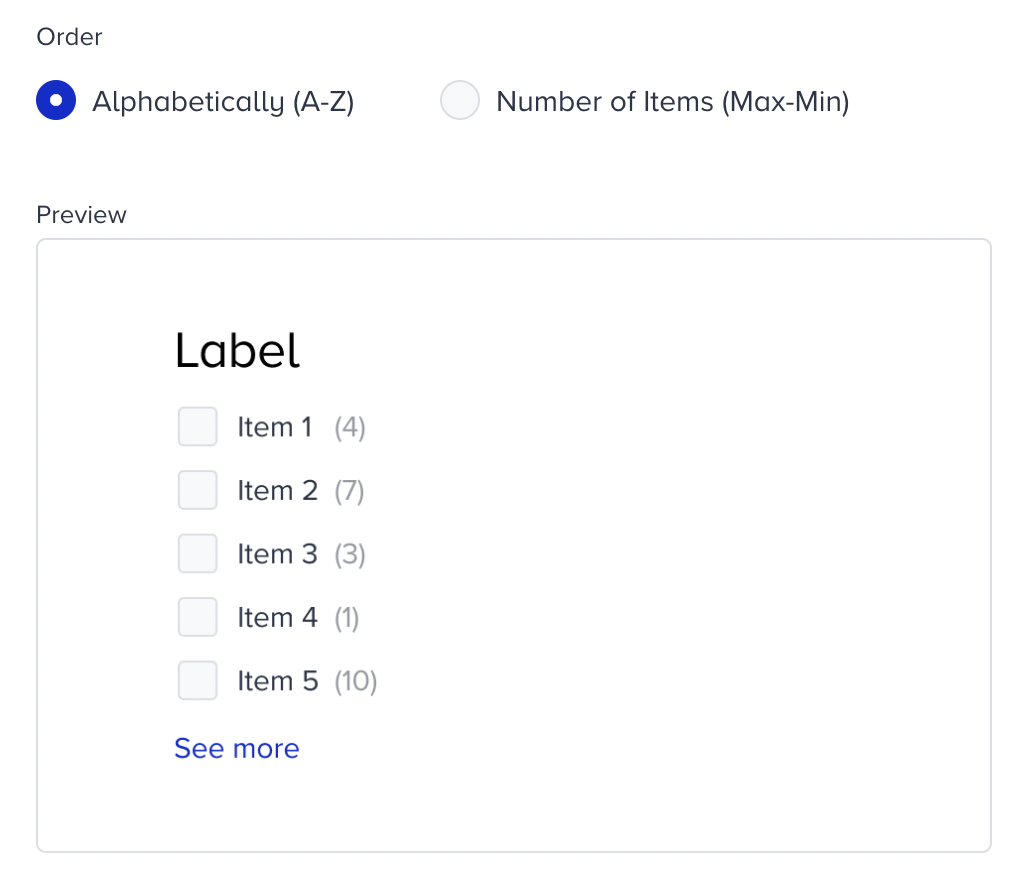
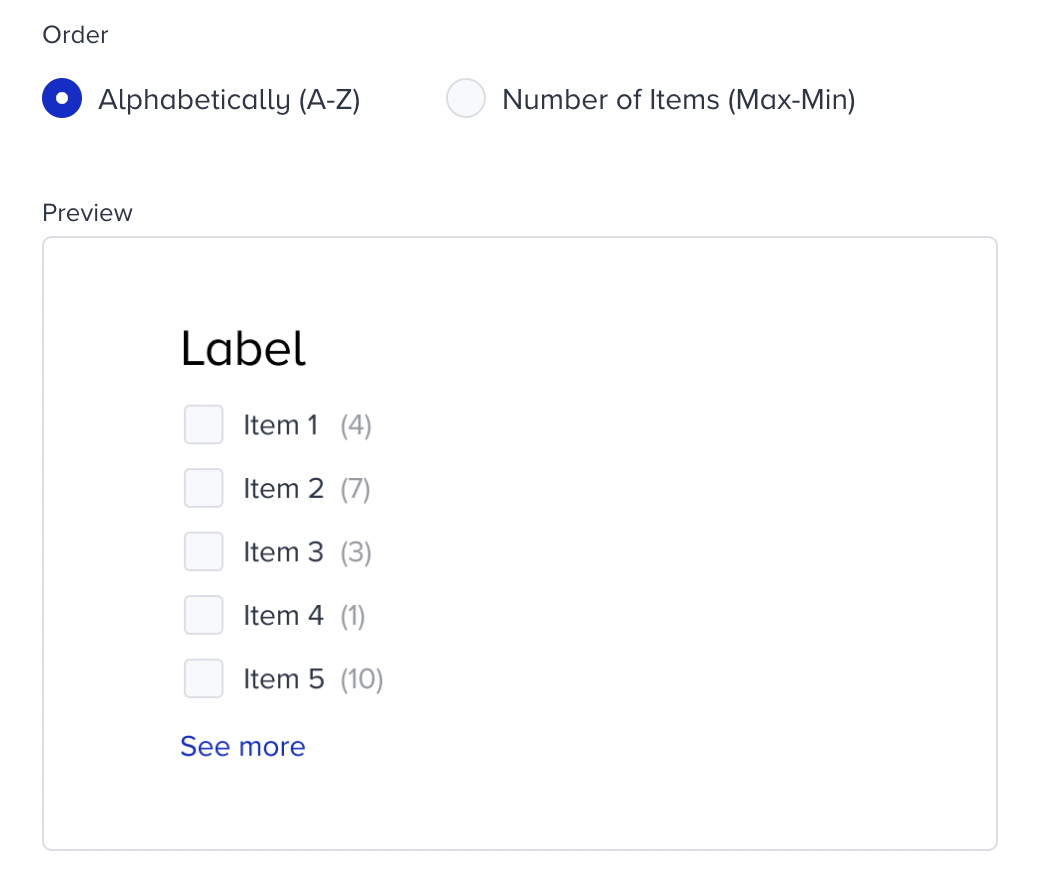
Available faceting style: Checkboxes
Possible options: Alphabetical or Number of Items
Available faceting style: Range options
Possible options: High to Low - Low to High
.png)
Available faceting style: Slider
Text Type Attribute
Available faceting style: Checkboxes
Possible options: Alphabetical or Number of Items
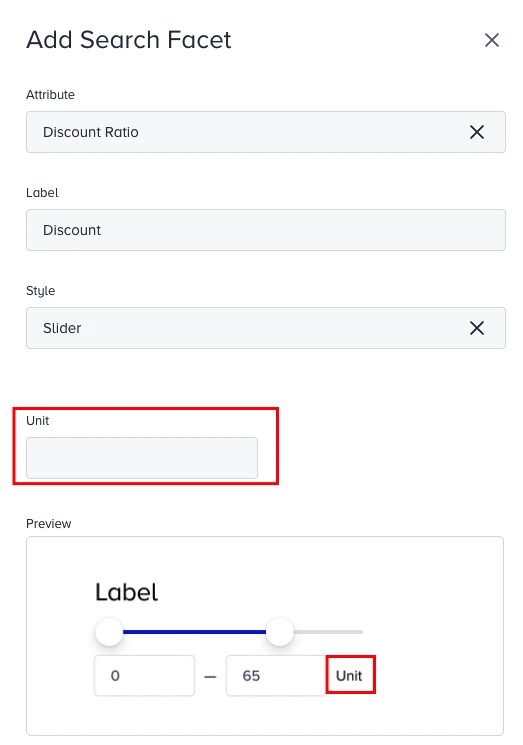
When you select the slider or range options, Eureka lets you specify a unit for number-type attributes. 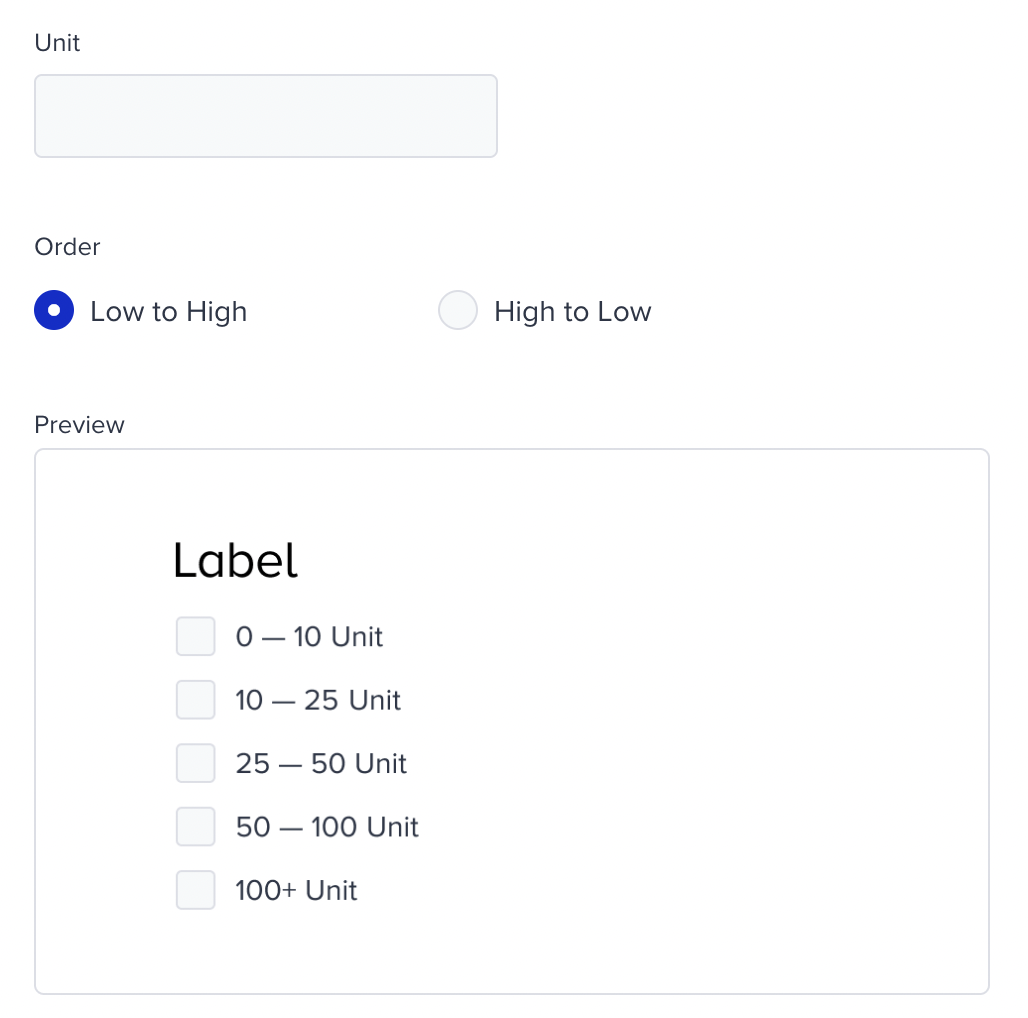
When Slider or Range options are selected, Eureka lets you specify a unit for number-type attributes.
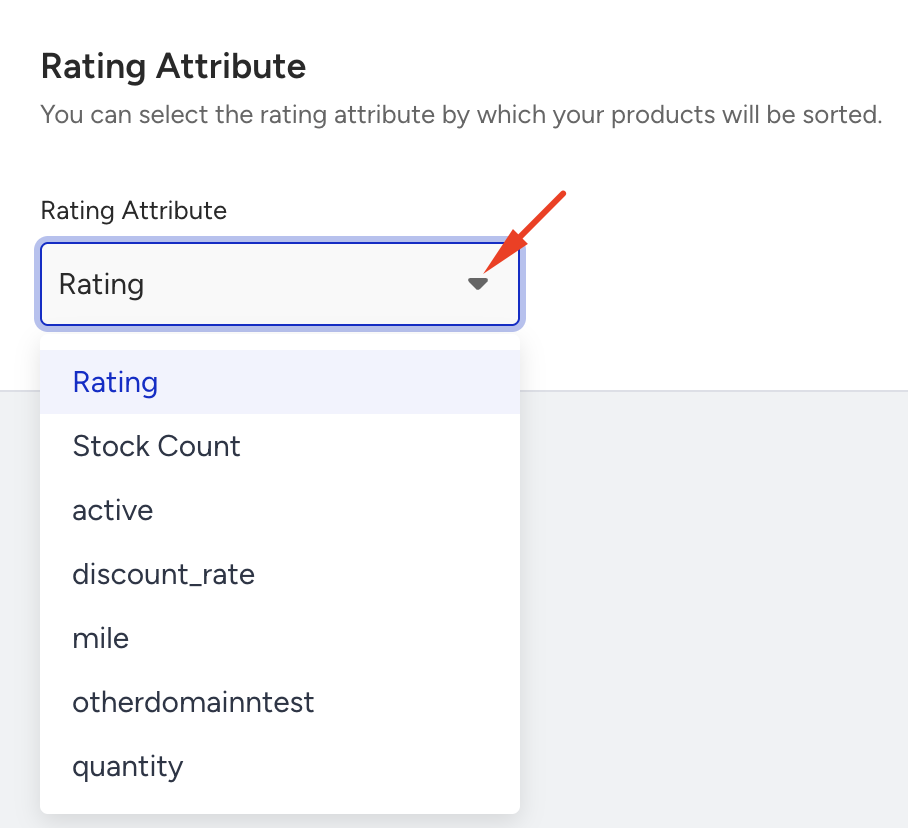
Before creating a rating facet, you must select a Rating Attribute. To configure which attribute is used as the rating attribute, go to Settings > General.
Faceting Operations
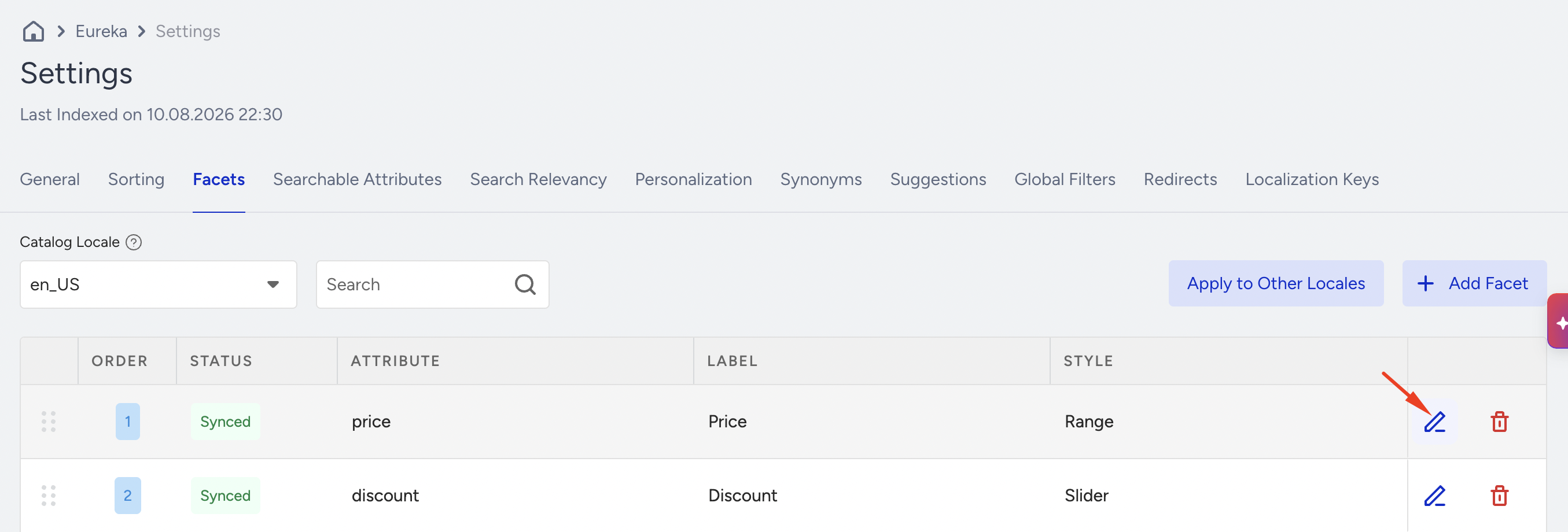
Eureka enables you to search, edit, delete, or sort facets through the Facets listing page.
The enabled facets, along with their respective facet properties, are displayed in the On-site Search pop-up for the experienced designer.