Using the built-in Insider One integration in Emailify, you can export your HTML emails from Figma and upload them directly to Insider One as campaign-ready content or reusable templates.
This integration removes the need for manual HTML export and re-upload steps, helping you move faster from design to execution.
Step 1: Generate your Insider One API key
To connect Emailify with Insider One, you need to generate an API key from your Insider One account.
To generate an API key,
Navigate to InOne > your username > Settings > InOne Settings > Integration Settings.

Scroll to the API Keys section to click the Generate API Key button.

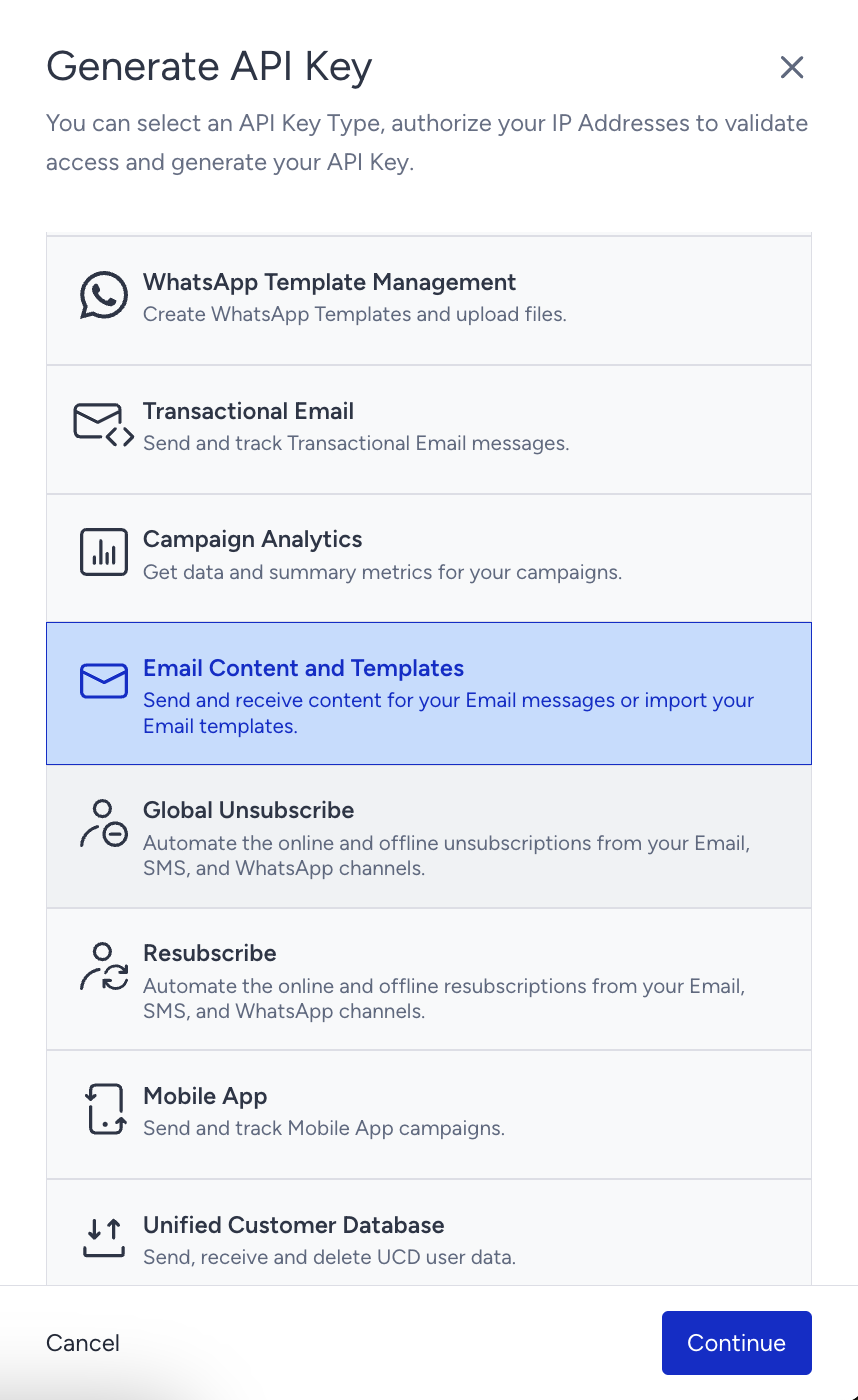
Select the Email Content and Templates as your API Key type from the list to upload to a Campaign or to the Template library, and click Continue.
Click Authorize and Generate.
Your API key has been generated. Click Copy to copy your API key.
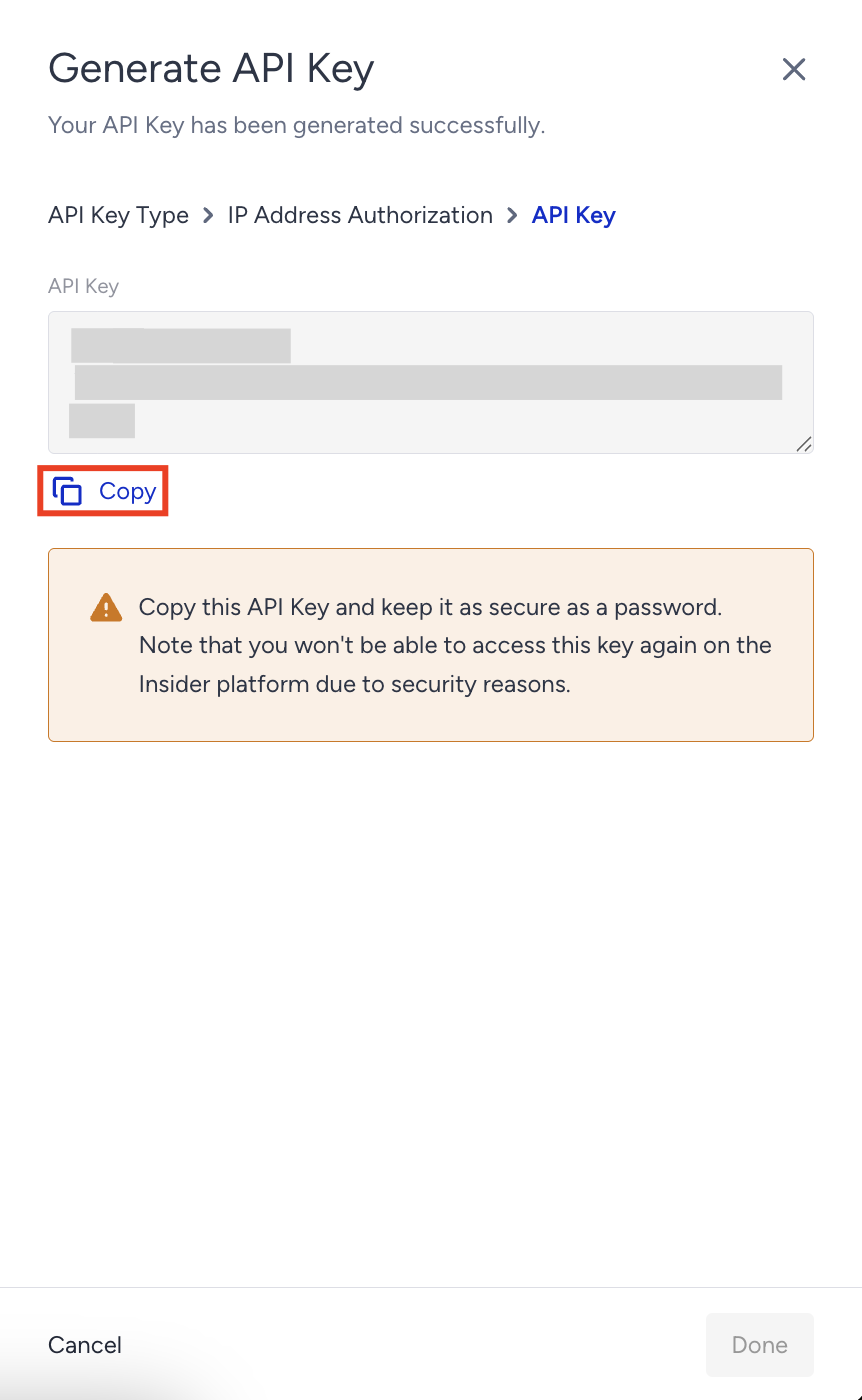
Click Done.
Step 2: Upload your emails using Emailify
You should have an active Emailify Pro subscription and access to the Emailify Figma plugin.
To upload your emails to Insider One,
Open the Emailify plugin in Figma and select the email frames you want to export.
In the export panel, select Insider One from the platform dropdown.
In the Destination dropdown, choose either Campaign or Template.
Paste your Insider One API key into the Insider One API Key field.
Click Upload to Insider to begin the export.
Once the upload is complete:
Your campaign uploads will appear under the Email Campaigns Page.
Your template uploads will appear under Email Template Library.
Please verify that the navigation path InOne > your username > InOne Settings > Integration Settings matches what is currently live in InOne before publishing.