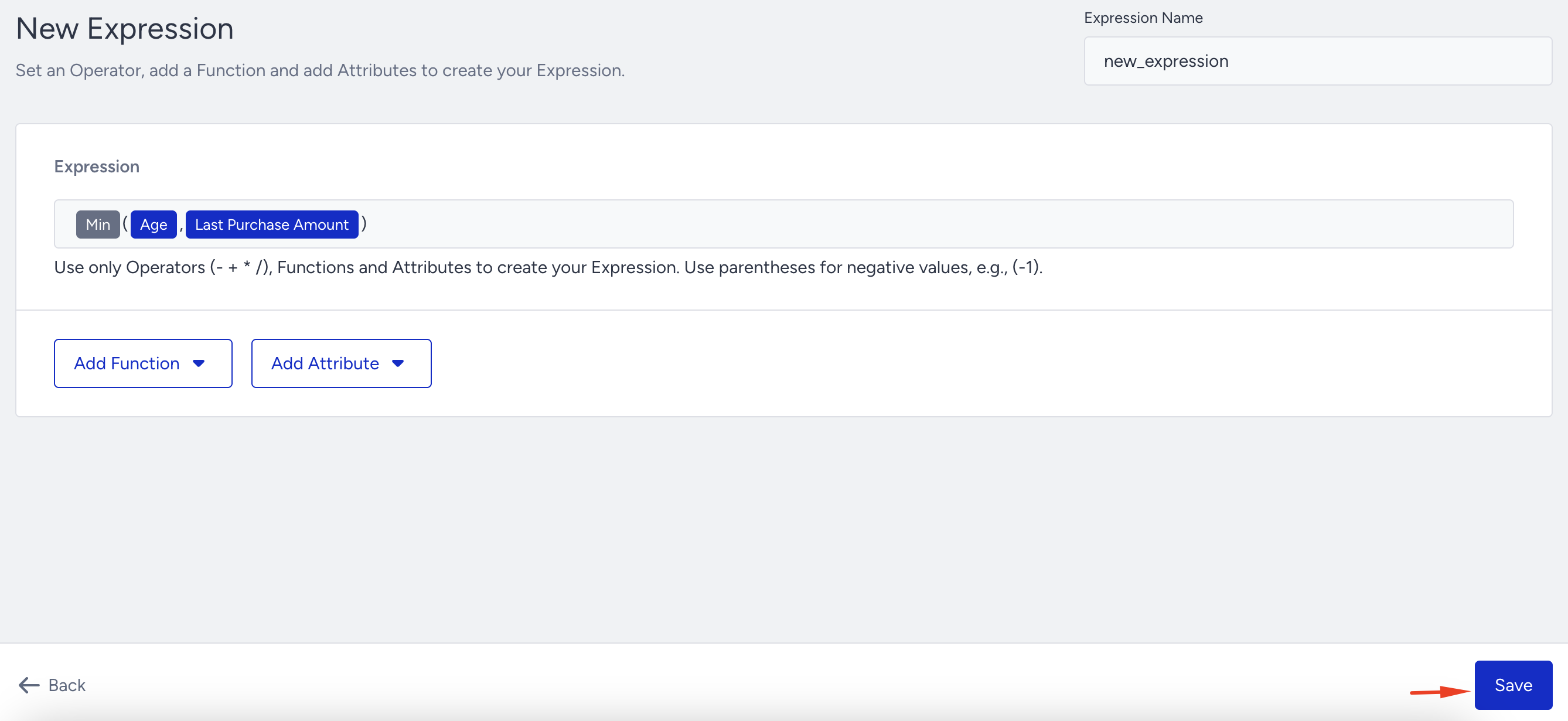
You define an expression using existing attributes as inputs and a formula as the transformation. Insider One evaluates the formula and writes the result back to the user profile as a calculated attribute. From then on, the calculated attribute behaves like any other attribute in the platform.
To create a new expression:
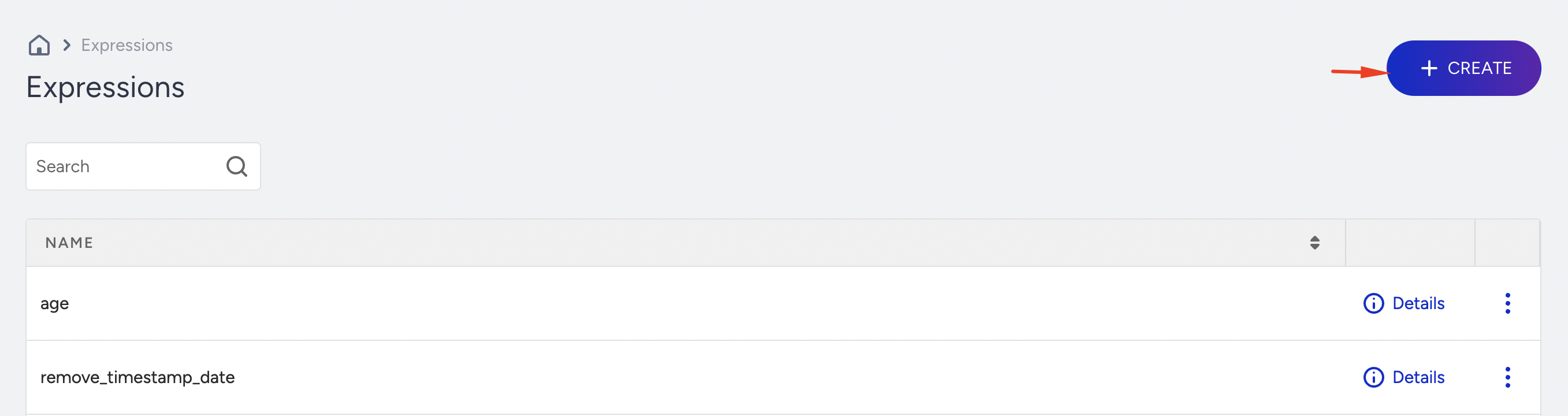
Navigate to Components > Attributes and Events > Expressions.
Click the Create button to define a new expression.
Construct your formula using the available elements.
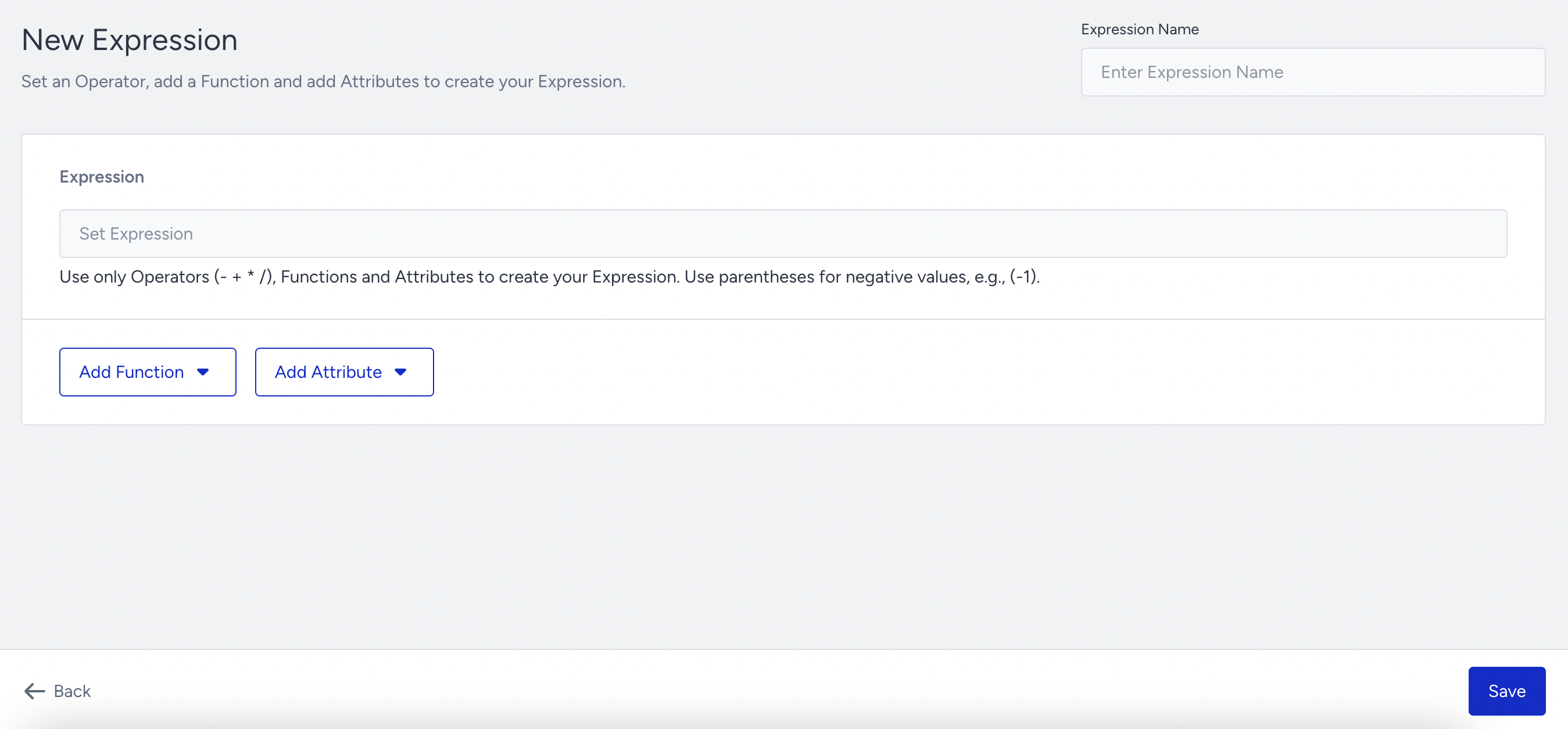
Expressions consist of three main components:
Attributes
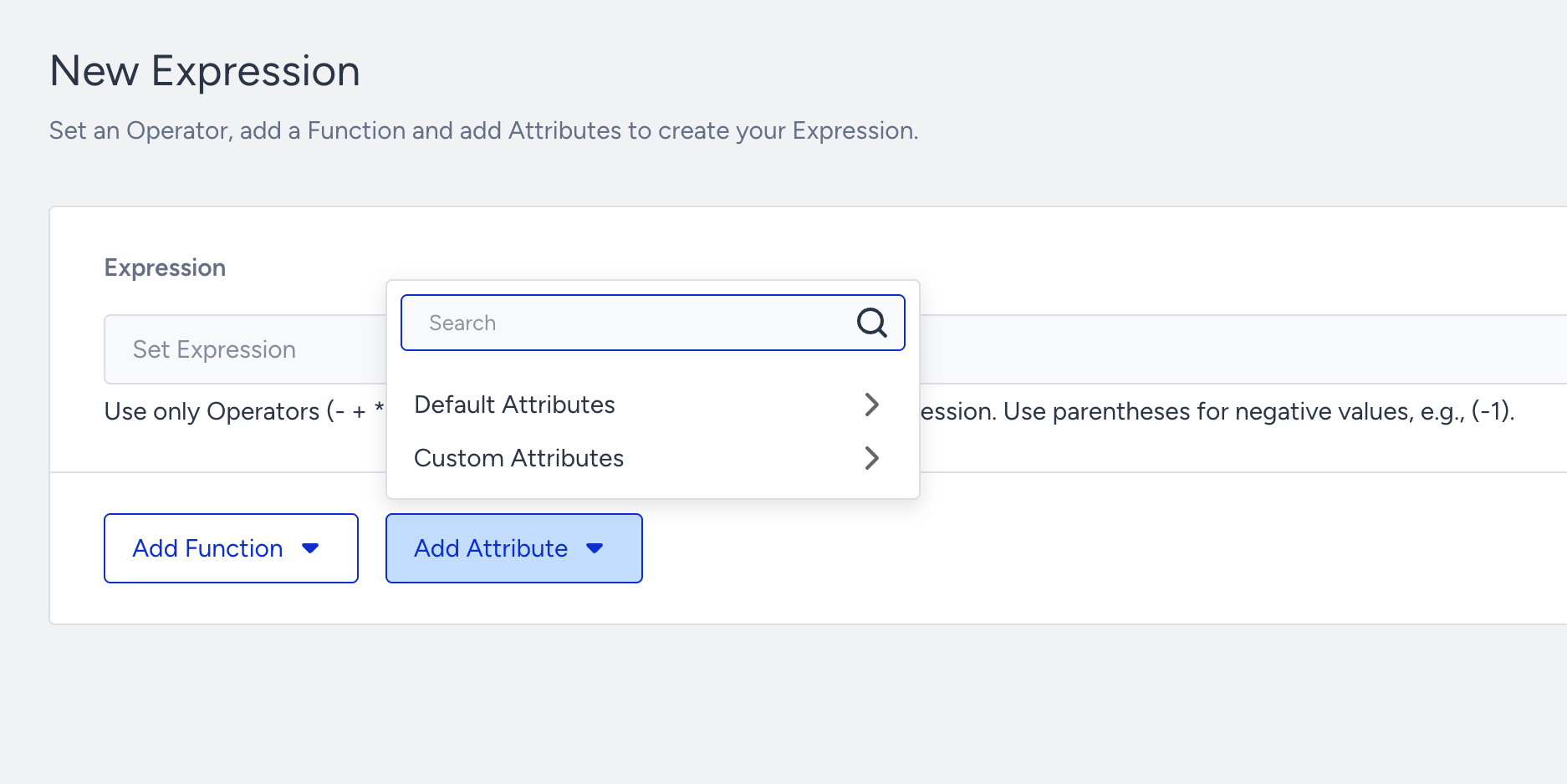
Attributes serve as the input values used within your expression. These may include:
Default Attributes: System-defined attributes available, such as age or creation date.
Custom Attributes: User-defined attributes created in the Insider One’s InOne panel to meet specific business needs.
Functions
Functions operate on attribute values and return calculated results based on the defined logic. These are grouped into several categories. Currently, functions are applicable to attributes with the following data types: number, string, and date & time.
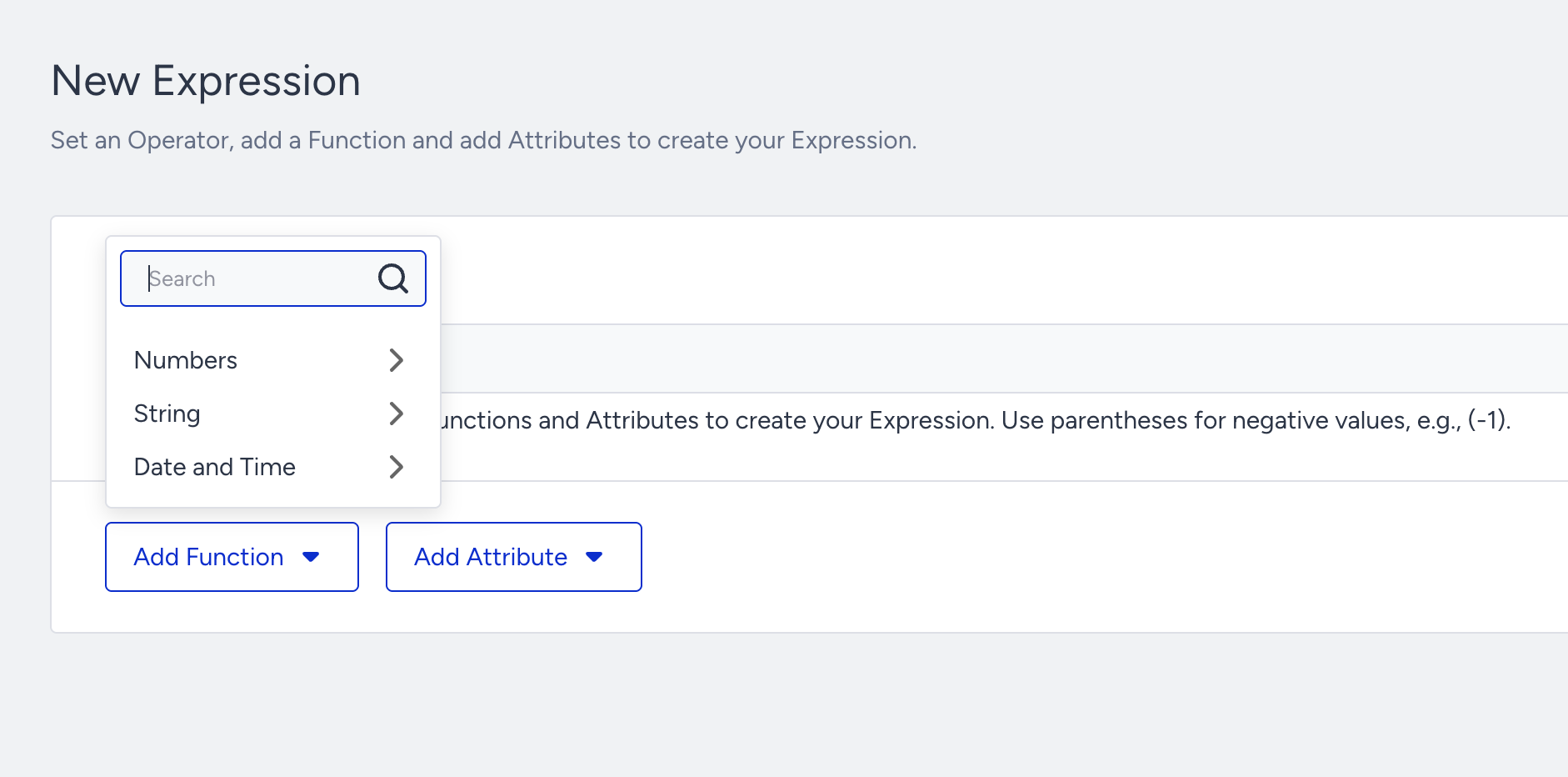
Function | Data Type | Description |
|---|---|---|
Max(A, B) | Numbers | Returns the greater of the two input values |
Min(A, B) | Numbers | Returns the lesser of the two input values |
Ceil(A, B) | Numbers | Rounds the value upward to the nearest integer, such as ceil(1.4) = 2 |
Floor(A) | Numbers | Rounds the value downward to the nearest integer, such as floor(1.9) = 1 |
Round(A) | Numbers | Rounds the value mathematically to the nearest whole number, such as round(1.5) = 2 |
Abs(A) | Numbers | Returns the absolute value of A, removing any negative sign |
Avg(A, B, ...) | Numbers | Calculates the average of input values |
Length(A) | String | Returns the number of characters in a string or values in a list |
Left(A, N) | String | Returns the first N characters from the beginning of the string |
Right(A, N) | String | Returns the last N characters from the end of the string |
Lower(A) | String | Converts all characters in the string to lowercase |
Upper(A) | String | Converts all characters in the string to uppercase |
Concat(A, B) | String | Joins two or more strings into a single string. For more than two values, nest the function, such as concat(concat(A, B), C) |
Trim(A) | String | Removes leading and trailing spaces from a string |
Year(A) | Date and Time | Extracts the year from a datetime attribute |
Quarter(A) | Date and Time | Returns the quarter of the year from a datetime value |
Month(A) | Date and Time | Returns the month number from a datetime |
Day of Month(A) | Date and Time | Extracts the day from a date |
Hour(A) | Date and Time | Extracts the hour from a timestamp |
Minute(A) | Date and Time | Extracts the minute |
Second(A) | Date and Time | Extracts the second |
Date Difference(A, B) | Date and Time | Returns the difference between two dates |
Now() | Date and Time | Returns the current timestamp |
Format DateTime(A, format) | Date and Time | Formats a datetime attribute according to the specified format |
To Timezone(A, tz) | Date and Time | Converts a timestamp to the specified timezone |
Operators
Use basic arithmetic operators (+, -, *, /) along with attributes and functions to construct your expression. You need to type the operators manually using your keyboard. You also need to use parentheses for order of operations or to define negative numbers, such as (-1).
You can write the formula in two different ways:
Manually type the formula.
Click the attribute boxes and choose the default or custom attribute.
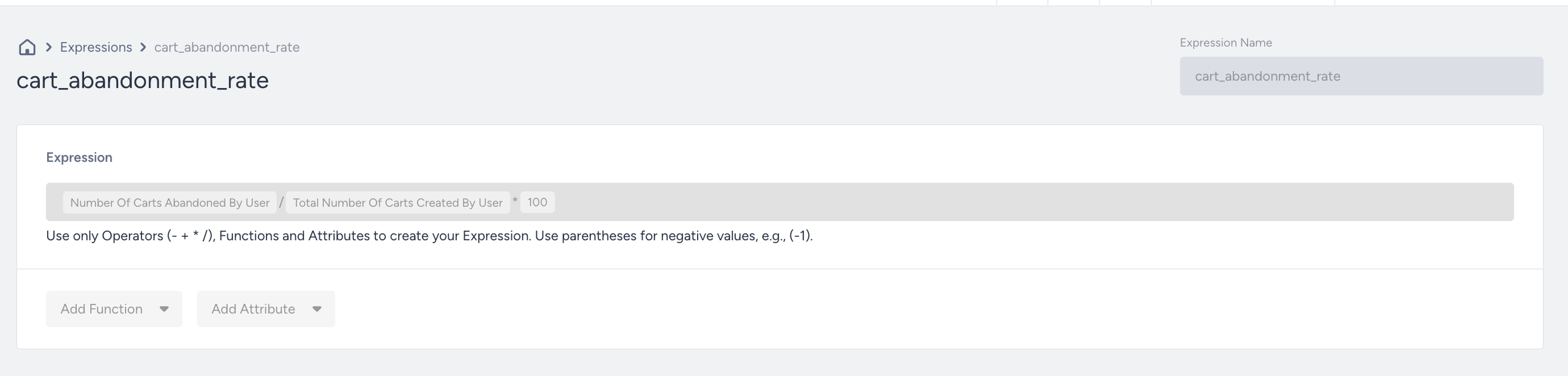
Once your expression is ready, click the Save button. The expression will appear on the Expression listing page and will be applied across all relevant profiles.