When designing your Web Push notification, you can choose from three icon options to visually enrich your message:
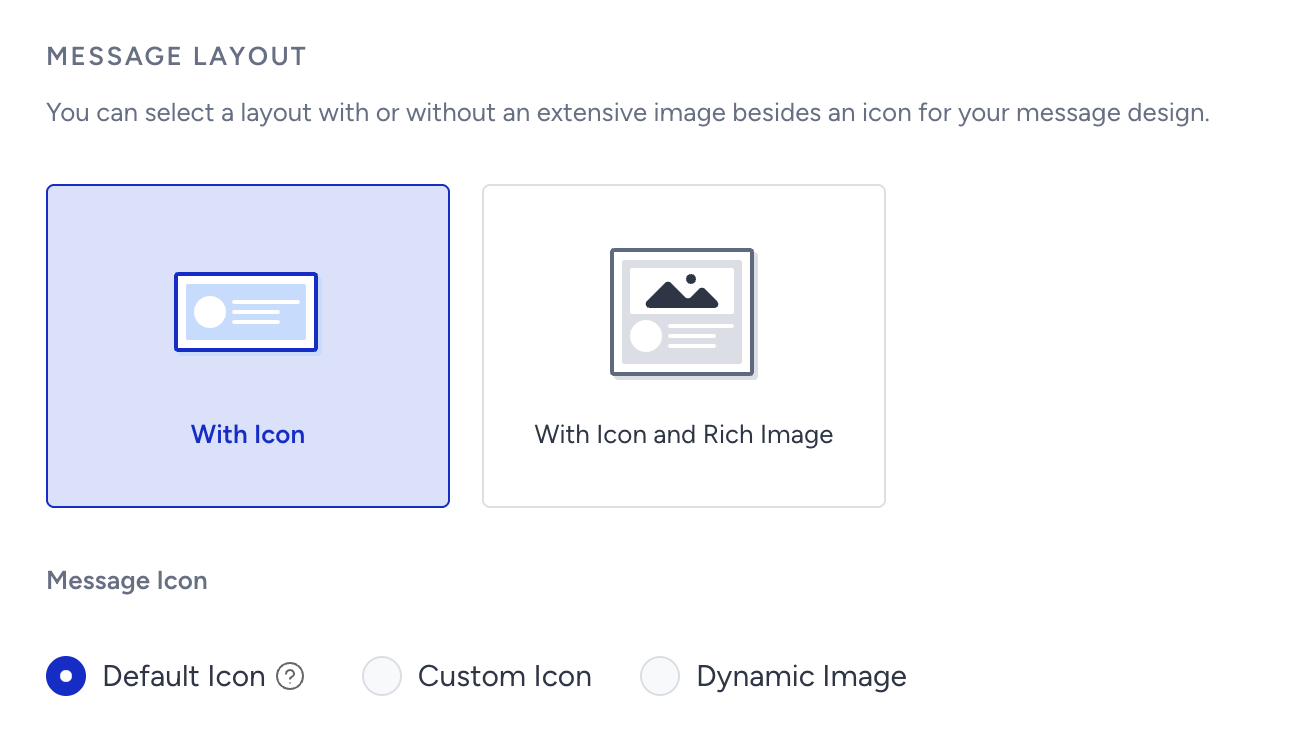
Default Icon
Uses the icon configured in the Settings page of your InOne panel. This is applied automatically if no other icon is selected.
Custom Icon
Upload a specific image from your computer to personalize the notification.
Dynamic Image
Fetches an image using a URL, commonly used to display the last viewed product or a product left in the cart.
When using a Dynamic Image, it’s important to define a fallback image. This ensures the Web Push notification still displays properly if the dynamic image URL is empty or unavailable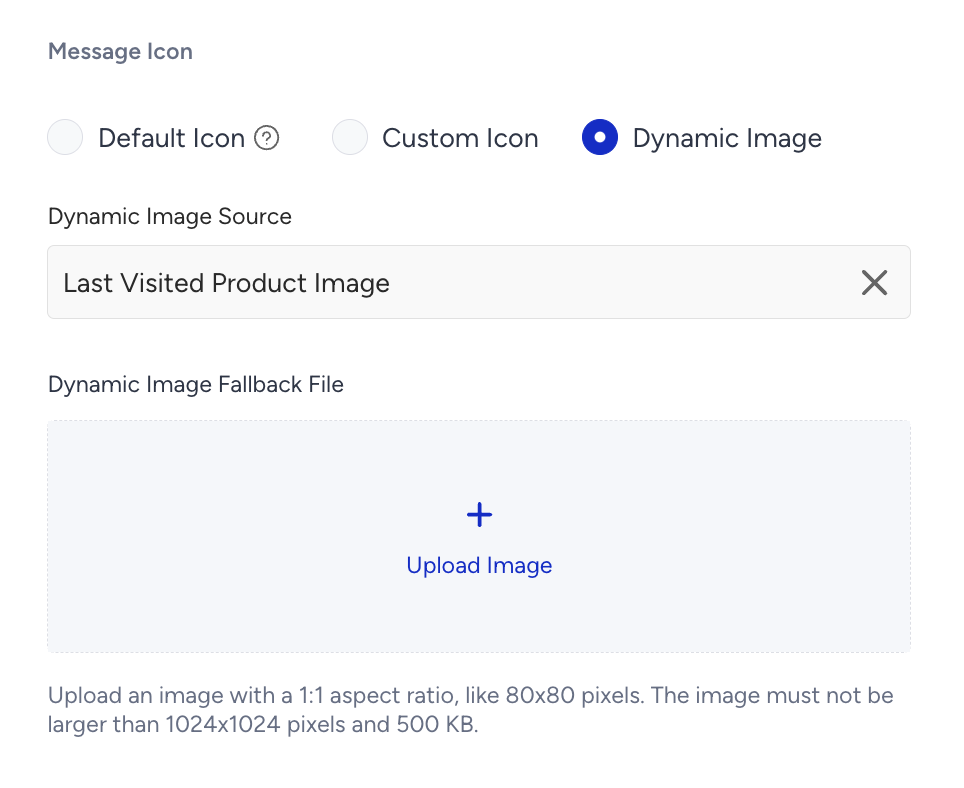
Image Guidelines
Recommended resolution is 80×80 pixels.
The maximum size is less than 500 KB.
If the dynamic image fails to load, the fallback image will automatically be displayed instead.