Live agents can record and send voice messages in live conversations on the WhatsApp channel. This enables agents to respond by voice when a message would be easier to explain verbally. Customers receive the message as a native WhatsApp voice note rather than an audio file attachment.
Voice messages are currently available only on WhatsApp. The microphone button is not displayed for live conversations on other channels.
Voice messages can be useful when you want to:
Explain multi-step instructions that would otherwise require a long text response.
Provide additional context in conversations where tone is important.
Respond quickly without leaving out important details.
Requirements
Your browser must have permission to access your microphone. If microphone access is blocked, the No Microphone Access dialog appears when you try to record a voice message.
Record and send a voice message
Open an assigned WhatsApp conversation in the Agent panel.
Select the microphone icon that reads “Record audio” in the message input field.
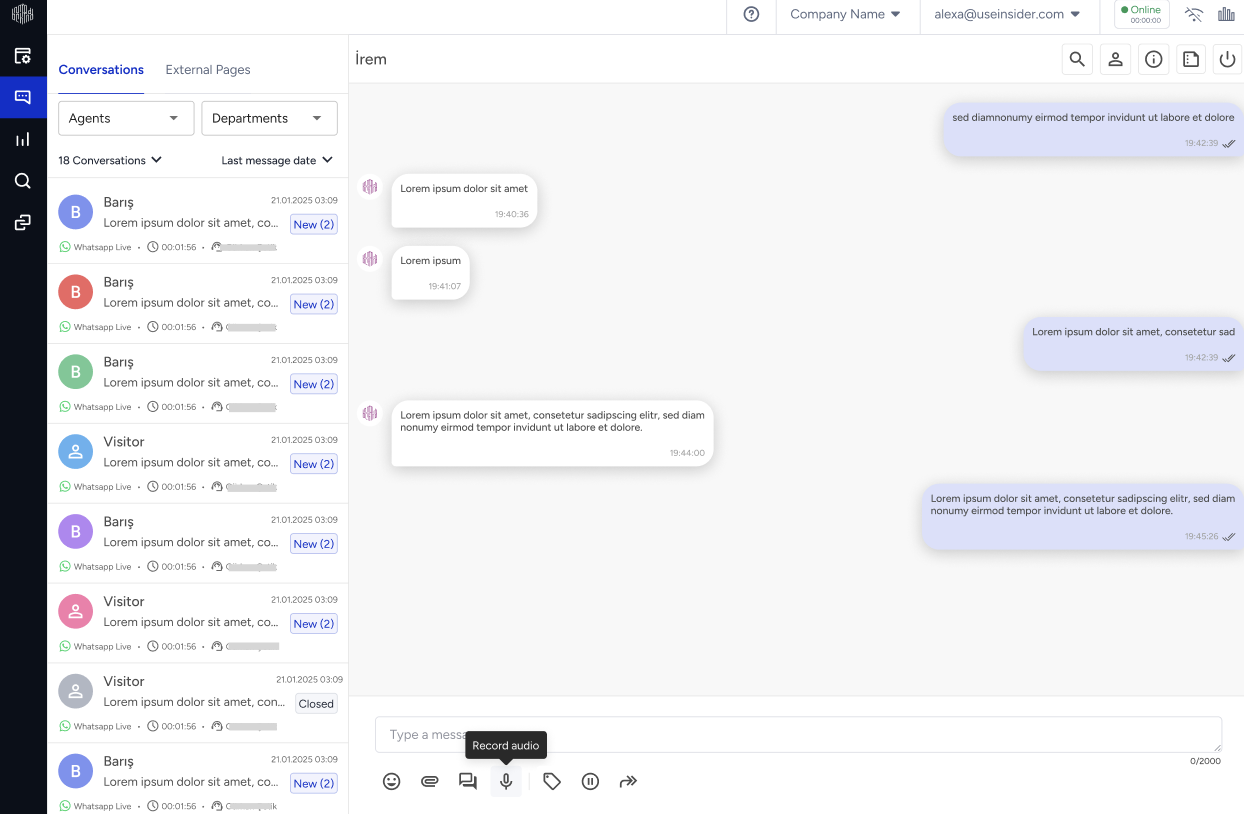
The recording starts, and a live timer and waveform indicate that audio is being captured.
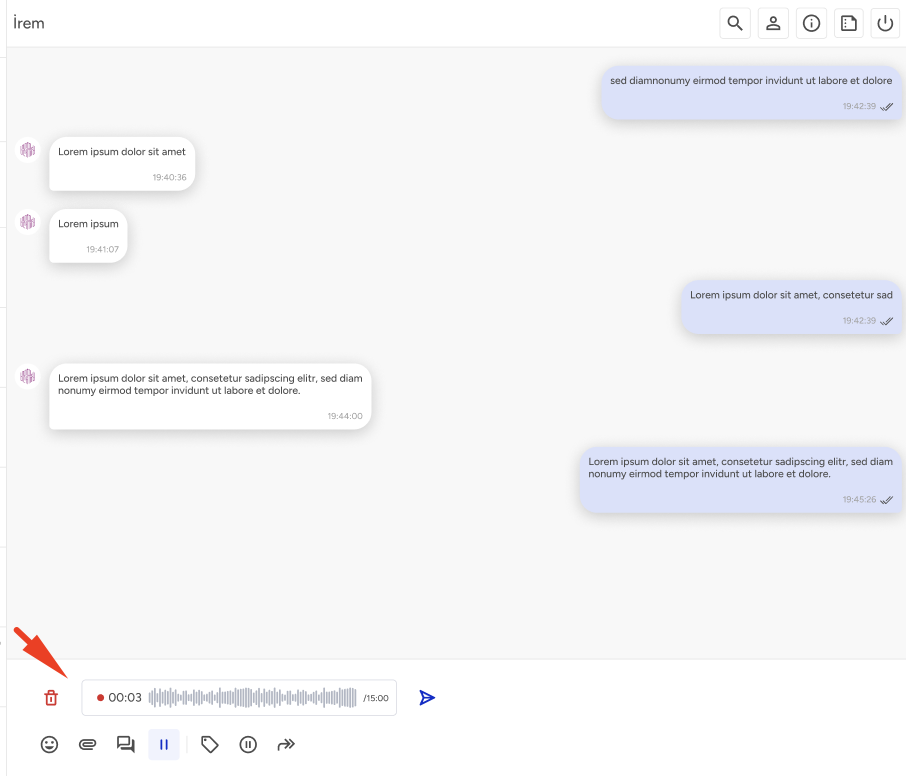
While recording, you can:
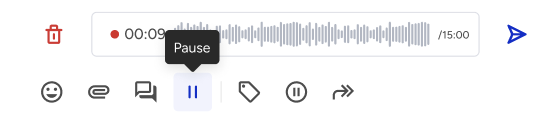
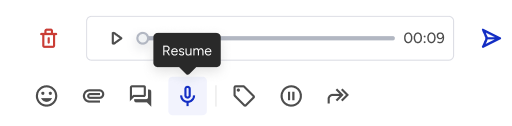
Pause and resume the recording at any time.
Select Cancel to discard the recording without sending it.
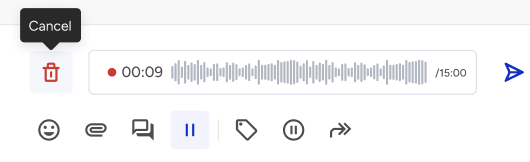
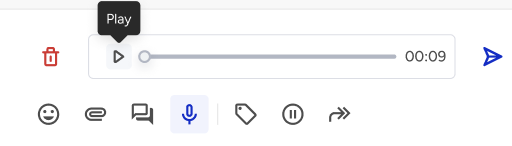
Stop the recording. Use the preview player to play, pause, or move through the recording before sending it.
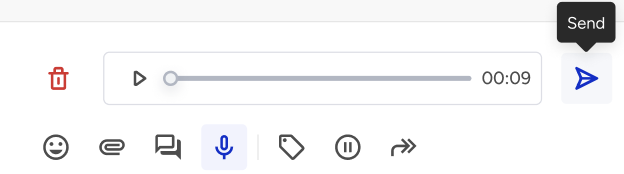
Select Send. The voice message appears in the conversation thread, and the customer receives it as a native WhatsApp voice note.
Sent voice messages remain in the conversation history. They are still available after you refresh the page and can also be viewed by other agents or supervisors who have access to the conversation.
Voice message limits
The following table summarizes the recording limit, delivery format, and available recording controls.
Item | Limit or behavior |
|---|---|
Maximum recording duration | 15 minutes. The recording stops automatically when it reaches the limit. |
Delivery format | Native WhatsApp voice note |
Recording controls | Pause, resume, cancel, and preview before sending |