You can use the Geofence App Push for various use cases. Some are as follows:
| You can send a Geofence App Push to users who have not purchased from your brand in the last 30 days to encourage them to visit your shop and increase engagement. |
| You can send an app push to users with a high Likelihood to Purchase who are active in their Customer Lifecycle Status to offer discounts and encourage purchases. |
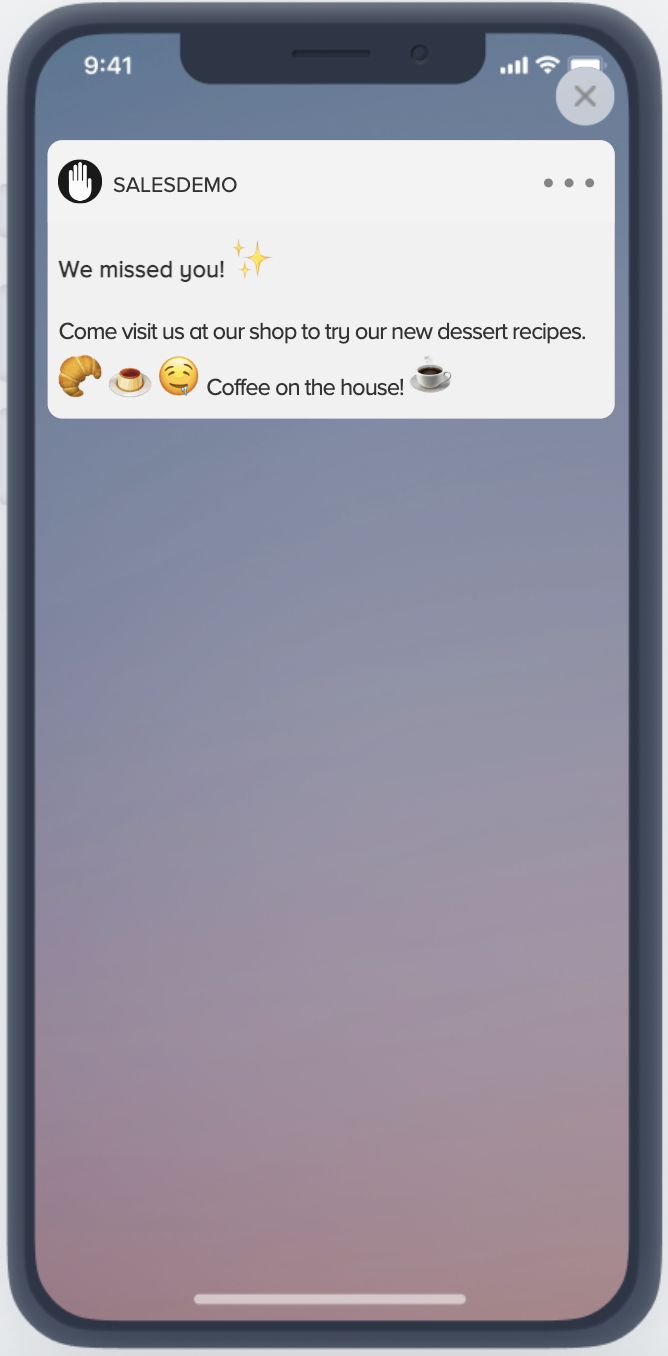
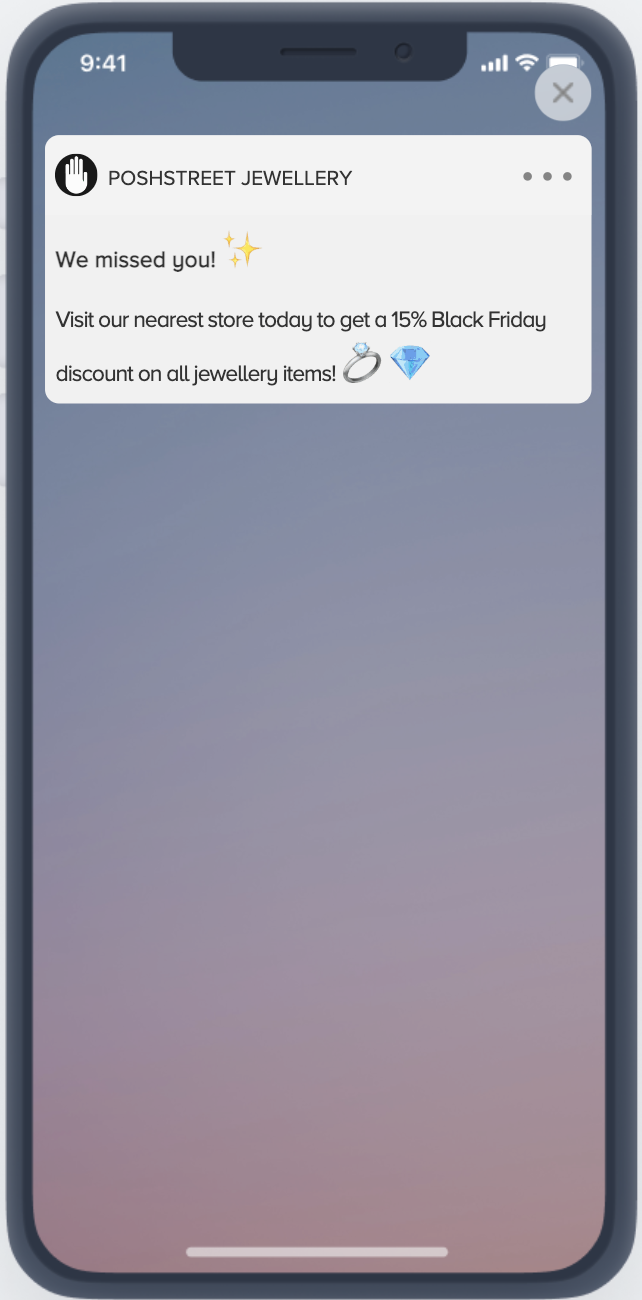
More use cases
Geofence app push campaigns trigger when a user enters or exits a location you define, so you can pair location context with your existing segments:
Welcome shoppers at the door (a proximity marketing example): Trigger an enter campaign on your store geofence to greet nearby customers with a timely offer as they arrive.
Follow up after a visit: Trigger an exit campaign to thank customers as they leave, invite them back, or prompt a review.
Re-engage lapsed customers near a store: Combine a store geofence with a segment of users who have not purchased recently to drive footfall.
Give out coupon codes: Connect your Geofence Push campaign to a Template from Push, trigger the push once the user enters the store geofence, and display a coupon code in an InApp once the user clicks it. Narrow who's eligible by targeting the campaign at a specific segment, such as a loyalty tier or RFM group, so only those users receive the coupon when they enter the geofence.
Re-target near-store shoppers who haven't purchased in-store: Ingest offline POS transactions via the Upsert User Data API as a custom event (e.g., offline_purchase). Build a Standard Segment > Events condition for users who have not triggered that event within a set window, and target that segment with a Geofence Push that fires on store entry, reaching people who browse or visit but haven't converted in-person.
Nudge holders of an unredeemed coupon back into the store: Send a custom event (e.g., coupon_redeemed) from your POS or coupon service whenever a code is used. Build a segment of users who received a coupon but haven't triggered that event, then target that segment with a Geofence Push on store entry to remind them their code is still active.
A single campaign fires on one state only: enter or exit. To cover both, create two separate campaigns. Refer to the FAQ about Geofence App Push Notification for the full behavior.
Good to know before you launch
Keep these limits in mind when you plan location-based journeys:
One state per campaign: A campaign targets either the enter or the exit state, not both. Build two campaigns to cover entry and exit.
Up to 20 geofences per campaign: You can attach up to 20 geofences to a single campaign; they are combined using the OR function.
20-geofence device limit: Because of iOS and Android platform constraints, each device tracks at most 20 geofences at a time, the 20 nearest to the user's current location.
One push per 24 hours: A user receives at most one push from the same geofence campaign every 24 hours; extra sends are dropped as re-eligibility.
Radius up to 2000 m: The geofence radius must be 2000 meters or less.
Continuous tracking requires "Always" permission: On iOS, entry/exit is detected in the background only when the user grants the "Always" location permission; with "While Using," detection occurs only while the app is active.