The Events segment targets users based on whether they perform a specific event. Both default events (e.g., page visits) and custom events (e.g., special button clicks) can be used for segmentation.
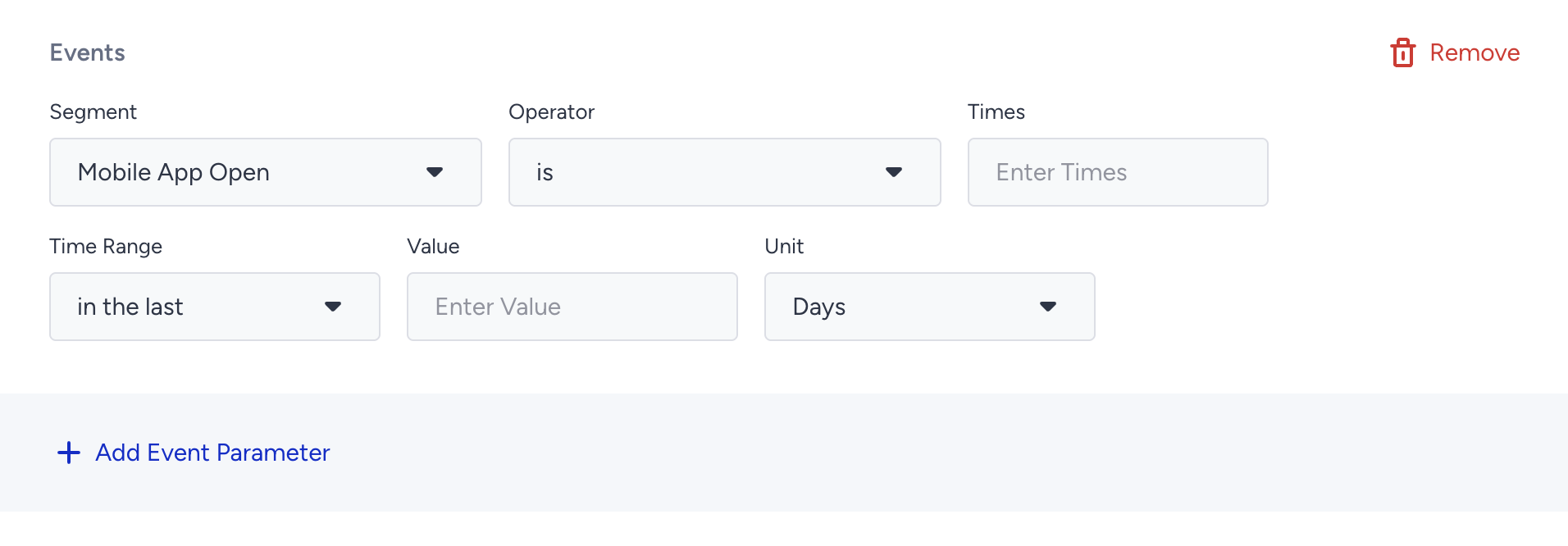
How Events work
Events allow you to segment users based on button clicks and page visits. Such information is collected through the Insider Tag, or Web and Mobile App SDK. The example below displays an event with one of its parameters.
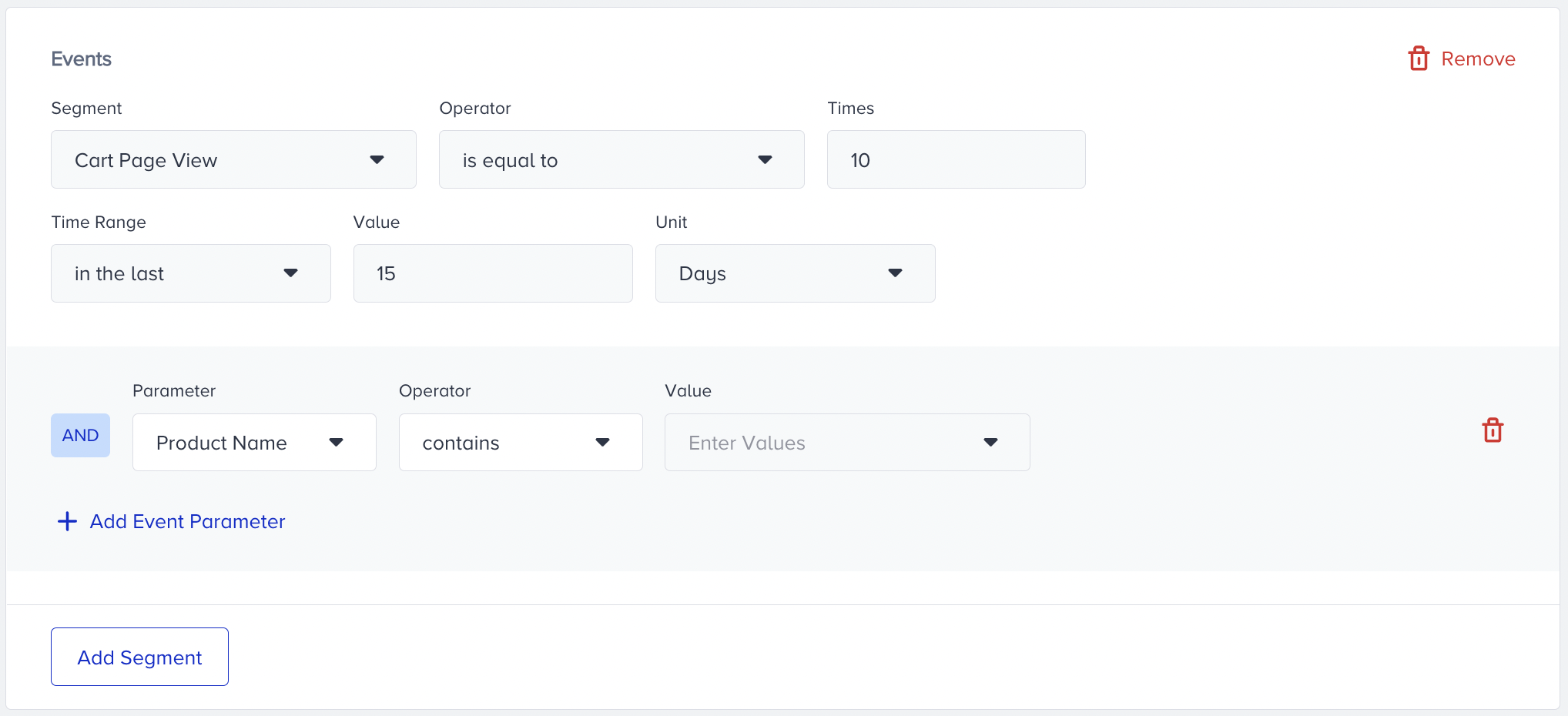
When you click +Add Event Parameter, you can also apply multiple value selection, which enables you to select more than one value to filter users in one box. You can easily choose them from the value dropdown menu.
For example, if you want to target users who made purchases in TRY and USD, you can include them under one segment box instead of adding two segment boxes separately.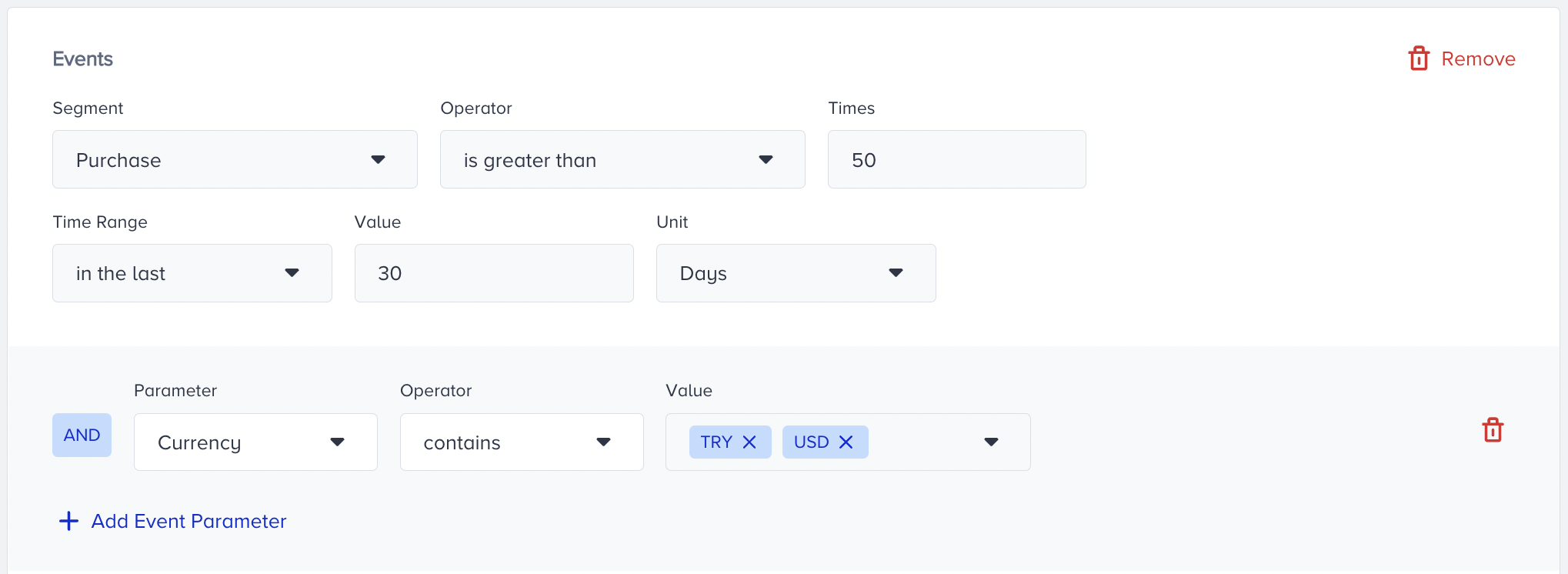
Alternatively, you can segment your audience based on their interaction with the app push action buttons, as tracked by the App Push Action Button Clicked event.
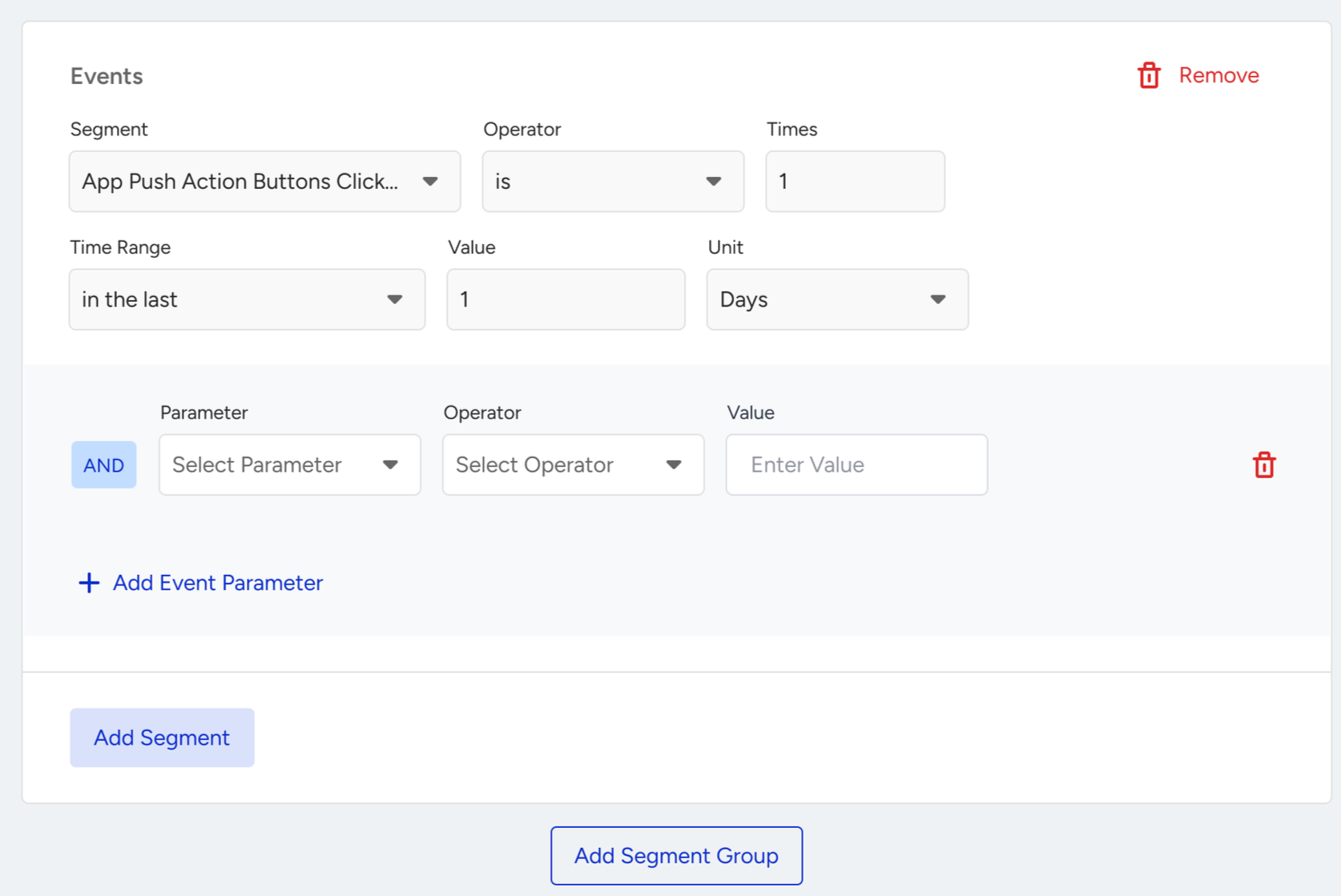
You can use the Events segment to select all data types except date and boolean for event parameters.
You should consider TTL (Time-to-Live) for event data when segmentying; refer to Data Retention for limits.
Important notes on Value Availability
The segmentation step displays event values from the last 30 days only.
If you don’t see values:
There may be no data for the event or parameter.
There may be no new data in the last 30 days.
Check several user profiles to verify whether the parameter exists.