Once an Event Aggregate is created, its calculated value is available on each user profile and updates automatically over time. This article covers how aggregates behave on user profiles and how to apply them in dynamic segmentation.
Aggregate behavior on User Profiles
Aggregate values are not static snapshots. They recalculate continuously, both when new qualifying events arrive and when existing events age out of the defined time window. This makes aggregates suitable for segmentation logic that needs to reflect a user's current behavioral state, not a value that was true at the time of last ingestion.
Once an Aggregate is created:
It is calculated automatically for each user.
The calculated value appears on the User Profile.
The value updates as new events are received or as events move in and out of the selected time window.
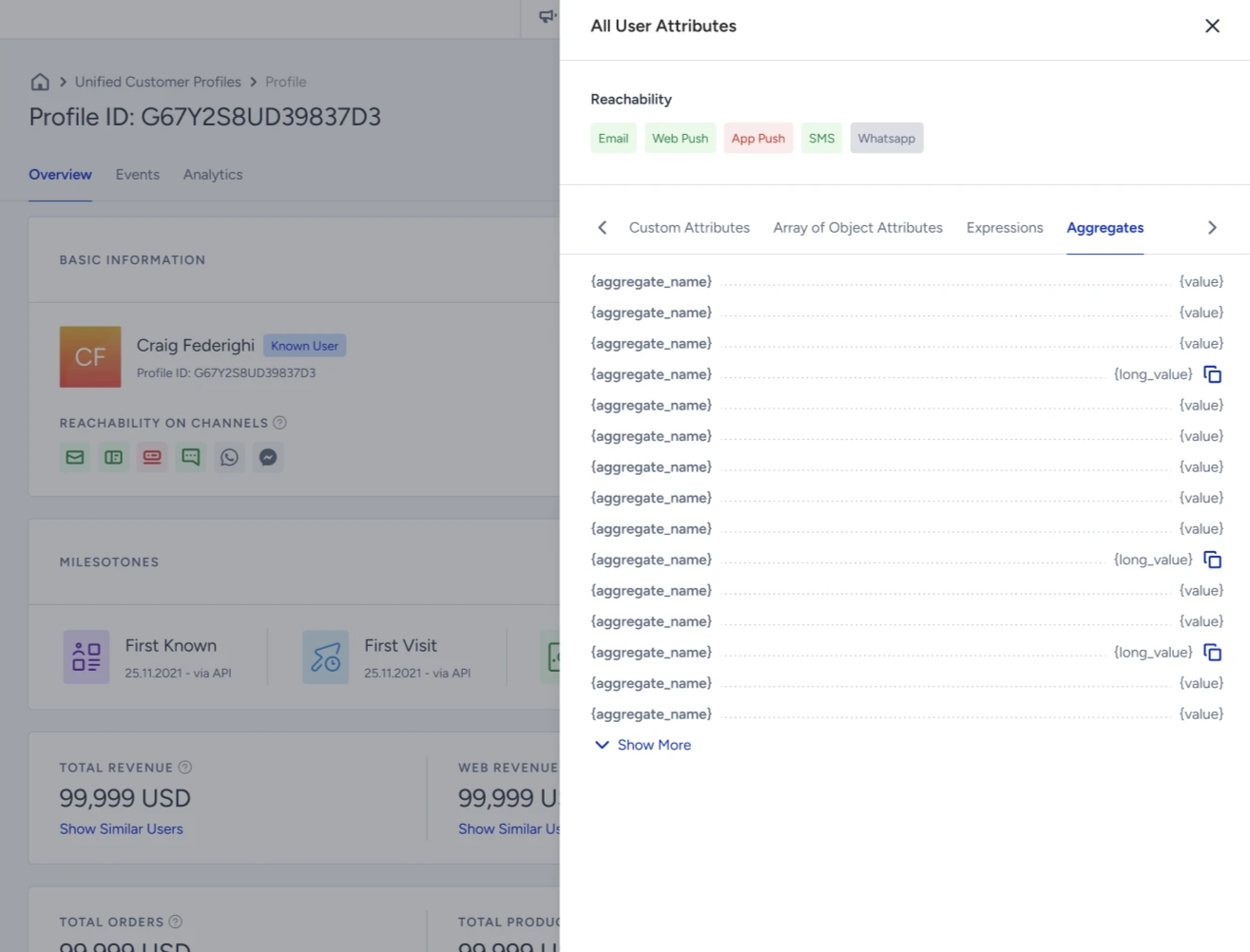
Aggregates are calculated metrics, not stored attributes. Unlike a standard attribute, where a value is explicitly written and held until overwritten, an aggregate value is derived from event data on demand. It reflects behavior, not a manually ingested state.
Use Aggregates in Segmentation
Aggregates are available as filters in Dynamic Segments via the dedicated Aggregates segment box. You can apply standard comparison operators to the calculated value, treating it the same way you would treat any numeric or date attribute filter.
To use Aggregates in segmentation:
Navigate to Audience > Segments > Dynamic Segments.
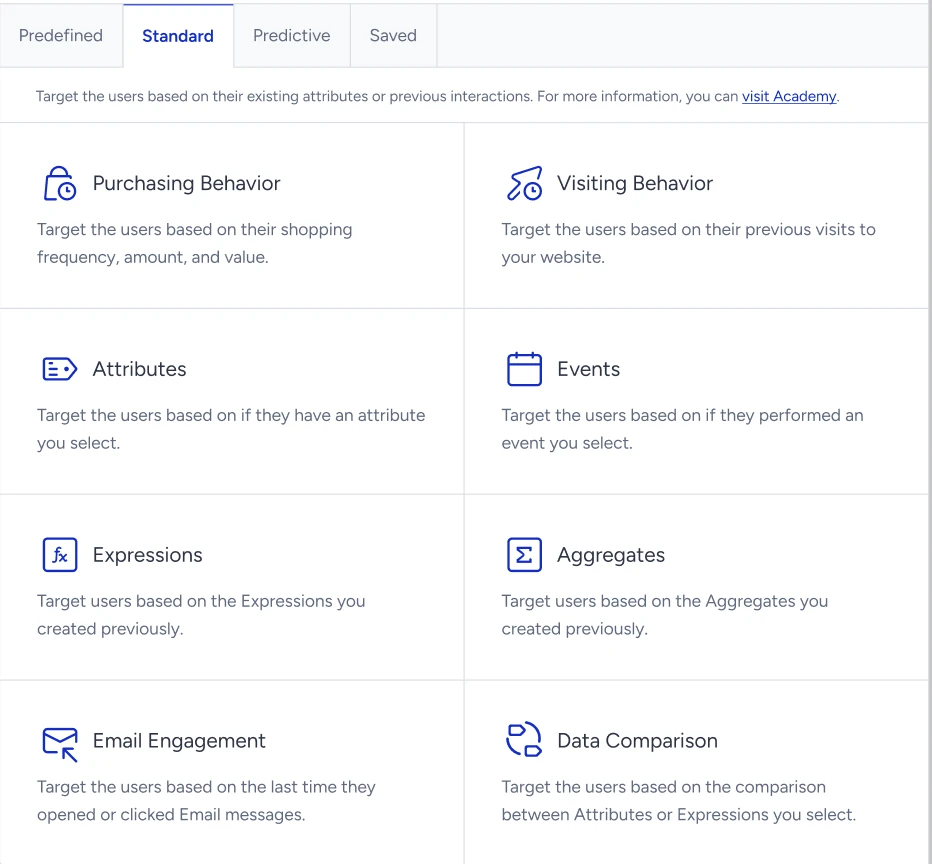
Under the Standard tab, select the Aggregates segment box.
Choose the aggregate you want to filter on from the dropdown list.
Select an operator and enter a threshold value. The segment will include all users whose current aggregate value satisfies the condition.
Example: Target users where:
“Total spend in Female Clothing > 100 EUR”
This enables precise segmentation based on calculated behavioral metrics.