An Aggregate is a calculated value derived from event data and evaluated per user.
Each Aggregate definition consists of the following components:
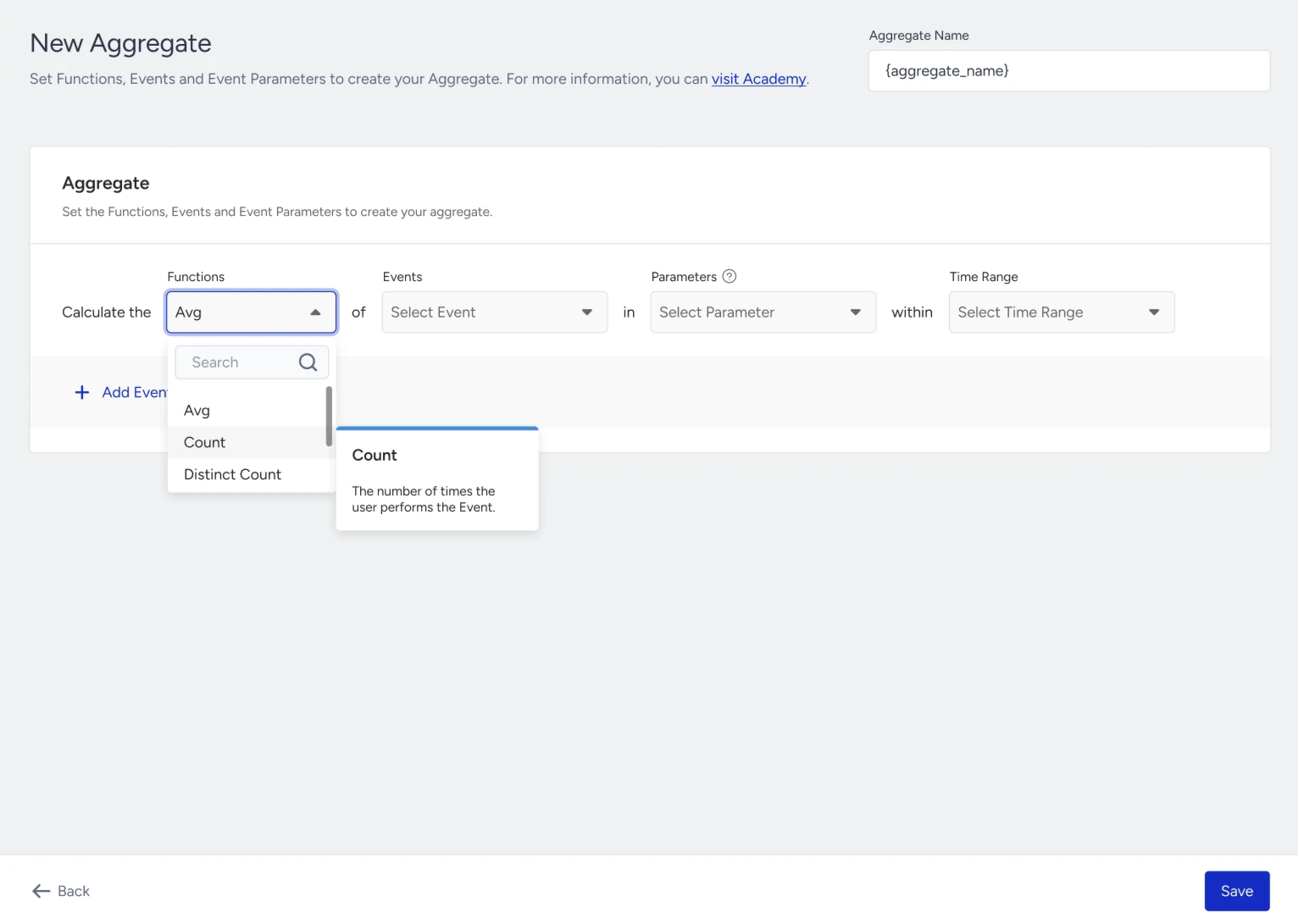
Aggregates Function
The aggregates function defines how values are calculated.
Function | Description |
|---|---|
SUM | Calculates the total value of a numeric event parameter across matching events |
AVG | Calculates the average value of a numeric event parameter |
COUNT | Counts how many times an event occurred within the selected time window |
COUNT DISTINCT | Counts the number of unique values of a selected parameter |
MIN | Returns the smallest numeric value from matching events |
MAX | Returns the largest numeric value from matching events |
FIRST | Returns the value from the first matching event based on event TTL. |
LAST | Returns the value from the most recent matching event based on event time |
EXISTS | Checks whether at least one matching event exists and returns true or false |
Important Notes:
Numeric functions (SUM, AVG, MIN, MAX) require numeric event parameters.
FIRST and LAST are evaluated based on event timestamps.
COUNT DISTINCT applies to parameter values, not event occurrences.
Filter conditions and time windows affect which events are included in the calculation.
Event and Event Parameters
Each “Aggregate” is calculated based on:
A selected event (for example, purchase)
One or more event parameters (for example, unit_sale_price, category, vat)
Depending on the function:
Numeric parameters are required for SUM, AVG, MIN, and MAX
Any compatible parameter can be used for COUNT, DISTINCT COUNT, FIRST, or LAST
Filter Conditions (Optional)
Filter conditions allow you to break down an Aggregate within the same event by adding conditions on event parameters.
They work only on the selected event’s parameters and determine which event instances are included in the calculation.
This enables you to calculate Aggregates on a specific subset of the same event.
How filter conditions work
When you create an aggregate:
You select one event (for example, purchase)
You select one parameter to aggregate (for example, total_price)
Filter conditions can be added using other parameters of the same event
The Aggregate is calculated only from event instances that match the filter conditions.
Example: Category-level aggregate
Scenario: You want to calculate the average purchase value, but only for purchases in the Clothes category.
Configuration:
Event: purchase
Aggregates function: SUM
Aggregated parameter: price
Filter condition: category = "Clothes"
Result:
Only purchase events where category = Clothes is included.
Other purchase events are ignored.
The result reflects category-specific behavior, not overall purchase behavior.
Filter String and URL parameters
For String, String Array, and URL event parameters, you can use Contains, Does Not Contain, Is Exactly, Does Not Match, Is Empty, and Is Not Empty. You can select one or more values for Contains and Does Not Contain. When you select multiple values:
Contains includes events whose parameter contains any selected value.
Does Not Contain includes events whose parameter contains none of the selected values.
Time Range
The time range defines the period over which events are evaluated.
Available options include:
All Time
Last N Days
Between Dates
Important Notes:
Aggregates are calculated only within the selected time range.
The selected window cannot exceed the event’s data retention (TTL) period.
The maximum time range is 1 year.