Geofences are location-based “bubbles” that you set in Components > Geofence. These define specific geographic zones (e.g., Our Office, Outlet_Store_London_12).
The Geofence segment is triggered whenever a user arrives at or leaves the specified geolocation, allowing you to create targeted campaigns based on physical location activity.
Requirements
To use the Geofence segment:
The Mobile App Suite must be subscribed, activated, and integrated
At least one geofence must be set up.
How to configure the Geofence segment
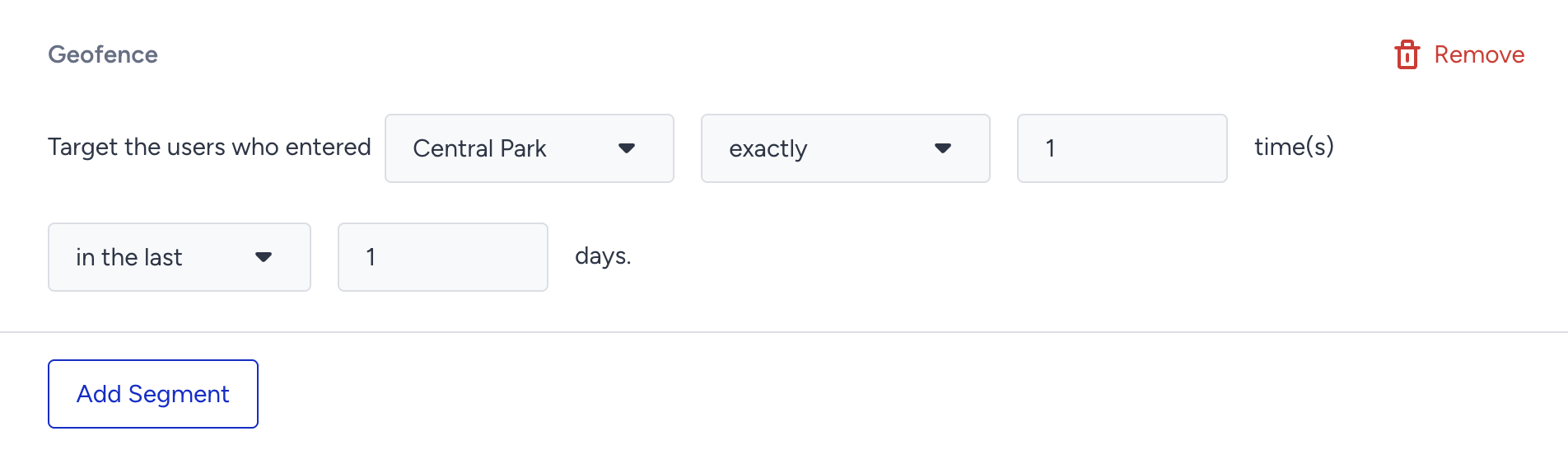
Select the previously created geolocation from the dropdown.
Choose the operator.
Set the value and time range as needed.