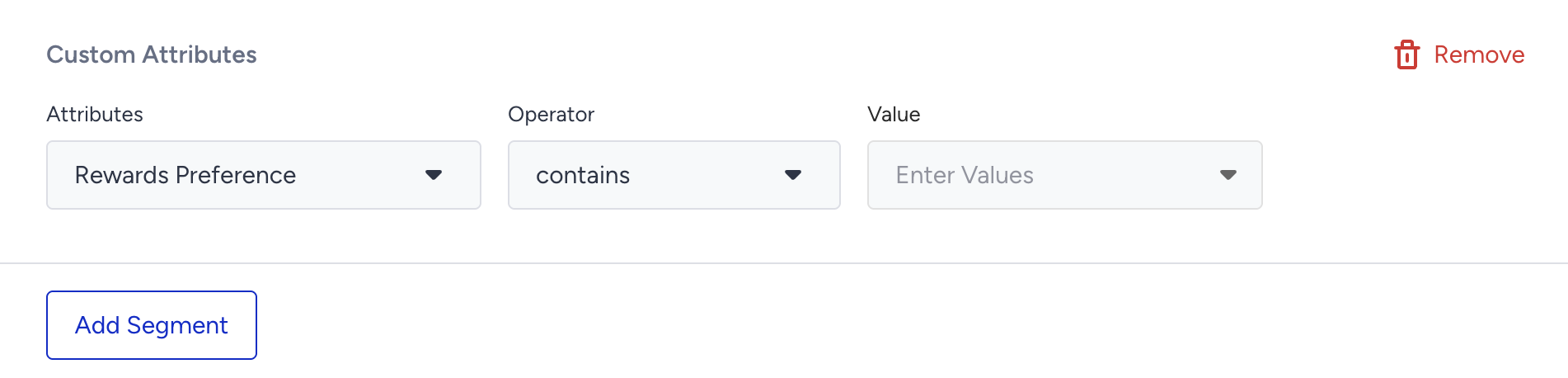
Custom attributes track specific user behaviors or interactions on your website, enabling personalized targeting. Examples of Custom Attributes include the last product a user favorited and the number of visits to the Electronics category.
You can use custom attributes to build user-specific campaigns, targeting users based on whether they meet certain attribute conditions.
Requirements
To use the Custom Attributes segment:
At least one user must have at least one custom attribute recorded on the web.
How to configure the Custom Attributes segment
Select the custom attribute from the dropdown (previously created in the system)
Choose the operator (e.g., equals, contains, greater than)
Enter the value (e.g., Product X, 5 visits)