You can categorize user direct messages (DM) based on their message type, determine whether they originated from an advertisement, and trigger a tailored flow specific to the message type of the direct message user.
To learn how to separate user's DM's according to their message type, you can follow the steps below:
- Create an advertisement on Instagram that directs your customers to the direct message box of your account.
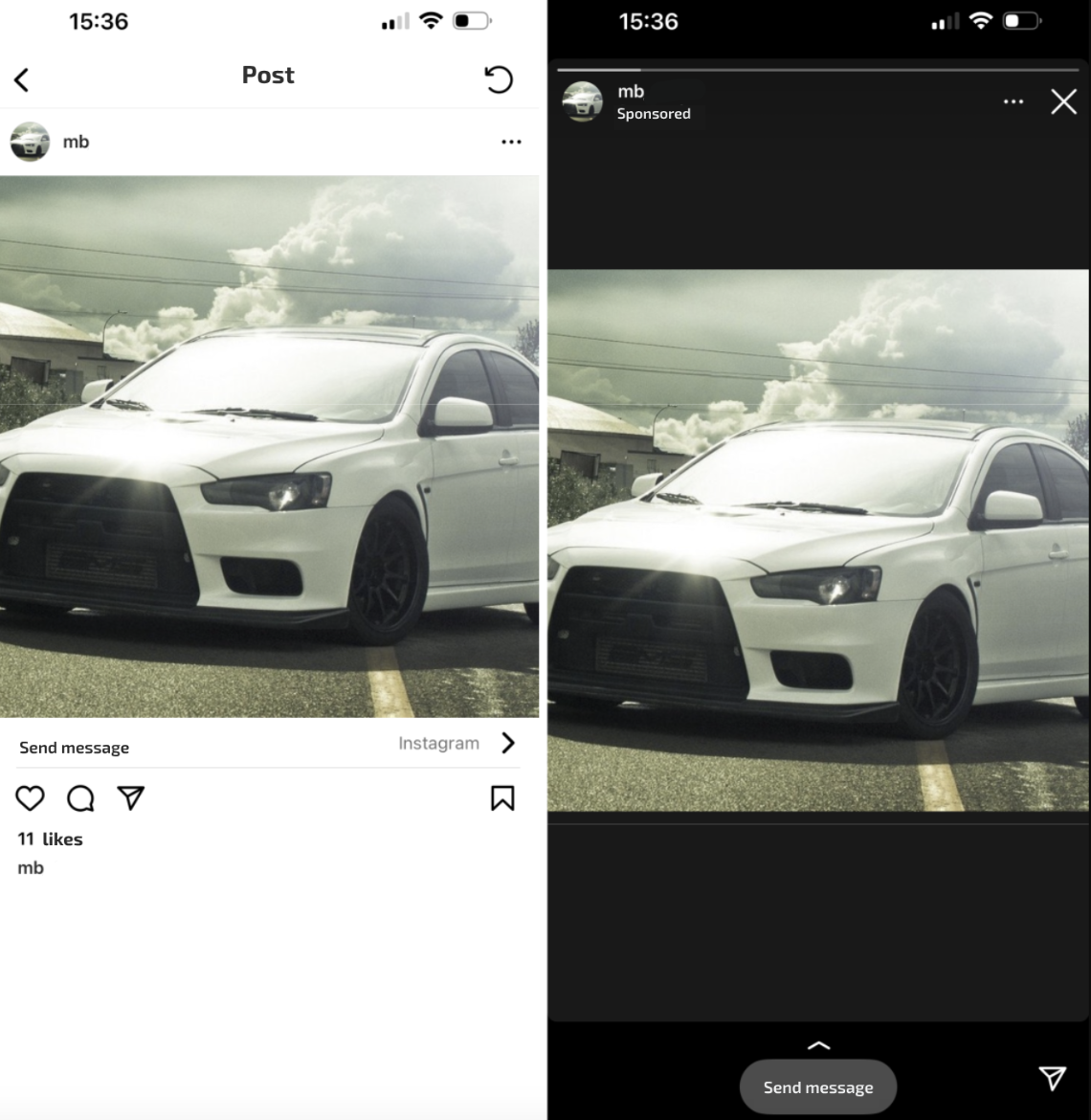
- Publish the MindBehind Chatbot to the Instagram channel.Refer to Publish Your Bot to Instagram to learn how to publish your bot.
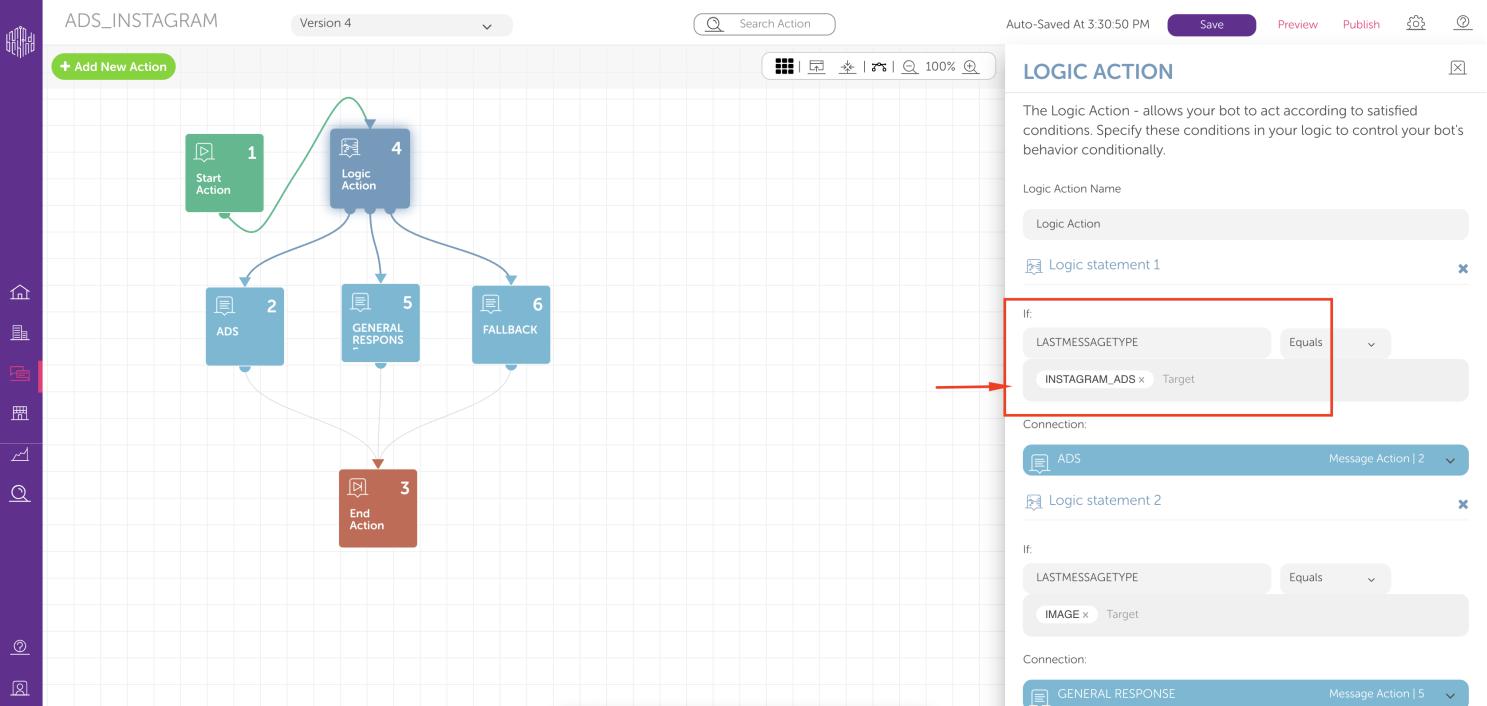
- To arrange the bot flow to separate users’ DM's, put a Logic Action at the beginning of the flow to set a statement.
- Set the statement as “If the LASTMESSAGETYPE is equal to INSTAGRAM_ADS” and set the connection of this statement to the flow you desired.
- For the "ELSE" scenario, you can set a fallback connection. So, if the “if statement” is not satisfied, the user will continue to the settled fallback scenario.
- After these settlements, the chatbot will be able to separate users if they were forwarded to DM from an Instagram Advertisement or not. Make sure that you save and publish the bot to the Instagram channel after changes.
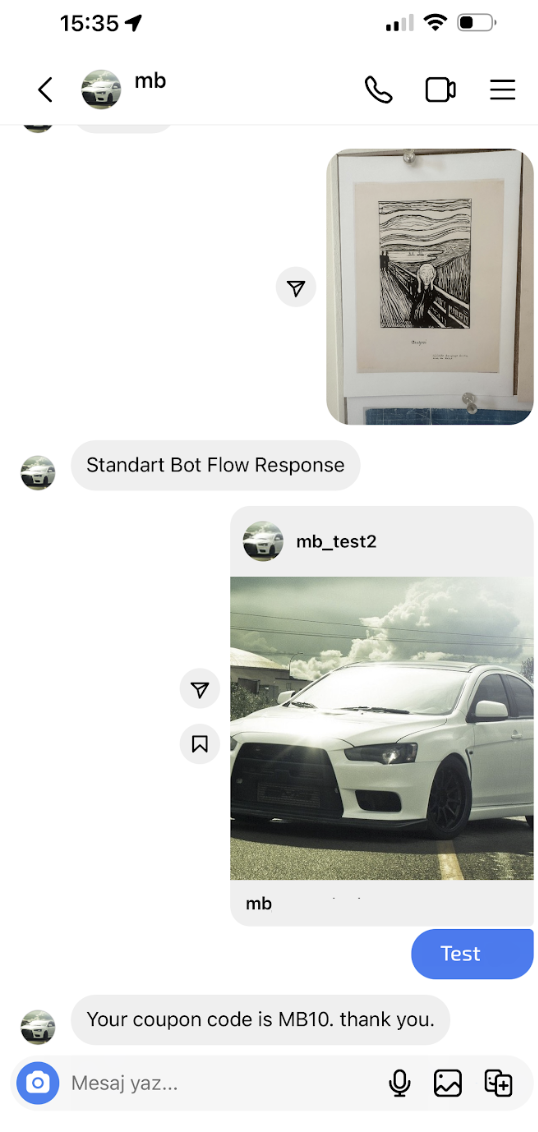
- After the flow is designed as described and changes are published to the Instagram Channel, you can send a DM to any advertisement on your Instagram Page with a random text. Since you sent a DM directed from an advertisement, you will continue on the flow that is created for advertisement DMs.
- In the other scenario, if you send a DM without being directed from an ad, the other flow will be continued, which is designed for regular DMs.
- If needed, the same logic for other "messageTypes" can also be used and detected. You can follow the steps below to separate user DMs according to mention, reels, or image answers. You can see some of the examples below.
- If "LASTMESSAGETYPE" equals "IMAGE": If the user message is coming as a DM answer to the image that you shared
- If "LASTMESSAGETYPE" equals "INSTAGRAM_STORY_MENTION": If the user message is coming as a DM, answer to the Story that you shared.
- If "LASTMESSAGETYPE" equals "REELS": If the user message is coming as a DM answer to the Reels that you shared.
10. It is also possible to separate user DMs according to their values instead of types.
Using the same structure, "messageValue" should be stated with the desired user message.
MessageValue is the direct message that the user sends, which means it is whatever the user types and sends.
You can see an example below:
If "LASTMESSAGEVALUE" equals "hello": If the user message is “hello” itself, make that user follow the flow1.