Selecting the parent or child of an element helps you target the correct element on which you want to make changes.
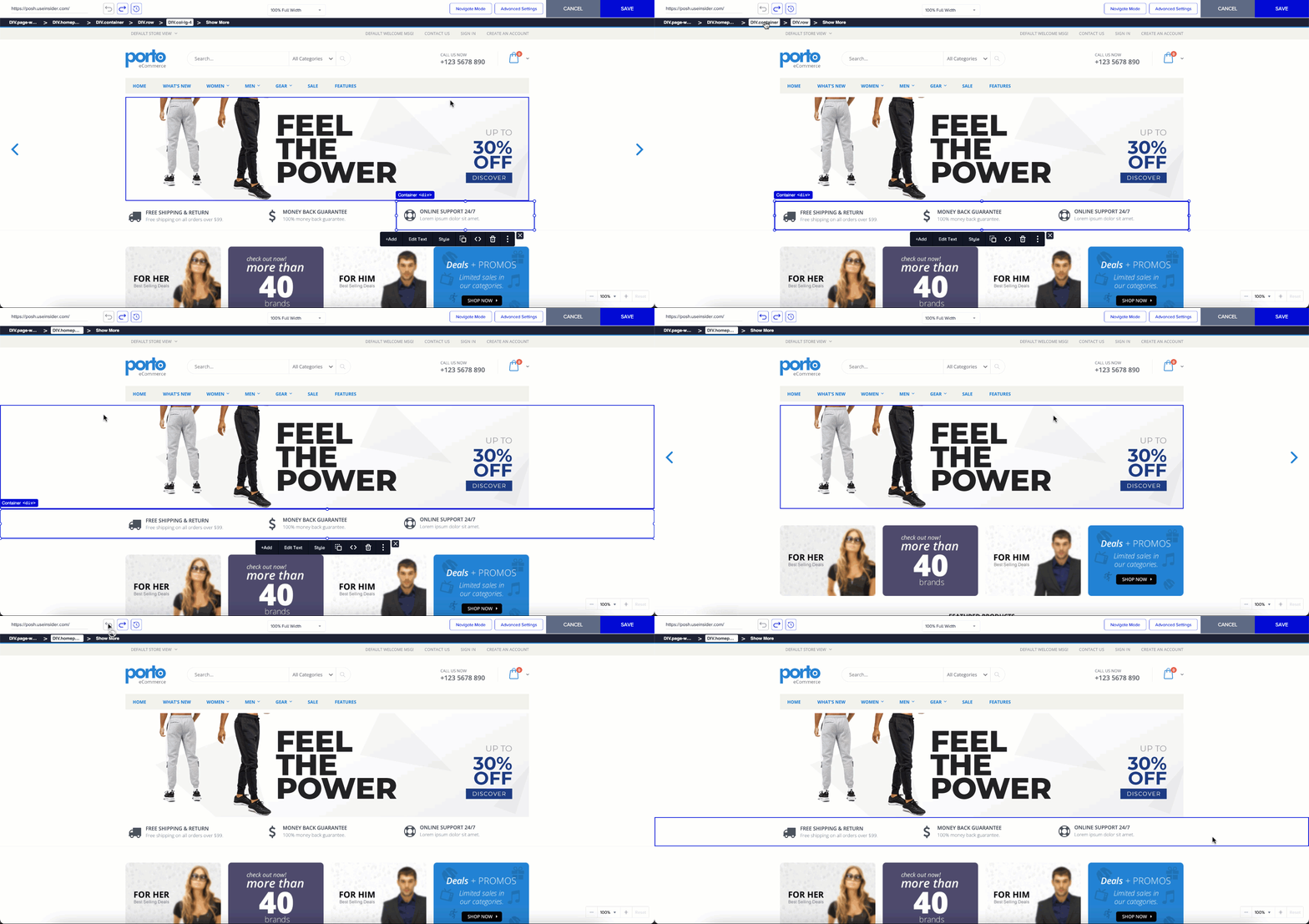
Upon clicking any element, you can see its selector and parent(s) in a hierarchical order in a black bar on top of the page. You can click the element that you need to select.
The changes applied depend on the visibility of the selected element. You might not see the changes on your website if you cannot select the correct element. Additionally, the campaign will not be applied if your element is removed from the page because the reference element is missing. Please ensure that you select the correct element and that it will be available as long as the campaign is active.
If more than one element has the same CSS selectors, the changes will be applied to all these elements unless the campaign has a page rule. For example, if you want to change the wording of a button on the homepage and there are identical buttons on other pages, the changes will be applied to all pages. In this case, you can set a page URL rule to limit the scope.