The Secret Key method encrypts and decrypts information using a key. This article explains the following:
Where do you use a secret key?
It is optional to verify webhook events when sending emails. It is used to create a signature. This signature is a way to sign a payload using a key known only to the event and listening servers. The secret key is attached as a header with the event requests sent to your app's server.
How does a secret key work?
This signature does not encrypt the payload but verifies the legitimacy of the source and the data. When the listening server receives the request, it uses its stored secret and the event payload to generate its own SHA1 signature, which it then compares with the header signature. Insider uses the SHA1 hashing algorithm.
When the secret and payload are the same on both ends, the signatures will match, proving the authenticity of the request and data.
What are the benefits of using a secret key?
It is a secure system that helps ensure the events you receive on your endpoint are verified Insider events.
How do you create a secret key?
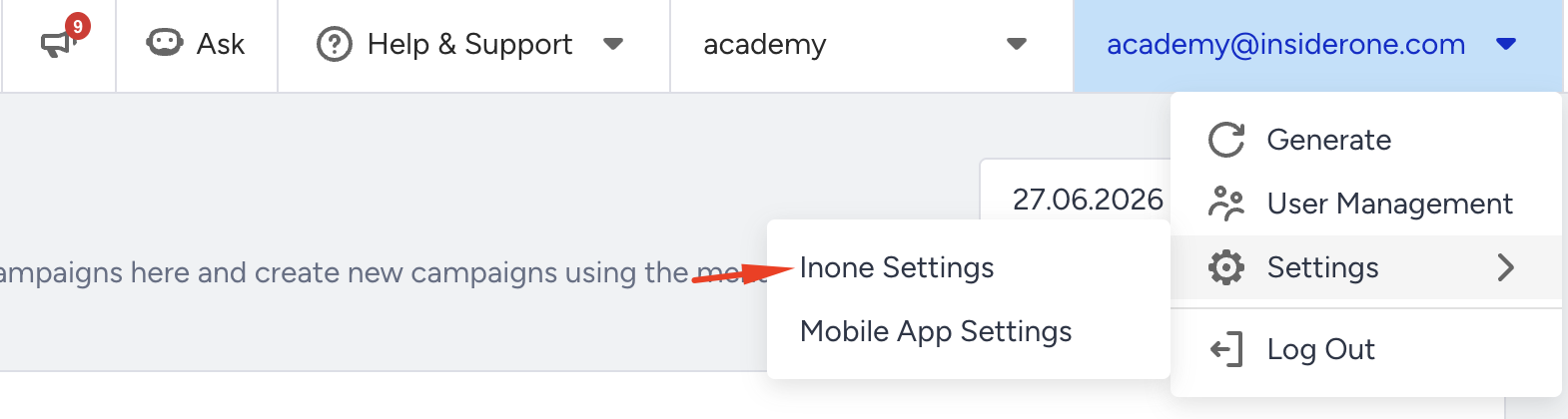
Navigate to Settings > Inone Settings.
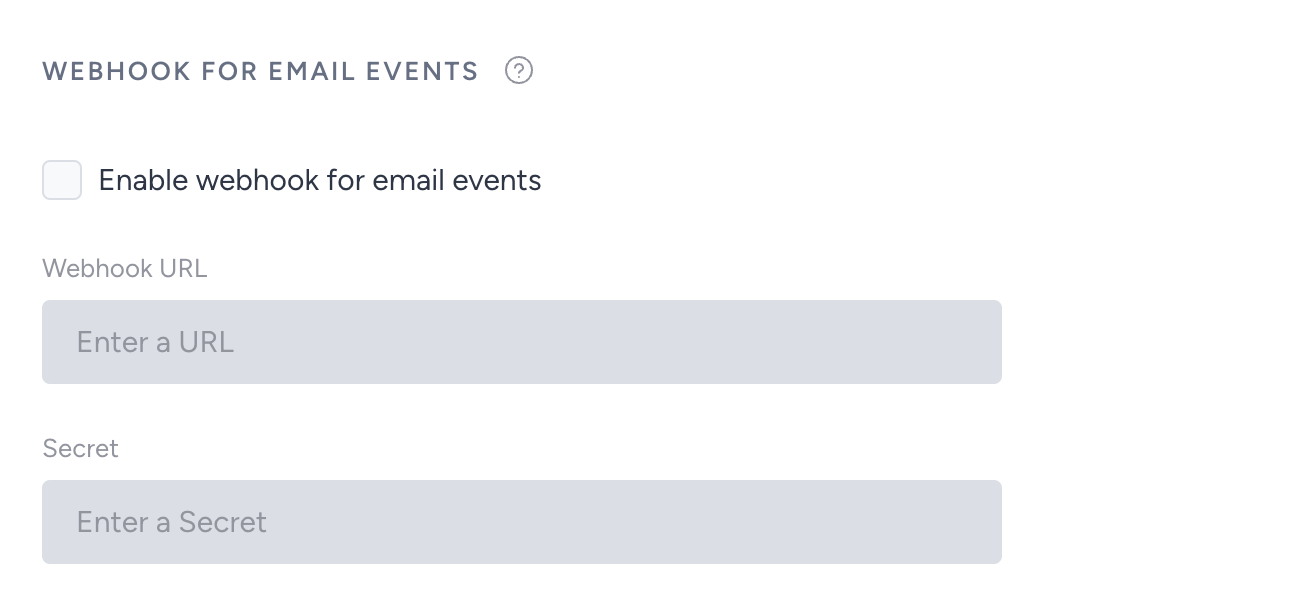
Go to Email Settings > Webhook for Email Events.
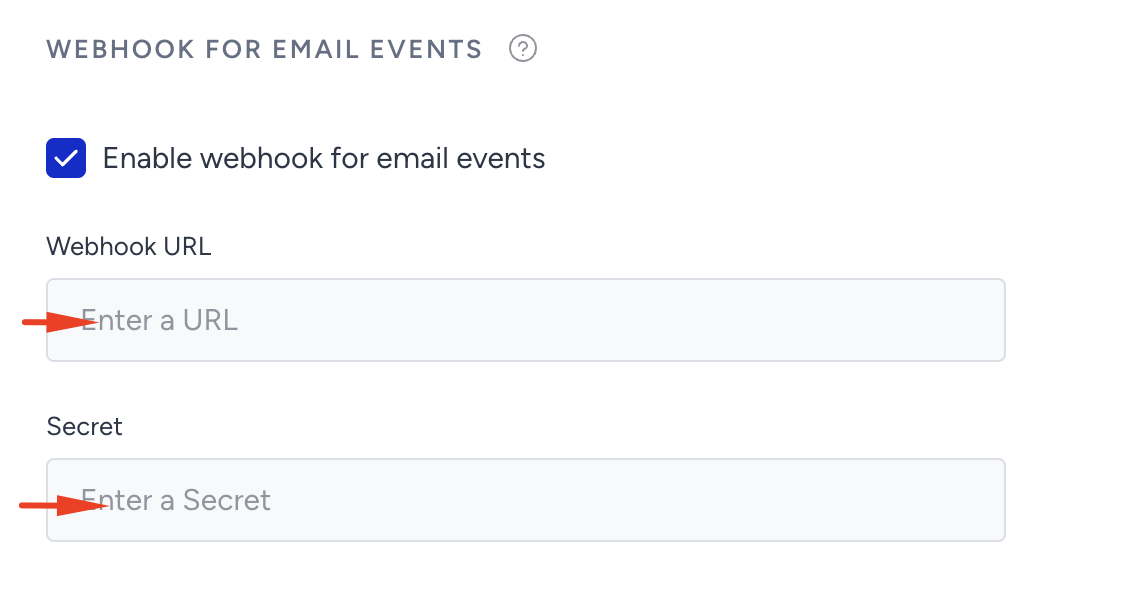
Check the "Enable webhook for email events" box, and add your Webhook URL and Secret key.
Click the Save button to save your values.
Now you can add the key and value as a header, as in the example below, to send the secret key request. You can see it when you import the request inside the API platform you are using.
The example below shows X-INS-AUTH as the key and MY_SECRET as its value.
curl --location 'test.com' \
--header 'Content-Type: application/json' \
--header 'Cookie: __cfduid=db8b2b5328c122418b037bdc1e735f3881567082256' \
--header 'X-INS-AUTH: MY_SECRET' \
--data-raw '{
  "email": "sample@useinsider.com",
  "event": "bounce",
  "event_type": "blocked",
  "reason": "unable to get mx info: lookup <nil>: unrecognized address",
  "campaign_name": "My Email",
  "timestamp": 1563890443,
  "iid": "123-abc-456-def-789",
  "variation_id": 1234,
  "subject": "My email subject"
}'