Thanks to Onsite Experiment, you can edit element attributes. If any element that you click has attributes, you can see them under Attributes. These attributes can be href, class, style, etc.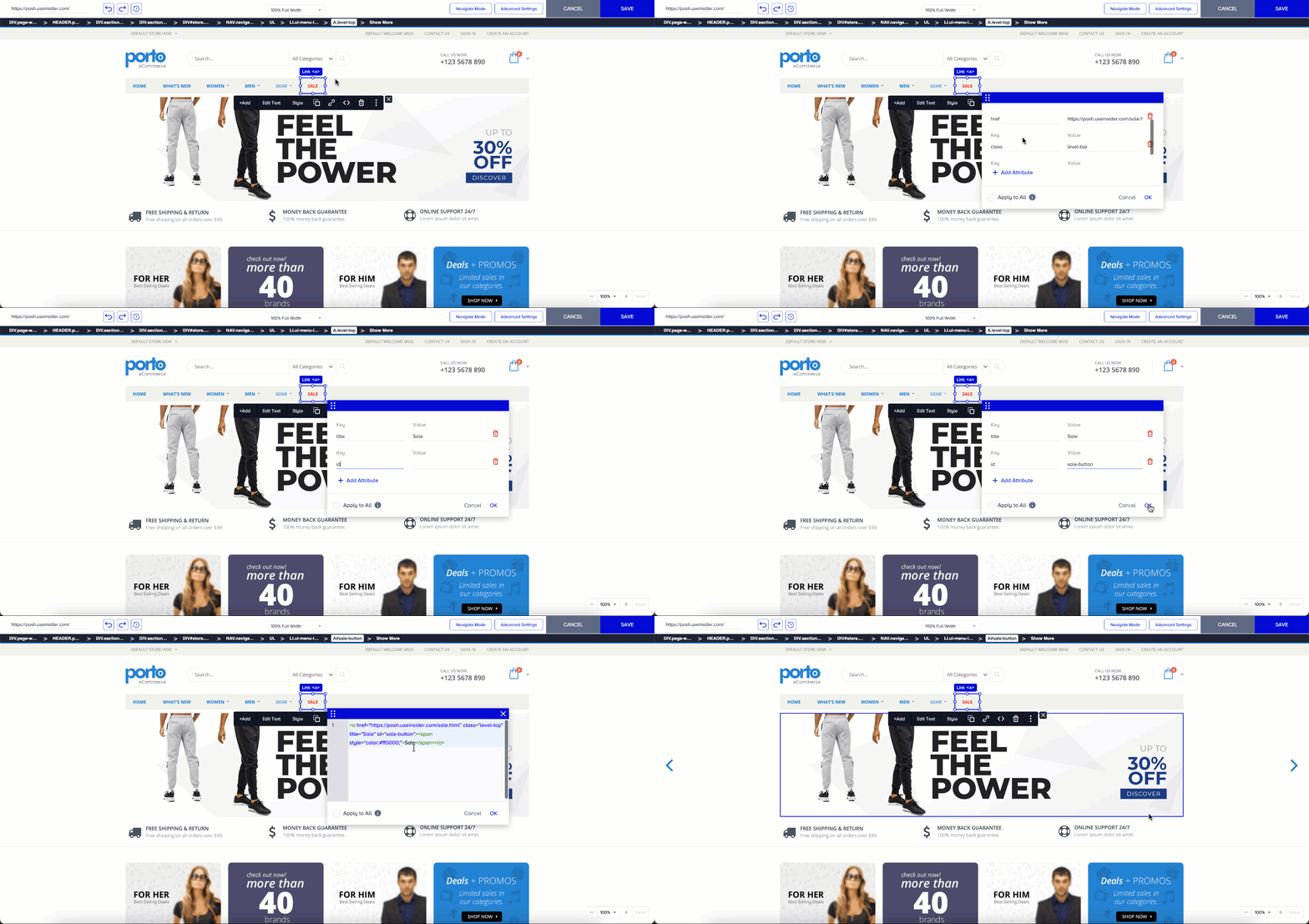
You can easily change these attributes and their values, add new ones, or remove them if needed.
Click the element whose attributes you want to change.
Select the Attributes from the 3-dot menu to make changes.
Click OK to save your changes.
You can observe the changes applied to the HTML.