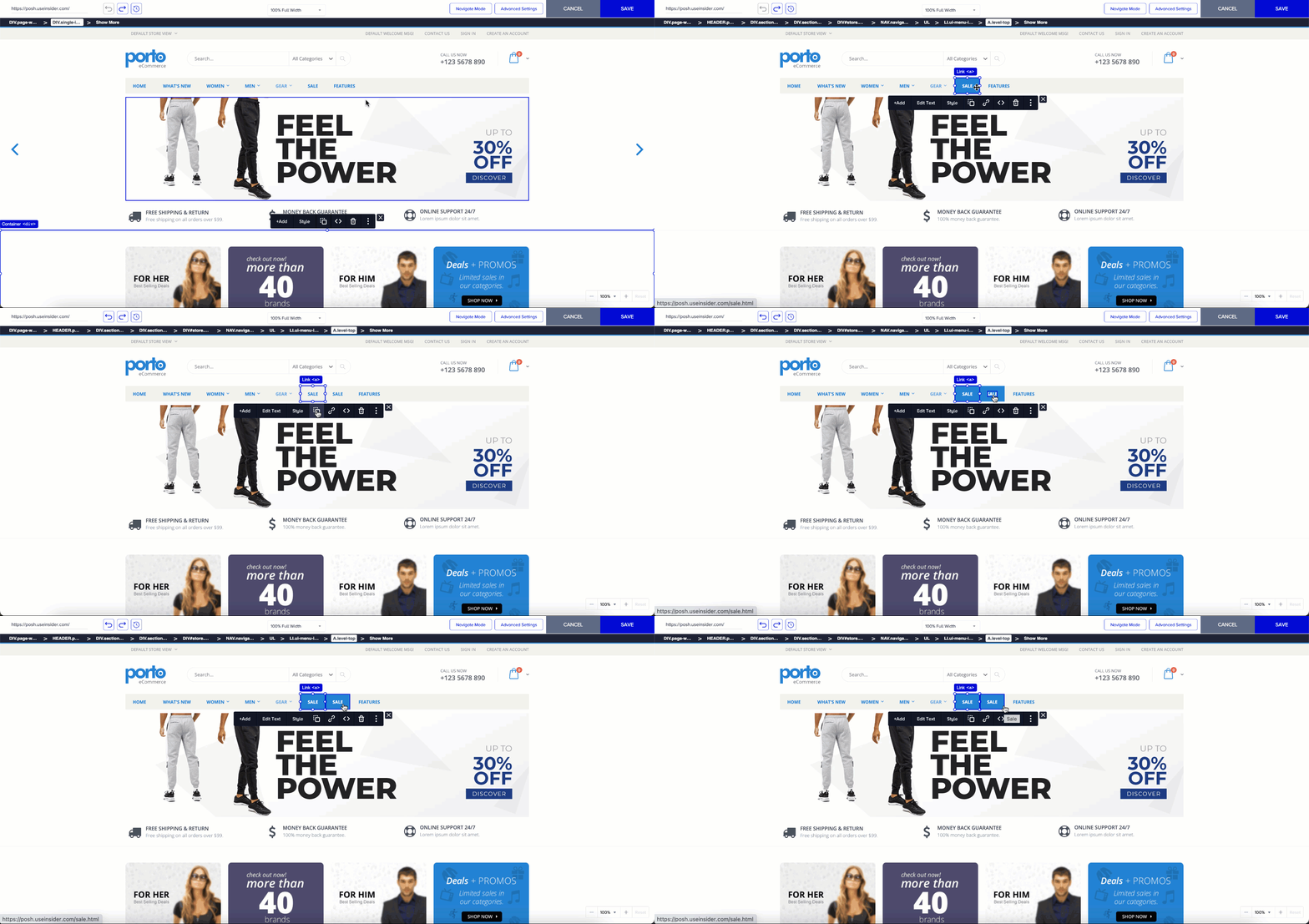
Onsite Experiment's Duplication feature allows you to duplicate texts, images, and components easily. Therefore, to add a copy of an existing element to the page, you do not have to edit HTML to add/duplicate elements on websites:
When you select an element, the editing tool opens.
The first icon helps you duplicate elements.
You can duplicate texts, images, and components by clicking this icon. For example, you want to add a new “Sale” header to the menu bar. These two headers have the same functionality; they redirect to the same page as the previously linked page.
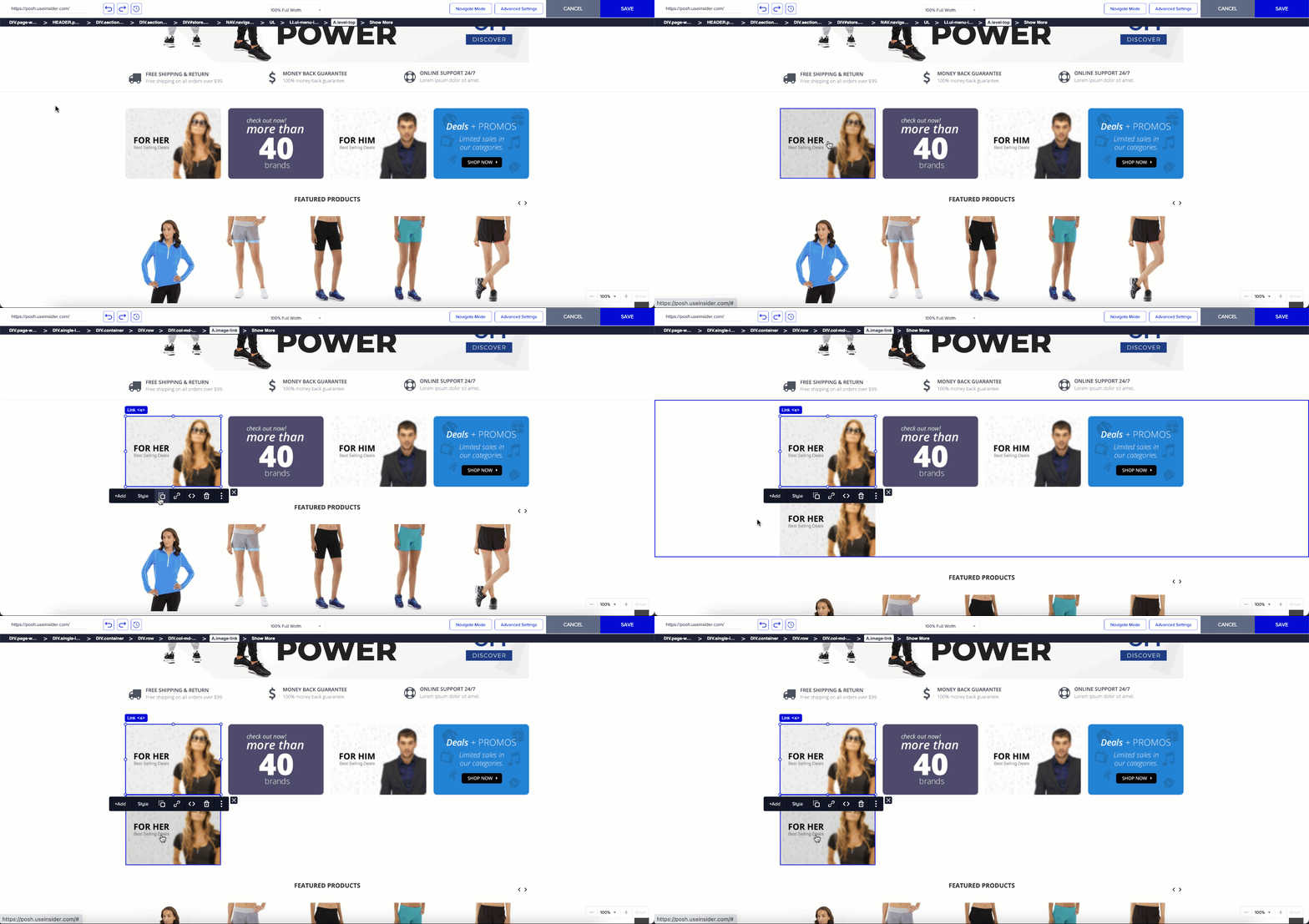
You can also duplicate images easily:
Choose the image. The editing tool appears.
Click Duplicate to see the image duplicated.