Notification Center is a dedicated on-page area that displays promotions and offers to your website visitors in a single, persistent location. It provides a non-intrusive alternative to overlay campaigns and extends the reach of your Web Push notifications to visitors who have dismissed the browser opt-in screen.
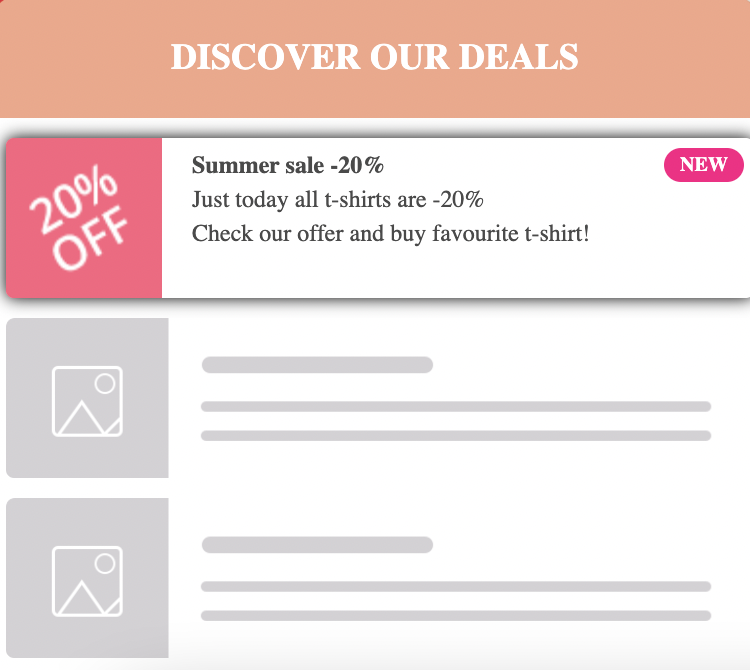
Notification Center only works on Desktop Web Browsers.
What you can do with Notification Center
Display up to 20 notifications at a time, ordered from newest to oldest by creation date. Notifications can be scheduled for future dates.
Pull content directly from Single Web Push notifications into the Notification Center.
Show different notifications to users in different languages using language-based rules.
Track clicks per notification separately for granular reporting.
Reach visitors who dismissed the Web Push opt-in screen by surfacing the same content through the Notification Center.
How Notification Center works
When Notification Center is enabled, all notifications are listed as individual campaigns on the Notification Center listing page. This is also where you enable or disable the feature.

You cannot enable Notification Center until you have created at least one template. Once Notification Center is disabled, all associated campaigns are deactivated. Campaigns do not reactivate automatically when Notification Center is turned back on. You must reactivate each campaign manually.
Get started with Designing Notification Center.