Create events and attributes on the Attributes and Events page.
Test Lab lets you retrieve the code snippets for events and attributes and test them on your test device. You can see which components you have already tested, which you haven't started testing, and which return successfully. This checklist is automatically aligned with Insider One's unified customer database.
Test Lab is designed for Insider One's customers to run their tests during/after the integration. Testing of events and attributes should be conducted by customers' technical/development teams. Insider One does not run any tests on events or attributes during these processes.
You can navigate to this page through Components > Integrations > Mobile App Components > Test Lab.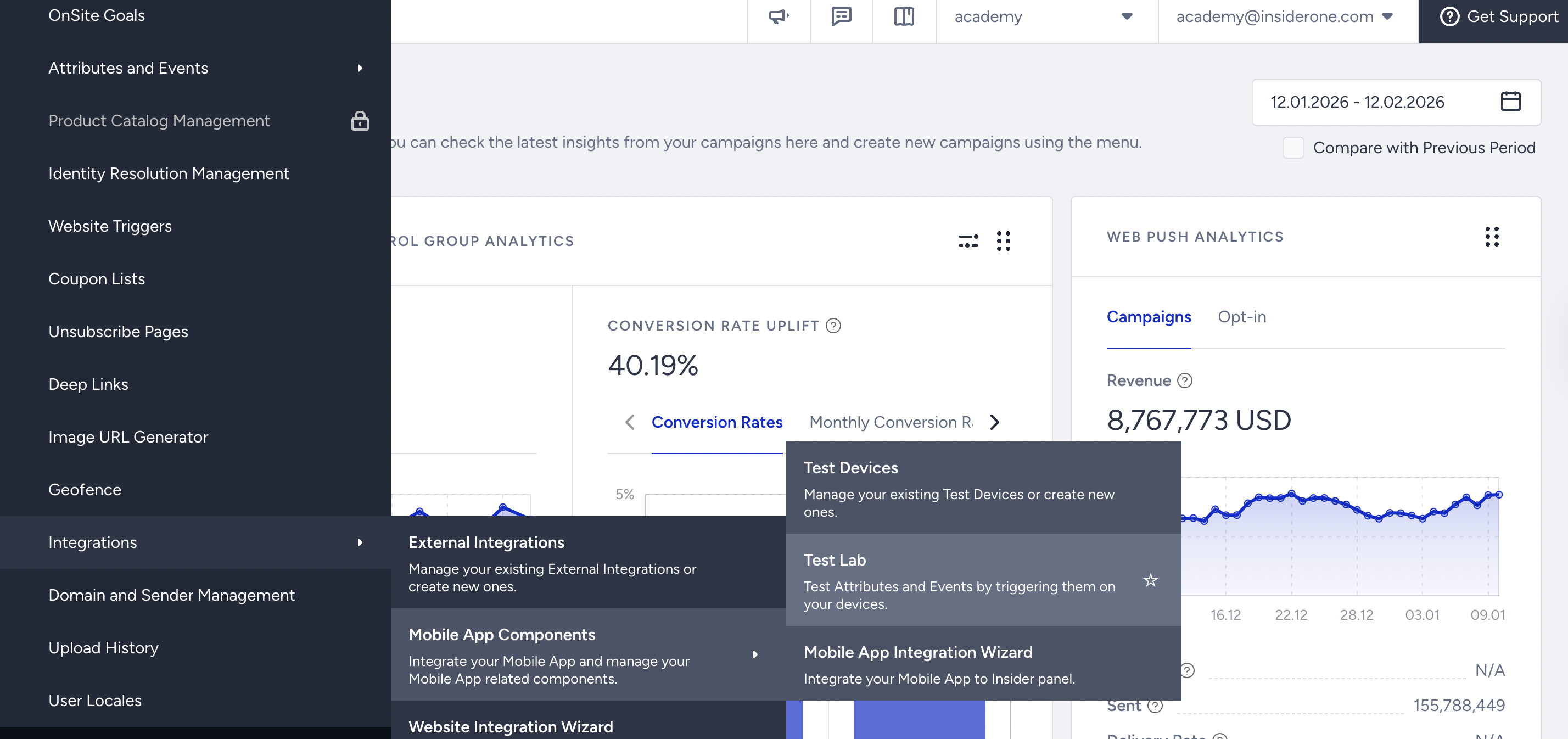
Connect your device
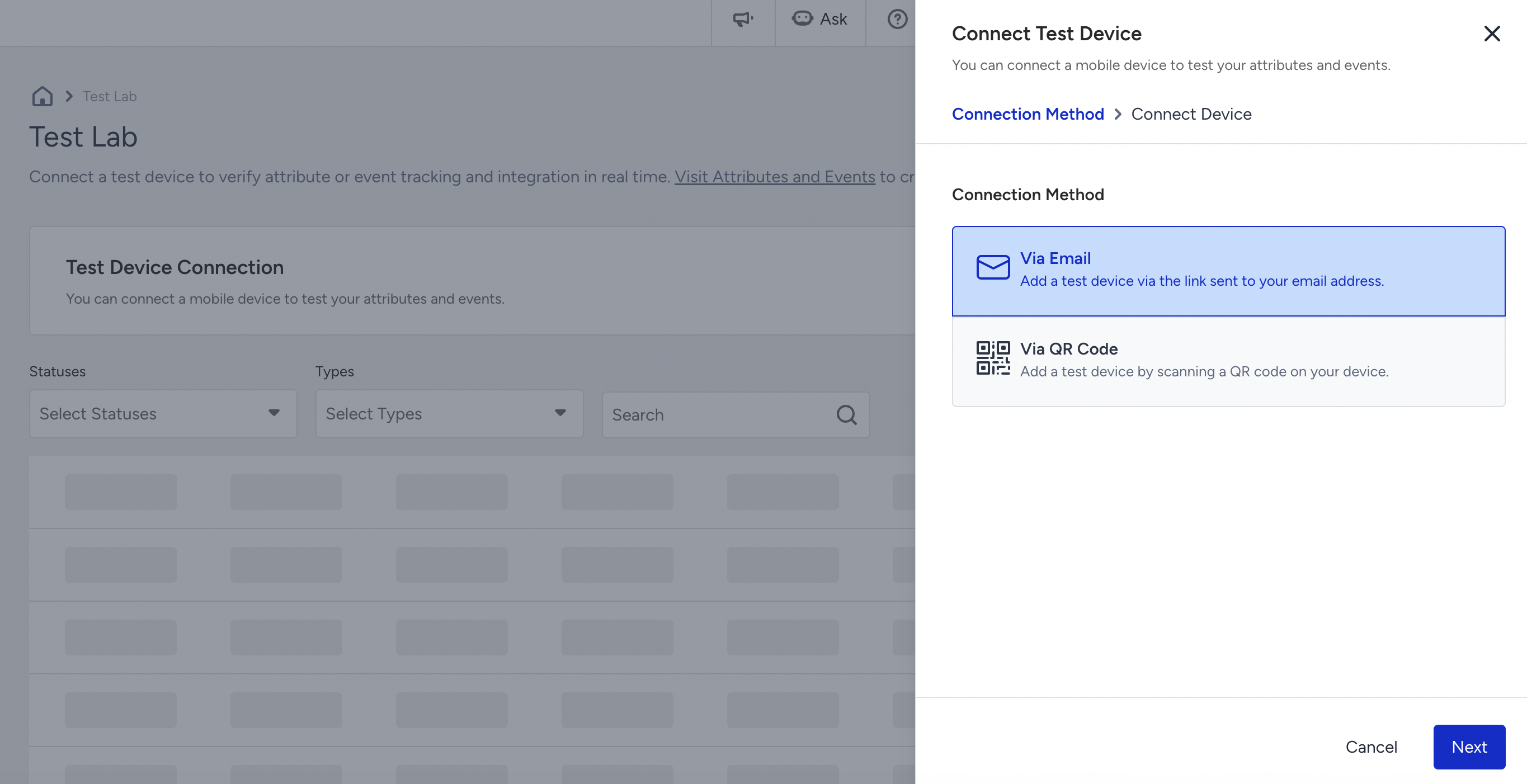
You can connect a mobile device to test your attributes and events.

Click the Connect Device button to select a connection method: Via Email or Via QR Code.
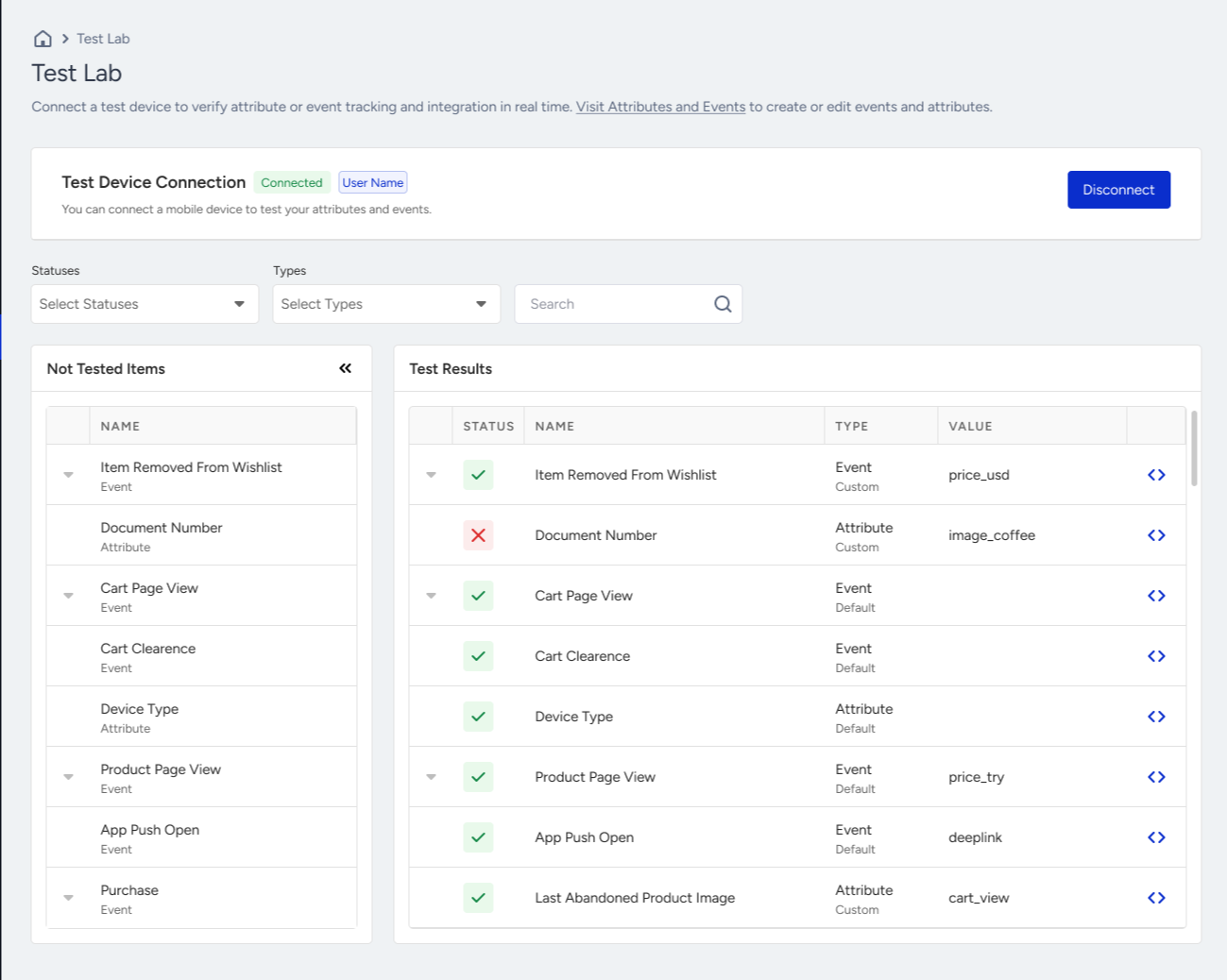
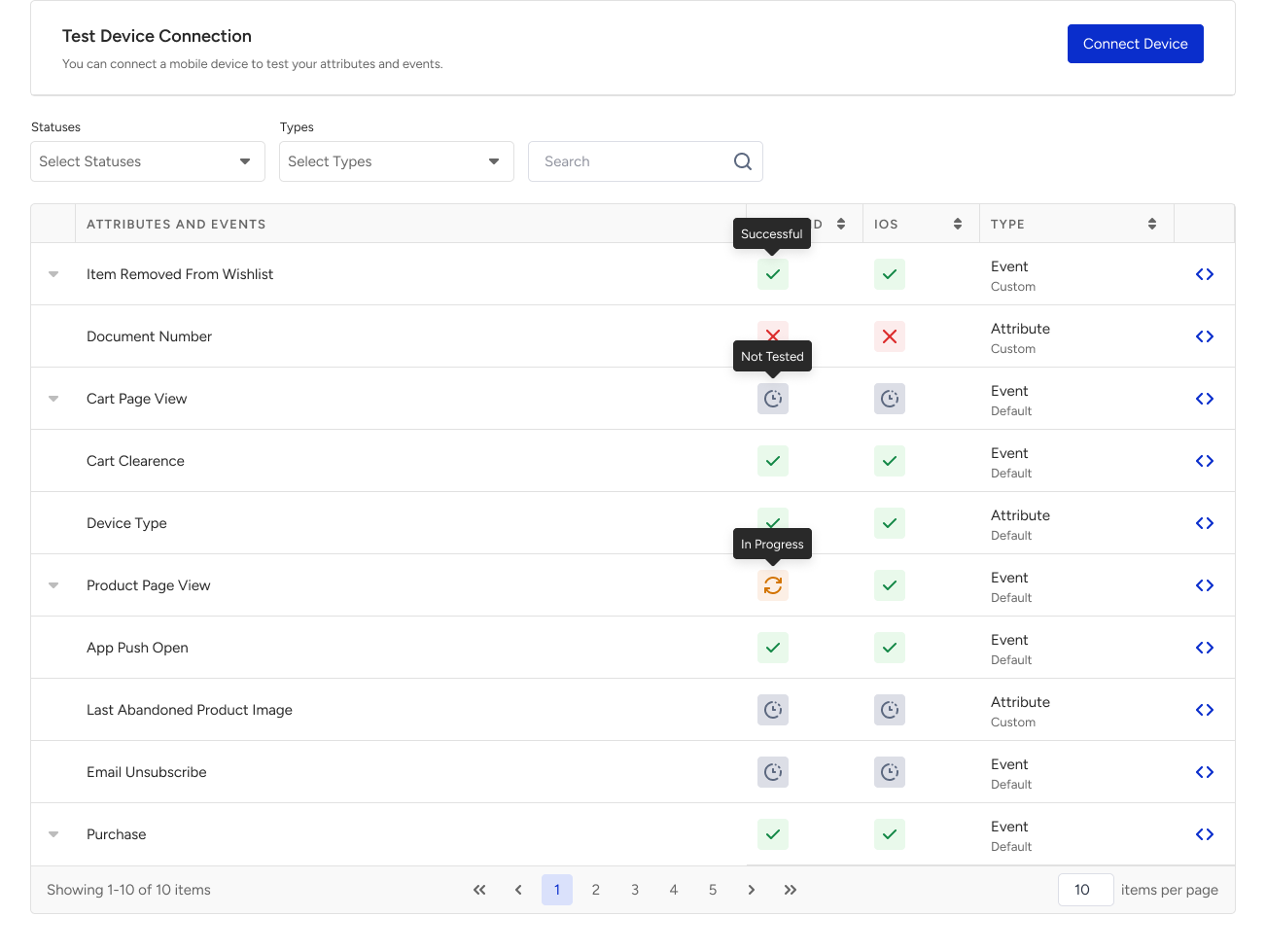
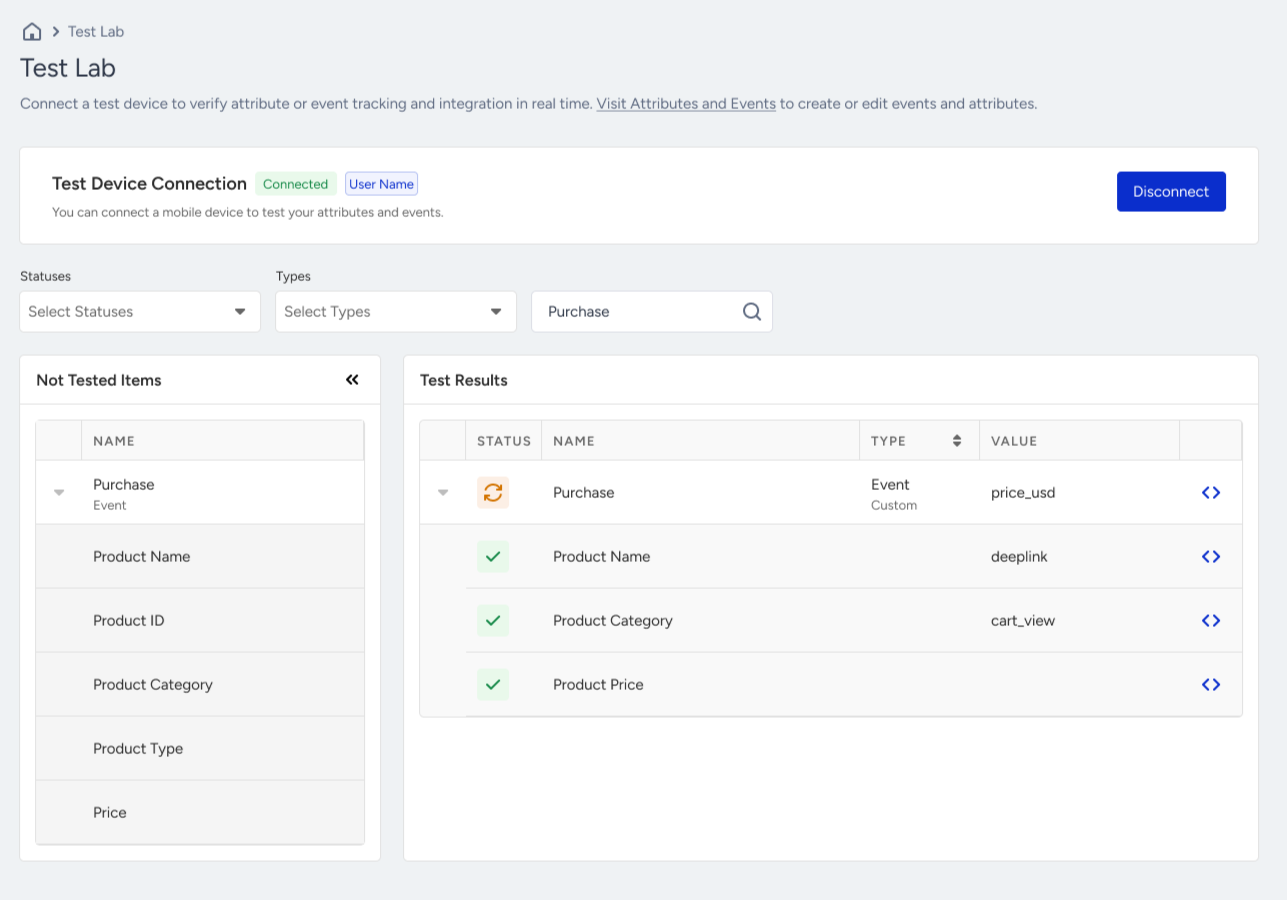
When your device is connected, the page is divided into Not Tested Items and Test Results. Once you test the items, they are listed under Test Results.
Filter events and attributes
You can filter your events and attributes by their status and type.
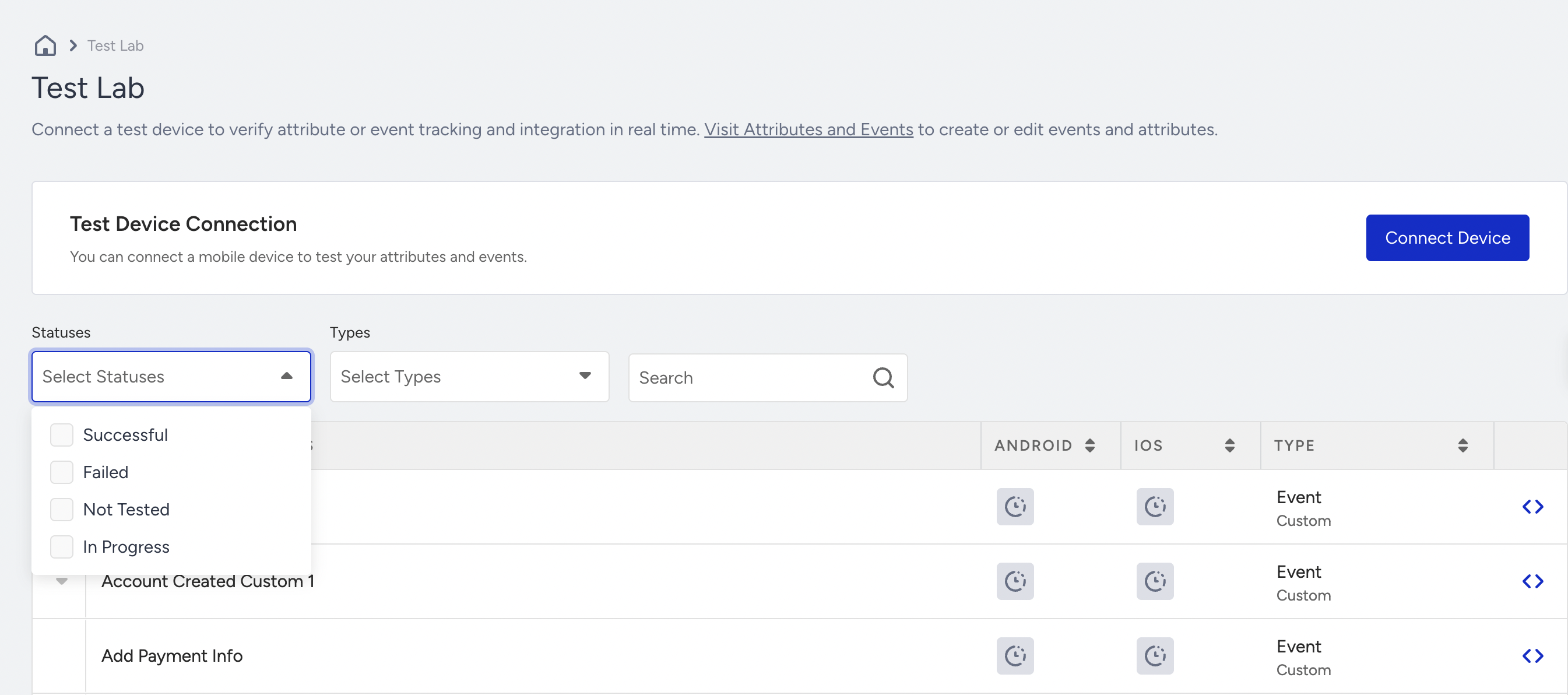
The available statuses are:
- Successful: Successfully tested components
- Failed: Failed test due to various reasons
- Not Tested: Components you haven't started testing
- In Progress: Components you are currently testing
Test events and attributes
Once your device is connected, you can start testing your items.
To test your events and attributes in the Test Lab, you need a build that includes Insider One's Mobile SDK and the corresponding events and attributes.
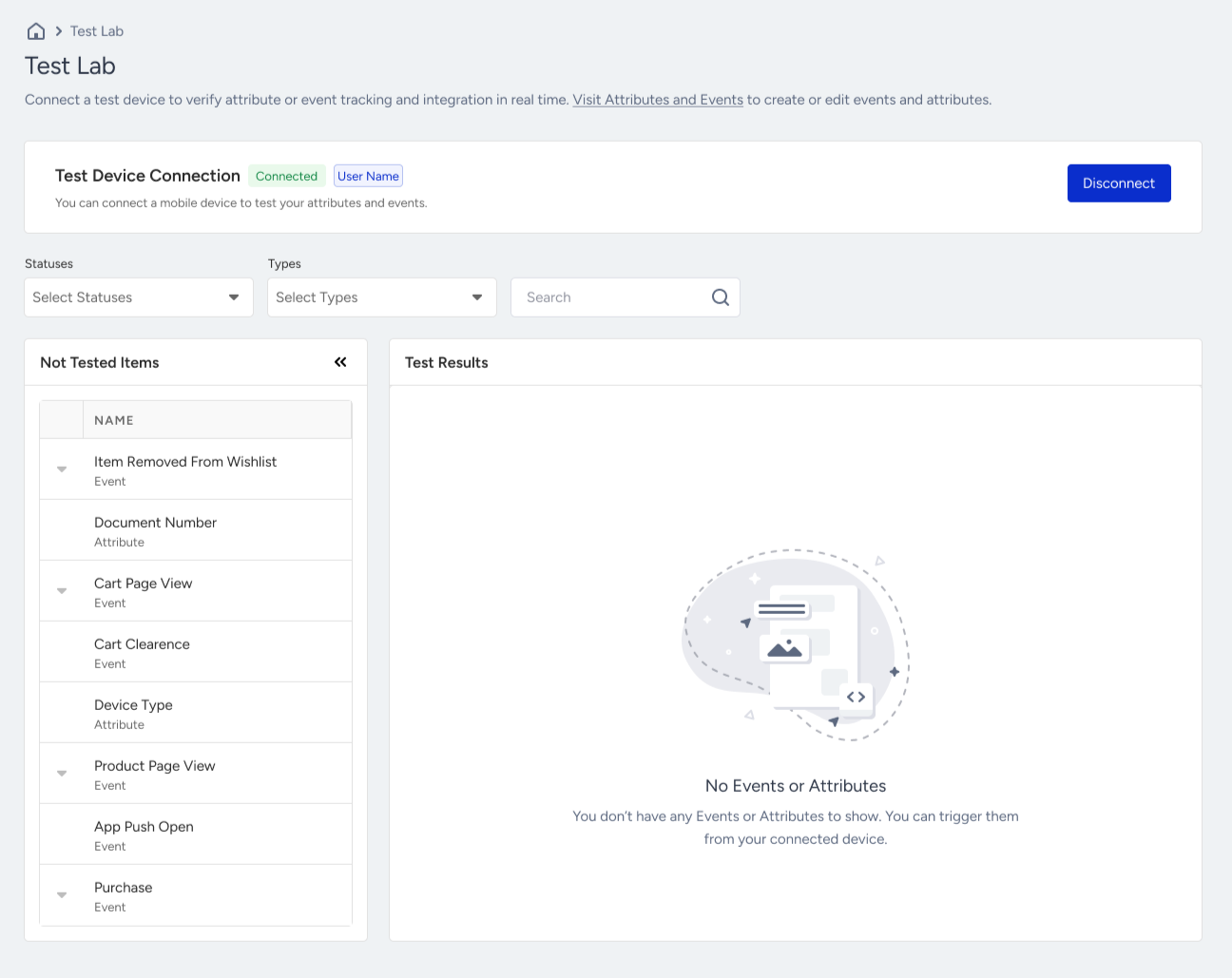
Once you start testing the events and attributes, their status will also change accordingly.
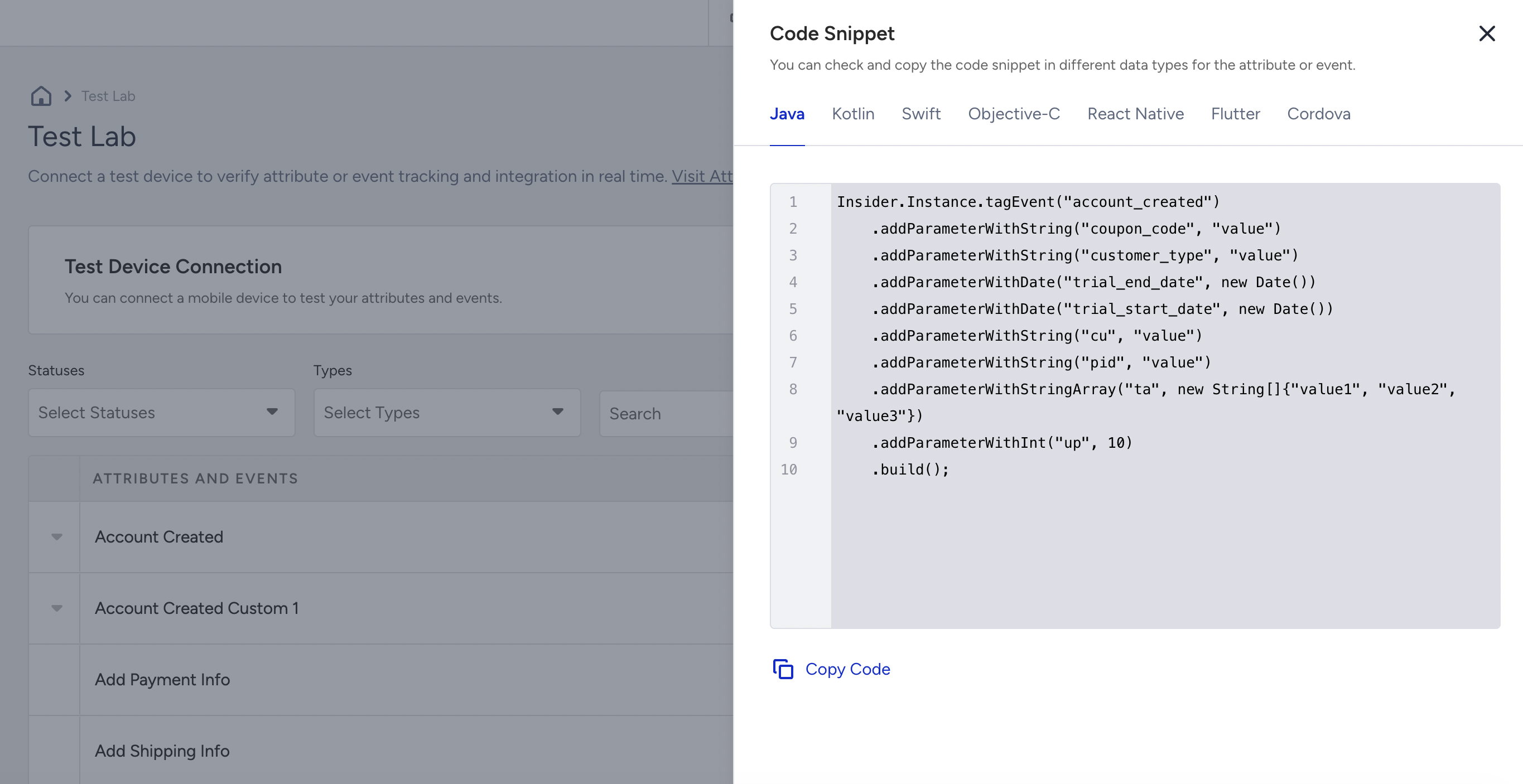
Click the code snippet icon next to the item you want to test.
Trigger the events and attributes that you want to test on the application.
For troubleshooting, refer to I cannot connect to the test wizard, Why cannot I add my device as a test device, I cannot connect to the panel with a QR code scan