This guide provides details about how you can use the MindBehind Live Search Page. You can follow the steps below to use the search page.
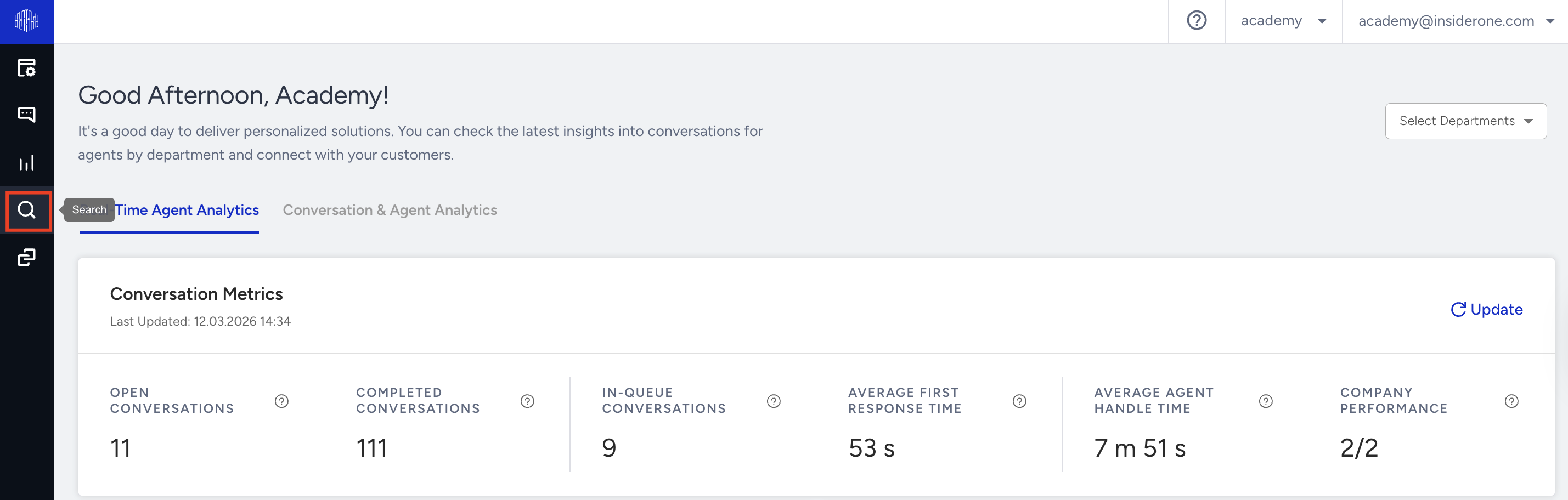
Click the Search button on the Navigation Bar.
To find past conversations, specify a date and search criteria, and click the Search button.
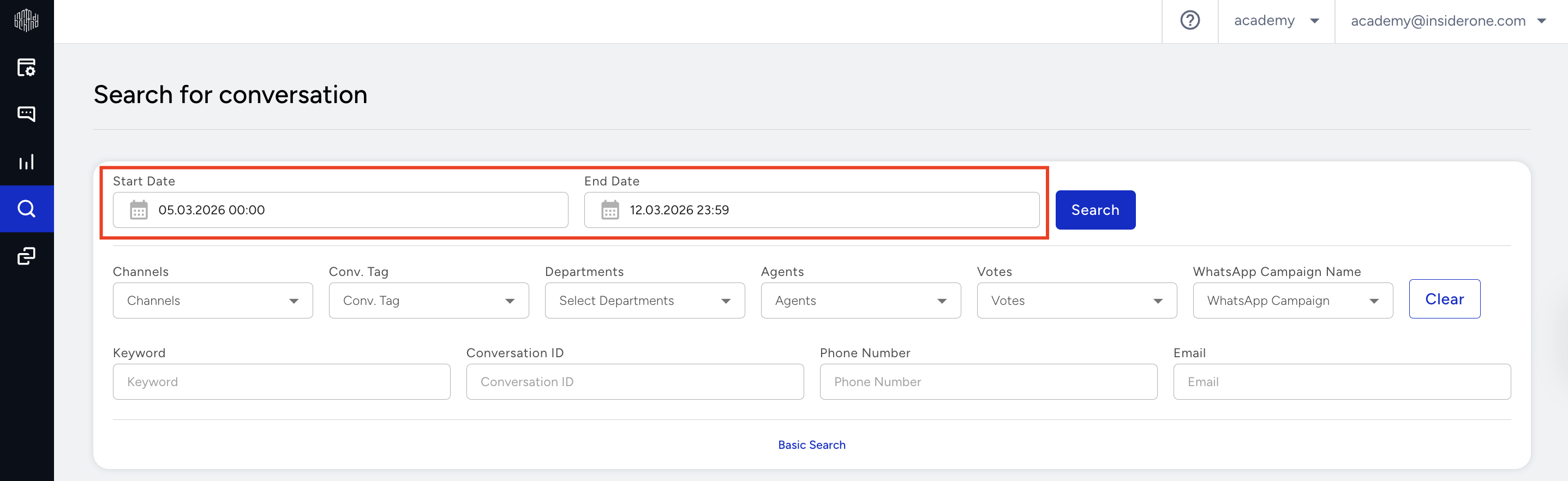
When you enter and search the criteria, you can access past conversations. You can see the channel the conversation came from, the date, and the conversation details.