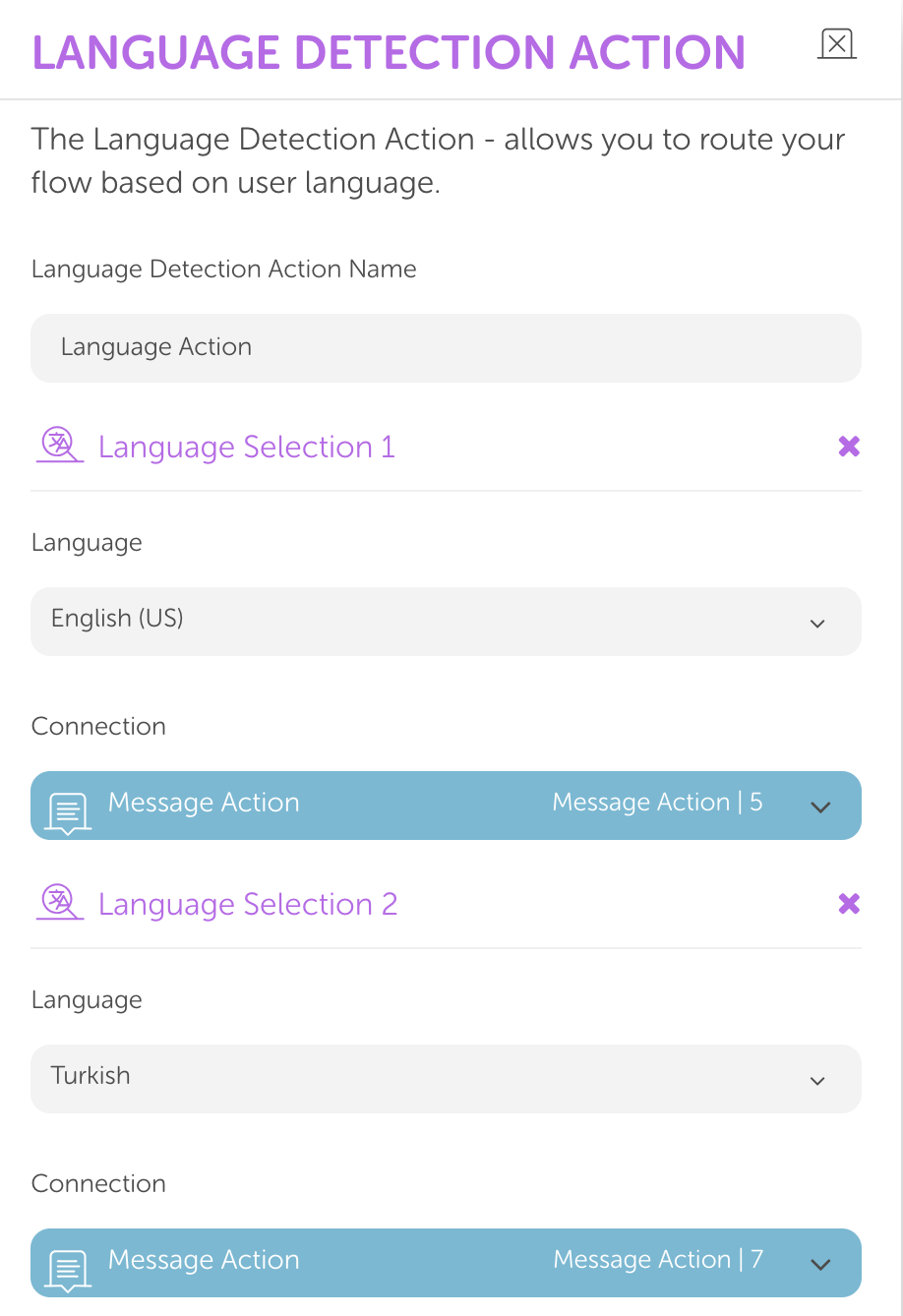
The Language Detection module is created to detect the language of user input. It can detect language and send users to different flows according to the input language. This guide will help you learn how to use language detection in your conversation flows.
You can use #BROWSER_LANGUAGE if needed. This parameter holds the end-user's language preference on their browser. It can be undefined if the browser is outdated. With this parameter, you can discover the end-user's default language preference on the browser, which you can use within chatbots.
To use the Language Detection Action in your flows, follow the steps below:
Add the Input module just before the Language Detection module. Adding it guarantees that Language Detection will receive and work on the user's message as input. Otherwise, Language Detection might not work properly.
Select Any as the Input Type.
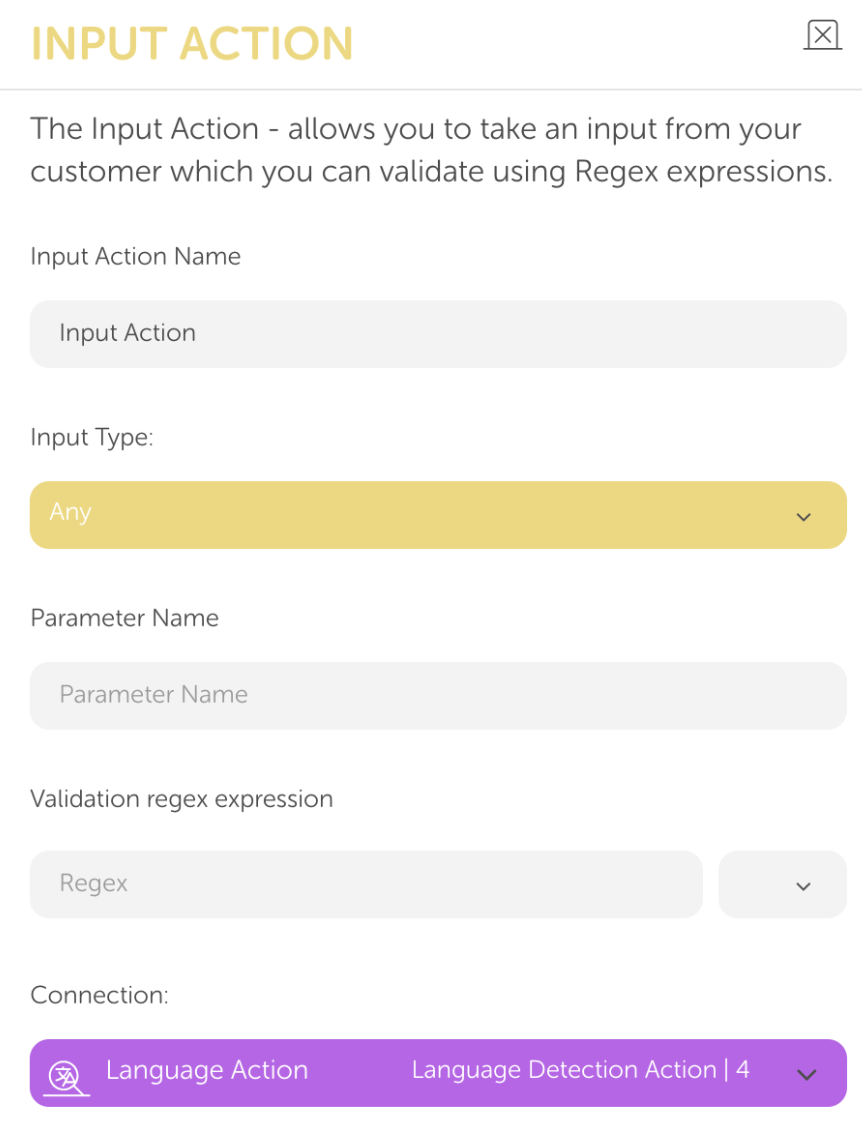
Create a Language Detection module.
Connect the input module to your Language Detection module.
To arrange a Language Detection module according to the need, follow the steps below:
Select one or more languages according to which ones you want to detect. Click the plus (+) icon to add a new language and its connection.
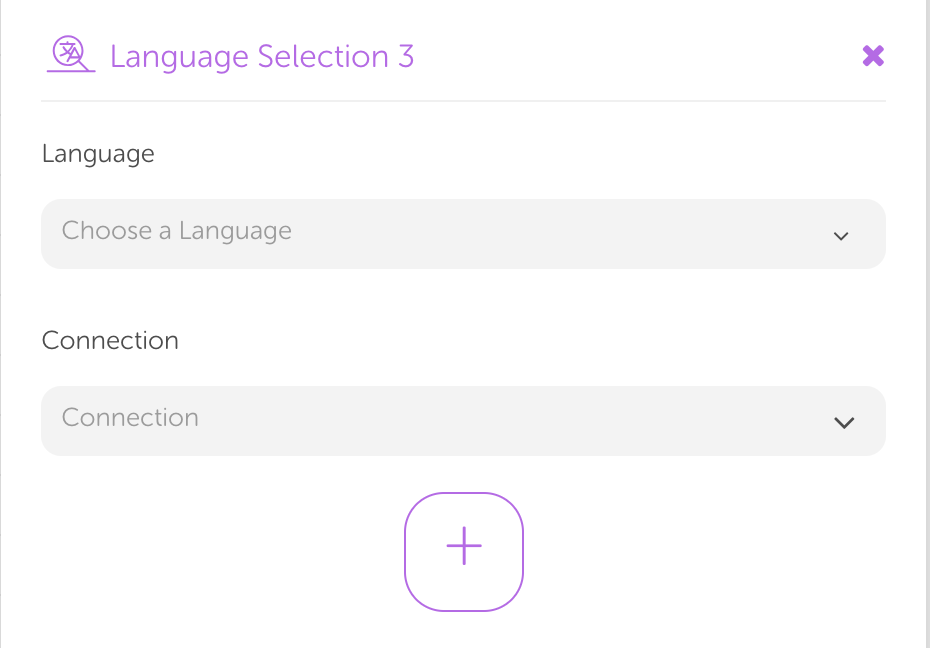
Set and select a connection for each of the languages that you want to detect. When the selected language is detected, the flow will continue across the selected module.
You can use drop-down menus to select the language for detection and the connection for action after that language is detected.
Set a module for fallback scenarios. Fallback will be used if no language is detected among the selected ones.