Suggested reading: Integrate Code Station
You can create your Code Station code block from scratch or integrate it using a template. The General Helpers templates have three templates that you can integrate:
ToString
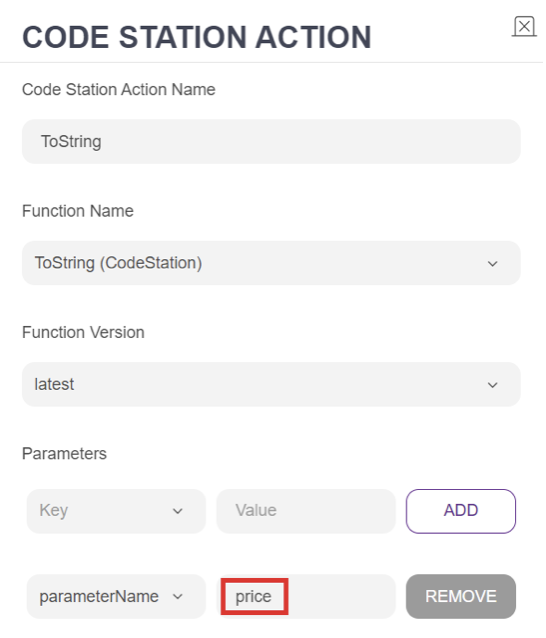
The ToString template helps convert parameter types from any type to a string. For example, if you use a service in your map that returns parameters as integers, you can use this service to convert them to a string format.
To convert the relevant integers to string format, add your parameter name to the "parameterName" field of your Code Station module.
ClearParams
The ClearParams template allows you to clear your parameters individually or in bulk. It has two key parameters:
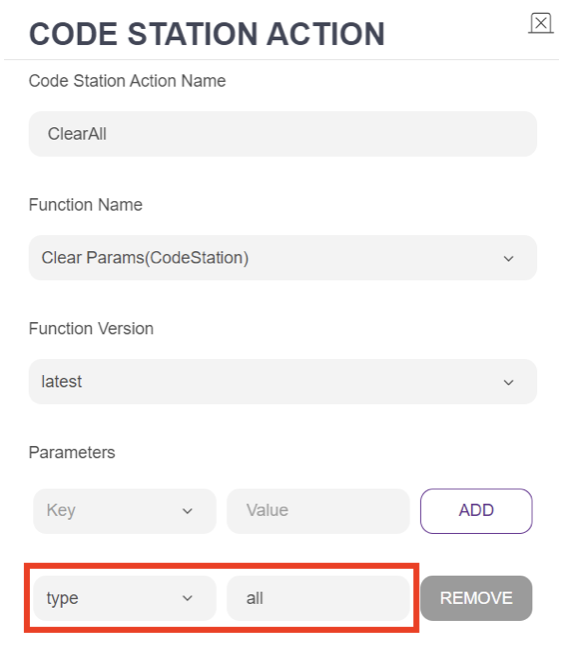
- Type: Setting the “type” to “all” will delete all parameters.
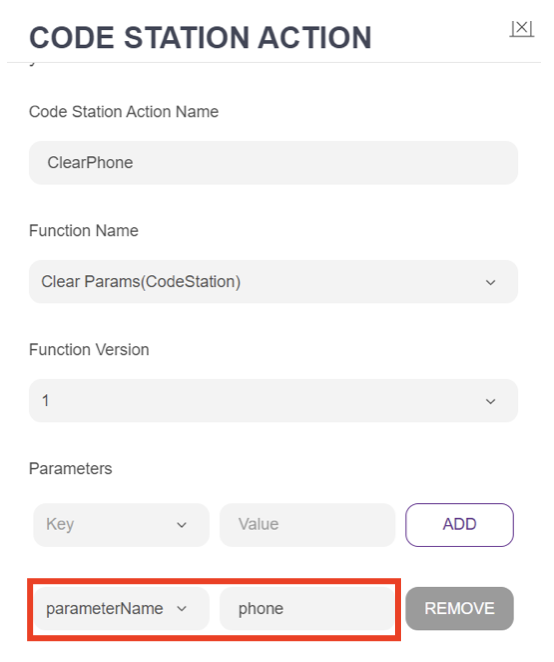
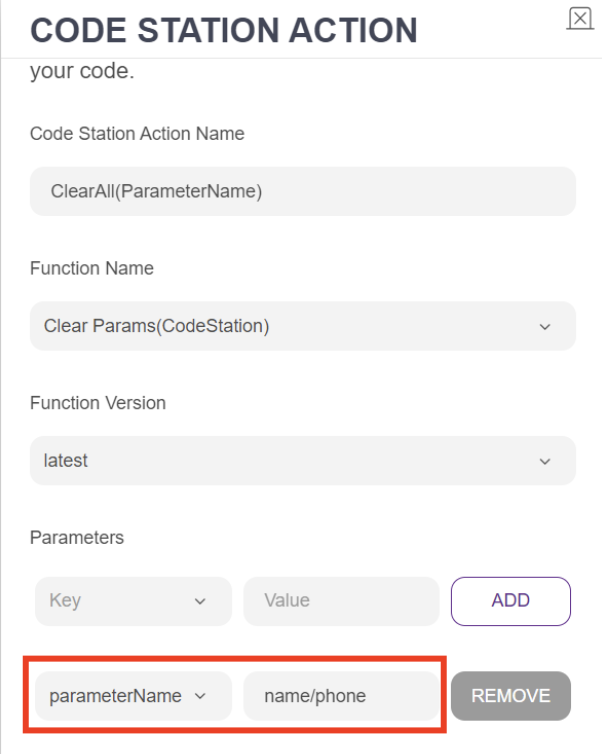
- parameterName: If you only want to clear specific parameters, set “parameterName” to the names of the parameters you want to delete. For multiple parameters, separate them with a slash (/).
- To remove all the parameters inside the "params" object, select "type" as the parameter and define the type as "all."
- To clear only one parameter, select the "parameterName" and enter the name of the parameter you want to delete.
- To clear multiple parameters, select the "parameterName," enter the name of the parameters, and separate them with a slash (/).
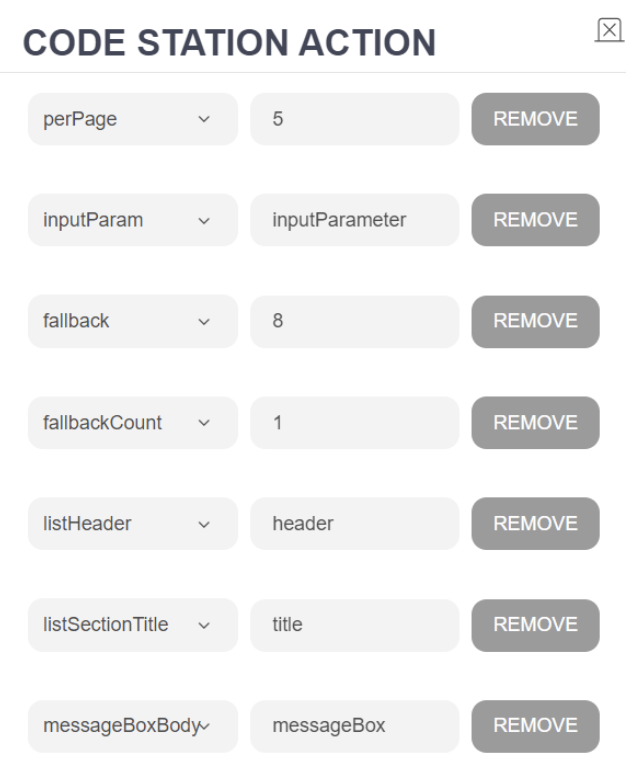
List Reply Pagination
The List Reply Pagination template lets you set up the pagination structure using a single module. To do so, you need to fill in each parameter in the code block. The integration will return a fallback response if any values are missing or left empty.