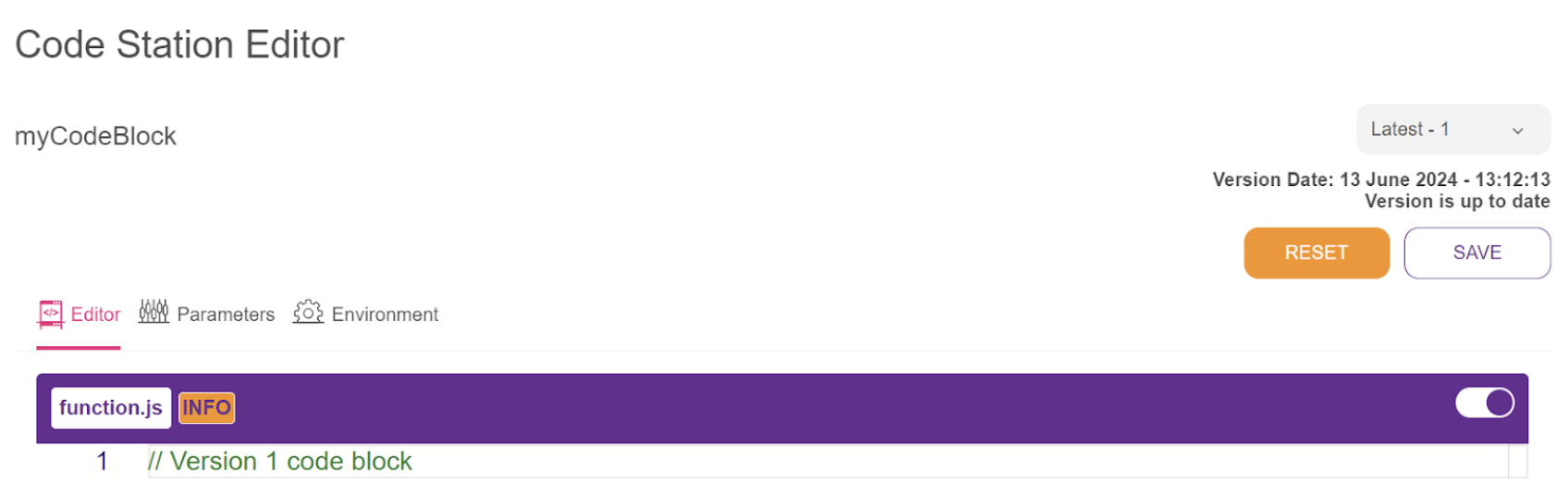
The Code Station module is a tool for executing JavaScript code to handle specific user requests. While the Assistant's modules typically provide solutions, custom code snippets might be required for unique situations. These snippets offer flexibility within the flow, enabling tailored problem-solving.
Each generated code block is specific to the relevant company, ensuring that code created for one company remains inaccessible to others, preserving privacy and security.
This guide aims to provide answers to these questions:
Create a Secret Key
Secret Key is not always required for your Code Station module, but if it is, you can follow the steps below to create a Secret Key before creating your Code Station module:
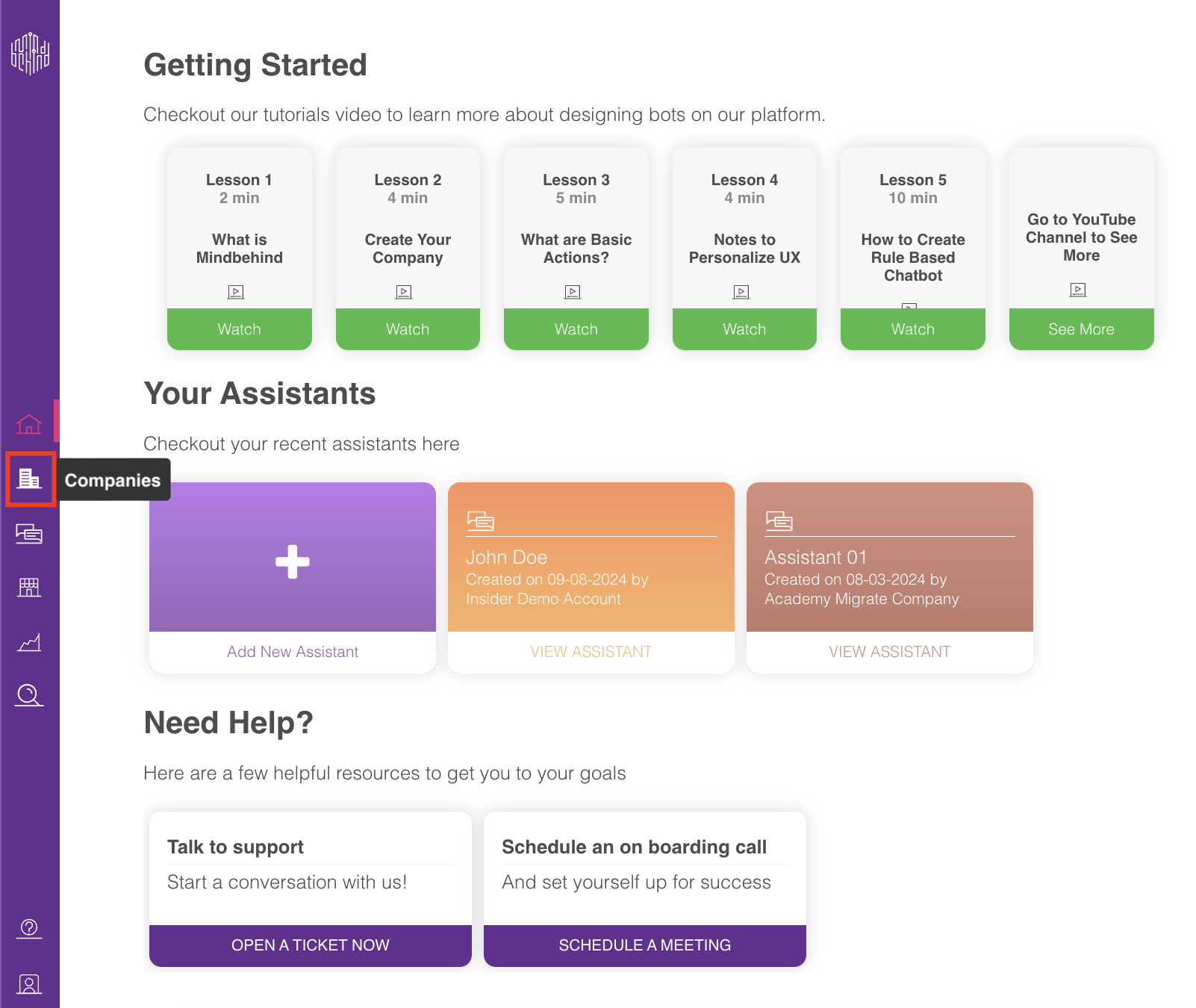
- Click the Companies option on the navigation bar.
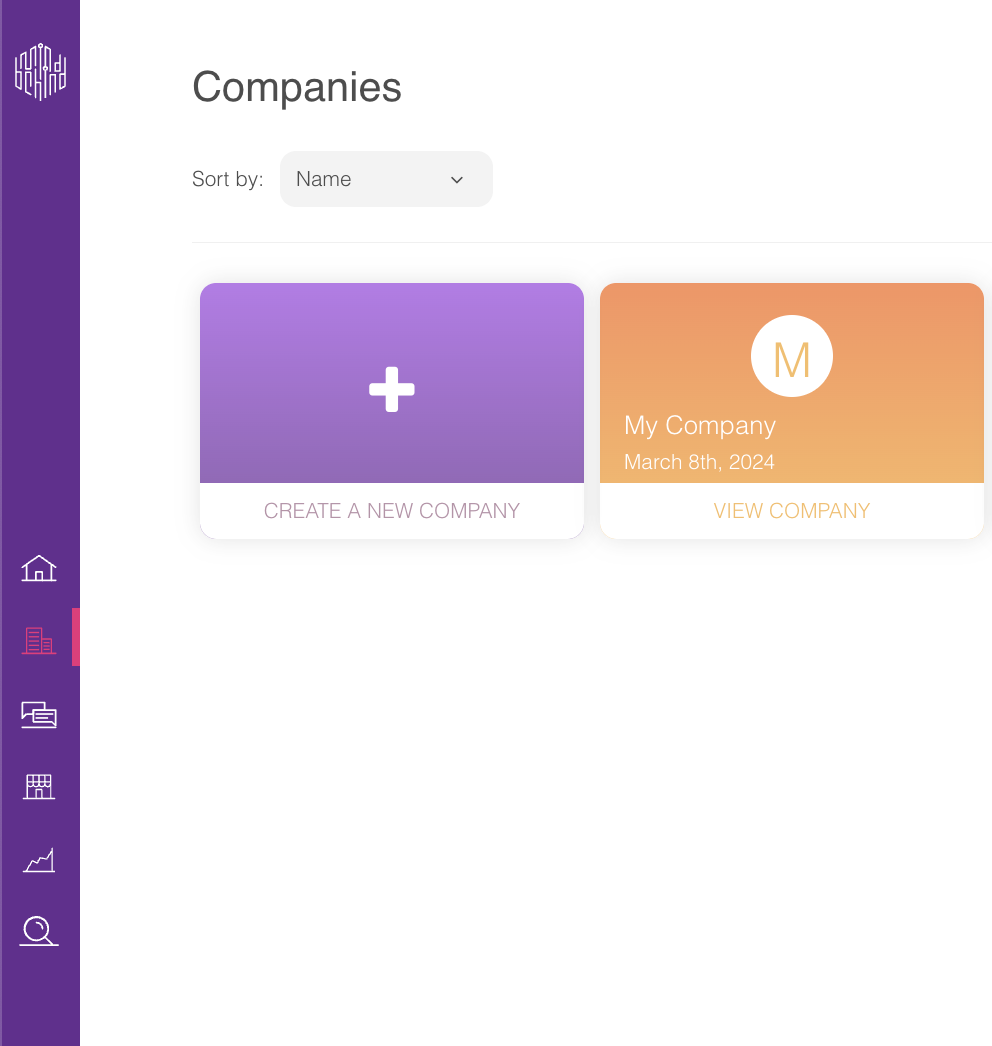
- On the Companies page, select your company.
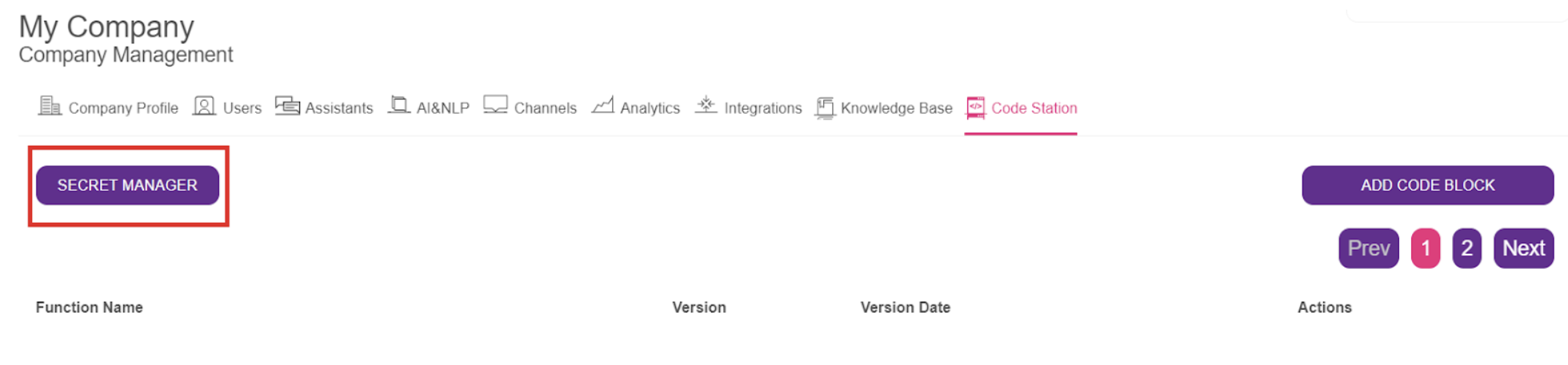
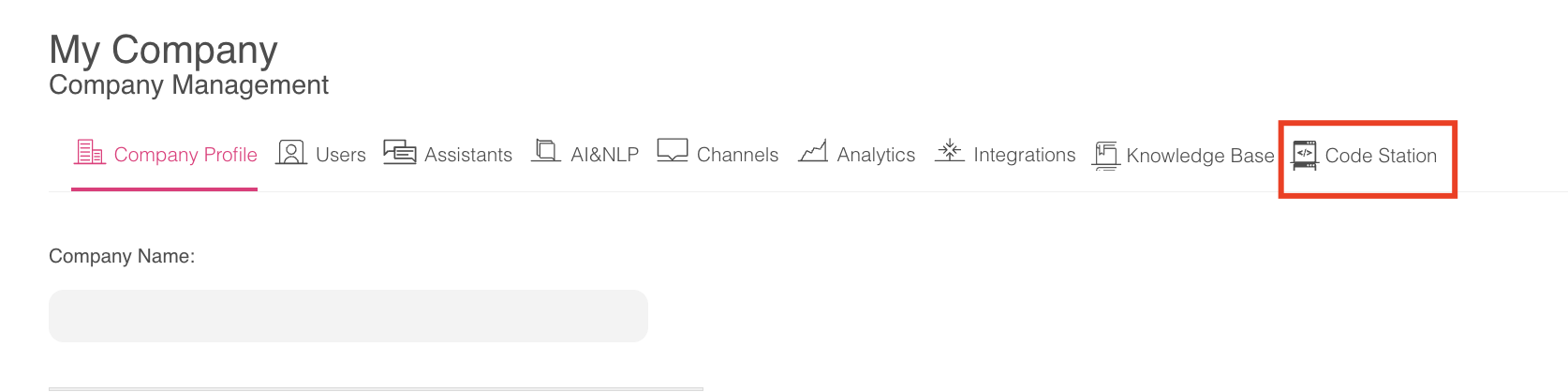
- You will land on the Company Management page. Click on the Code Station tab.
.png)
- Click on the Secret Manager button on the top left.
- Define a name for your Secret Key, select the necessary Property Type, and add your key with Property key and value. Click the Add button.
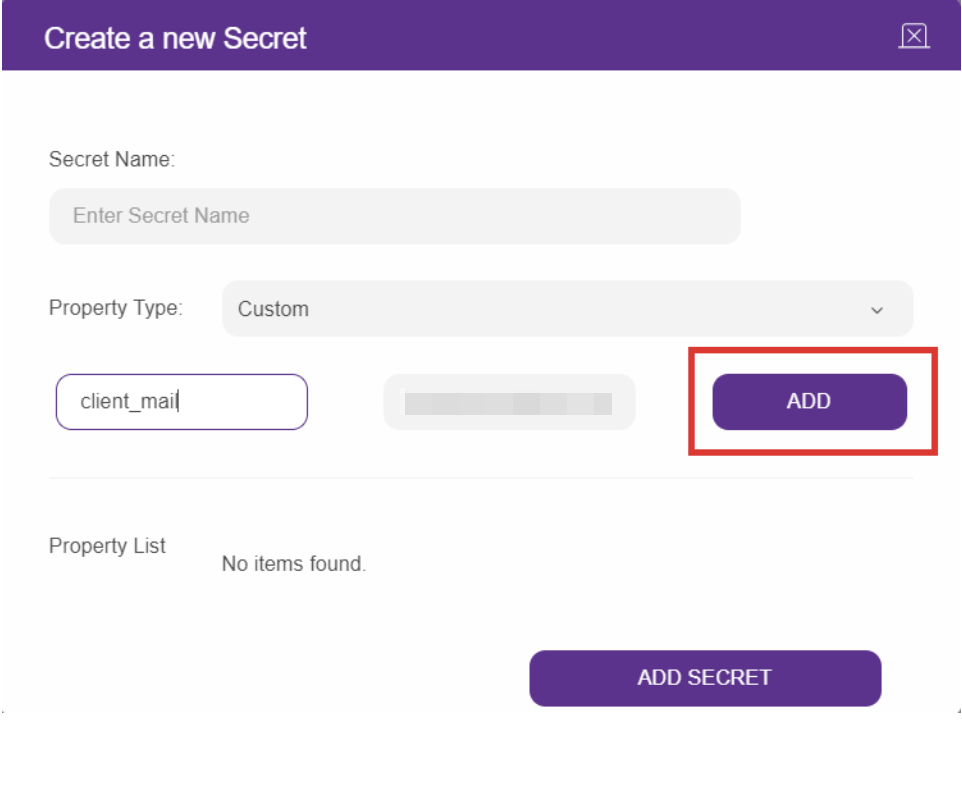 Now that you have your Secret Key, you can proceed to create your Code Station module.
Create the Code Station module
- Click on the Code Station tab on your Company page.
- Click the Add Code Block button.

- Click the Select button for the "Create from Scratch" option.
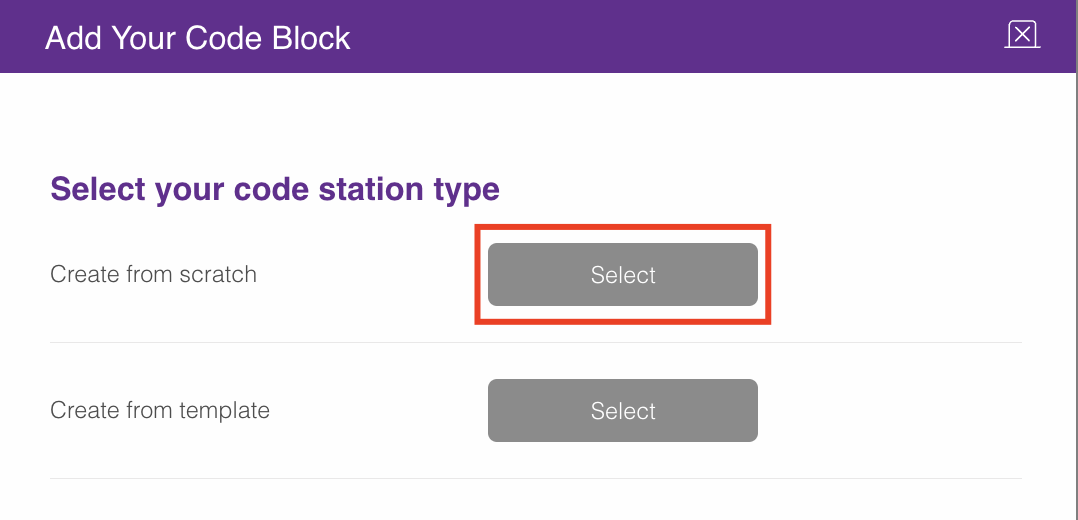
- After you name your code block, click the Add Code Block button.
.png)
- You will see your code block added on the Code Station page.
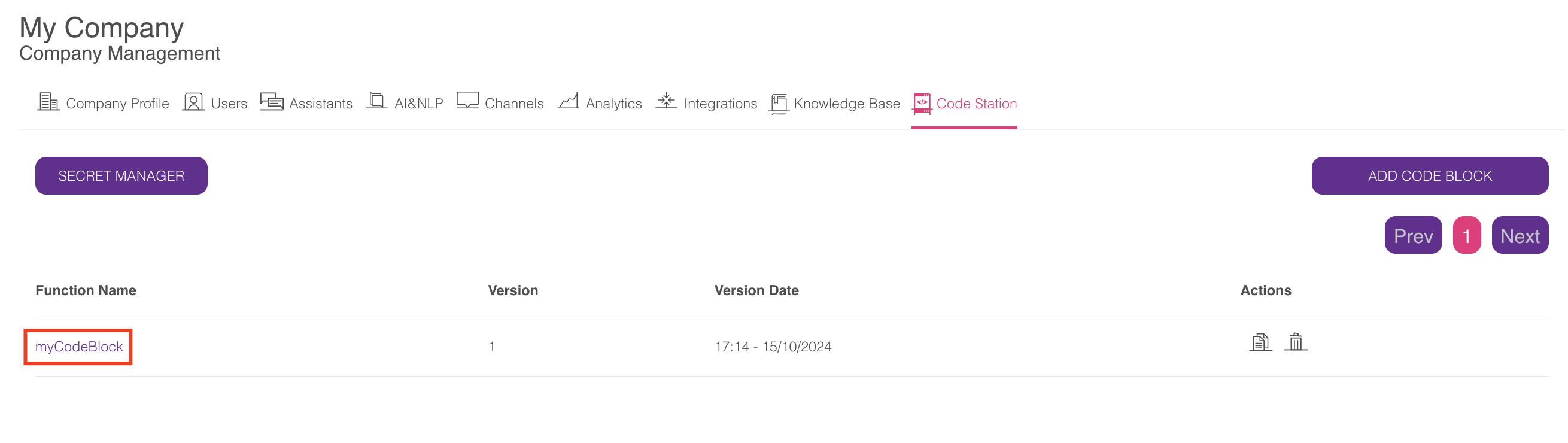
If you want to edit your code block, you can click on your code block to access the Code Station Editor screen. You can also add your parameters in the Parameters section and choose your Secret Key from the Environment section on this screen.
Click the Save button to save all your changes on the Code Station Editor.