WhatsApp unsubscription refers to the process of a user choosing to stop receiving WhatsApp messages. Based on your needs, Insider One offers various automated methods to handle unsubscriptions. Once the appropriate method is set up, no further action is required on your end.
All unsubscribed phone numbers are added to a global unsubscribe list, ensuring they will not receive future WhatsApp messages.
Using the Unsubscribe API, you can add global unsubscribes to the Global Unsubscribe suppression list and add these users to specific unsubscribe groups.
Using the Resubscribe API, you can also resubscribe users to specific unsubscribe groups.
Only the Administrator and users with access to PII data can view personal information on this page. You can provide your members with user access to view the PII, customer personal data, or user profiles from the User Management page.
The phone number must be an identifier that complies with the Identity Resolution Management (IRM) Settings to use the suppression list.
Global Unsubscribe allows your recipients to unsubscribe from all the WhatsApp messages you send them. You can reach Global Unsubscribe through Audience > Suppression > Global Unsubscribe.
Depending on your package, you will see Email, SMS, and WhatsApp products. You can switch between tabs to manage recipients who are no longer subscribers in any of these channels.
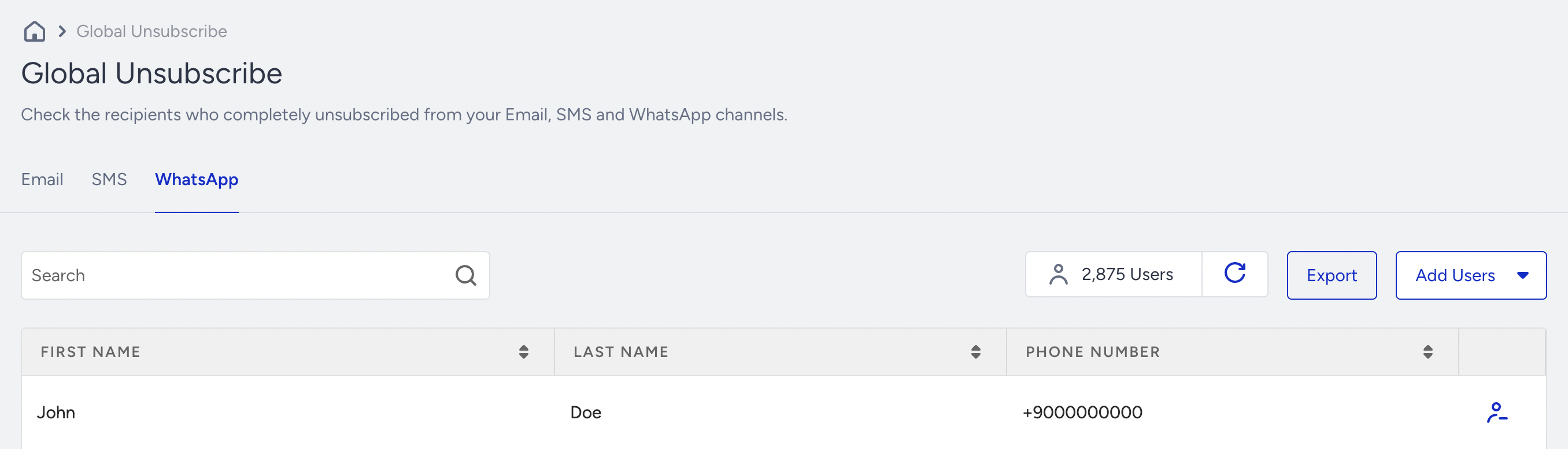
Import global unsubscribes
You can import your unsubscribers using two different methods: Manually or by uploading a file.
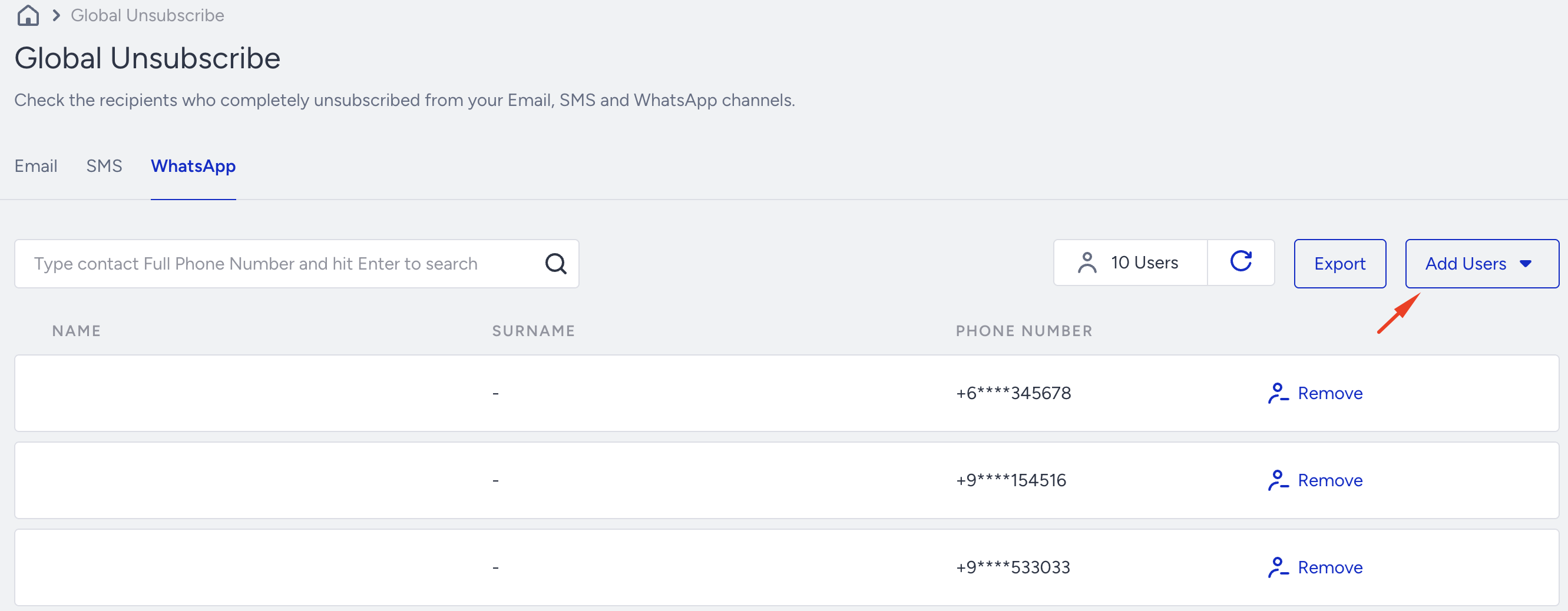
1. Add Manually
Click Add Users and select Add Manually.
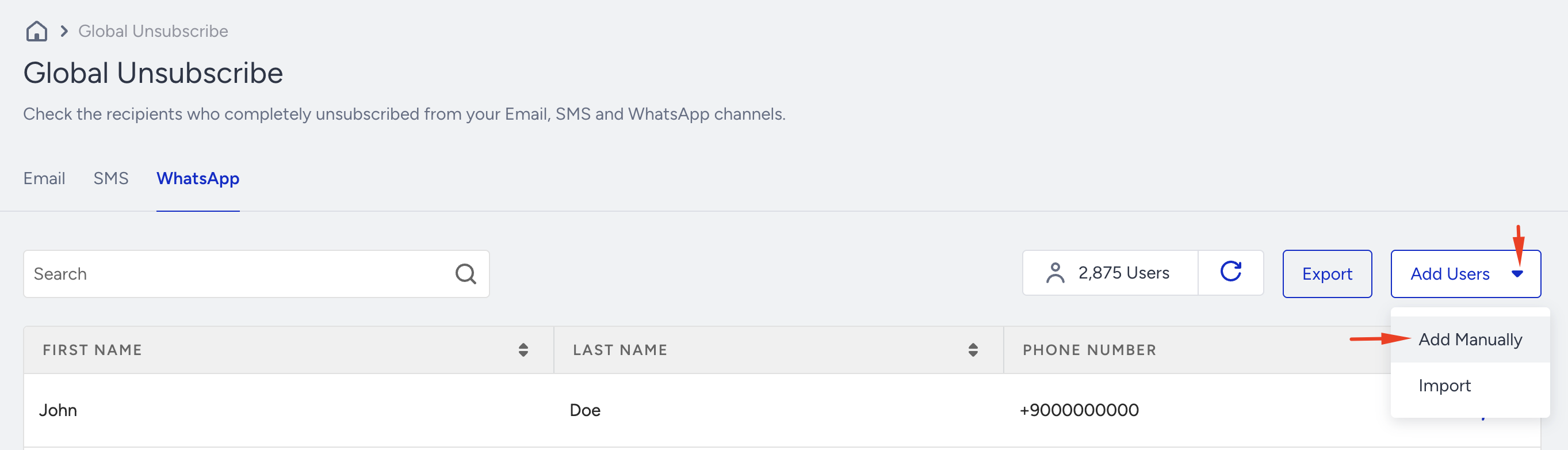
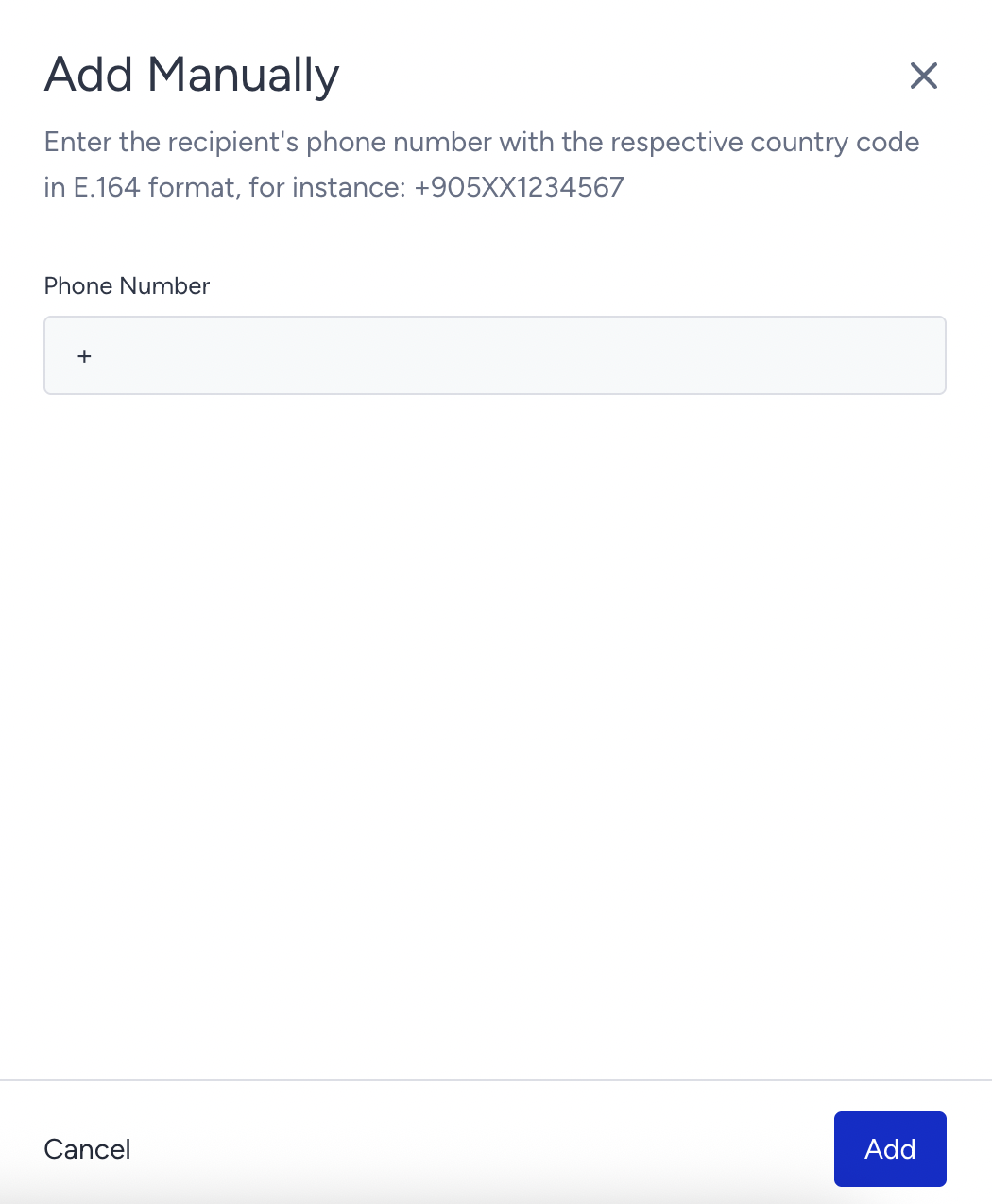
Add your unsubscribers manually, one at a time. Enter the phone number and click the Add button.
2. Import
Click Add Users and select Import.
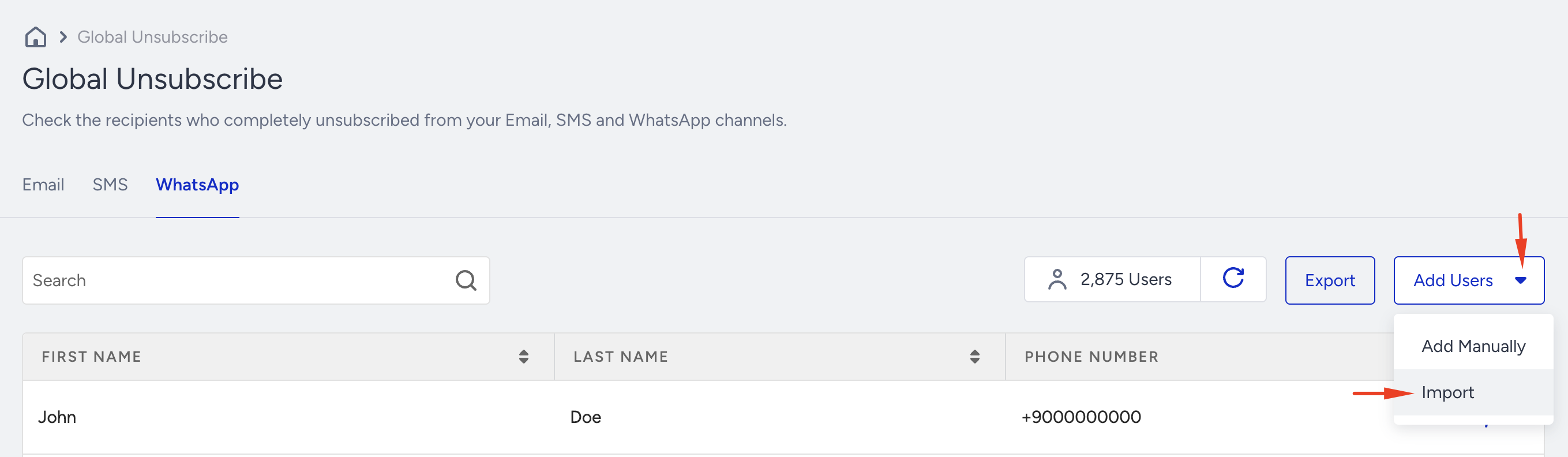
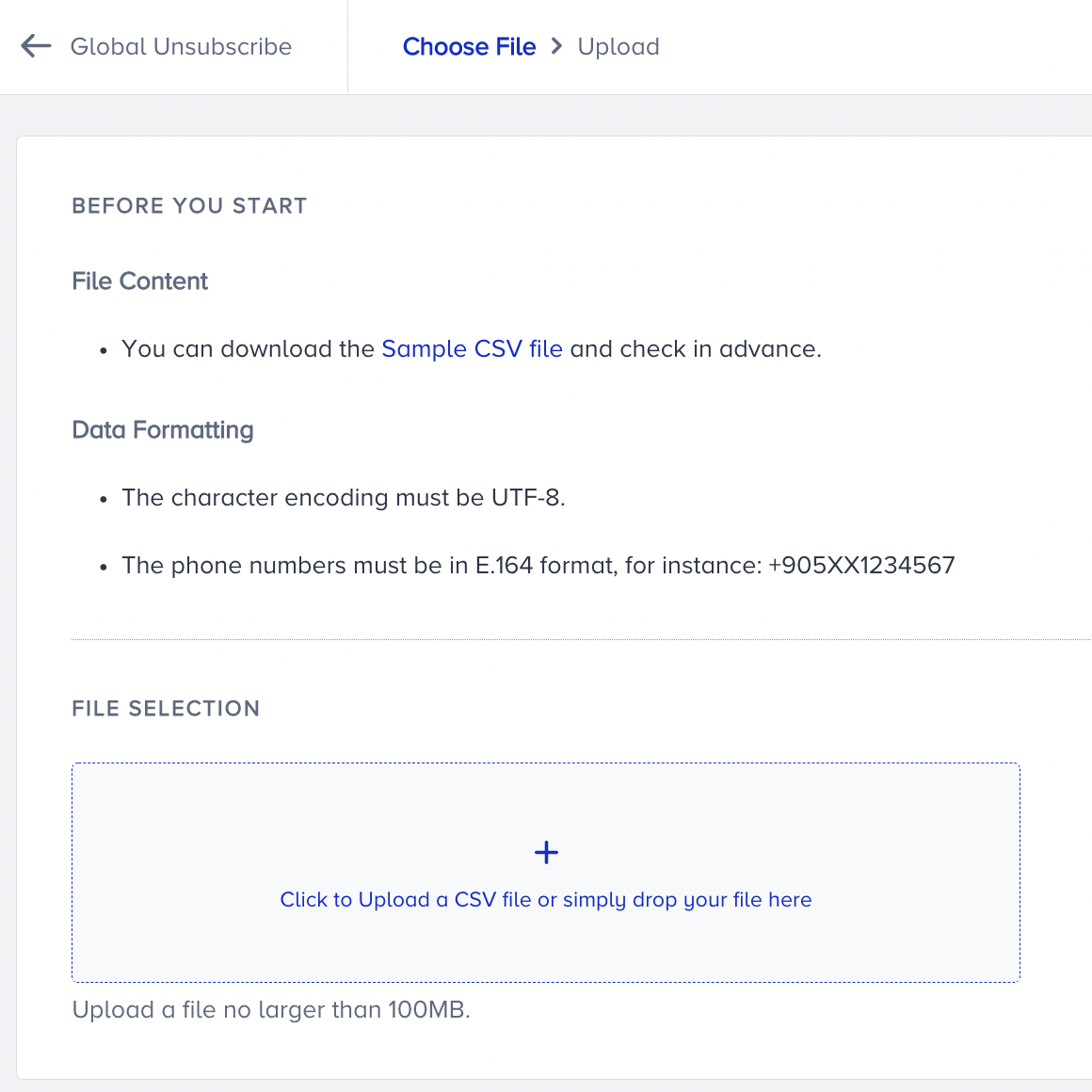
Upload your CSV file, which contains only one column of phone numbers, without a header.
The phone number validation system detects issues, such as redundant country codes or incorrect formats, and only accepts valid numbers. Whether uploaded with or without a country code, all phone numbers are automatically standardized to the correct format.
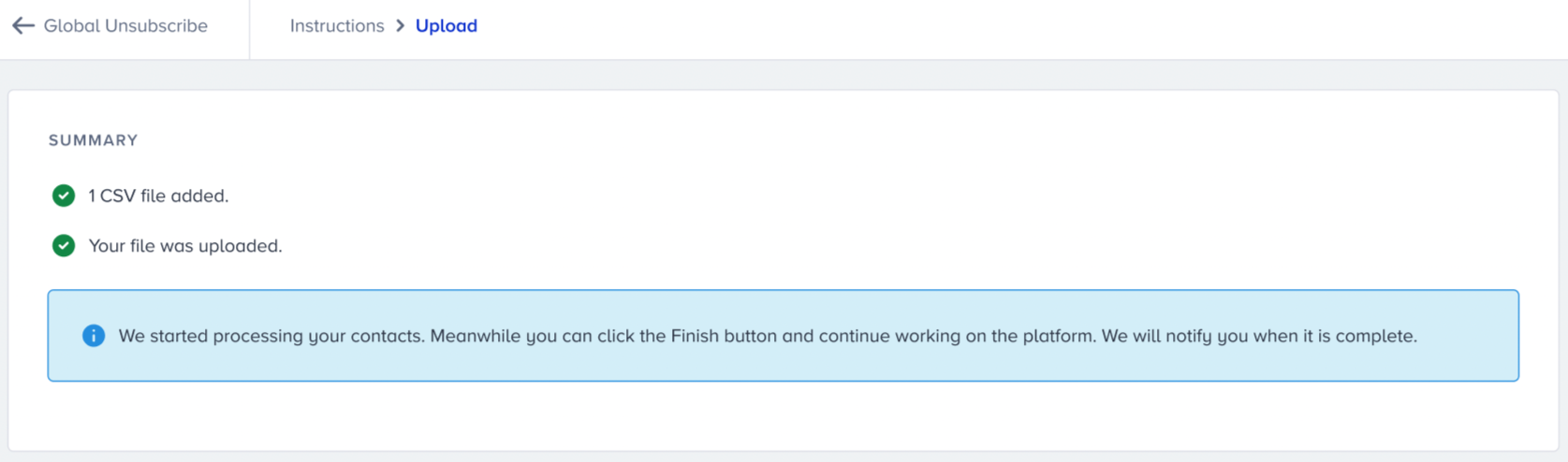
The import process may take a while. Once it is completed, you will be notified.
When your list update is completed, you will receive an email about the result.
Remove from Unsubscribe
This option lets you delete a user from Global Unsubscribe in Insider One's database. Click Remove against the contact you want to delete.
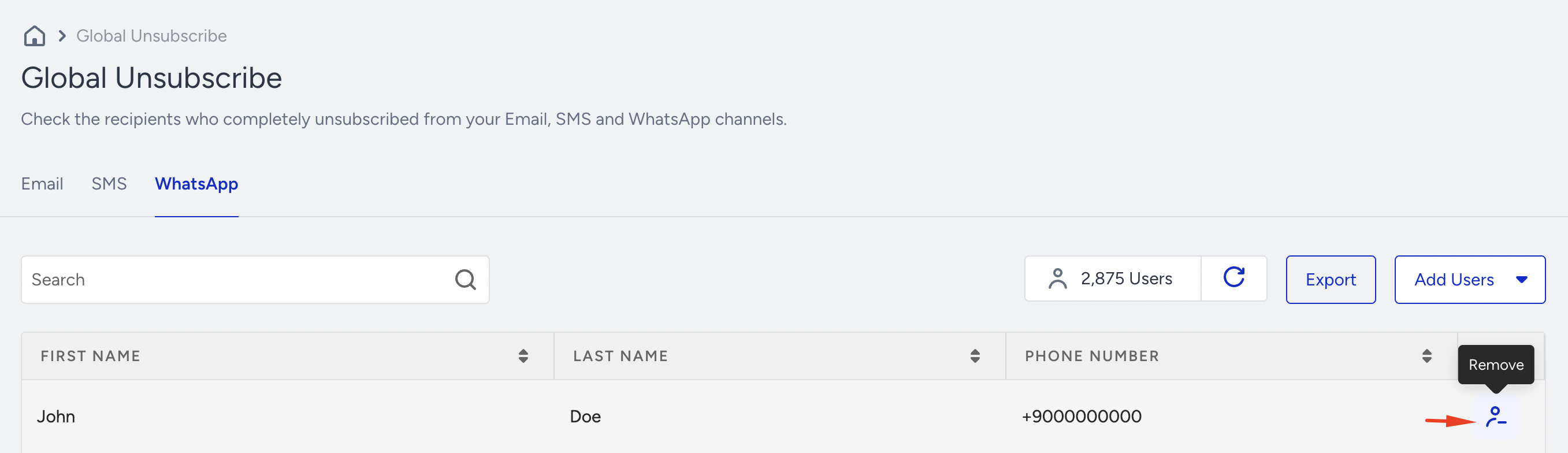
You will receive a confirmation message that will be removed when you click the Remove button.
Export Unsubscribers
To export the data, click the Export button. You will soon receive an email containing the phone numbers in your inbox.
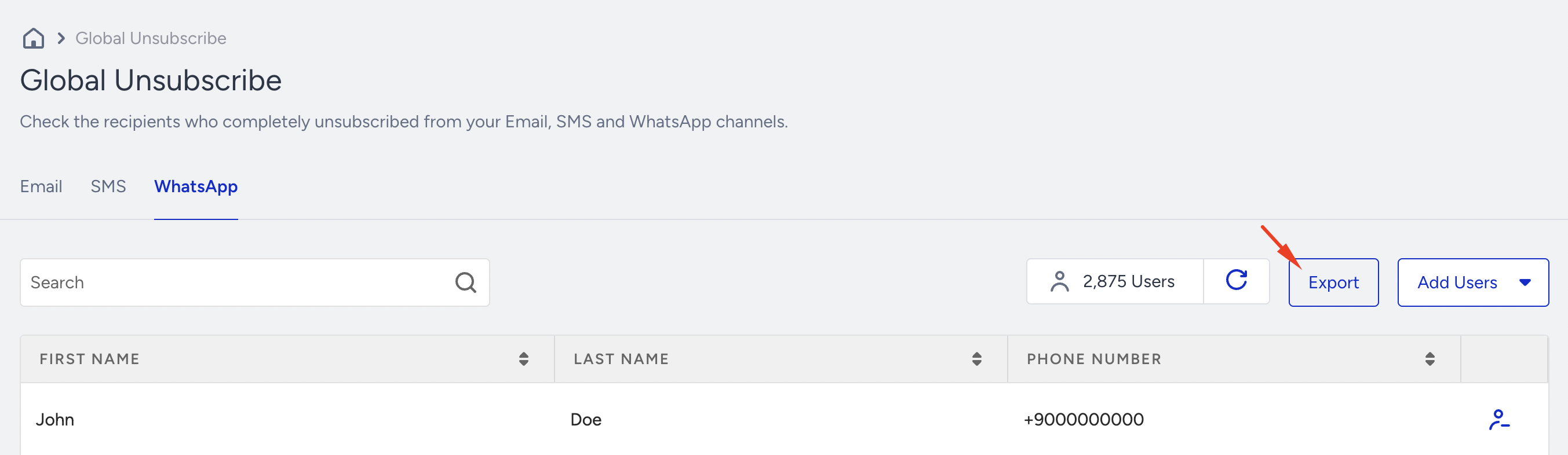
The Export button will only work if the user is an Administrator or allowed to view PII information in the InOne panel.