Suggested readings: Install using Cocoapods, Install Using Carthage
To integrate Insider's Mobile iOS SDK into your project manually, you need to download and add the latest version of the framework to your project. Follow these steps for configuration:
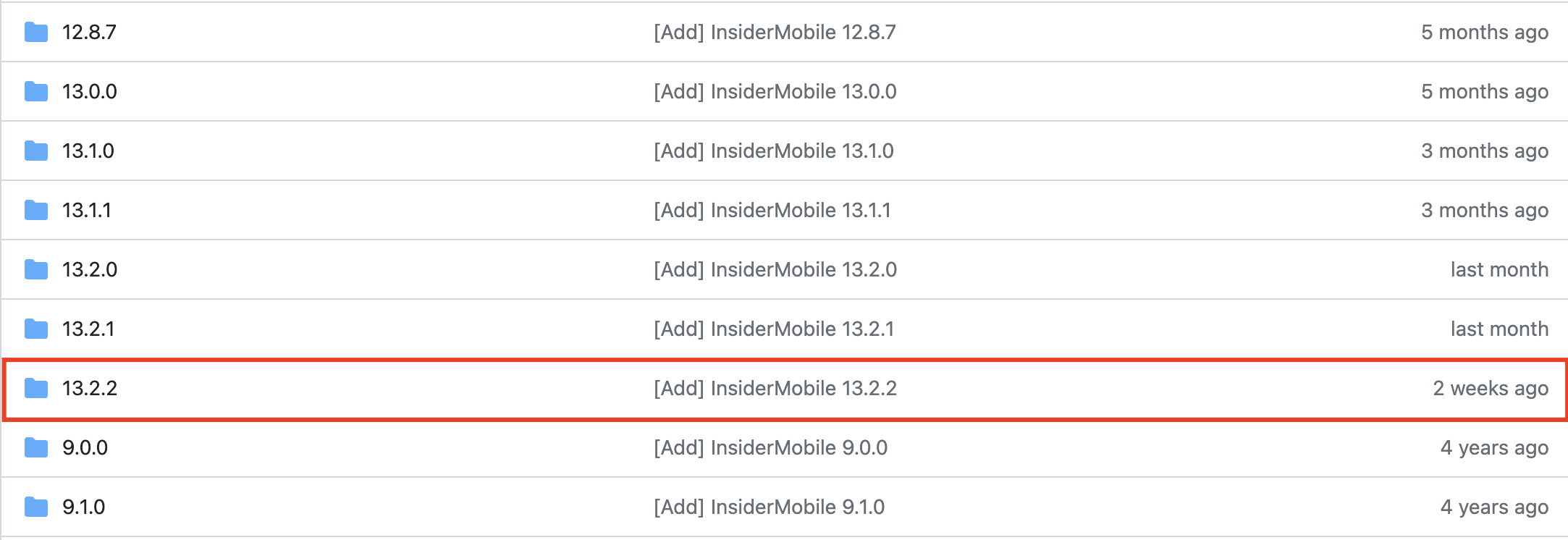
1. Go to Cocoapods > Insider Mobile page.
2. Locate the latest Insider Mobile iOS SDK version, and click to open it.
The list below displays an example. Make sure to select the latest version of the SDK.
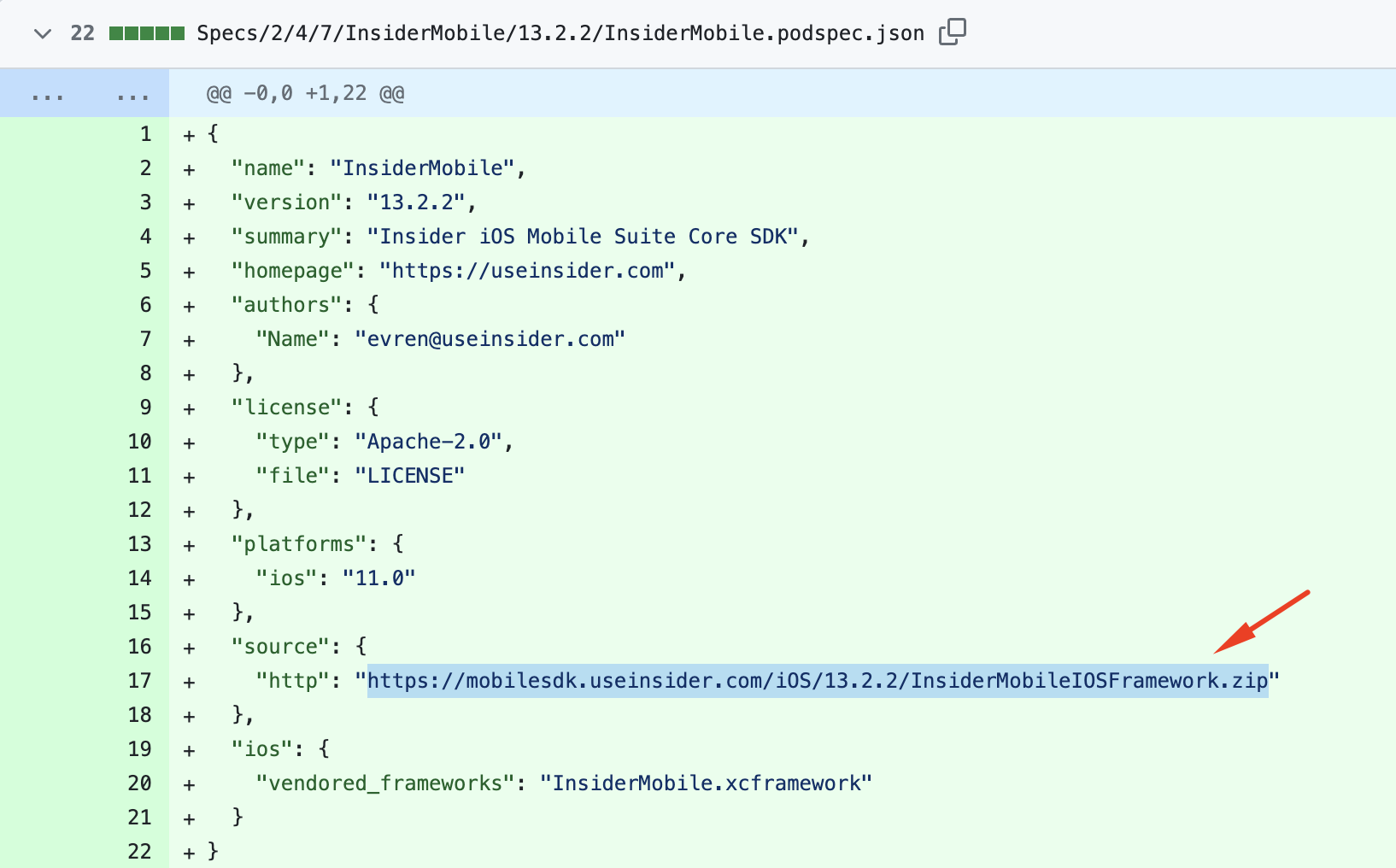
3. Copy the value of source > http to paste it into your address bar on any browser.
4. Download the zip file to your computer, and drag and drop the .xcframework file to your project.
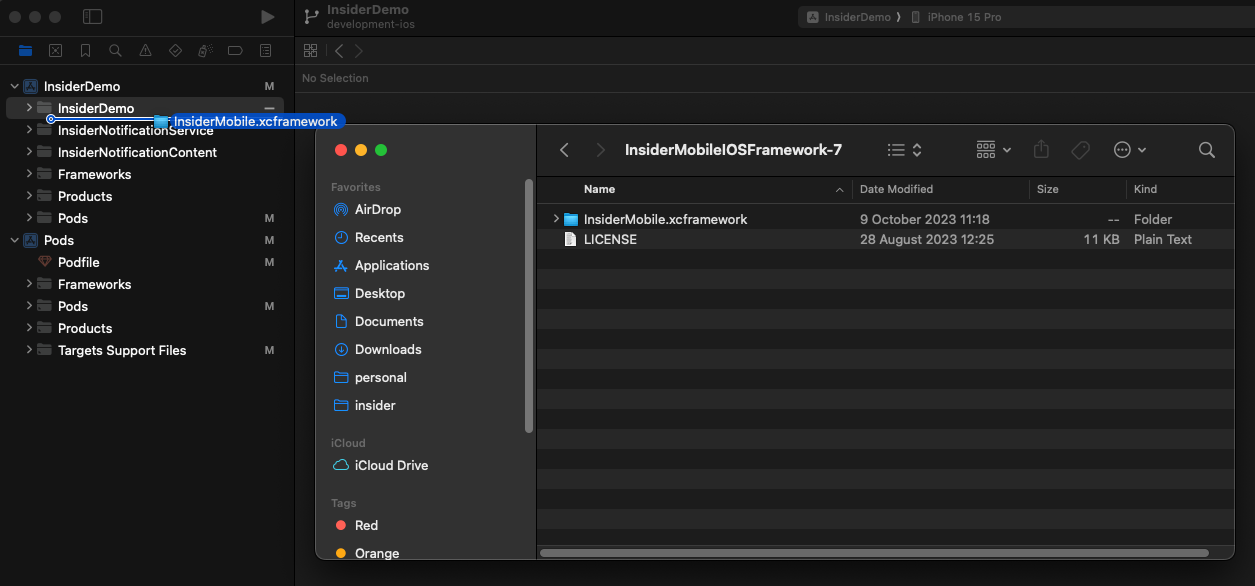
Once you complete this step, you can proceed to Initialize the SDK.