Suggested Reading: Understanding Events and Attributes
Default events and attributes are the user events and attributes that Insider One defines for your account in advance. These events and attributes are determined by the requirements of Insider One’s products and by common user behavior and actions.
Once you complete the Basic SDK setup, and confirm the default and/or custom events, event parameters, and attributes that you will use for your campaigns and use cases with the Insider One team, you can start creating them on the Attributes and Events page.
An event records every time a user performs an action, so Insider One keeps the full history. An attribute stores only the latest value of a user property, so each new value overwrites the previous one. For details, see Attributes and Events.
Events & Event Parameters
The Events page lists the events and their parameters that you need to configure. You can implement the respective method using Insider One's Test Lab.
Attributes
The user attributes that Insider One allocates for your account in advance are default attributes.
The Insider One iOS SDK sends most default device attributes once you complete the SDK setup, without any additional implementation from your end. A few depend on a method you call or on the user's device, and some are calculated by Insider One instead of the SDK. The tables below note these cases.
You can use these device attributes in your segmentations.
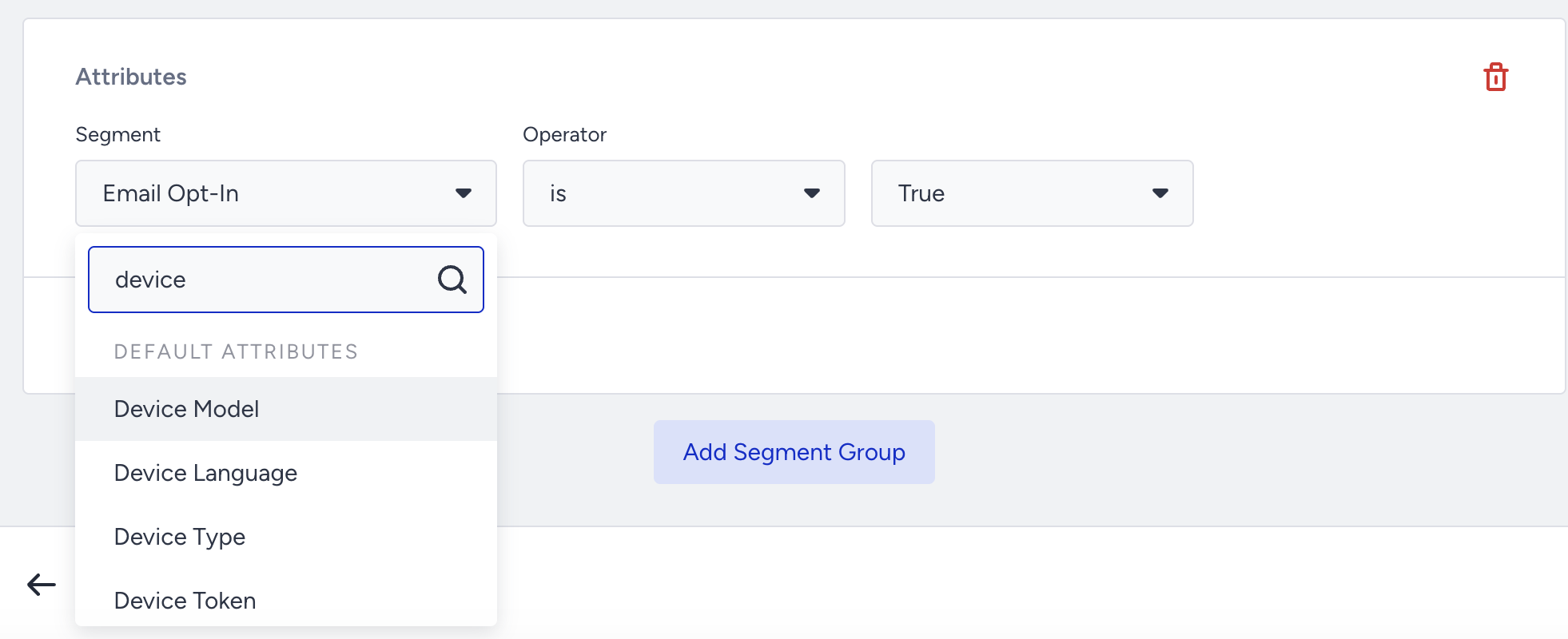
The SDK sends the following default device attributes:
Attribute | System name | Description |
|---|---|---|
Environment | env | Environment of the app (production or development). Collected for iOS devices only, once the app registers a push token. |
UDID | udid | Unique device ID of the user. |
Device Model | mo | Model of the user's device. |
Mobile Carrier | ca | Carrier of the user's device. The SDK collects this value by default. If you turn off carrier collection with the enableCarrierCollection method, the value is N/A. When carrier information is unavailable (e.g., the device has no SIM), the value is empty. |
OS Version | ov | OS version of the user's device. |
Platform | pl | Platform of the user's device. |
Device Language | dl | Language of the user's device. |
SDK Version | sv | Version of the Insider One SDK in your app. |
App Push Opt-in | mpo | Whether the user opted in to app push notifications. |
iOS Time Sensitive | tss | User's iOS Time Sensitive selection. The SDK sets this value on iOS 15 and later. On earlier versions, the value is false. |
iOS Scheduled Summary | ssm | User's iOS Scheduled Summary selection. The SDK sets this value on iOS 15 and later. On earlier versions, the value is false. |
App Version | av | Version of your app. |
Timezone | tz | Time zone of the user's device. |
Location Permission | mlo | Whether the user allowed the app to access location. |
Package Name | pkg | Bundle identifier of your app. |
Screen Width / Height | sw / sh | Screen dimensions of the user's device. |
Device Token | mpt | Push token of the device. Collected once the app registers a push token. |
The following default device attribute requires a method that you call:
Attribute | System name | Description |
|---|---|---|
Mobile App Login Status | mls | Whether the user is logged in or out. This attribute requires the login and logout methods of the User Object. The value becomes true when login succeeds with at least one identifier, and false when you call logout. Until then, the attribute has no value. |
Insider One calculates the following default attributes. The SDK does not send them, and you do not need to implement anything for them:
Attribute | System name | Description |
|---|---|---|
Last App Push Sent | lps | Date and time of the last app push sent to the user. |
Likelihood to Purchase for App | ltp | Likelihood to Purchase prediction for the user. |
App Push Engage Prediction | app_push_engage | App push engagement prediction for the user. |
For all default attributes, see Default Attributes.
Since a default attribute does not necessarily imply that its value is automatically populated, you need to provide the required information for the user attributes' values.
The user attributes are also the attributes associated with the User Object. You can use the user attributes in your segmentations.
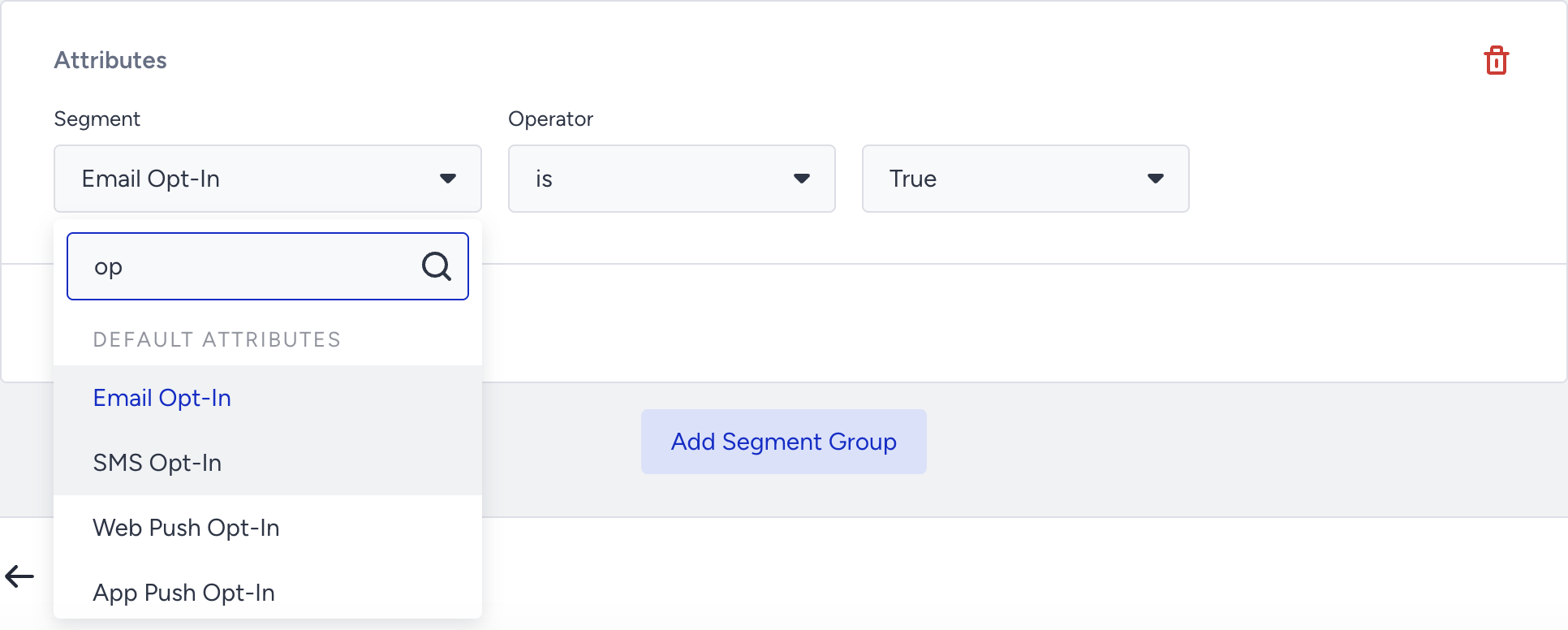
You can use the Test Lab to get the code for each attribute and implement it as you complete the integration of the User Object.
Use an SDK event in an event-triggered campaign
To start a campaign when a user performs an event in your app, follow these steps:
Add the event code to your app at the moment the action happens. Use the Test Lab to get the code for each event and its parameters.
Create the event on the Attributes and Events page (Components > Attributes and Events). Default events are already defined for your account. For custom events, see Create a Custom Event.
Trigger the event in your app and check in the Test Lab that it reaches Insider One.
On the Attributes and Events page, make sure ingestion of the event is not paused.
In Architect, add the On Event starter and select the event. For details, see Architect Journey Starter: On Event.
Note: The On Event starter does not support date-type event parameters.