In iOS, you can specify a sound that plays when your app presents a notification. You should follow Apple's limitations to do this via the Apple Push Notification Service.
The accepted audio formats are as follows:
- Linear PCM
- MA4 (IMA/ADPCM)
- μLaw
- aLaw
Audio files must be on the user’s device before the system can play them. Include the audio files in your app's bundle if you use a predefined set of notification sounds. For all other sounds, the remote notifications check only the following locations:
- The /Library/Sounds directory of the app’s container directory,
- The /Library/Sounds directory of one of the app’s shared group container directories,
- The main bundle of the current executable.
For example, add the audio file to your Application Bundle (placed at the top-level directory).
(1).png)
(1).png)
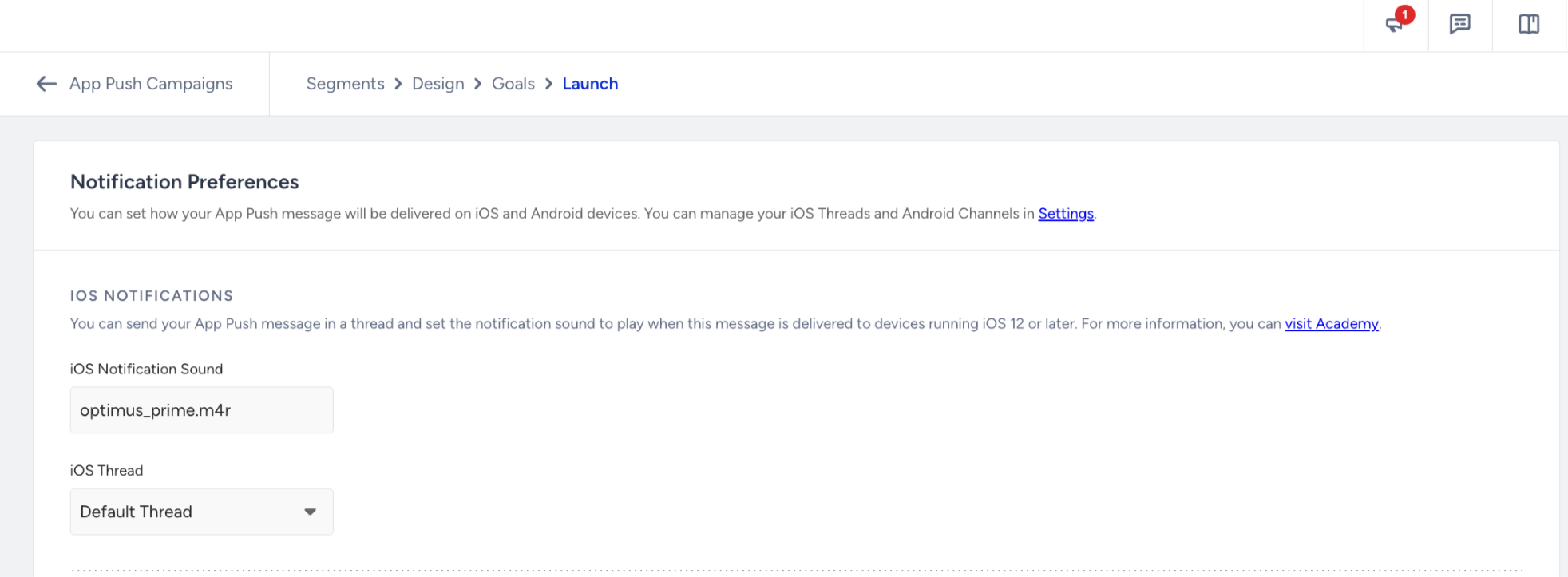
When creating an App Push campaign, enter the notification sound file name, including its extension, under Edit Campaign Options > Launch > Notification Sounds to use a custom notification sound.