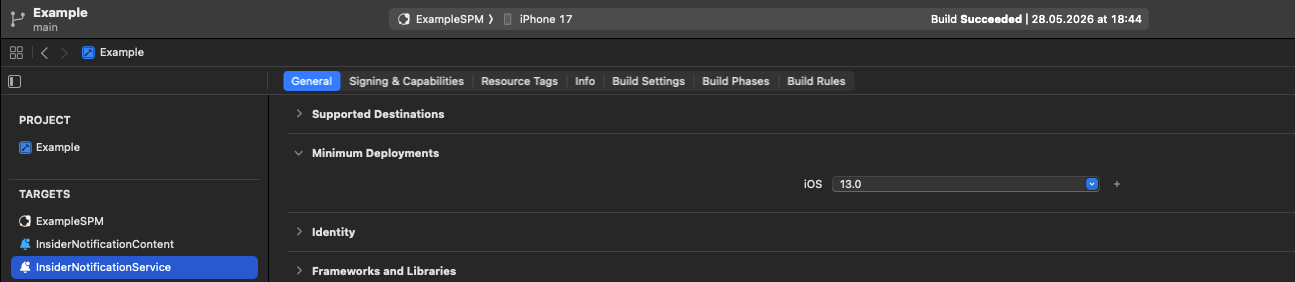
This guide helps you understand the requirements for SDK setup, notification service, content extensions, and deployment targets.
Adding Notification Service Extension
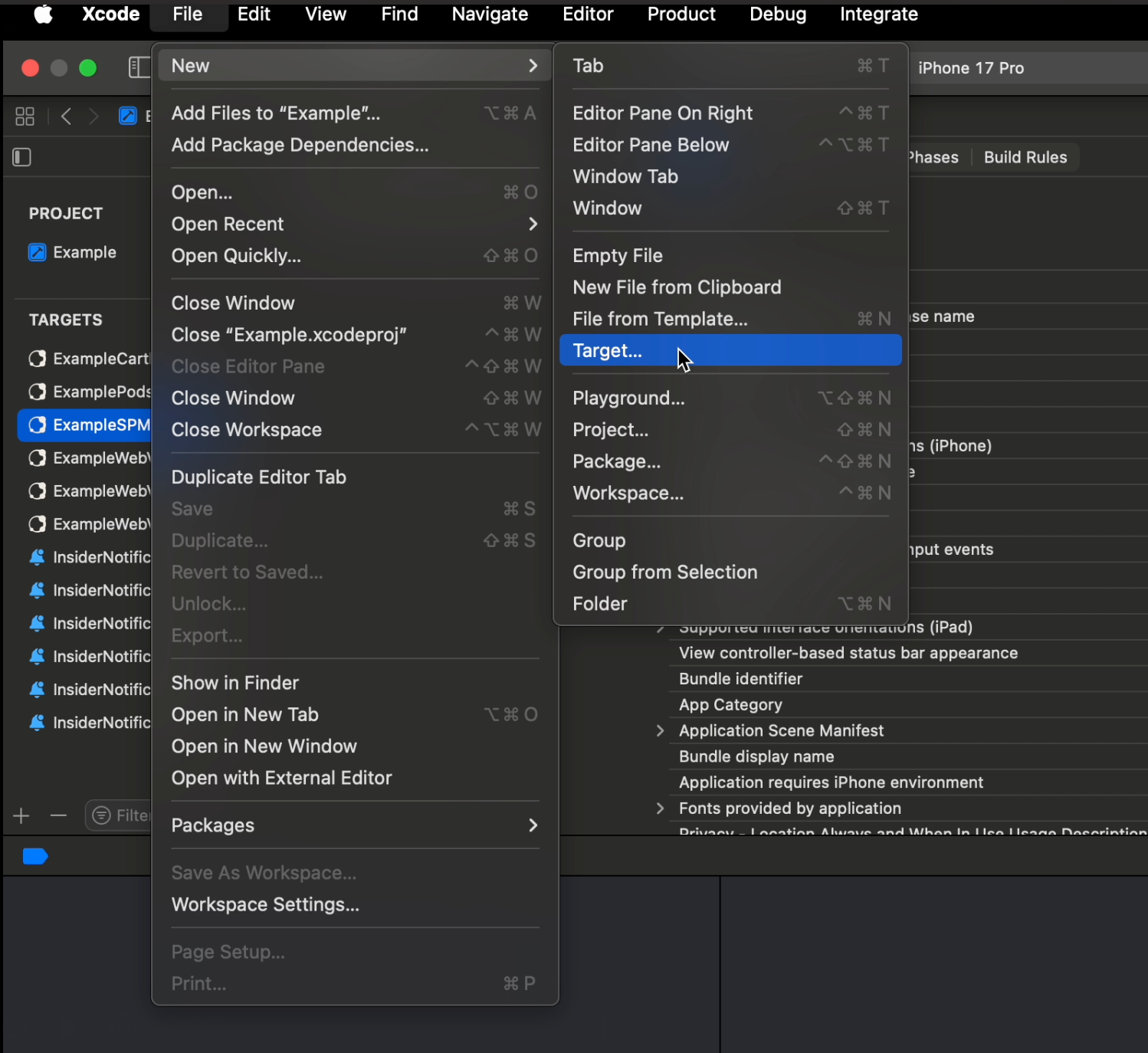
1. Select File > New > Target in Xcode.
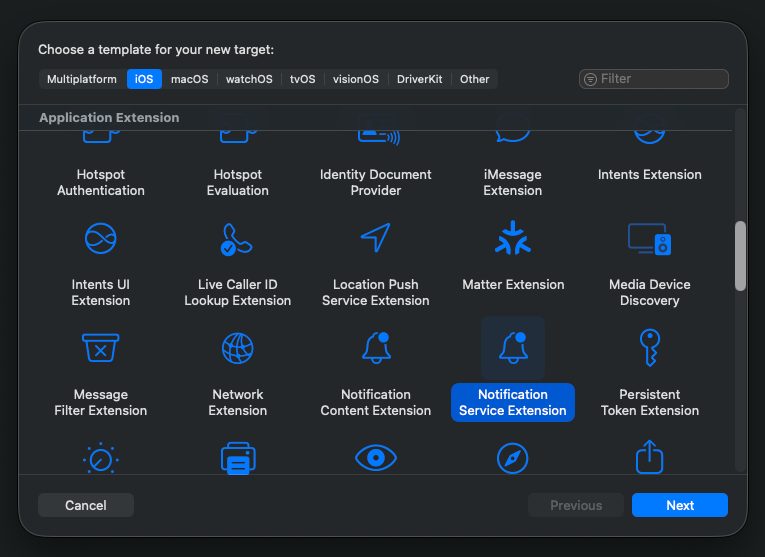
2. Select Notification Service Extension and click the Next button.
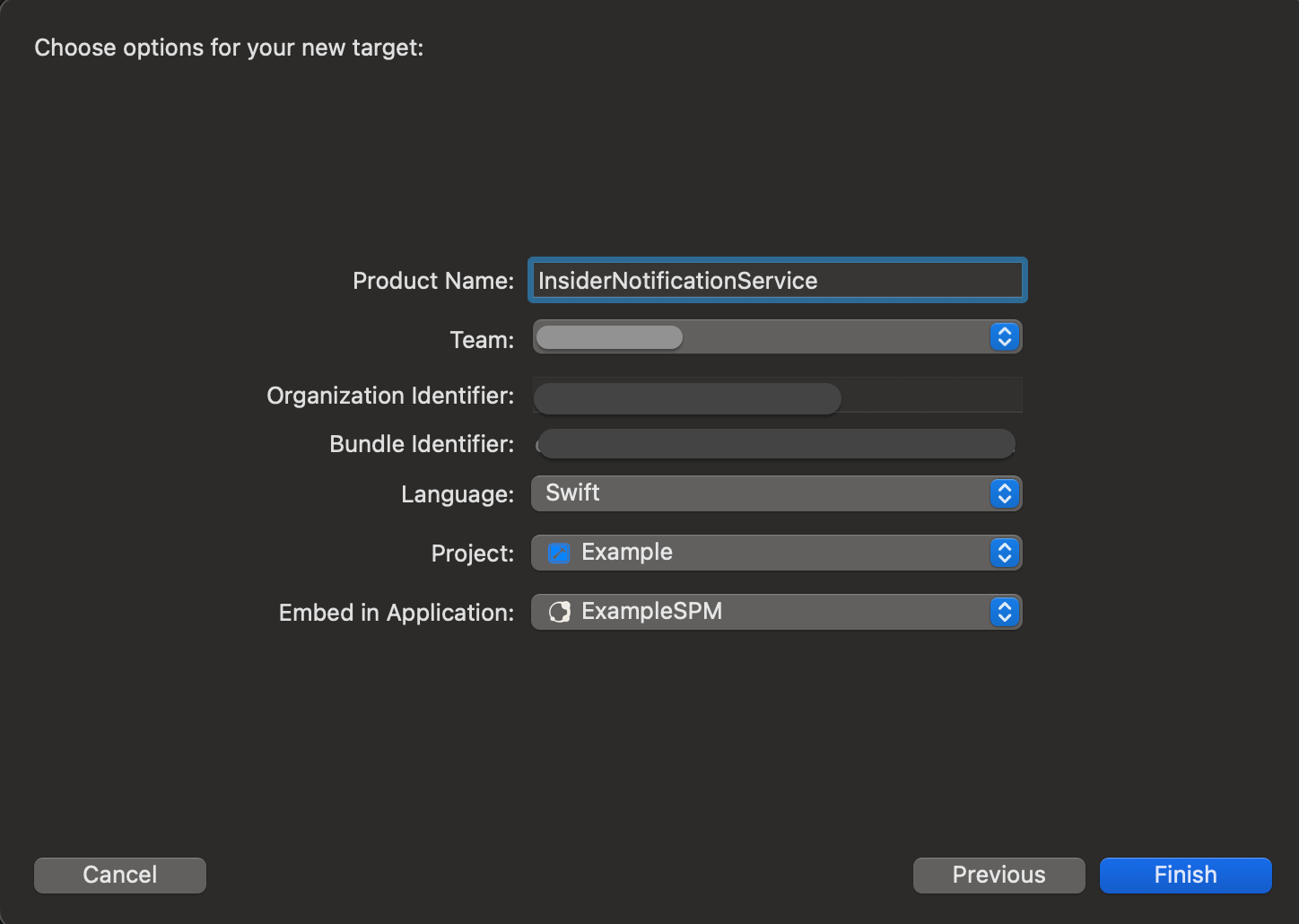
3. Enter the Product Name as InsiderNotificationService and click the Finish button.
4. Click the Cancel button on the Activate Scheme Prompt.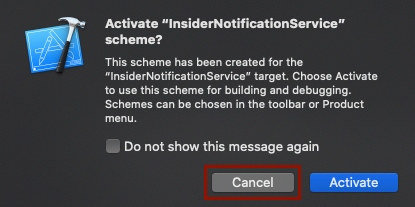
Adding Notification Content Extension
1. Select File > New > Target in Xcode.
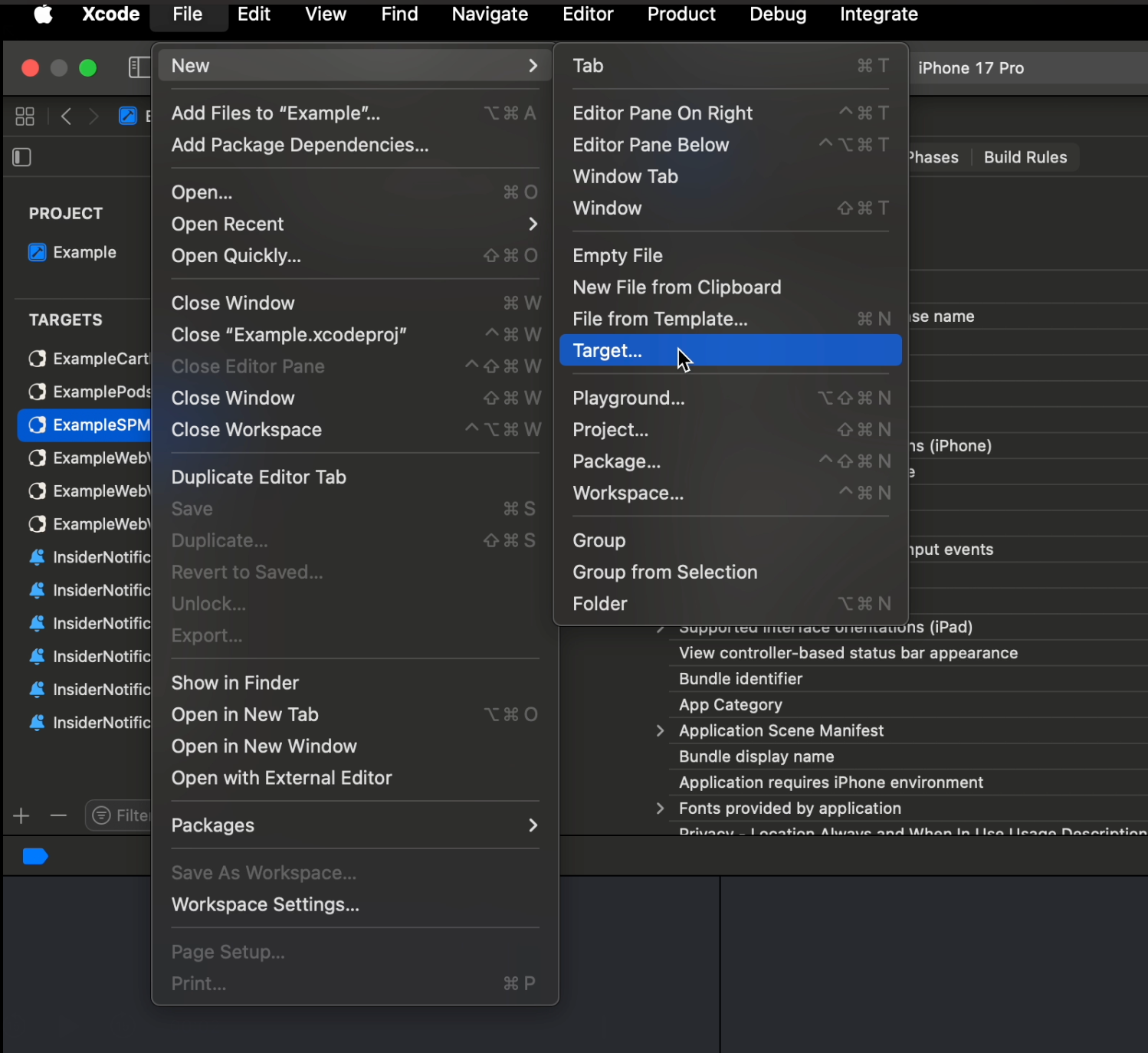
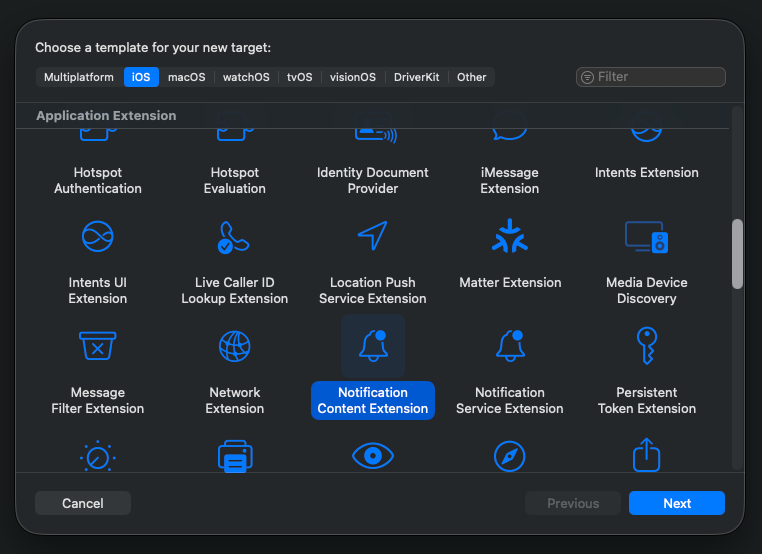
2. Select Notification Content Extension and click the Next button.
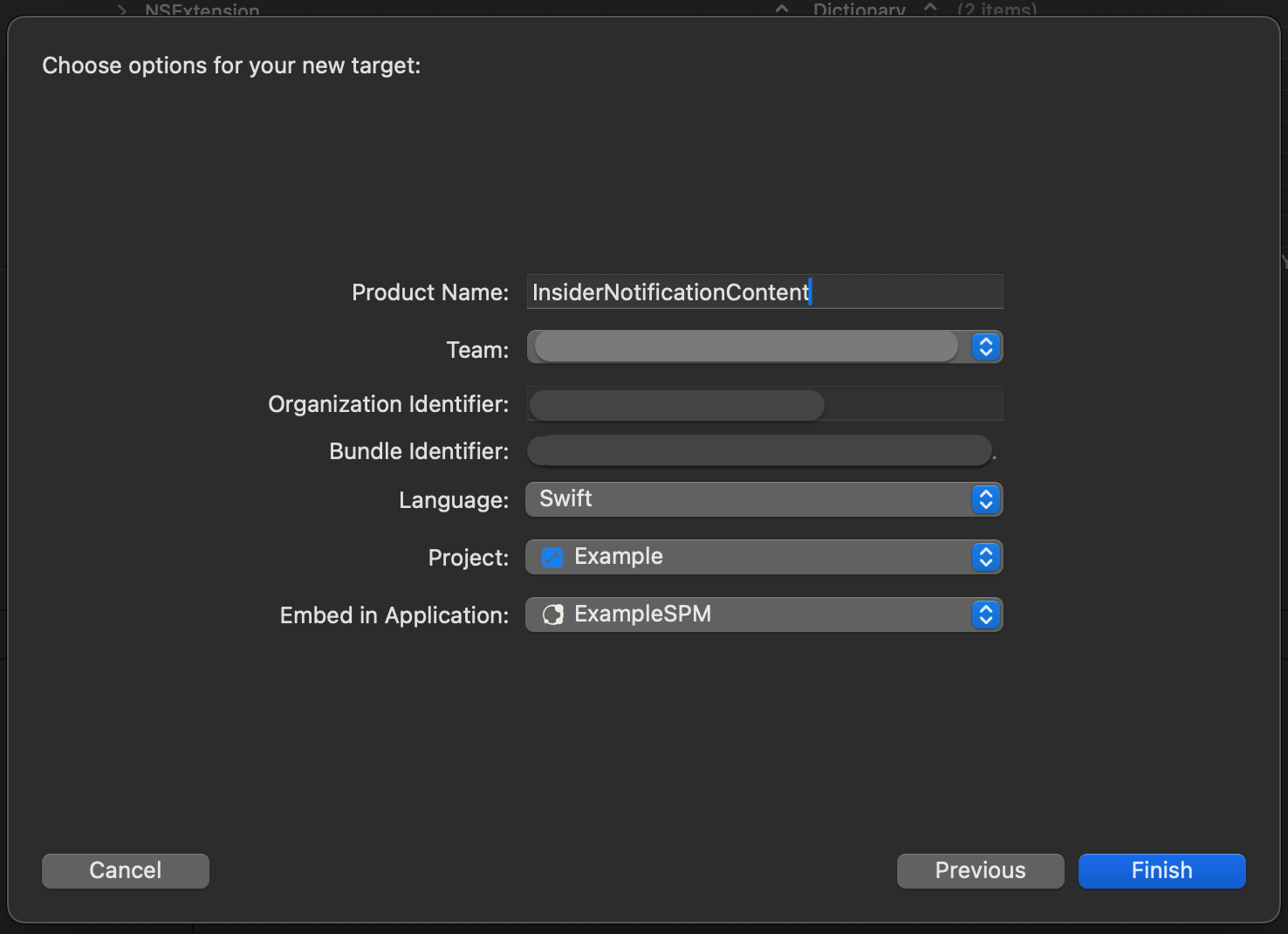
3. Enter the Product Name as InsiderNotificationContent and click the Finish button.
4. Click the Cancel button on the Activate Scheme Prompt.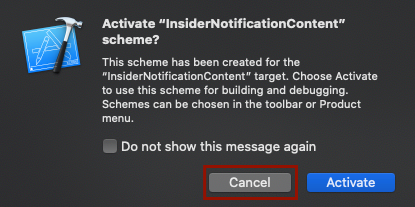
Setting Deployment Targets
1. Go to the project navigator of Xcode and click the top level of your project to open Xcode project settings.
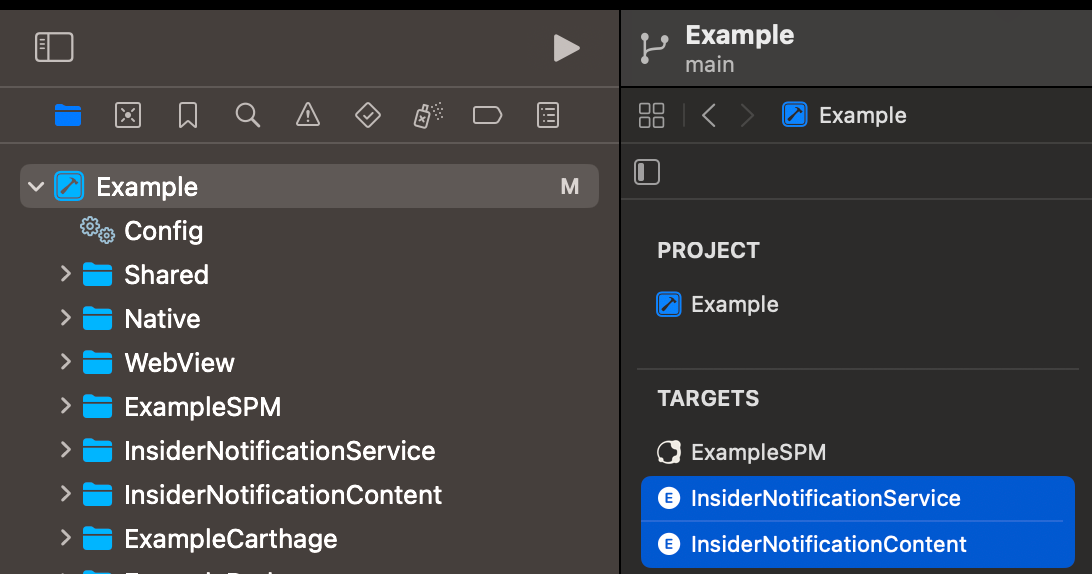
2. Set the InsiderNotificationContent deployment target to iOS 13.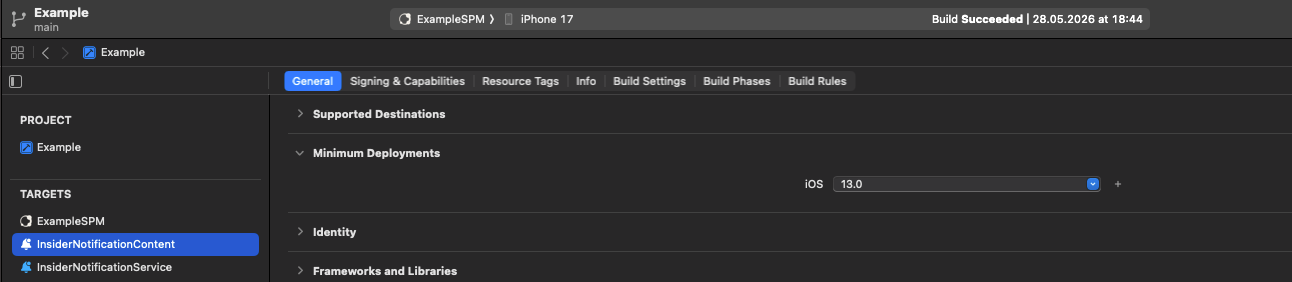
3. Set InsiderNotificationService deployment target to iOS 13.