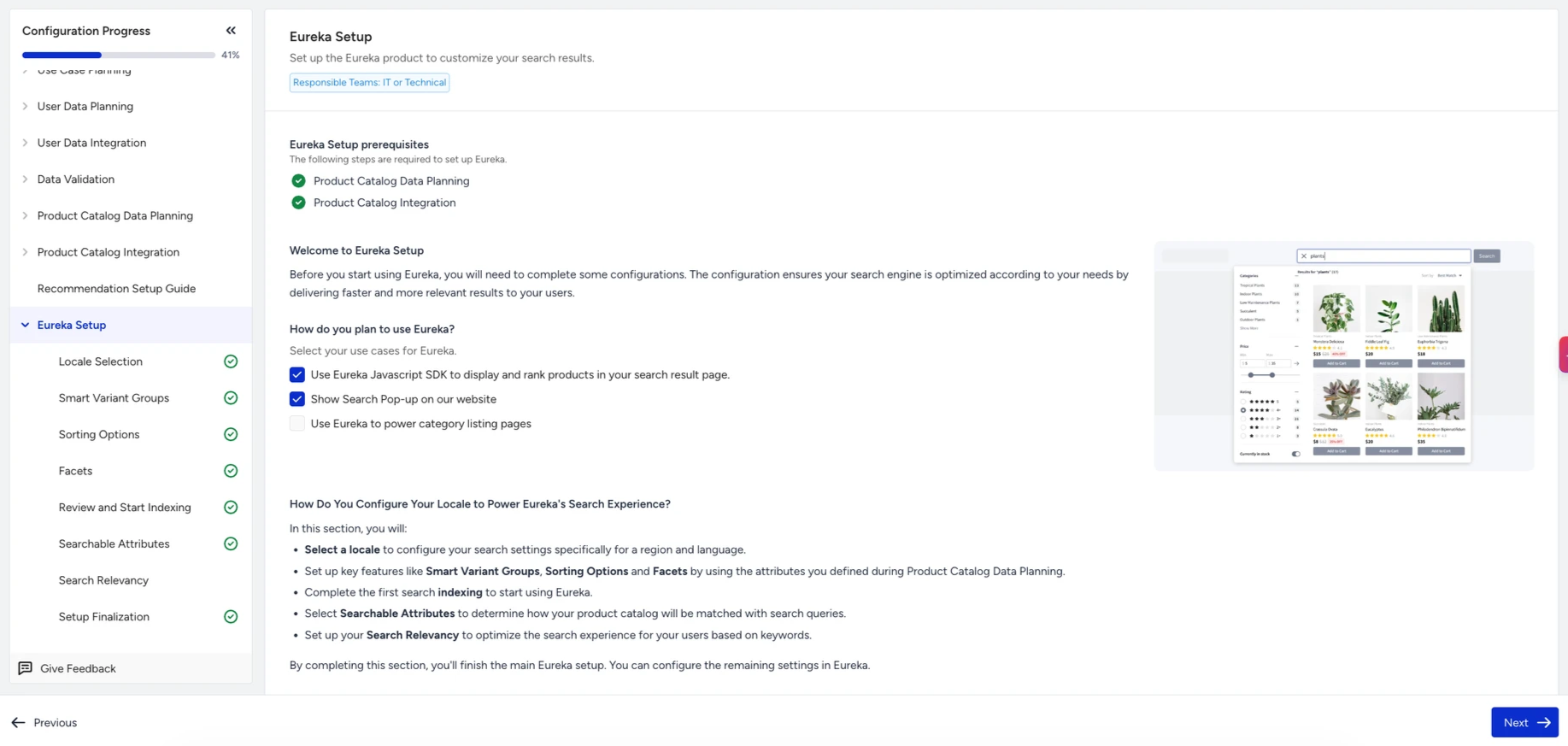
Eureka Setup is the final stage of the Onboarding Center. It configures your search experience against your integrated product catalog and initializes the first index run.
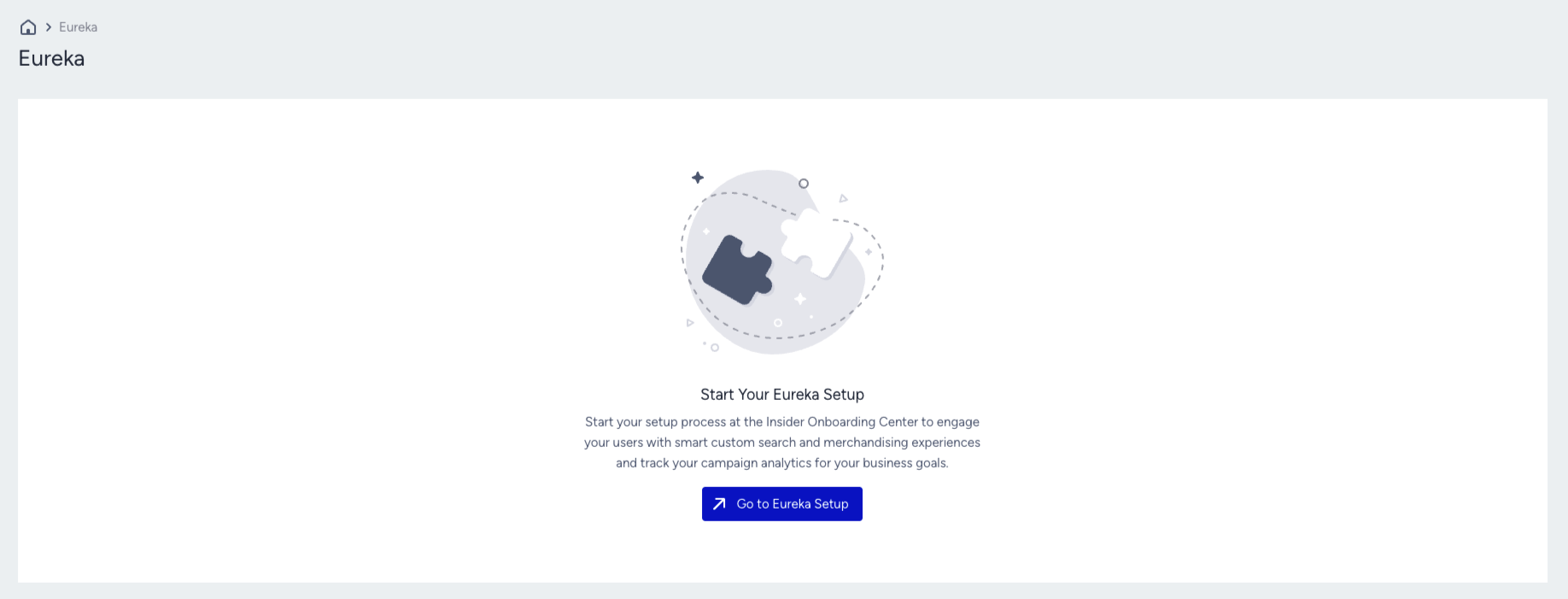
Until you complete this stage for at least one locale, the Eureka and Merchandising pages are inaccessible. Any attempt to open them will redirect you back to the Onboarding Center automatically.
Prerequisites
Eureka Setup becomes available after you complete both Product Catalog Data Planning and Product Catalog Integration in the Onboarding Center. Both must be finished before this stage unlocks.
What you configure in this stage
In this stage, you will:
Select a locale for your catalog.
Configure key search features, including:
Run the first Search Indexing to initialize your search experience.
This step ensures that Eureka is fully aligned with your catalog structure and ready to deliver personalized, intent-based product search results.