Eureka requires indexing to deliver accurate and optimized search results. During indexing, the product catalog data is structured according to your search engine settings (sorting, facets, and Smart Variant Groups).
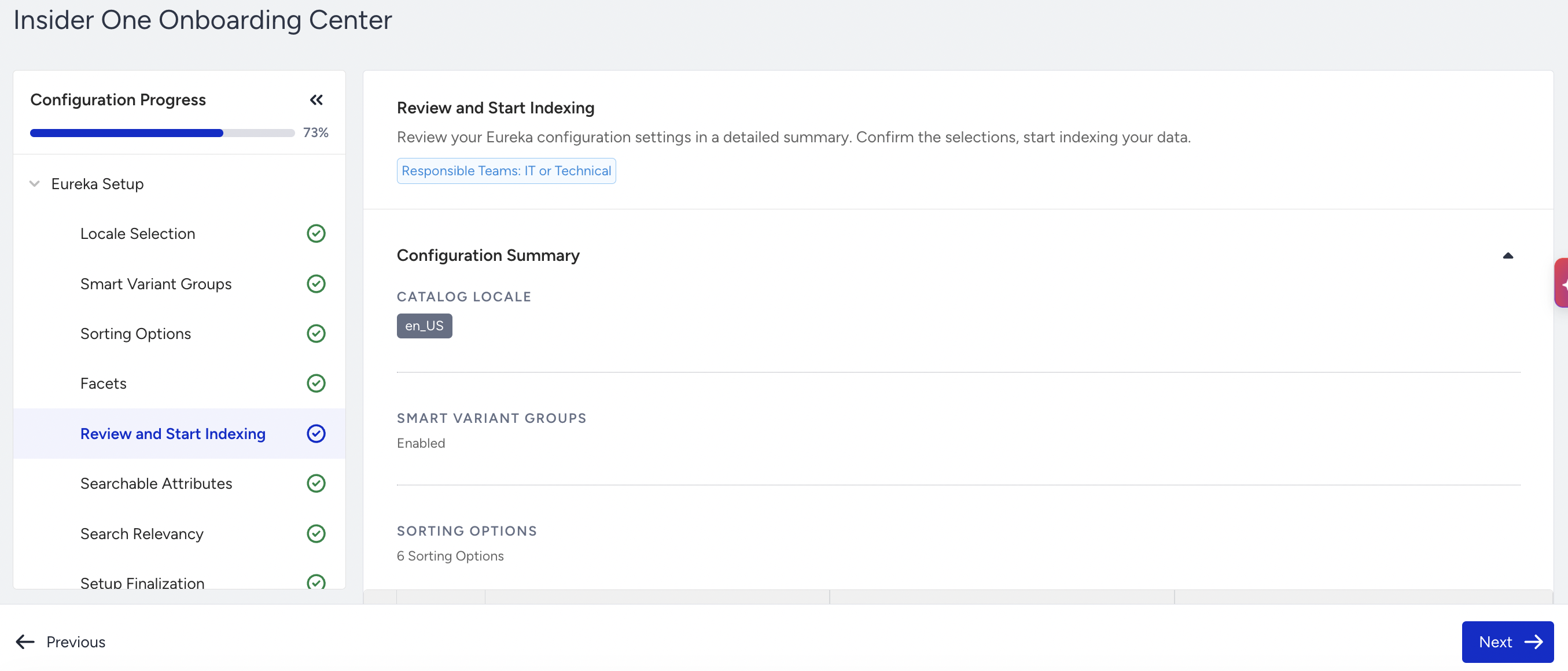
Before starting, carefully review the summary of your setup:
Selected locale
Smart Variant Groups configuration
Sorting options
Facets
We highly recommend you review your Eureka Setup with the Insider One team before proceeding.
To begin, click Confirm and Start Indexing.
Once indexing starts, you cannot make further changes to Locale Selection, Smart Variant Groups, Sorting Options, or Facets.
Indexing usually takes around 30 minutes to complete.
To proceed to the next step, the indexing process needs to be completed.