Group-Level Unification (GLU) is available across segmentation in channels, dynamic content, exit criteria, and action elements in Architect journeys. This article covers how each feature area works with GLU enabled.
GLU is available across Architect, Email, Web Push, SMS, WhatsApp, and App Push products.
GLU only acts on users who exist on the accounts you've selected. If a user exists on Account B but not on Account A, a campaign sent from Account A cannot reach them, even if an Account A condition references Account B data. See Group-Level Unification Overview for how users are matched across accounts.
Although a user's data is stored separately on each brand's panel, GLU treats them as a single profile with one continuous interaction history. The examples below show what that means in practice for attributes and events.
Segmentation
You can add a Group Level condition to any segmentation section. Each condition lets you select one or more accounts; how GLU combines those accounts depends on whether the condition is built on an attribute or an event.
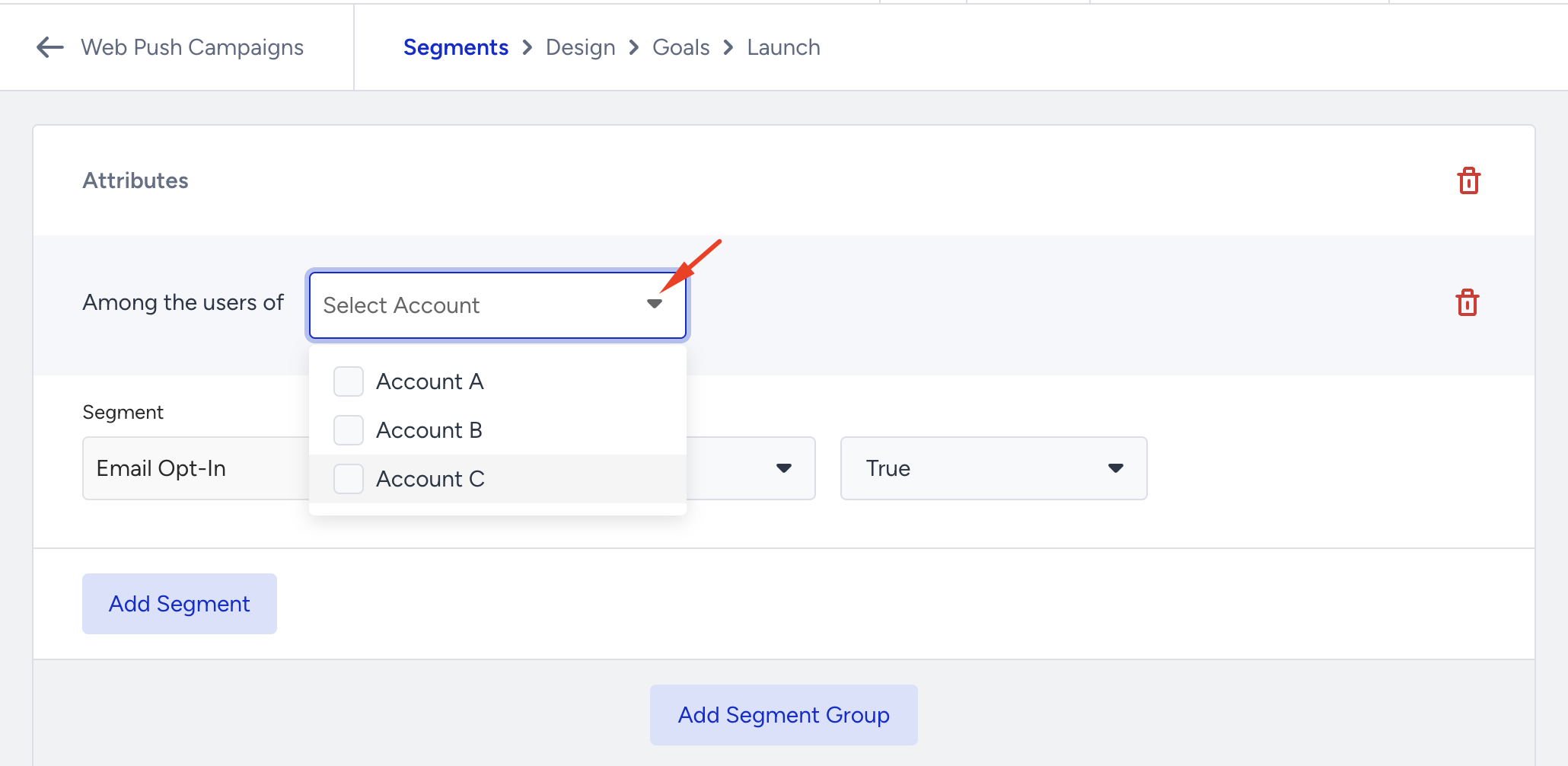
Selecting accounts for a condition
When you select more than one account inside a single condition, the attribute (or event) dropdown only lists items that exist on all of the selected accounts. If an attribute isn't present on every selected account, it won't appear in the list; this is expected, since GLU needs the same attribute on both sides to compare values.
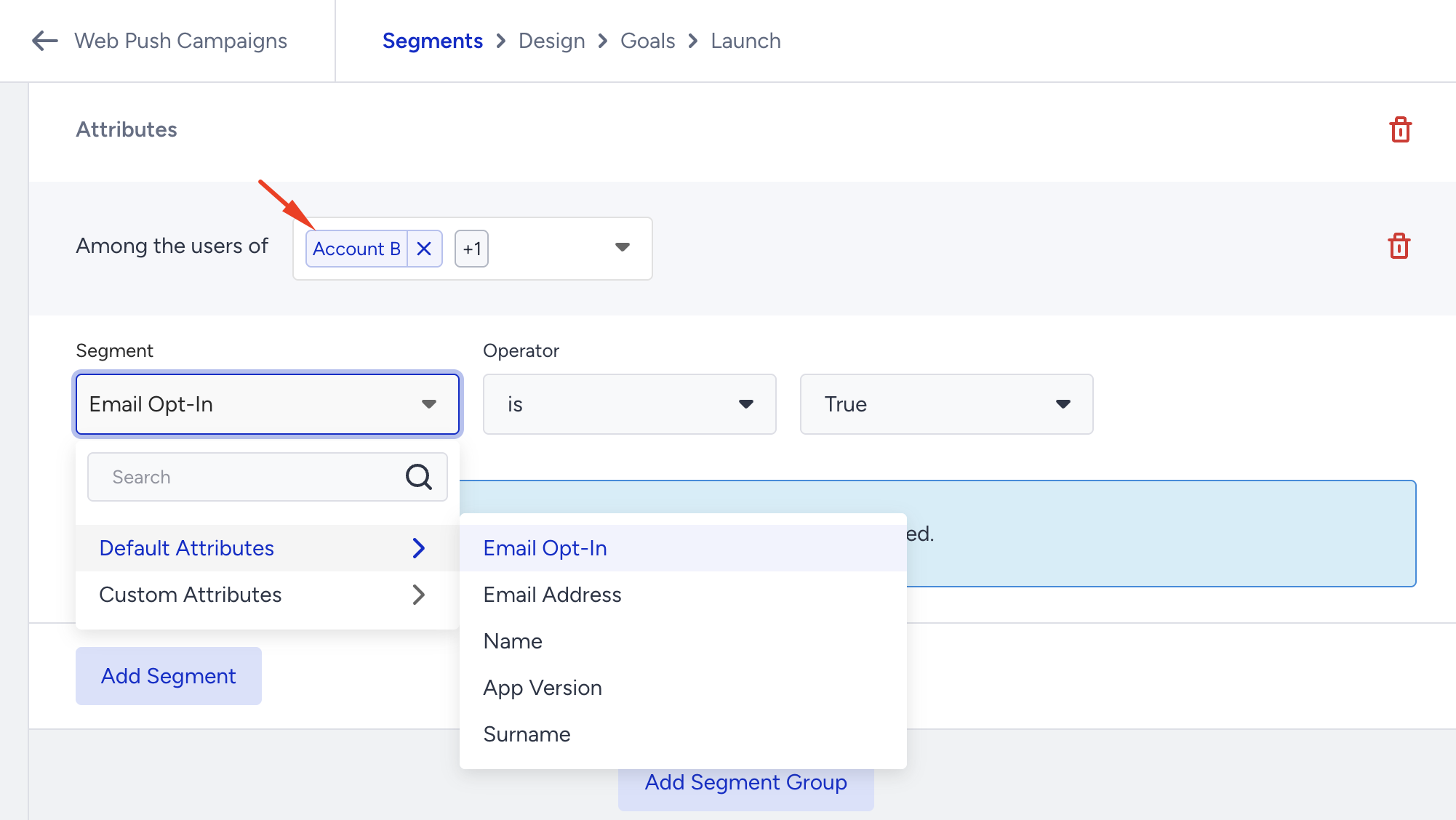
Selecting a single account shows that account's own attributes or events, independent of what exists elsewhere.
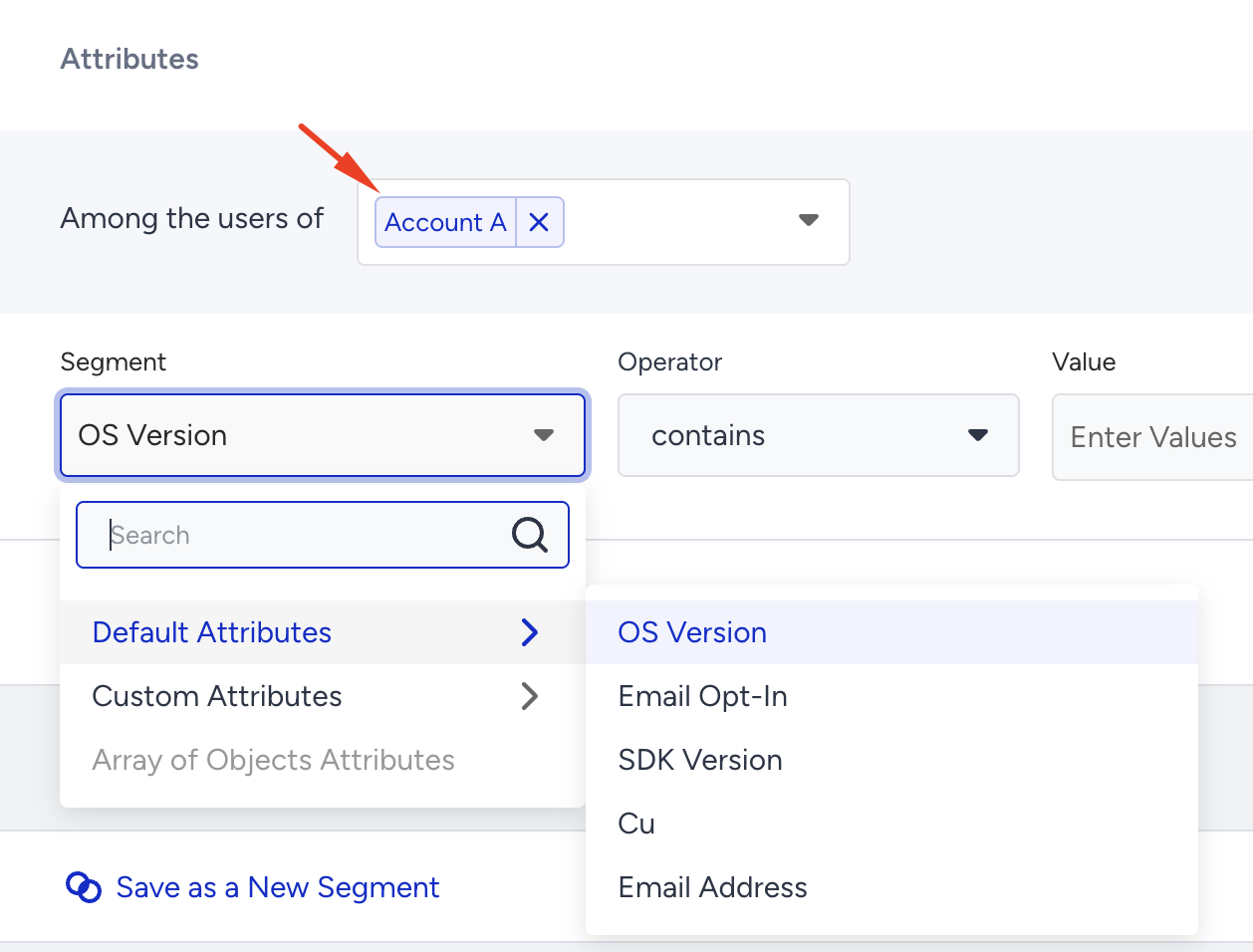
Attribute conditions: GLU resolves the most recent value
When an attribute exists on more than one selected account, GLU doesn't check each account separately; it resolves to the single most recently updated value for that attribute, across the accounts you selected, for each user common to those accounts.
Example:
last_browsed_destination is set on two panels:
Account A sets last_browsed_destination = Istanbul on 10 April
Account B sets last_browsed_destination = Berlin on 14 April
A Group Level condition is built with:
Attribute: last_browsed_destination
Is exactly: Berlin
Among users of: Account A and Account B
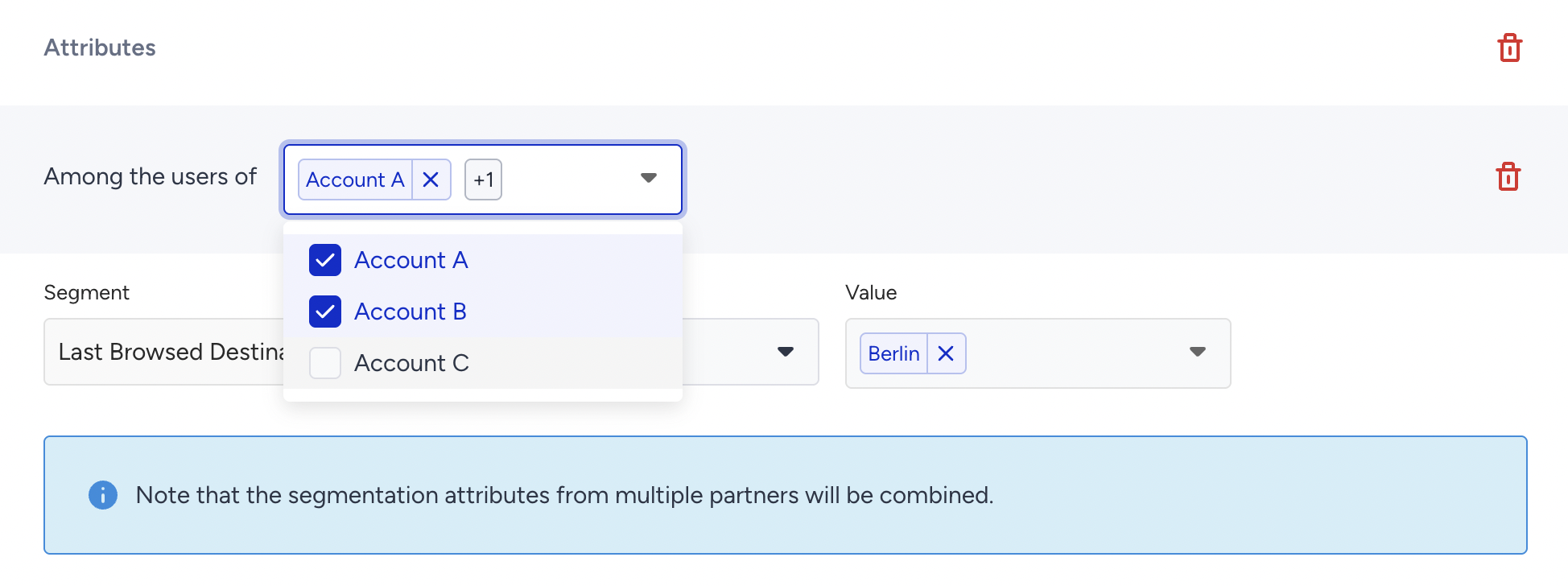
The user qualifies because Berlin is the more recent value across the two accounts. If the condition instead checked for Istanbul, the same user would not qualify, even though Istanbul is a real value on Account A, because GLU only evaluates the most recent value once both accounts are selected.
This is different from combining separate conditions with AND. Selecting two accounts inside one attribute condition merges them into a single up-to-date value; it does not require the value to match on both accounts, and it does not check each account as a separate pass/fail rule.
Event conditions: GLU sums counts across selected accounts
Event conditions work differently from attribute conditions. When an event exists on more than one selected account, GLU adds together the event counts from all selected accounts, for users common to those accounts, and evaluates your condition against that combined total.
Example:
A user has 2 purchase events on Account A and 1 purchase event on Account B; 3 in total.
A Group Level condition is built with:
Event: purchase
Count: more than 2
Among users of: Account A and Account B
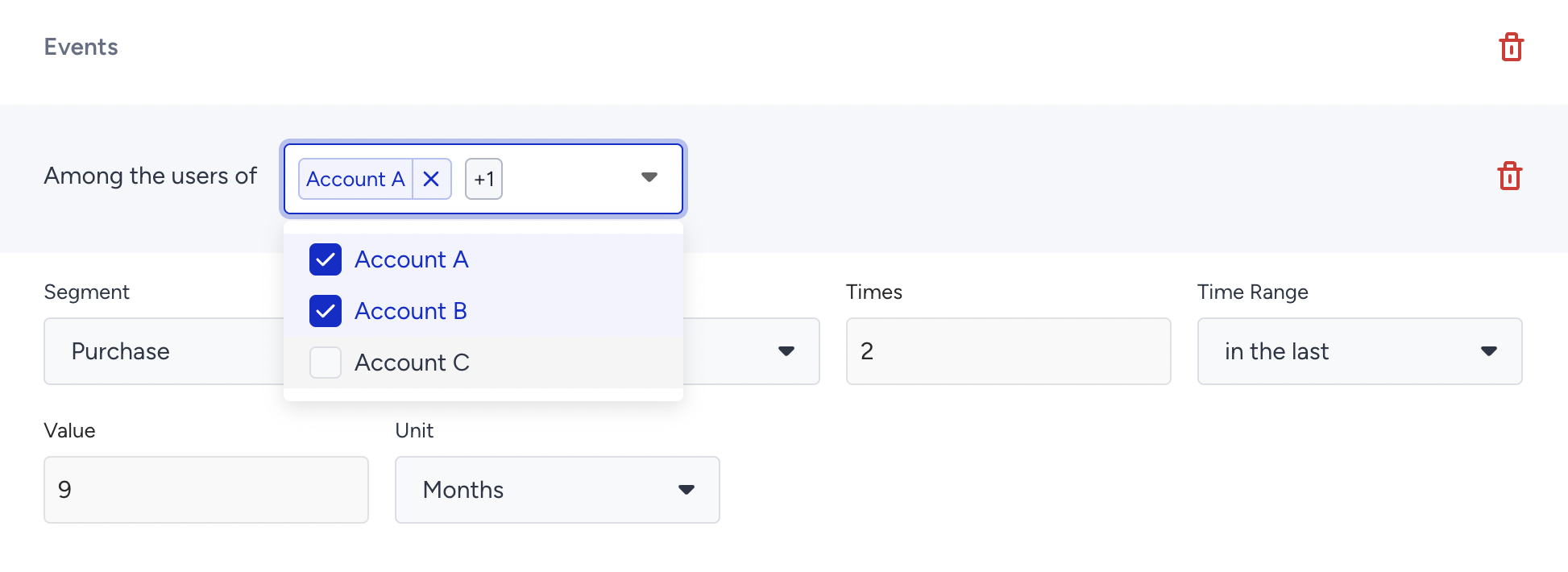
The user qualifies because the combined count (3) is greater than 2. If only Account A had been selected, the count would be 2, and the user would not qualify; the same is true if only Account B had been selected (count of 1).
Combining single-account and multi-account conditions
Selecting multiple accounts in one condition is not the only way to work across panels. You can also build separate, single-account conditions and combine them with AND or OR. For example, "more than 1 purchase on Account B" AND "exists on Account A" targets a narrower, more specific audience than selecting both accounts inside one event condition. Use multi-account selection within a single condition when you want GLU to treat the accounts as one combined value or total; use separate single-account conditions when you need independent rules per account.
Dynamic content
GLU lets you pull dynamic content from any connected account into your campaign communications. Personalization can reference attributes, events, and catalog data from a brand panel other than the one sending the campaign.
To add group-level dynamic content:
Select the account you want to use as the source for dynamic content.
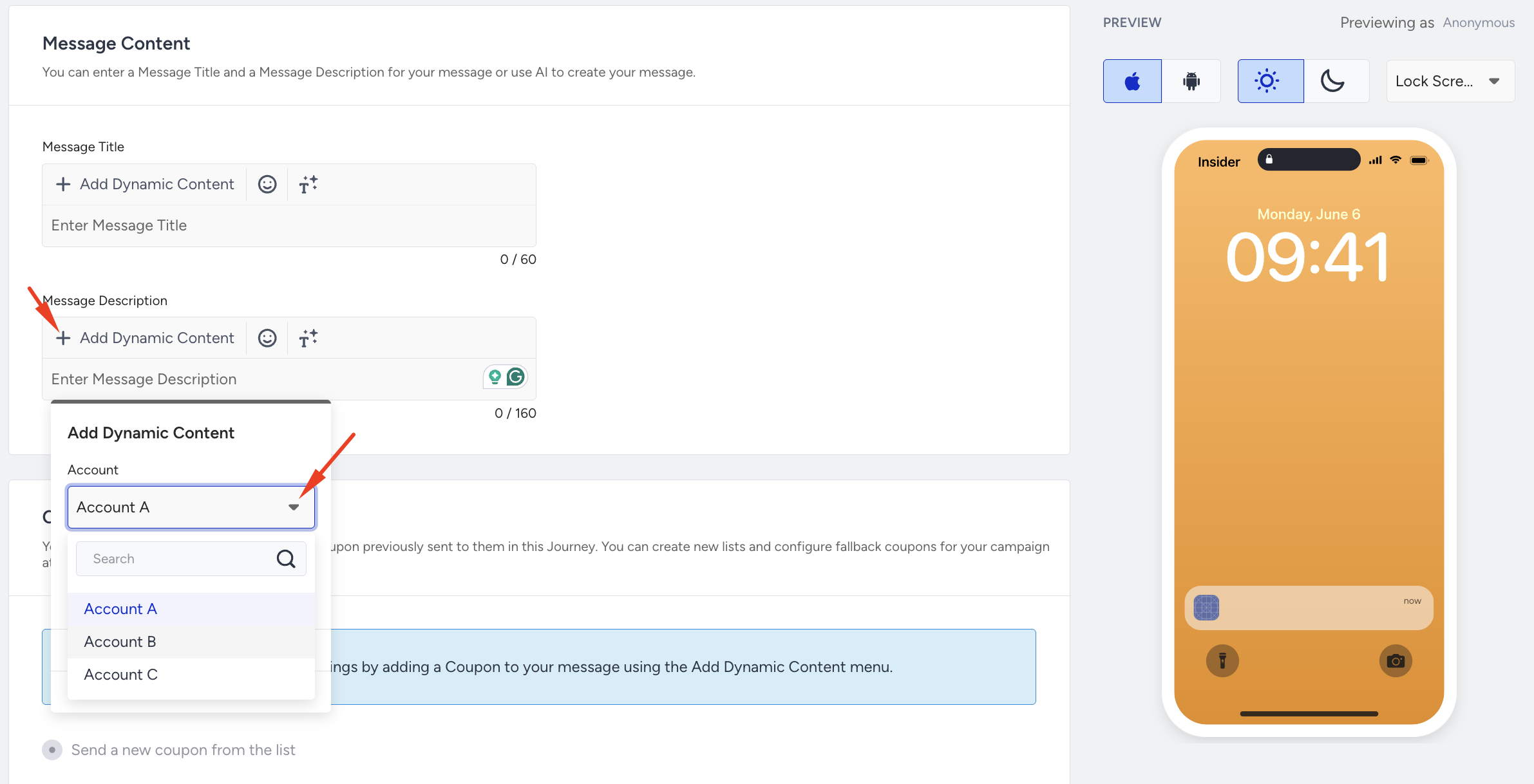
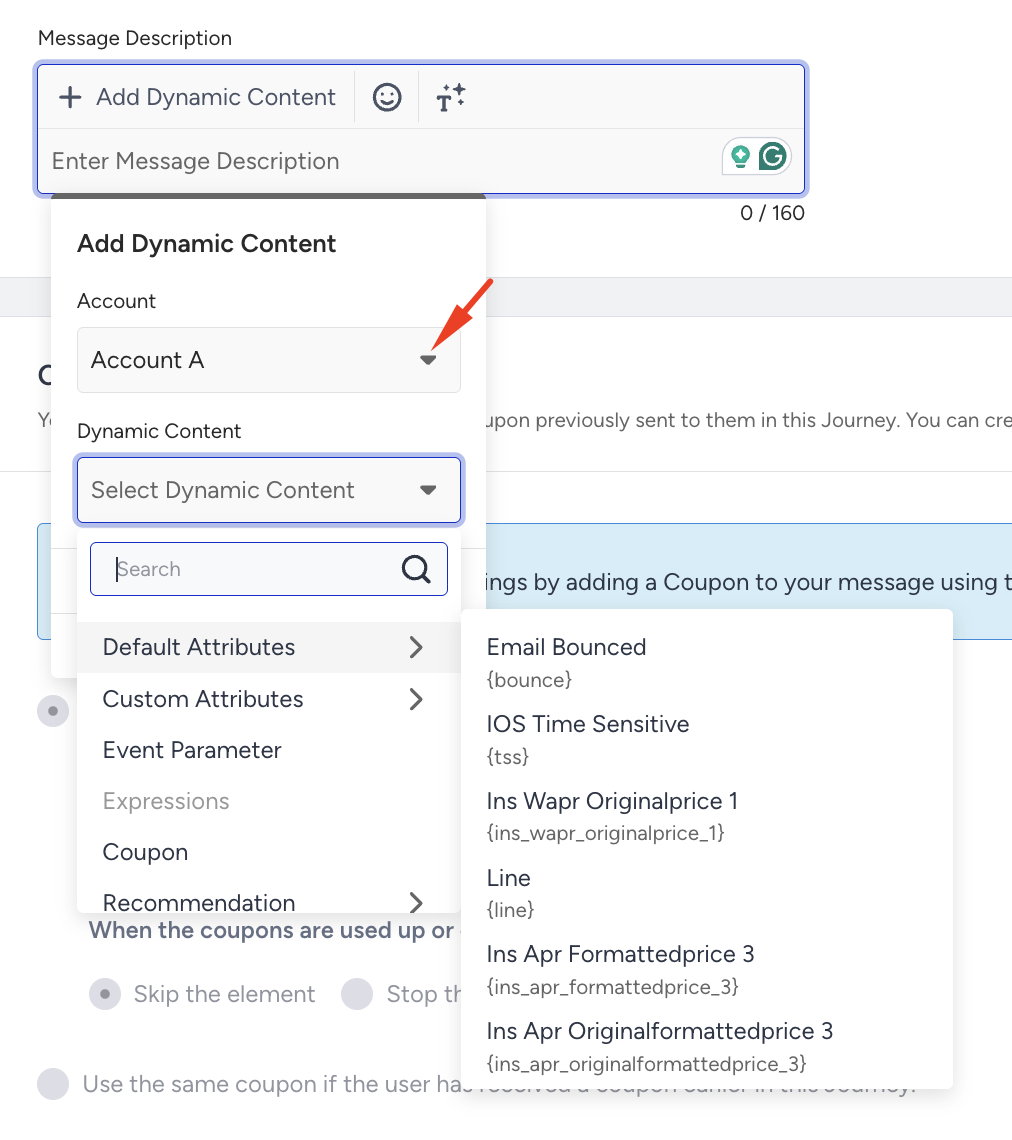
Choose the content type: default attributes, custom attributes, events, or product catalog attributes, all sourced from the selected account.
The selected content populates in your message from the chosen account.
Example: If you select Account A as the source account, all dynamic content in the message is populated from Account A's data, regardless of which account is sending the campaign.
Architect
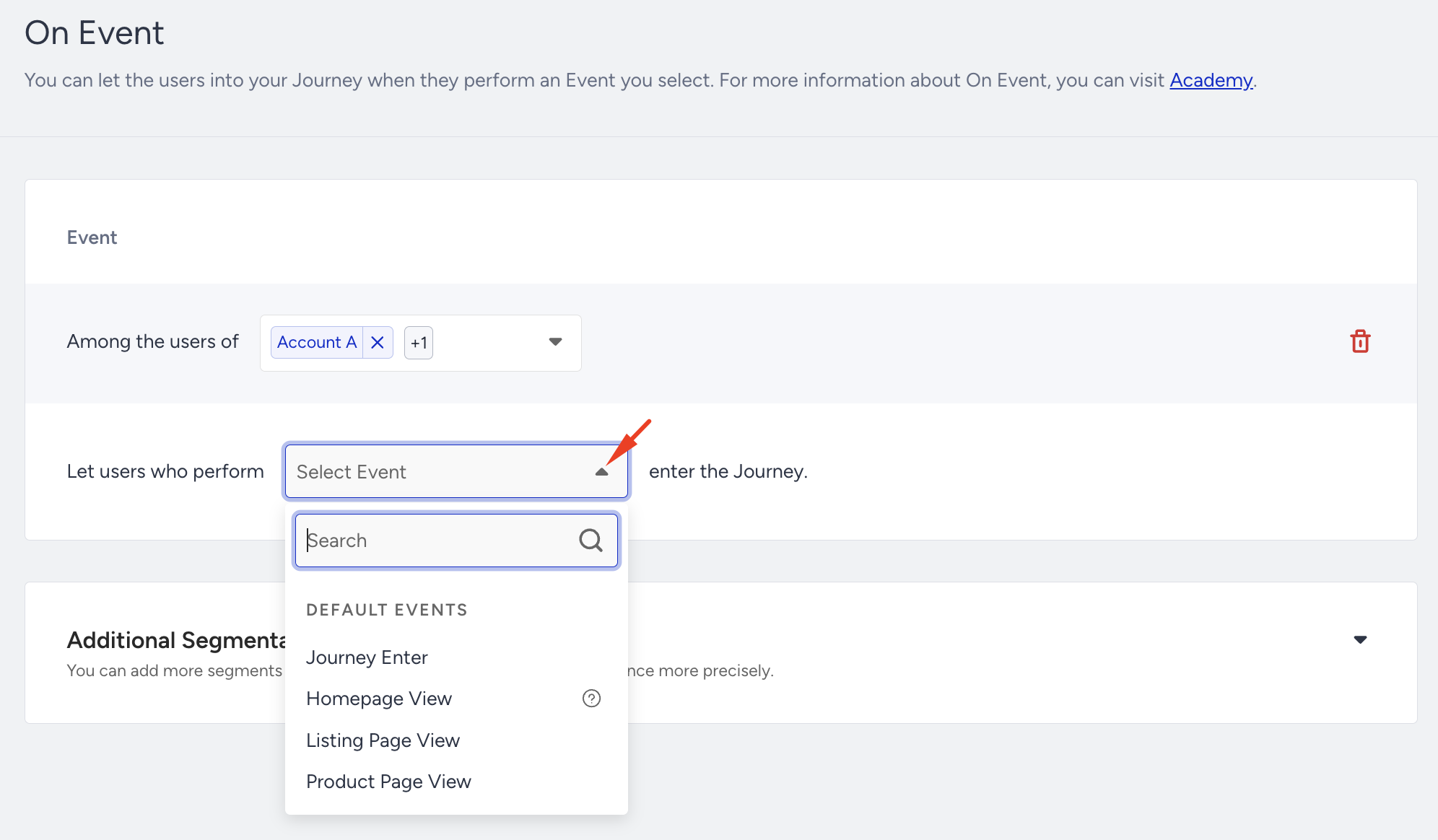
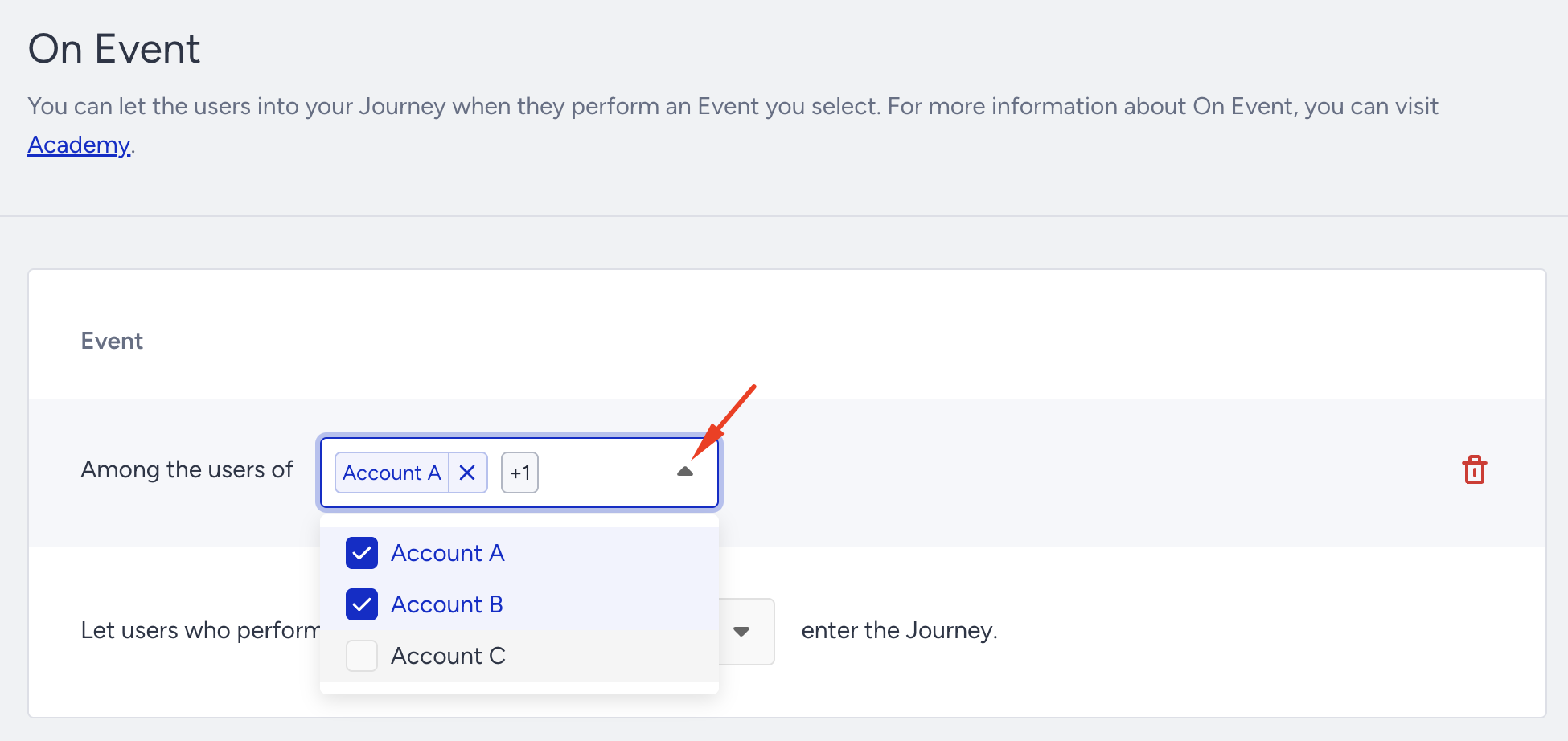
GLU is supported in the following Architect starters: On Past Behavior, On Dynamic Date, On Event, and On Attribute Change. These starters let you filter events and target users across multiple brand accounts within the same group.
Select group accounts
Select the accounts you want to include. This defines which brand panels contribute users and event data to the segment.
Select events
After selecting your accounts, choose the events to filter on. Event filtering uses AND logic, meaning the selected events must be present across all selected accounts for a user to qualify.