The Generate API Key section allows for the creation of API keys for Transactional and Conversational WhatsApp messages. These keys are essential for authenticating API requests before sending WhatsApp messages, ensuring secure communication. Therefore, the creation of the API key is mandatory before sending WhatsApp messages.
Only users with Administrator permission can generate tokens. If your account is not allowed to complete this operation, you can consult the Insider One team.
Navigate to your user name > Settings > InOne Settings > Integration Settings.
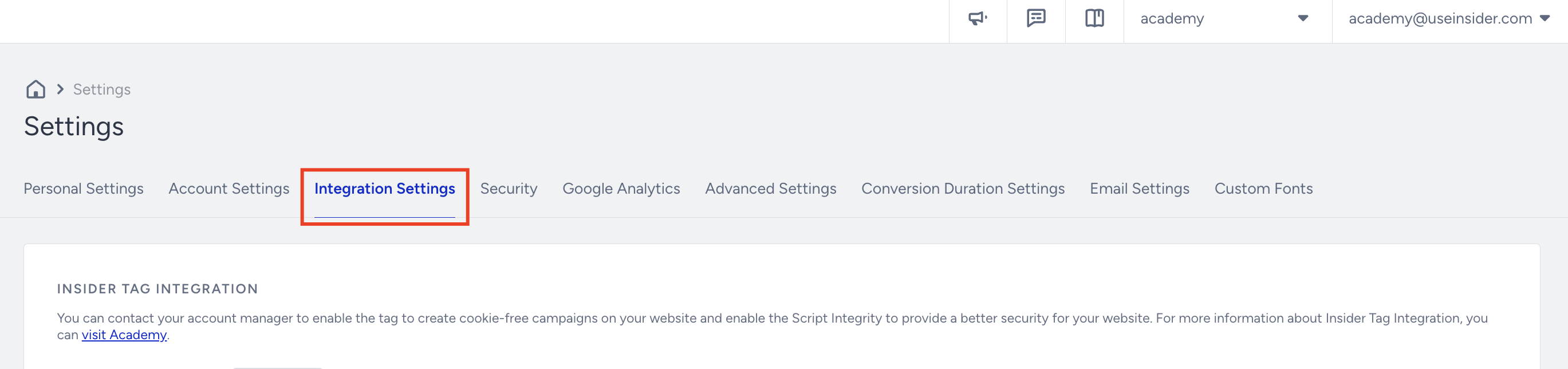
Scroll to the API Keys section to click the Generate API Key button.

If you have created any API keys before, you will see them listed in this section.
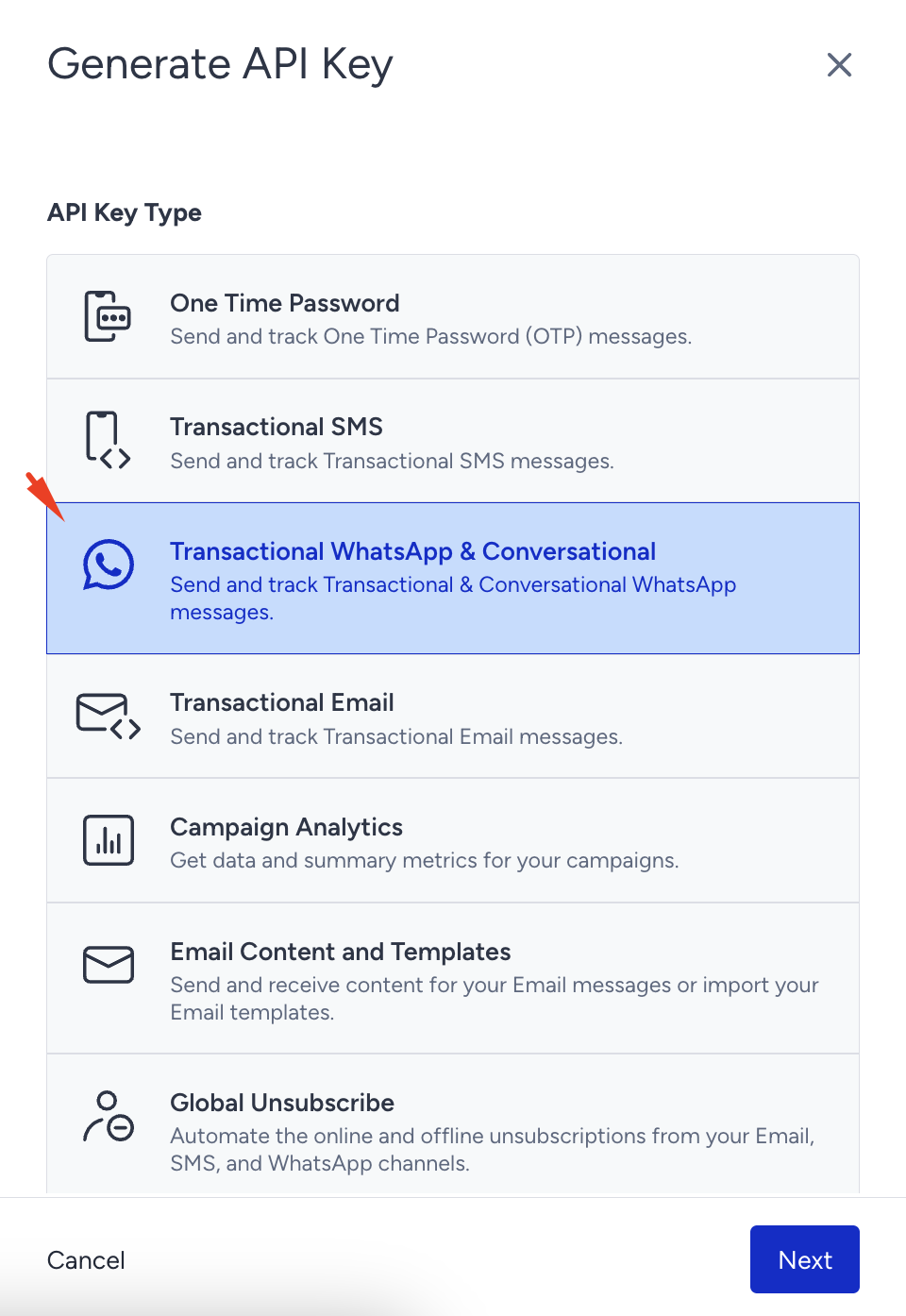
Select Transactional WhatsApp & Conversational and click the Next button to create the key.
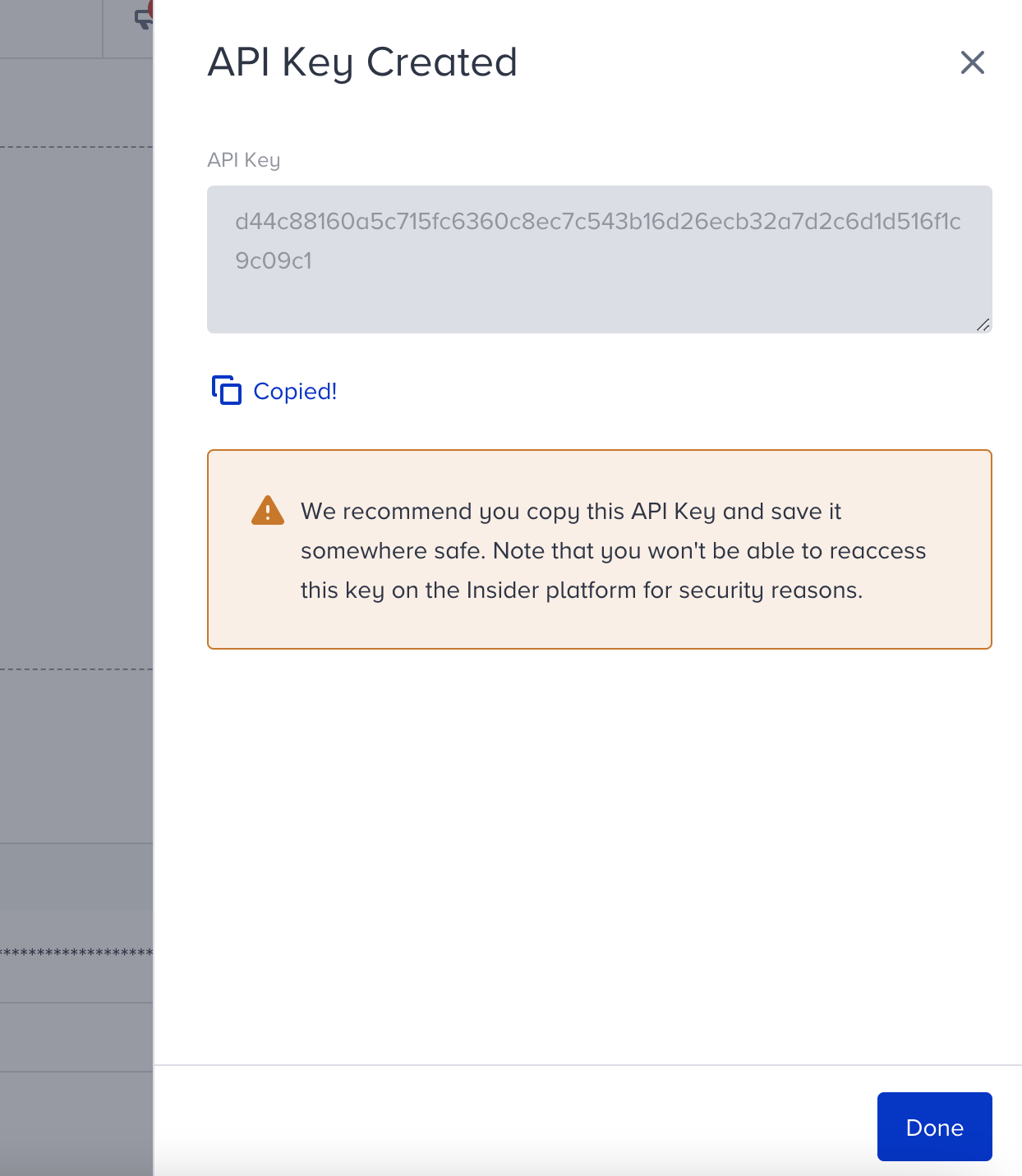
Click the Copy button to copy the key before closing the prompt.
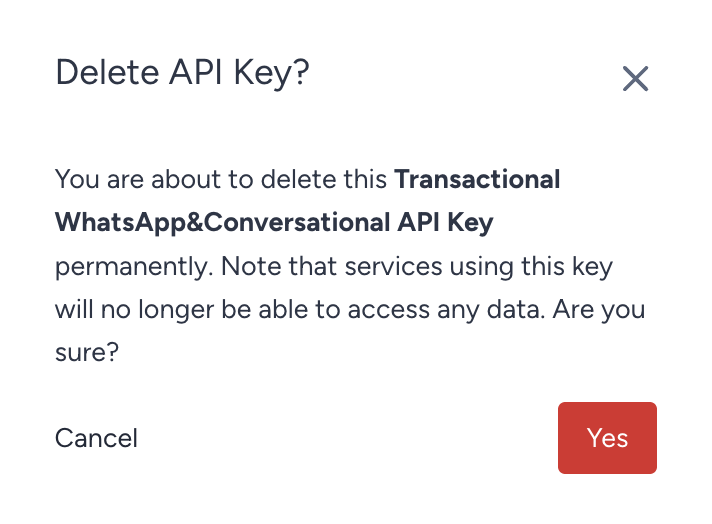
To delete an existing API key, click the Delete button next to the key you want to remove.
Now that you have generated the API key, you can proceed to set the webhook URL for WhatsApp.