Suggested reading: Catalog and Search Localization (Locale)
Before configuring your Eureka search settings, complete the locale-based initial configuration first. This process provides more accurate and relevant search results for your users, ensuring your search engine is optimized for specific locales.
Initial Configuration consists of two steps:
1. Product Catalog Integration
Before configuring a specific locale, you need to integrate your product catalog for each locale you want to support. Product catalog integration involves connecting your platform with the relevant data sources and ensuring product information is available in the system. This integration ensures that Eureka can access the necessary product data for a particular locale. For further information, refer to Eureka Product Catalog Management.
2. Locale Selection and Initial Configuration
Once you complete the product catalog integration, you can start initializing the locales.
Navigate to Campaigns > Search and Merchandising > Eureka. On your first visit, a ribbon warning about the locale-based initial configuration will appear at the top of the page.

To customize the Eureka search settings and create a campaign, you must configure locale-based settings for at least one locale.
To access the locale-based initial configuration, click the Set up locales button on the ribbon menu or the Locales button. The Locales page lists all available locales in the integrated product catalog. Each locale's initial configuration is activated separately.
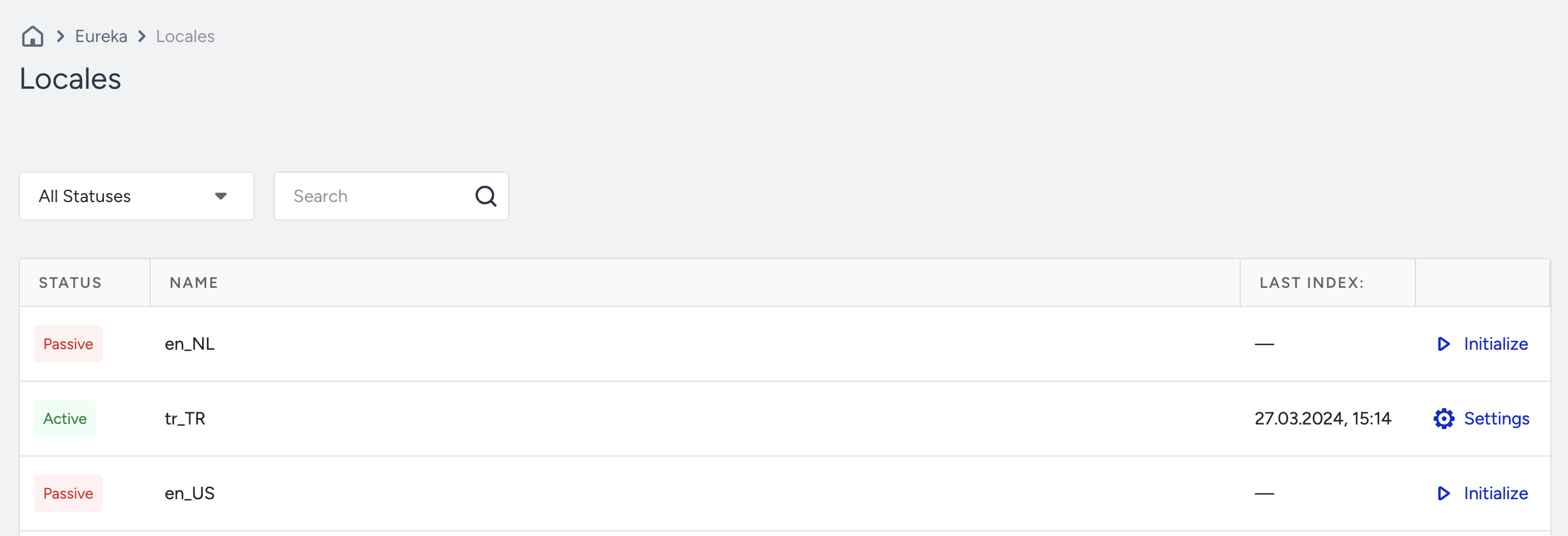
To activate the locale-based initial configuration for a locale, click the Initialize button for that locale. Once you click it, the initial configuration starts. This process applies the language-based search engine configurations to the selected locale.
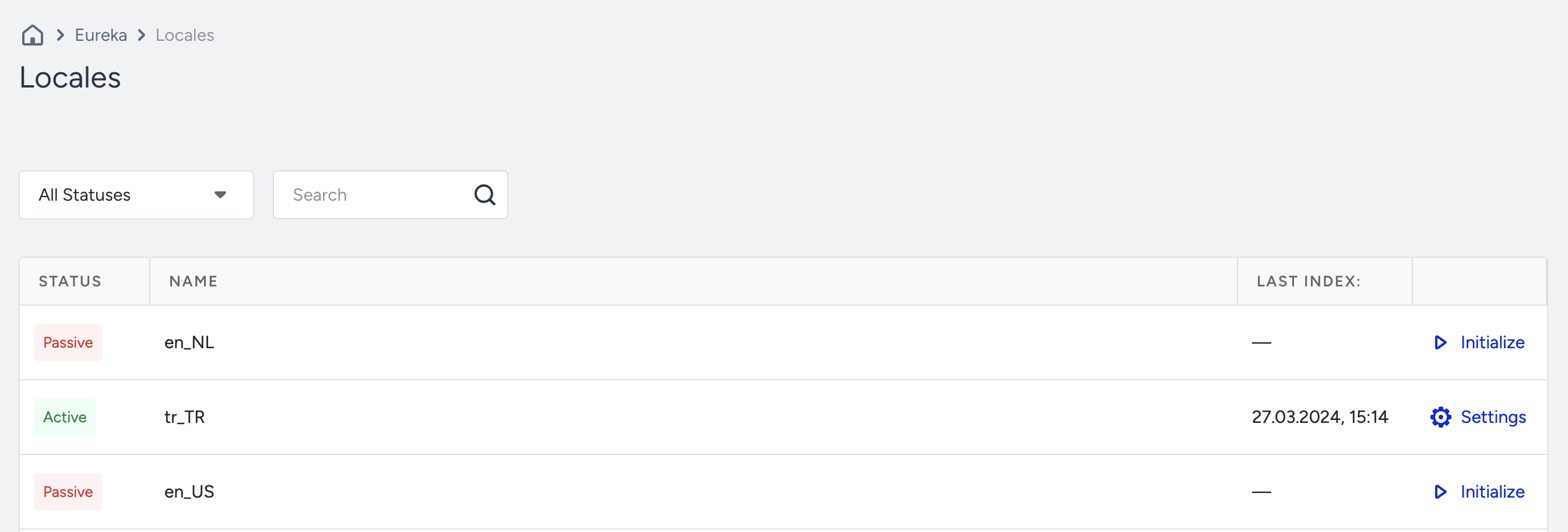
When the status is updated, the product catalog data of the selected locale is indexed in the search index. Once you complete the initial configuration for a locale, you can access the Eureka search settings and use the locale to create campaigns.
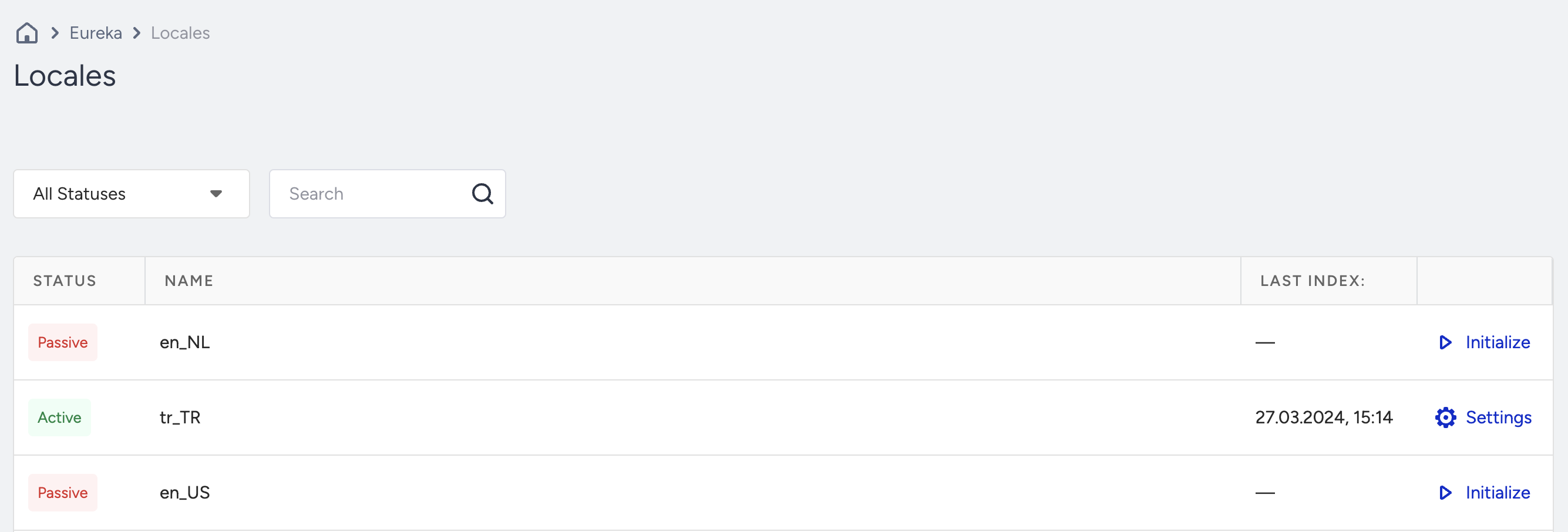
To activate the initial configuration for a locale with limited language support in Eureka, you will see a warning about this locale. In this case, consult the Insider One team to enable support for the locale.