The Cross-platform Wheel of Fortune template includes Text, Image, Button, Input, Policy, Countdown, and Coupon Code elements, allowing you to collect email, phone number, name, surname, or free-text input from your users.
The default template design comes with eight Wheel Slices, Text, Email Input, Email Policy, Button, and Coupon Code elements. You can customize the template by changing its default elements, wheel slices, colors, spaces, layout, and other design aspects. The only element that you cannot remove is the “Wheel” element since it is the main element of the template. You can eliminate input areas, opt-ins, GDPR, and coupon codes based on your use case.
Wheel of Fortune Element
When you select the Wheel of Fortune element from the left menu, you can change the size of the template’s width and height thanks to the Size menu, as well as the style of the template. 
Wheel Element
You see settings in the right menu to customize the Wheel Slice Count, Winner Slice, Wheel Style, Separator Style, Dot Style, and Text Orientation.
You can select four, six, or eight slices for the wheel and assign any slice as a winner by choosing in the dropdown menu. You can also prefer to show only half of the wheel or as a whole by using the “Half of the Wheel of Fortune” toggle.
Using the Text Orientation menu, you can use the texts or numbers written in each slice horizontally or vertically.
Via the Animation menu, you can choose the effect type as confetti. However, if you do not want to show animation, then you can select “none”. Clicking “Spinning” under the Animation menu and next to Preview, you can also see how your Wheel of Fortune Template spins, and the winning slice gets selected once done.
You can also add shadow to the wheel by giving color, position, and blurriness values via the Shadow menu. 
Logo
You can select from the default gift box options, such as the logo, or customize it via the Custom option under Style and upload any desired image. After selecting the image, you can set the position (fill, fit, center) as well, and change the size. 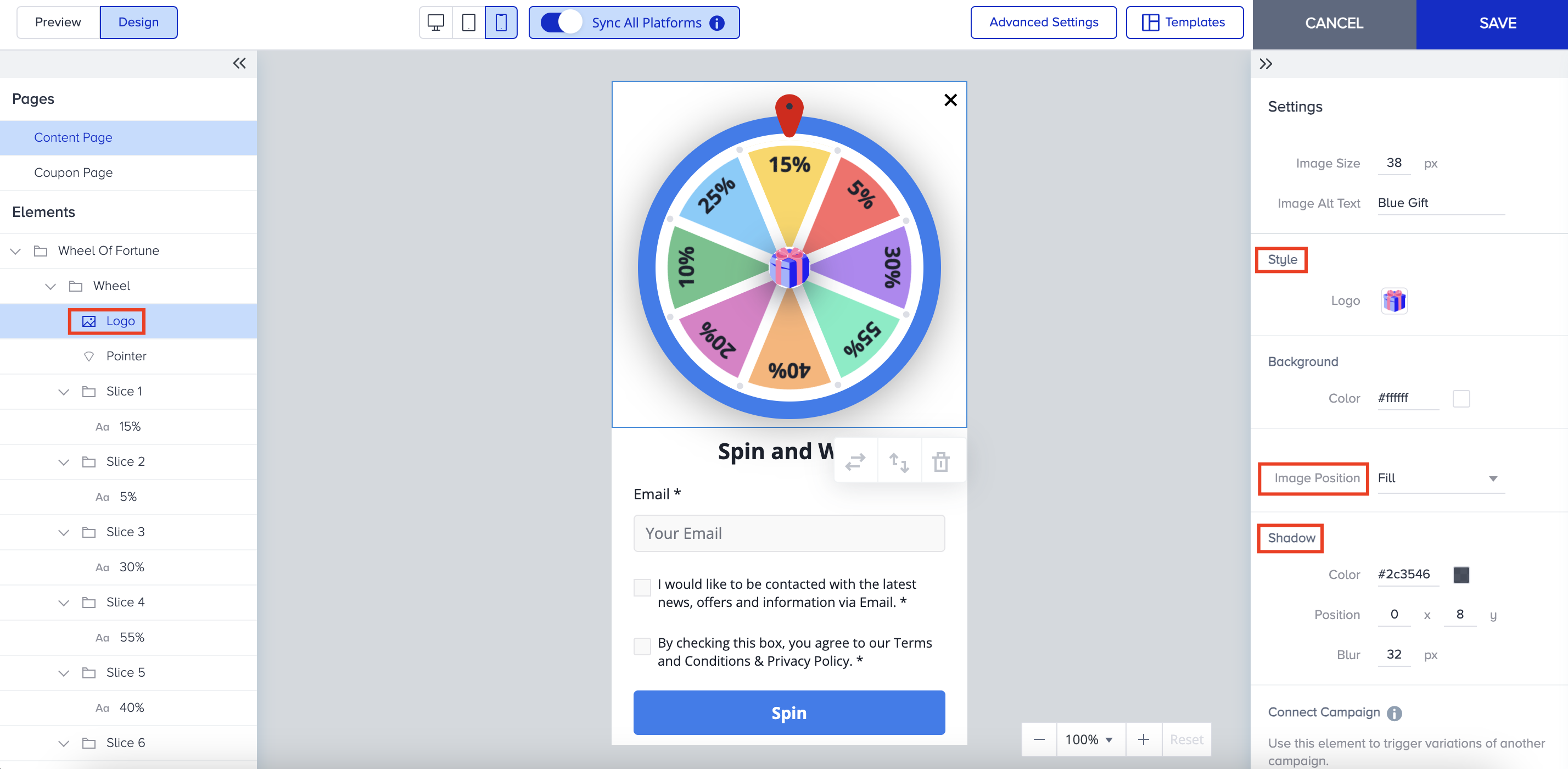
You can also add a shadow to the logo to make it stand out or look more appealing.
Pointer
You can style the pointer’s style in terms of inner color, dot color, border, and shadow. 
Slice
For each Slice, you can change the color separately from the right menu. 
You can type any text in each slice based on its use case and change the text style. You can also use “Apply to All Texts” to enable style transfer to all texts inside the template. 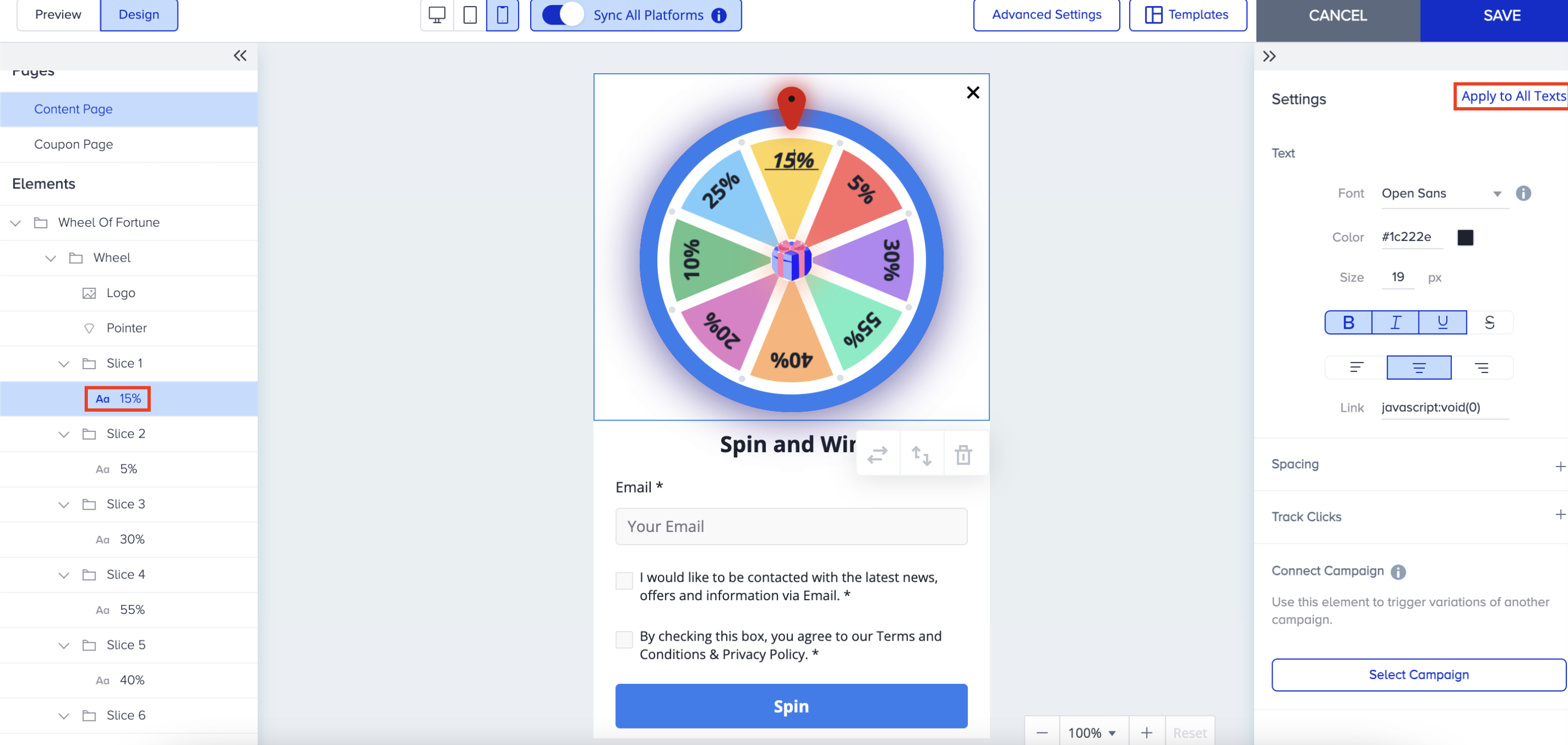
Button
You can utilize all button action types to create various use cases. Five action types are available in the Action Type dropdown menu on the first page, and two action types are available on the second page. .png)
Other Elements
The configurations are the same as the responsive lead collection template for Text, Image, Input, Policy, Countdown, and Coupon Code elements.
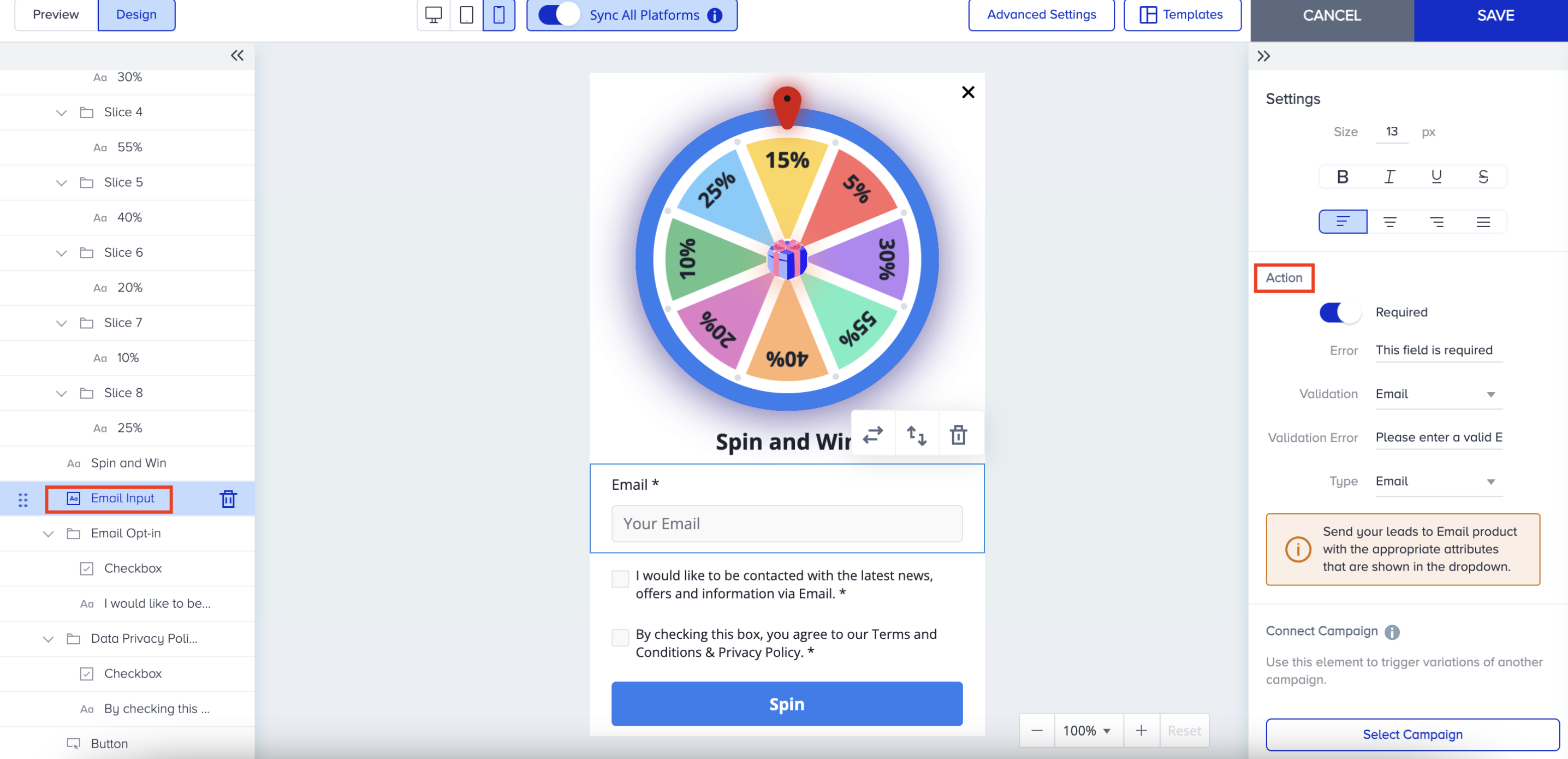
You can also define validation and error message cases that will be visible to users if they do not complete mandatory actions, such as;
If the user does not fill in a mandatory input and clicks the spin.
If the user enters an invalid email address/phone number and clicks the spin.
After completing the design of the Content Page, you can proceed to the Coupon Page, where you can configure coupon code settings and modify the style. Coupon Code is not a mandatory element, so you can keep or remove it like other elements. .png)
This game is designed solely for entertainment and promotional purposes. It does not involve any form of betting, monetary deposits, or chance-based gambling elements. Participation is entirely free, and all users who take part receive the designated rewards equally.
Rewards are distributed based on user interaction rather than a random betting mechanism. The chance to earn rewards is determined in accordance with the game rules and does not require any payments or wagers. Participation is completely voluntary and carries no risk of loss, ensuring an enjoyable and engaging experience for all users.
Please note that regulations may vary by country or state. We recommend reviewing the applicable laws in your region before launching a campaign.