While designing a template, you can customize the image element using various settings.
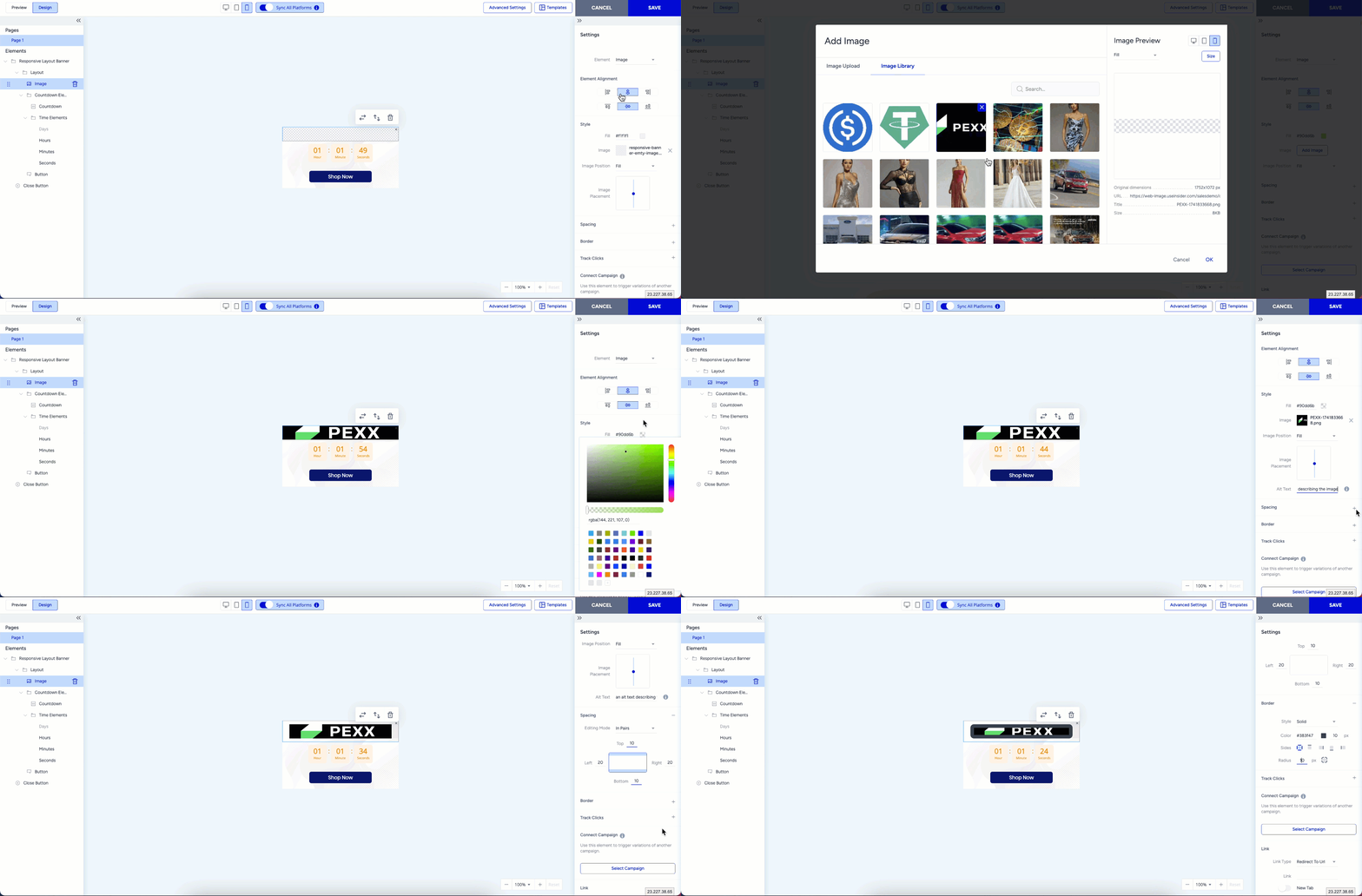
You can add an image from the Image Library or use a fill color instead. Once added, you can define alt-text to enhance SEO, improve accessibility, and support website crawling.
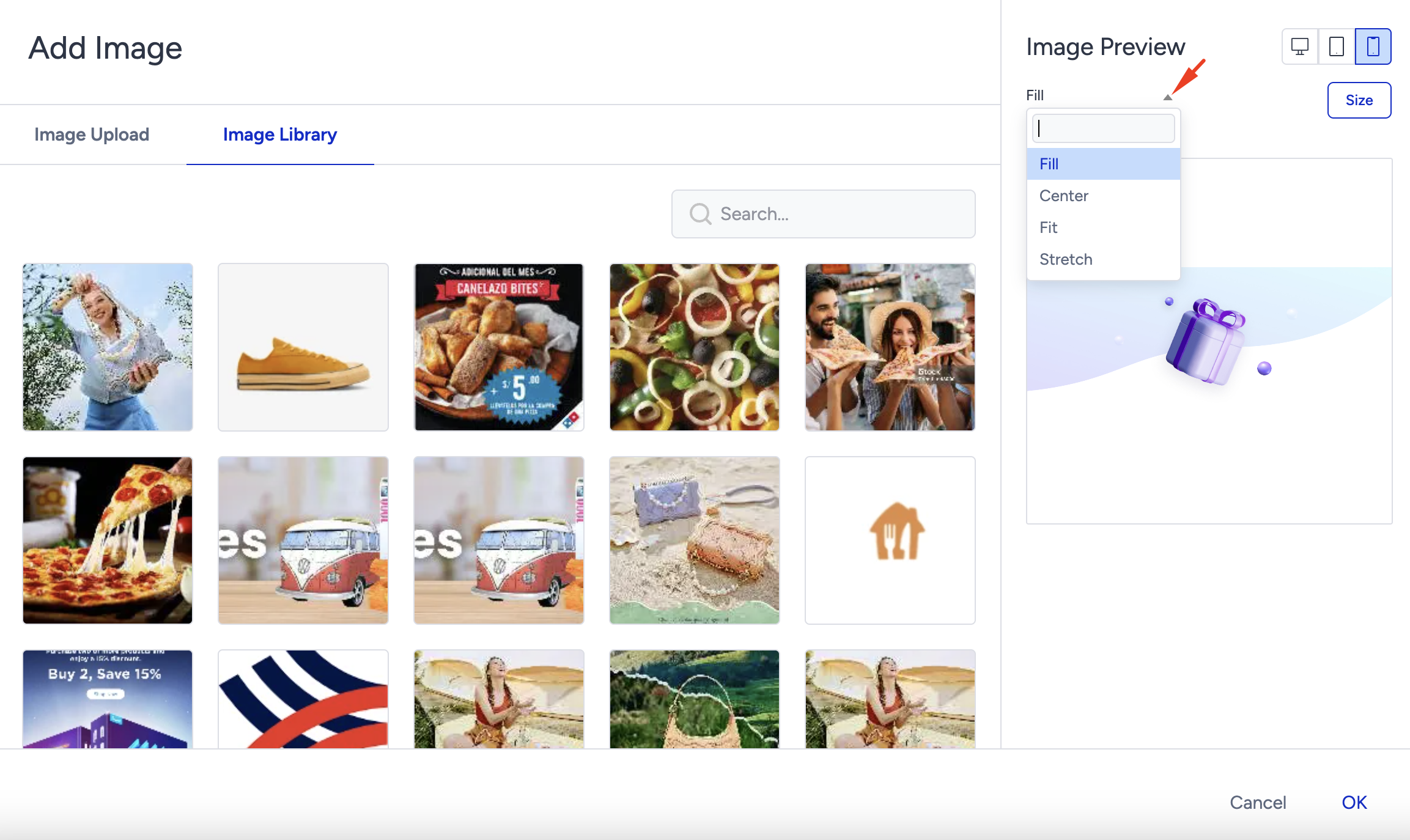
Additionally, you can adjust the image placement by choosing between Fill, Fit, Center, or Stretch using the Image Position and Size features to ensure optimal display within the layout.
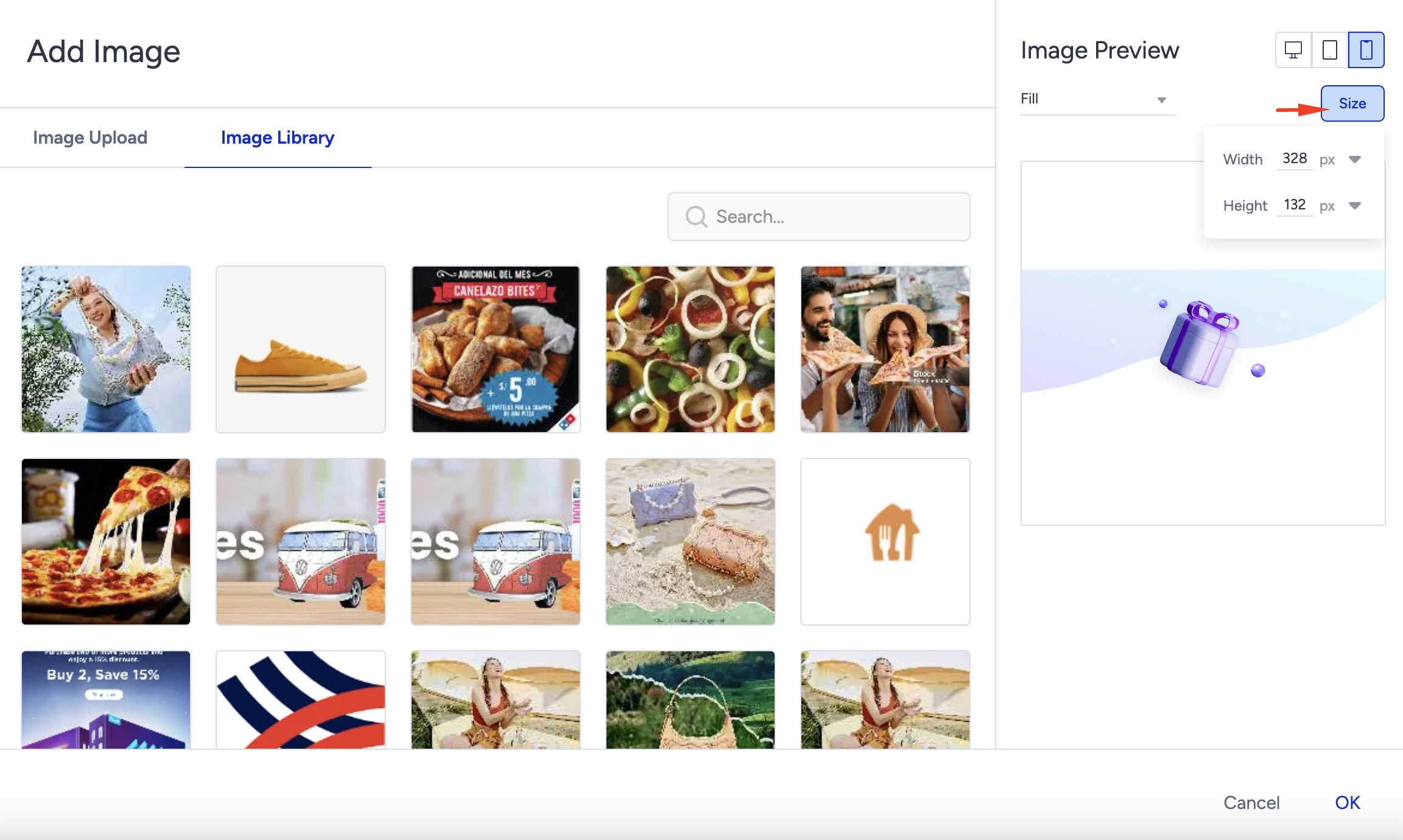
Thanks to the Size menu, you can change the image's width and height to adjust its appearance in your design.
To maintain fast page load times and help protect SEO, all Web products limit image files (including GIFs) to 500 KB or smaller.