Insider Tag integration and Service Worker integration are required for Web Push notifications to function correctly.
If you experience any issues with receiving Web Push notifications, always debug the issue with a new user on your browser. Your current user may be cached, which could prevent you from receiving Web Push notifications. You can check your Service Worker status by following these steps:
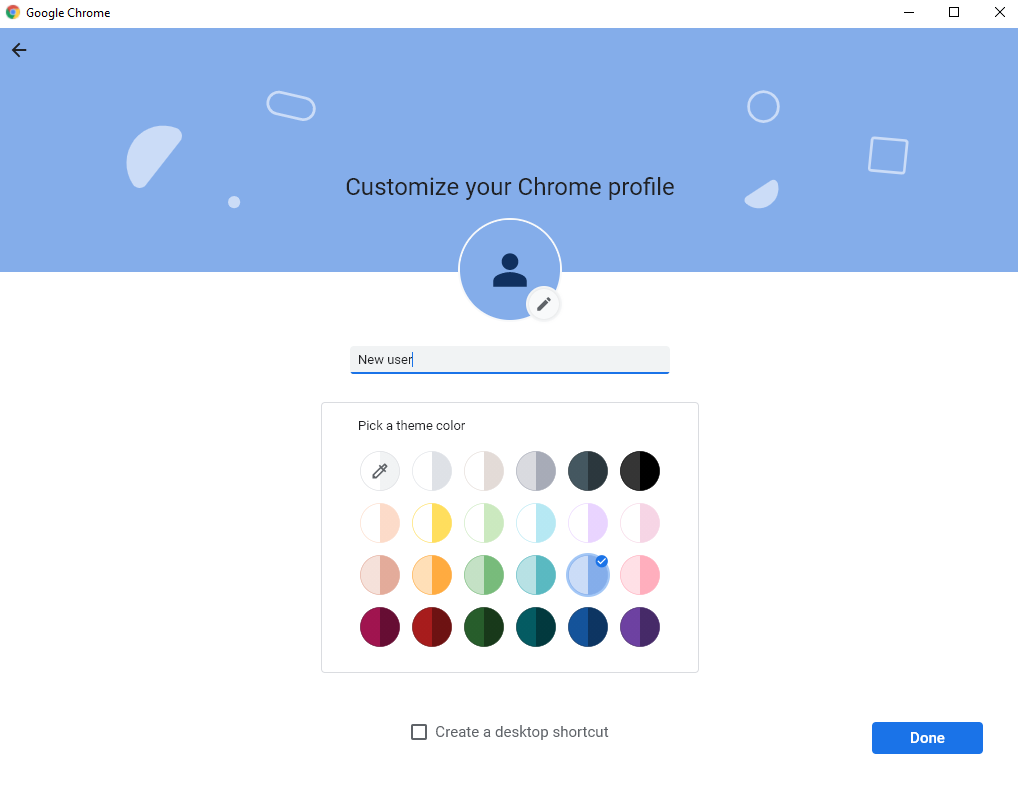
1. Create a new profile
Set up a new profile on your browser. You can quickly create it without connecting it to an account.
.png)
2. Open Browser Console
Go to your website using the new browser window that appears when you create a new profile. First, check the Insider One Service Worker status and ensure that you do not have another Service Worker that interferes with it.
If there is another Service Worker, it should not conflict with the Insider One Service Worker. Two Service Workers will not work under the same folder. That's why you can add the Insider One Service Worker in a subfolder named /insider/.
Chrome
Before allowing Web Push notifications:
Click right to open the browser console on your website and go to Application > Service Workers.
Click the Allow button on the opt-in screen to see the Insider One Service Worker (insider-sw-sdk.js) status appear under Service Workers.
If Insider One's Service Worker functions without issues, you will see a green icon in the Status. If it does not function properly, the status will be red.
Firefox
Before allowing Web Push notifications,
Click right to open the browser console on your website and go to Application > Service Workers.
Click the Allow button on the opt-in screen and refresh the page to see the Insider One Service Worker (insider-sw-sdk.js) status appear under Service Workers.
If Insider One's Service Worker functions without issues, you will see a green icon in the Status. If it does not function properly, the status will be red.
3. Check Network Requests
You can also check the status of Insider One's Service Worker under Network.
Go to the Network tab and type "insider-sw-sdk.js" in the Filter box. The status code is in the next column of the results; you can click on it to see its headers.
The status code 200 indicates that the request was processed successfully with no issues.
4. Check Service Worker's Accessibility
Your Service Worker file must also be accessible through your website. If you visit the Service Worker path on your browser, you should see the following content.
If you add the Service Worker file to a subfolder, you should visit that path (e.g., mywebsite.com/insider/insider-sw-sdk.js).
