After Insider Tag has been integrated into your website, Insider One's JavaScript functions send requests to its API whenever a customer visits one of your pages. These requests collect information about the customer’s click-stream activity, device specifications, and event history, including various non-personal data that can change depending on the page type. Insider One uses System Rules to determine which page type your visitors are on at a given time.
System Rules
System Rules are functions defined to understand the geography of your website and track customers’ activity throughout it, what type of pages they visit, which products they view or add to their cart, if they complete their transaction, how many categories they visit, etc.
Every website has different page types. Insider One maps the organization of these pages and labels them accordingly: product, category, cart, search, payment, or success pages. To identify the page a user is on, Insider One looks at the elements of that page and identifies combinations unique to a specific page type.
With the help of System Rules, Insider One can use different algorithms and create custom campaigns. For example, when a customer visits a product page, Insider One can recognize it as a product page and trigger the respective campaign(s).
Insider One requires the information in the table below to ensure accurate progress while mapping your website. Once you have prepared this information, please share it with the Insider One team.
Field | Description | Example |
|---|---|---|
Your Admin's Email (for InOne panel access) | The email address of the administrator for your InOne panel. | sample@yourdomain.com |
Website URL | The URL of your website | https://posh.insiderone.com/ |
Test domain(s) URL(s) | The URL(s) of your test domains. Insider One needs it for test purposes only. | https://testdomain.posh.insiderone.com/ |
Mobile site URL | The URL of your mobile website. | https://posh.insiderone.com/ |
Extra domain(s) URL(s) | Extra domain URLs for different countries, test environments, blog pages, etc. Insider One needs to map the website for all domains where the Insider One script will be integrated, so it is requested. | - |
Product/article page example | It is the product detail page where Insider One can get the name, price, color, title, etc. information. | - |
Discounted Product example | It is the product detail page on which the product has both a discounted and an original price currently. | - |
Out of Stock Product example | The product URL that doesn't have stock at that moment. | - |
Category page | The product listing pages where Insider One can find a group of products. | - |
Cart Page | The page where Insider One can reach the list of products added to the cart. | - |
Success Page | It is the confirmation page where users complete the transaction. If this part is not eligible for your website, please put a hyphen (-) on the list you share. | - |
Login Info | The example user details for logging in. If this part is not eligible for your website, please put a hyphen (-) on the list you share. | sample@insiderone.com |
Payment options available on the website | The methods your users can use for transactions. | - |
Test user account for payments | The user account that can be used for the test payment on your website. | sample@insiderone.com |
Pageview and Event Data Collection
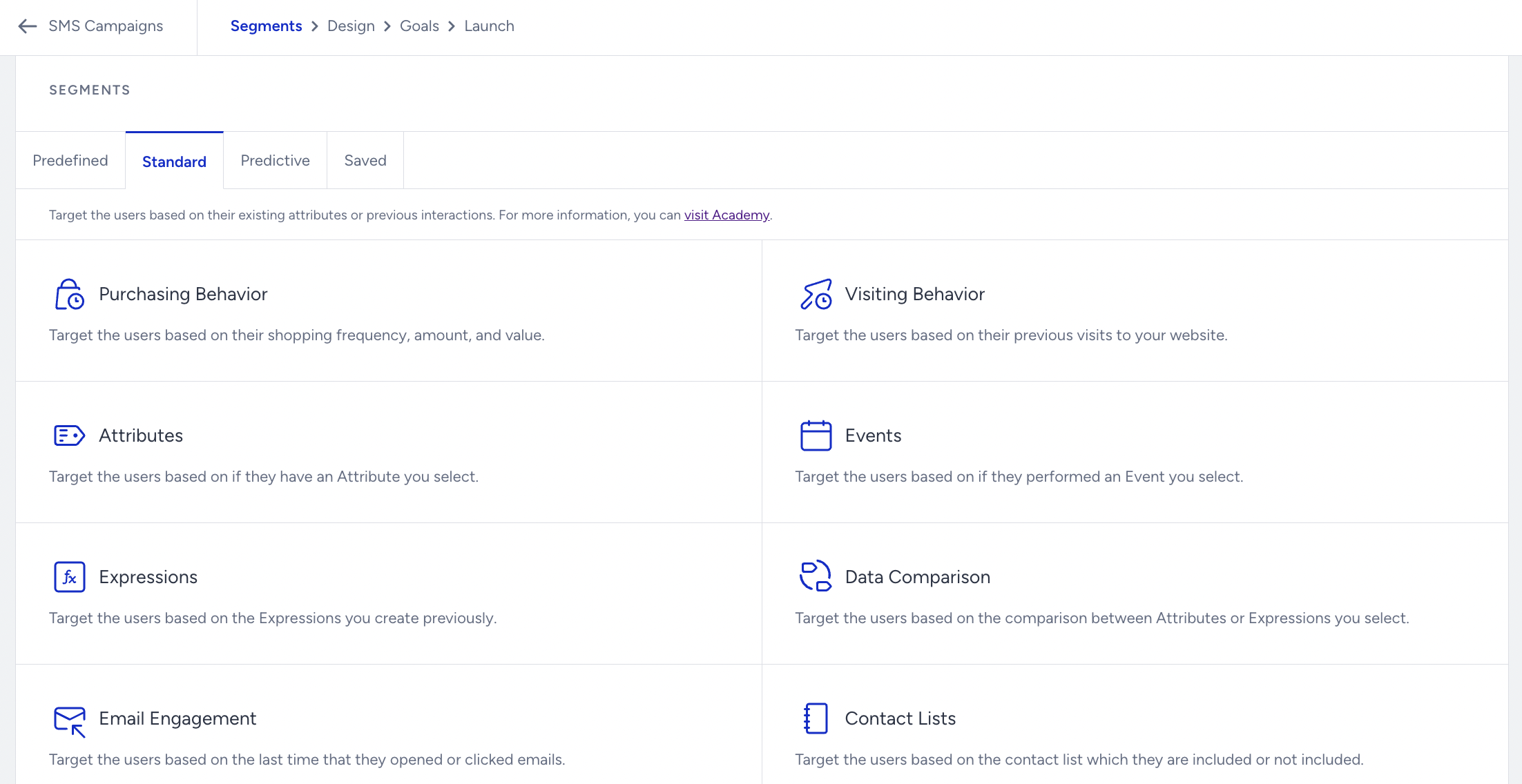
Insider One also collects default pageview (PV) data and event data. PV data includes elements like language, currency, and cart amount. Event data describes a change (event) at a specific point in time, including average order value, total spend, last purchase date, and last purchase amount. Using this data, you can create segments directly from Insider One's InOne panel based on your marketing preferences, delivering more personalized experiences to your customers.
Every individual who visits your website gets a unique Insider One Identifier, called a spUID, appointed by Insider One API. This spUID is stored in visitors' cookies until they opt out of Insider One API or delete their cookies.
Insider One does not collect personal data unless our partners request otherwise. To process personal data, partners must first integrate Web SDK.
List of Personal Data Processed by Insider One
To process personal data, you must first integrate Web SDK. Insider One does not collect personal data unless you request it. When Insider One collects personal data, it is not stored in cookies or local storage.
The following list describes the type of personal information Insider One collects and how that information is collected:
Attribute | Collected via |
|---|---|
Name | Web SDK |
Web SDK | |
Date of Birth | Web SDK |
Phone Number | Web SDK |
Gender | Web SDK |
Age | Web SDK |
IP Address | ins.js* |
Coordinates | ins.js* |
*Once a user visits a partner website, their IP address and coordinates are encrypted with the SHA-256 cryptographic hash algorithm and sent to our databases. We use MaxMind GeoIP2 services to identify the location of users. We do not store Coordinates or IP Addresses in Cookies or Local Storage.
Default Attributes
Default Attributes are properties Insider One collects from your websites using our JavaScript Code, System Rules, or Web SDK.
You can use Default Attributes to send personalized Web Push notifications and InApp messages, or create targeted campaigns. You must first integrate Web SDK to collect and process customers’ personal data through the Default Attributes.
Attribute | Source |
|---|---|
last_visit_date | System Rule |
last_purchase_date | System Rule |
last_purchase_amount | System Rule |
last_purchased_product_name | System Rule |
last_abandoned_cart_amount | System Rule |
last_visited_product_name | System Rule |
last_visited_category | System Rule |
search_query | System Rule |
city | partner.js |
country | partner.js |
language | partner.js |
name | Web SDK |
surname | Web SDK |
age | Web SDK |
birthday | Web SDK |
Web SDK | |
gender | Web SDK |
username | Web SDK |
Custom Attributes
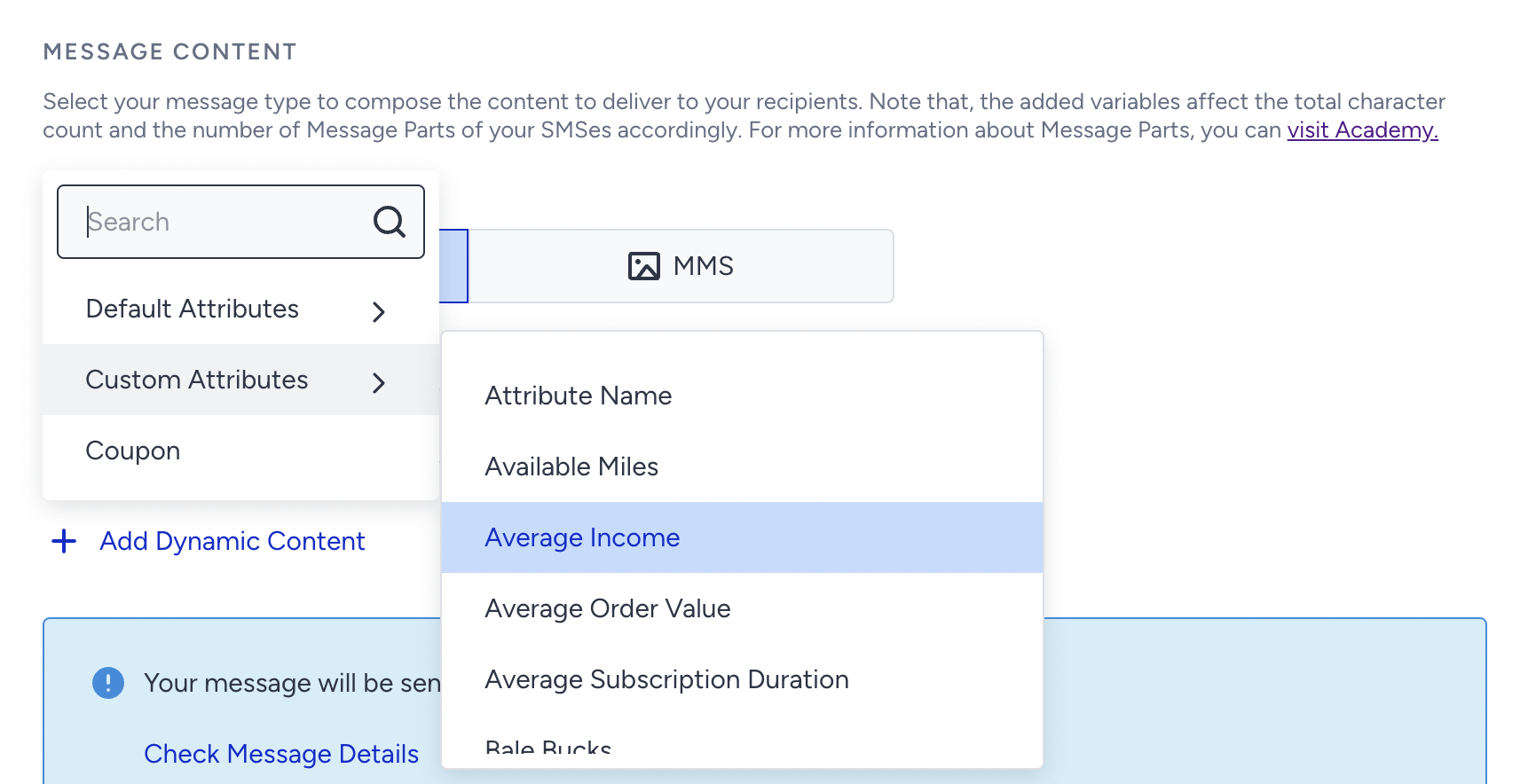
You can also create Custom Attributes specific to your website and use them to create segments or send personalized messages to your customers. If you want to collect data specific to your website or vertical, Custom Attributes can help you do so easily.
Real-World Example: How all data comes together
To better understand how Insider One collects and utilizes user data across platforms, let’s look at a real-world scenario using the concepts described above.
Amy is a customer exploring skincare products across multiple channels. Her behavior is dynamic and spans web, email, and mobile app touchpoints. Here’s how Insider One collects, unifies, and acts on Amy’s interactions:
Amy clicks a Google ad and lands on a face wash product page → visited_category_facewash is triggered.
She browses more products in that category and sees a 15% discount newsletter pop-up → subscribed_through_15%_emailcamp is triggered when she submits her email.
Amy receives an email about moisturizing lotion and clicks through → email_received, email_clicked, and visited_category_lotion events are recorded.
She explores products tagged for sensitive skin → visited_category_sensitive_skin is captured.
She’s shown a mobile app download prompt with a discount → She installs the app and makes a purchase there → purchase is recorded with metadata like revenue, product name, and timestamp.
How Insider One uses this data
All these events are collected in real time, unified under Amy’s UCD profile, and used for personalized engagement:
If Amy doesn’t open the app for 7 days → send a reminder email or push.
Based on her sensitive skin preference → show targeted product recommendations.
If she browsed out, added the product to her cart, but didn’t buy → trigger a cart reminder campaign.
If she re-engages via app → apply loyalty tagging to personalize future offers.
Amy’s journey demonstrates how System Rules, event tracking, and UCD attributes work together to build a meaningful, personalized customer experience.